1. Okwu mmalite
The VOICE CADDIE VC300SE is a compact and lightweight voice golf GPS device designed to provide accurate distance information on the golf course. It features automatic course and hole recognition, shot distance measurement, and a unique swing tempo function to assist with rhythm. The device offers audio distance information in 8 different spoken languages, ensuring a focused and efficient game.

Image: The VOICE CADDIE VC300SE Voice Golf GPS device, showcasing ya dị obere imewe ọcha.
2. Kedu ihe dị na Igbe ahụ
Upon unboxing your VOICE CADDIE VC300SE, please ensure all the following components are present:
- VOICE CADDIE VC300SE Device
- Rechargeable Lithium Battery (pre-installed)
- Igwe nchaji USB
- Akwụkwọ ntuziaka (akwụkwọ a)
3. Nhazi
3.1 Nchaji izizi
Before first use, fully charge your VC300SE device. Connect the provided USB charging cable to the device and a compatible USB power source. A full charge provides up to 8 hours of golf playing time.
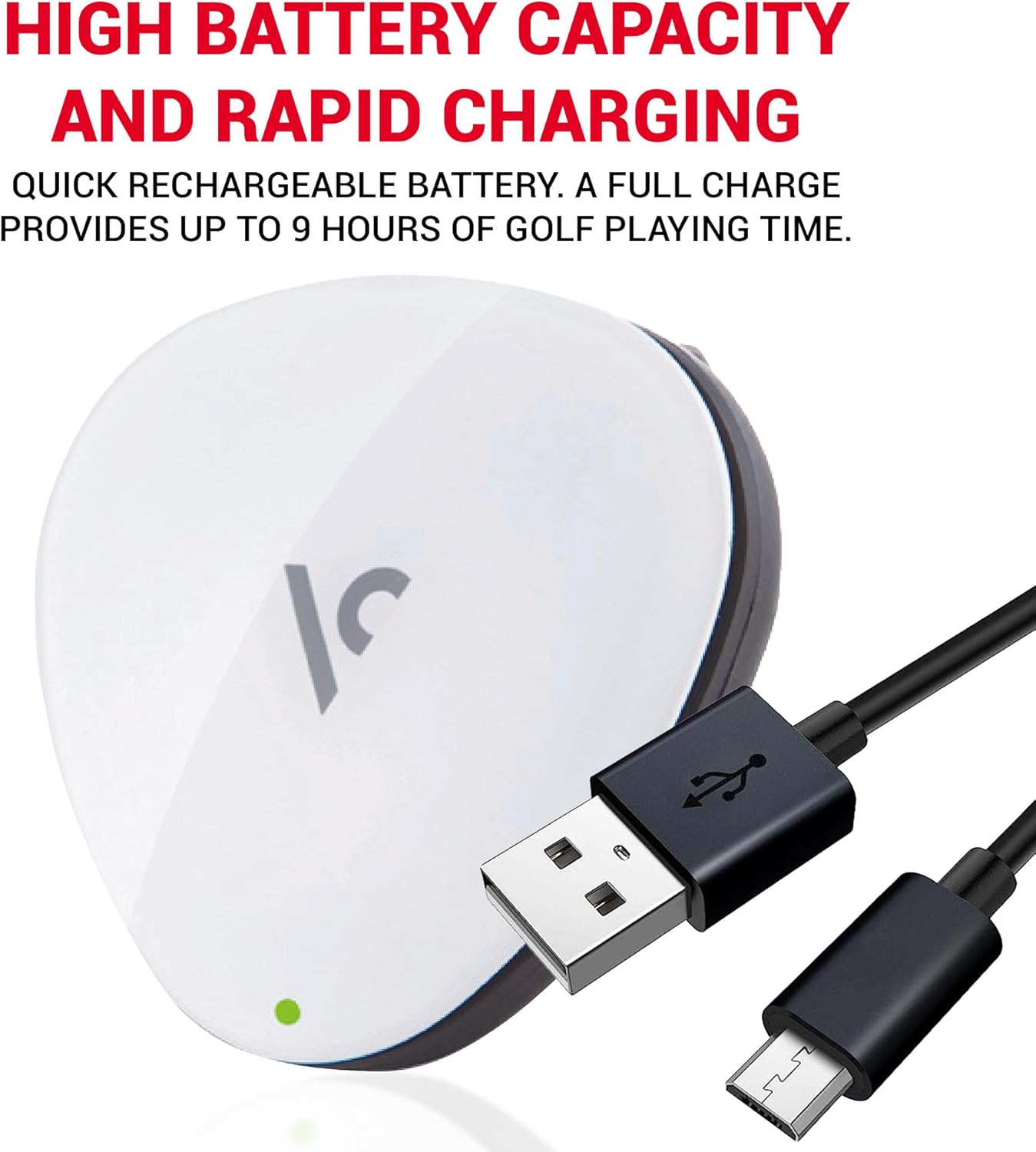
Image: The VC300SE device with its USB charging cable, illustrating the charging process.
3.2 Course Updates
The VC300SE comes preloaded with over 30,000 courses worldwide. For the latest course data and updates, the device supports free and easy updates. Refer to the official VOICE CADDIE website for instructions on how to update your device's course database.

Image: The VC300SE device highlighting its free course update capability.
3.3 Nhọrọ asụsụ
The VC300SE offers a choice of 8 different spoken languages for audio distance information. Consult the full manual on the manufacturer's website for specific instructions on how to change the language setting.
4. Ntuziaka ọrụ
4.1 Gbanyụọ/ gbanyụọ
To power on the device, press and hold the main button until you hear a voice prompt. To power off, press and hold the main button again until the device shuts down.
4.2 Automatic Course and Hole Recognition
The VC300SE automatically recognizes the course and hole you are playing, allowing you to focus on your game without manual input.
4.3 Ogologo nha
The device provides audio distance information to the front, center, and back of the green.
- Click the Main Button Once: Hear the distance to the etiti of the green.
- Double Click the Main Button: Hear the distance to the n'ihu na azụ of the green.

Image: Visual guide on using the main button for single-click (center), double-click (front/back), and press-and-hold (shot measurement) functions.
4.4 Shot Distance Measurement
To measure your shot distance:
- At your starting point, press and hold the main button for 2 seconds until you hear a confirmation.
- Walk to your ball. The device will automatically calculate and announce the distance traveled.
4.5 Swing Tempo Function
The VC300SE includes a unique swing tempo function, acting as a golf metronome system to help improve your swing rhythm. Refer to the detailed manual for instructions on activating and utilizing this feature.
4.6 Wearing the Device
The VC300SE is designed to be lightweight and compact, easily clipping onto your hat or belt for convenient access during play.
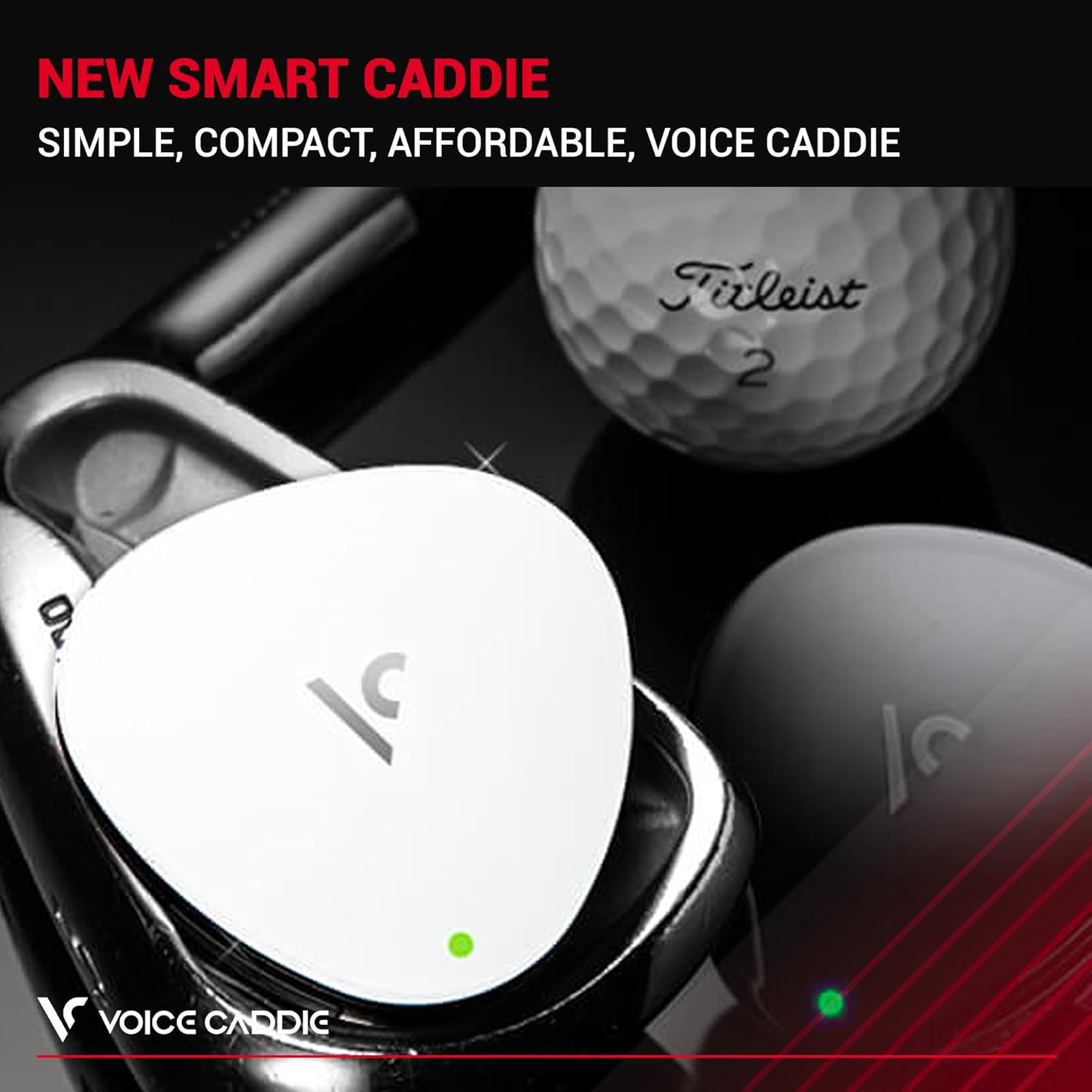
Image: The VC300SE device shown clipped onto a golf hat, demonstrating its wearability.
5. Nlekọta
5.1 Nhicha
To clean your VC300SE, gently wipe the device with a soft, dry cloth. Avoid using abrasive cleaners or solvents, as these may damage the device's surface.
5.2 Nlekọta batrị
Ngwaọrụ a na-eji batrị Lithium Ion nke a na-agbanye n'ọkụ. Iji mee ka batrị dị ogologo:
- Zere ịchaji batrị ugboro ugboro.
- Chekwaa ngwaọrụ ahụ n'ebe dị jụụ, kpọrọ nkụ mgbe ọ naghị eji ya.
- Chaji ngwaọrụ ahụ mgbe niile, ọbụlagodi na ejirighị ya ruo ogologo oge, iji hụ na batrị dị mma.
6. Nchọpụta nsogbu
6.1 Ngwaọrụ anaghị agba ọkụ
- Ensure the battery is sufficiently charged. Connect the device to a power source and allow it to charge for at least 30 minutes before attempting to power on again.
- Verify that the charging cable is securely connected to both the device and the power source.
6.2 No GPS Signal / Incorrect Distances
- Gbaa mbọ hụ na ịnọ n'ebe mepere emepe nwere oghere doro anya view nke igwe maka ezigbo nnabata mgbama GPS.
- Confirm that the device has the latest course updates installed.
- Restart the device to re-acquire GPS satellites.
6.3 Okwu ọdịyo
- Check if the volume is set appropriately.
- Ensure there is no obstruction to the speaker.
For further troubleshooting or issues not listed here, please refer to the official VOICE CADDIE support resources.
7. Nkọwapụta
The following table details the key specifications of the VOICE CADDIE VC300SE:
| Njirimara | Nkọwapụta |
|---|---|
| Nọmba nlereanya | VC300SE_WH |
| Ibu Ibu | 1 ounces |
| Akụkụ ngwaahịa | 6 x 8 x 4 sentimita asatọ |
| Ụdị batrị | 1 batrị lithium ion (gụnyere) |
| Ndụ batrị | Awa 8 |
| Ọnọdụ mmepụta ọdịyo | Mpụta olu |
| Teknụzụ Njikọta | Ikuku |
| Njirimara Pụrụ Iche | Voice Output Technology |
| Ngwa gụnyere | Rechargeable Lithium Battery, USB Charging Cable, Manual |

Image: The VC300SE device demonstrating its lightweight and compact design, with dimensions shown.
8. Akwụkwọ ikike Ozi
The VOICE CADDIE VC300SE comes with a Akwụkwọ ikike onye nrụpụta afọ 1 from the date of purchase. This warranty covers defects in materials and workmanship under normal use. For warranty claims or detailed terms and conditions, please retain your proof of purchase and contact VOICE CADDIE customer support.
9. Nkwado na Ozi kọntaktị
For additional support, frequently asked questions, or to contact customer service, please visit the official VOICE CADDIE websaịtị ma ọ bụ ụlọ ahịa Amazon Brand Store ha:
- VOICE CADDIE Official Websaịtị: www.voicecaddie.com
- VOICE CADDIE Amazon Brand Store: Gaa na Ụlọ Ahịa


