Okwu mmalite
This instruction manual provides guidance for the MoKo Vertical Flip Stand Case, designed to protect and enhance the functionality of your 6-inch Amazon Kindle E-reader. This case is compatible with the following models:
- Amazon 6-inch All New Kindle 11th Generation (2022/2023)
- Amazon 6-inch Kindle 10th Generation (2019 Release)
- Amazon 6-inch Kindle 8th Generation (2016 Release)
Ihe dị mkpa: Please confirm the model number on the back of your E-reader device is Cav2l3, J9G29R, ma ọ bụ SY69JL before using this case. This case is Ọ BỤGHỊ compatible with Kindle Paperwhite 10th Generation 2018 Release or other Amazon Kindle/Fire Tablet models.

Melite
Follow these steps to properly install your Kindle E-reader into the MoKo case:
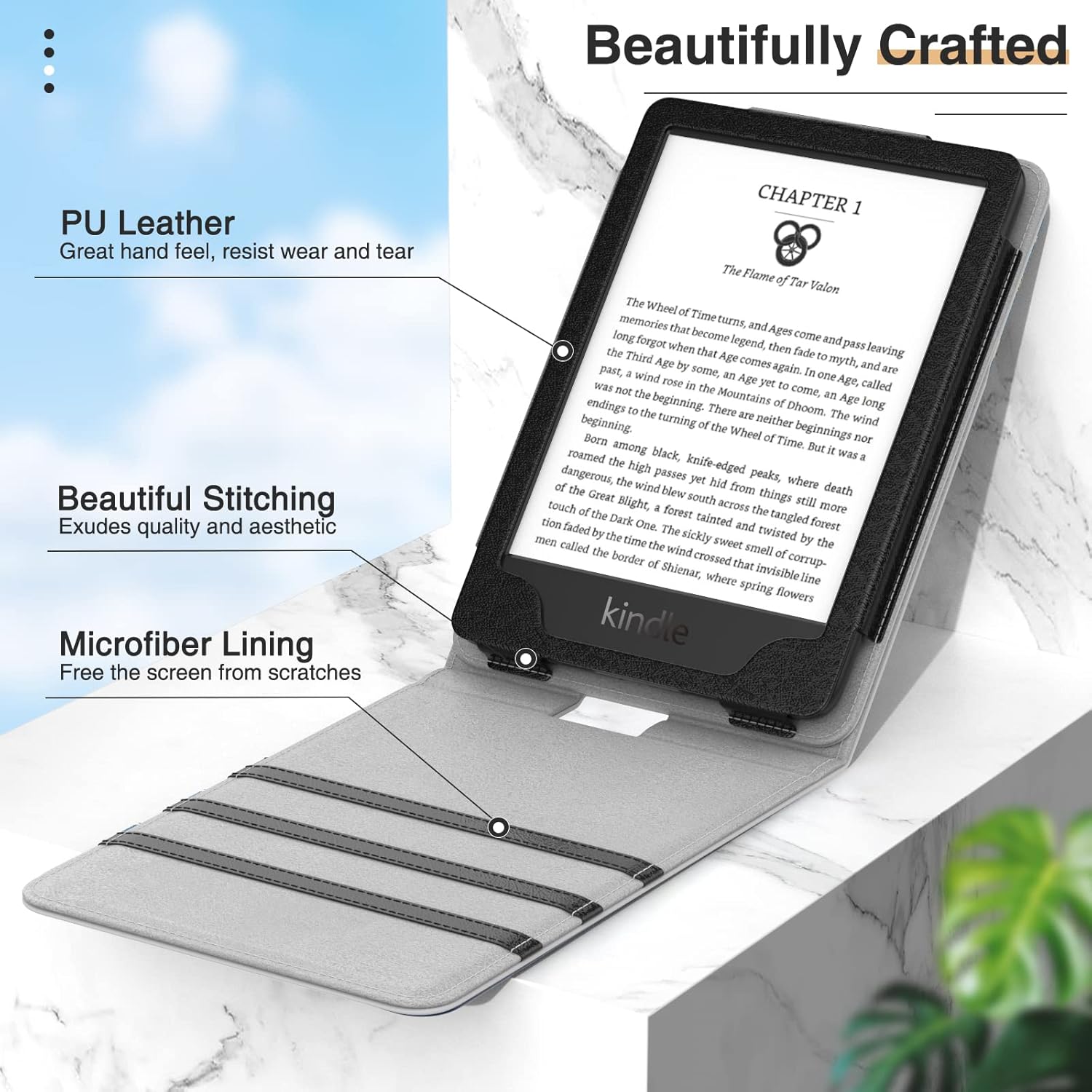
- Gently align your 6-inch Kindle E-reader with the case's internal frame.
- Press the Kindle firmly into the frame until it is securely seated. Ensure all corners are properly fitted.
- Verify that all ports, buttons, and controls are accessible through the case's precise cutouts.
Ntuziaka ọrụ
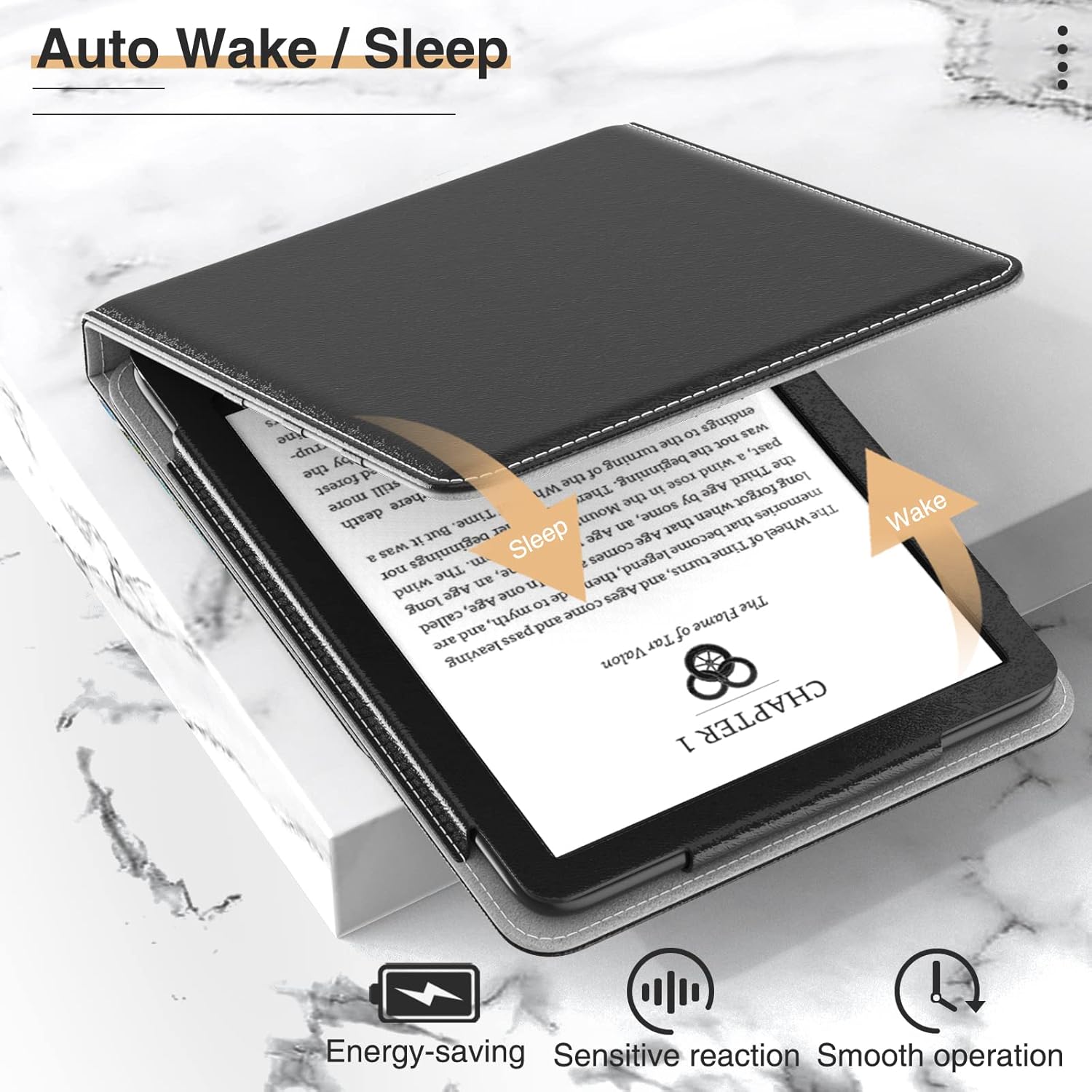
Auto Wake/Sleep Function
The case features an automatic wake/sleep function. Simply open the front cover to wake your Kindle E-reader, and close it to put your device to sleep. This magnetic closure helps conserve battery life.
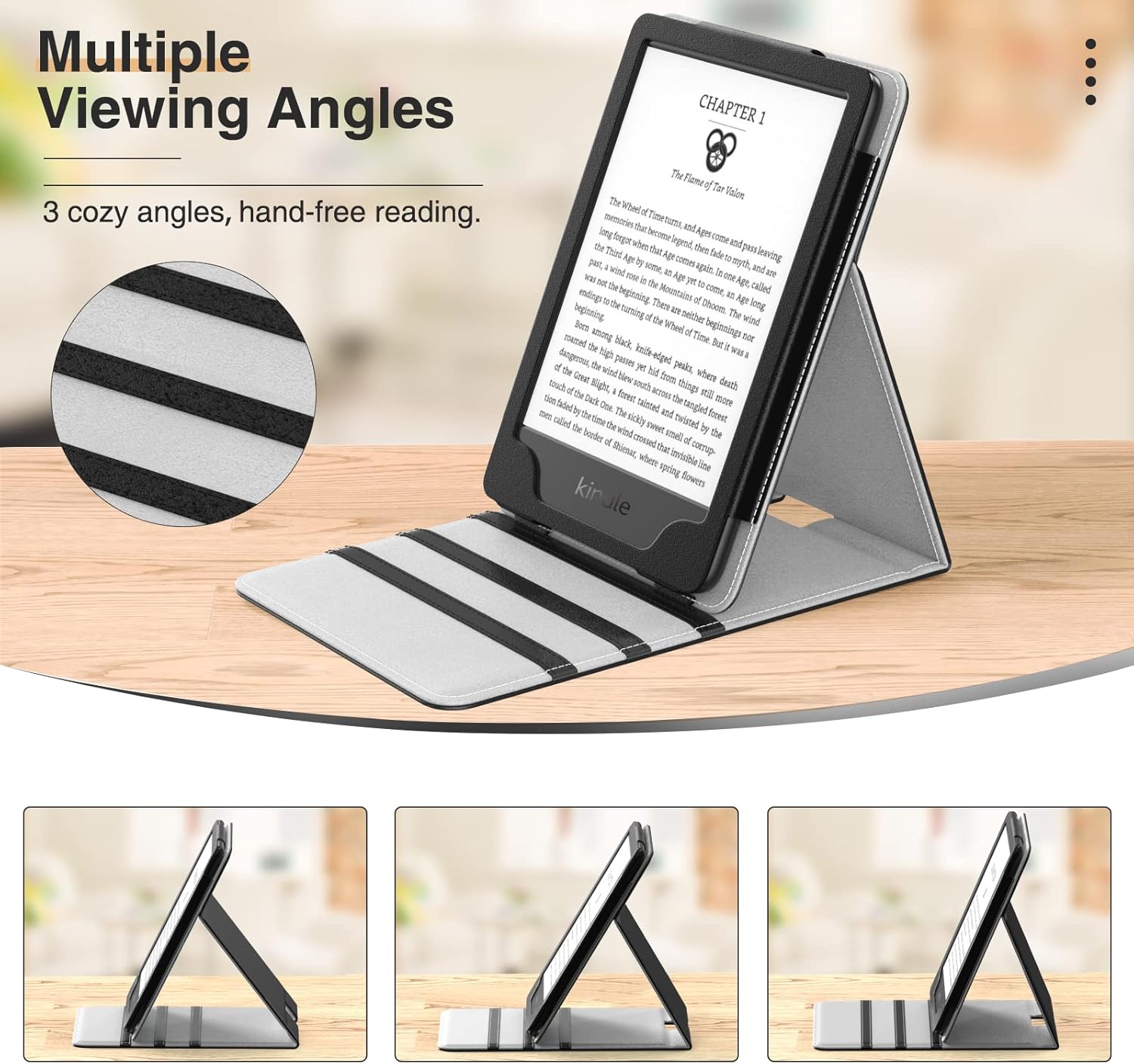
Vertical Flip Stand
The case is designed with a vertical flip stand feature, allowing for hands-free viewing at multiple angles. The front cover can be folded back and secured into one of the three anti-slip strips to create a stable stand. This design aims to reduce strain during extended reading sessions.
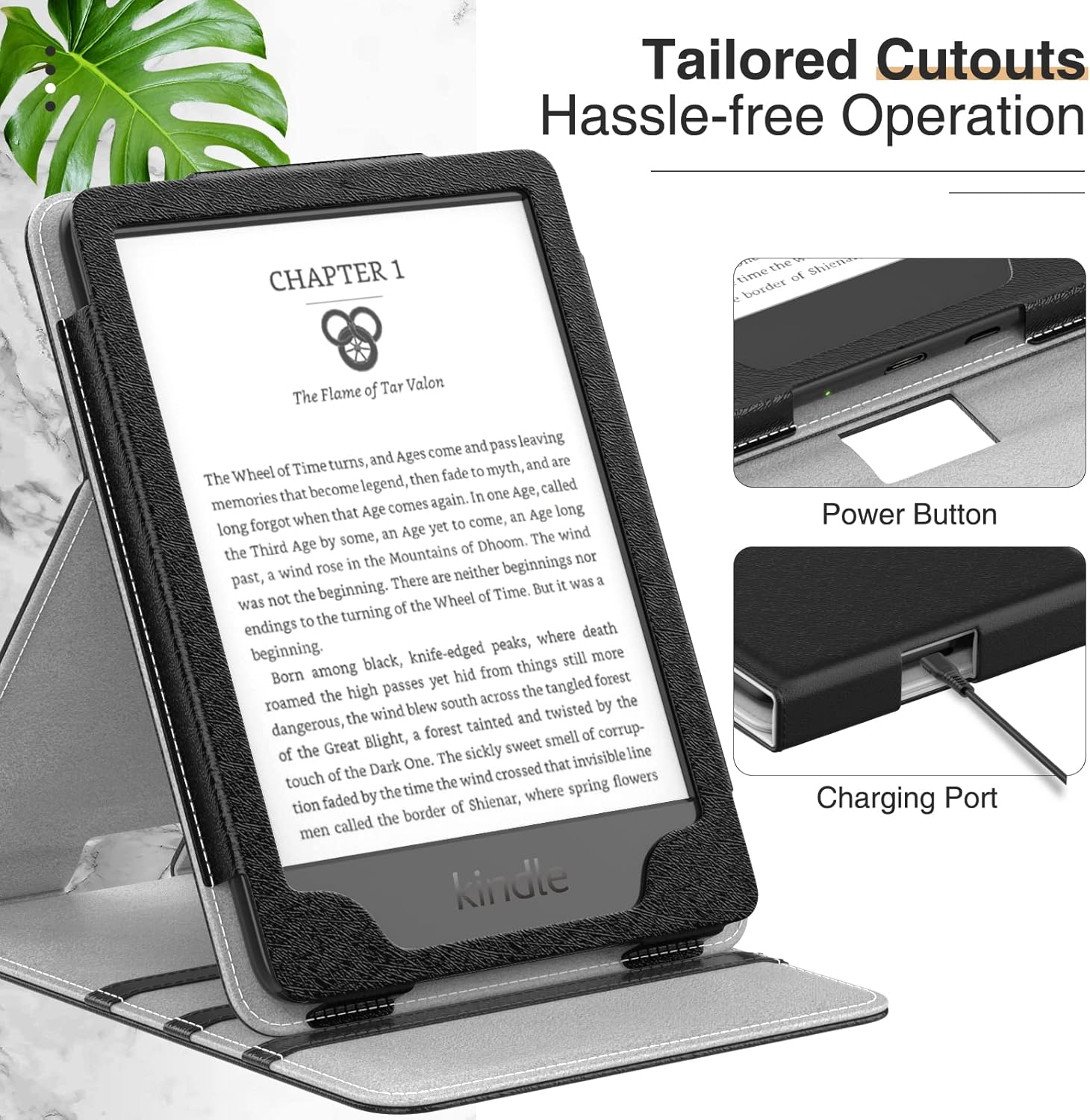
Access to Controls and Charging
The case provides precise cutouts for full access to all Kindle controls and features, including the power button and charging port, ensuring hassle-free operation without needing to remove the device from the case.
Mmechi magnetik
In addition to the auto wake/sleep function, the case features a magnetic closure to keep the front cover securely closed when not in use, providing an additional layer of protection for your Kindle E-reader.

Ngwaahịa gafereview Vidiyo
Nlekọta
To ensure the longevity and appearance of your MoKo case, follow these maintenance guidelines:
- Nhicha: Wipe the exterior PU leather with a soft, damp akwa . Zere kemịkalụ siri ike ma ọ bụ ihe nhicha abrasive.
- Nlekọta ime ime: The microfiber lining is designed to protect your screen. If it becomes dusty, gently wipe it with a dry, lint-free cloth.
- Zere Oke Ọnọdụ: Do not expose the case to extreme temperatures, direct sunlight for prolonged periods, or excessive moisture.
- Nchekwa: When not in use, store the case in a clean, dry environment.
Nchọpụta nsogbu
If you encounter any issues with your MoKo case, consider the following:
- Kindle does not fit: Double-check the compatibility section and your Kindle's model number. Ensure you are not attempting to install an incompatible device.
- Auto Wake/Sleep not working: Ensure your Kindle E-reader is properly seated within the case and that the magnetic front cover is fully closed. Magnets must align correctly for the function to activate.
- Nkwụsi ahụ adịghị akwụsi ike: Make sure the Kindle is securely placed in one of the anti-slip grooves on the front cover. Adjust the angle to find a stable position on a flat surface.
- Difficulty accessing ports/buttons: Confirm the Kindle is correctly aligned within the case's frame. The precise cutouts should allow unobstructed access.
Nkọwapụta
| Njirimara | Nkọwa |
|---|---|
| Ụdị | MoKo |
| Nọmba nlereanya | MK-Kin10-Kin8-CZ-190402F-bk-fA |
| Ngwa dakọtara | 6-inch Amazon Kindle E-readers (11th Gen 2022, 10th Gen 2019, 8th Gen 2016) |
| Ihe onwunwe | PU Leather (exterior), Microfiber (interior) |
| Agba | Nwa |
| Ibu Ibu | 4 ounces |
| Akụkụ ngwaahịa | 7 x 5 x 0.7 sentimita asatọ |
| Atụmatụ pụrụ iche | Auto Wake/Sleep, Vertical Flip Stand, Magnetic Closure, Precise Cutouts |
| Ihe gụnyere | 1 x Mbadamba ụrọ |
Akwụkwọ ikike na nkwado
For information regarding product warranty, returns, or technical support, please refer to the retailer's policy where the product was purchased or contact MoKo customer service directly. You can often find support information on the official MoKo brand store page:


