1. Okwu mmalite
This manual provides essential instructions for the safe and efficient use of your Baseus GaN2 Lite 65W Quick Charger. Please read this manual thoroughly before using the product and retain it for future reference.
2. Ntuziaka nchekwa
- Do not expose the charger to moisture, extreme temperatures, or direct sunlight.
- Zere idobe ma ọ bụ idobe chaja na mmetụta siri ike.
- Do not attempt to disassemble, repair, or modify the charger. This will void the warranty and may cause damage or injury.
- Debe ebe ụmụaka na-apụghị iru.
- Ensure the charger is used with compatible devices and cables.
- Kwụpụ chaja ahụ na ebe a na-ere ọkụ mgbe ọ naghị eji ya maọbụ n'oge oké ifufe eletrik.
3. Ihe ngwugwu
- 1 x Baseus GaN2 Lite 65W Quick Charger (CCGAN2L-B02)
4. Ngwaahịa gafereview
The Baseus GaN2 Lite 65W Quick Charger is a compact and powerful travel charger designed for fast charging of various electronic devices. It features GaN2 technology for efficient power delivery in a smaller form factor.
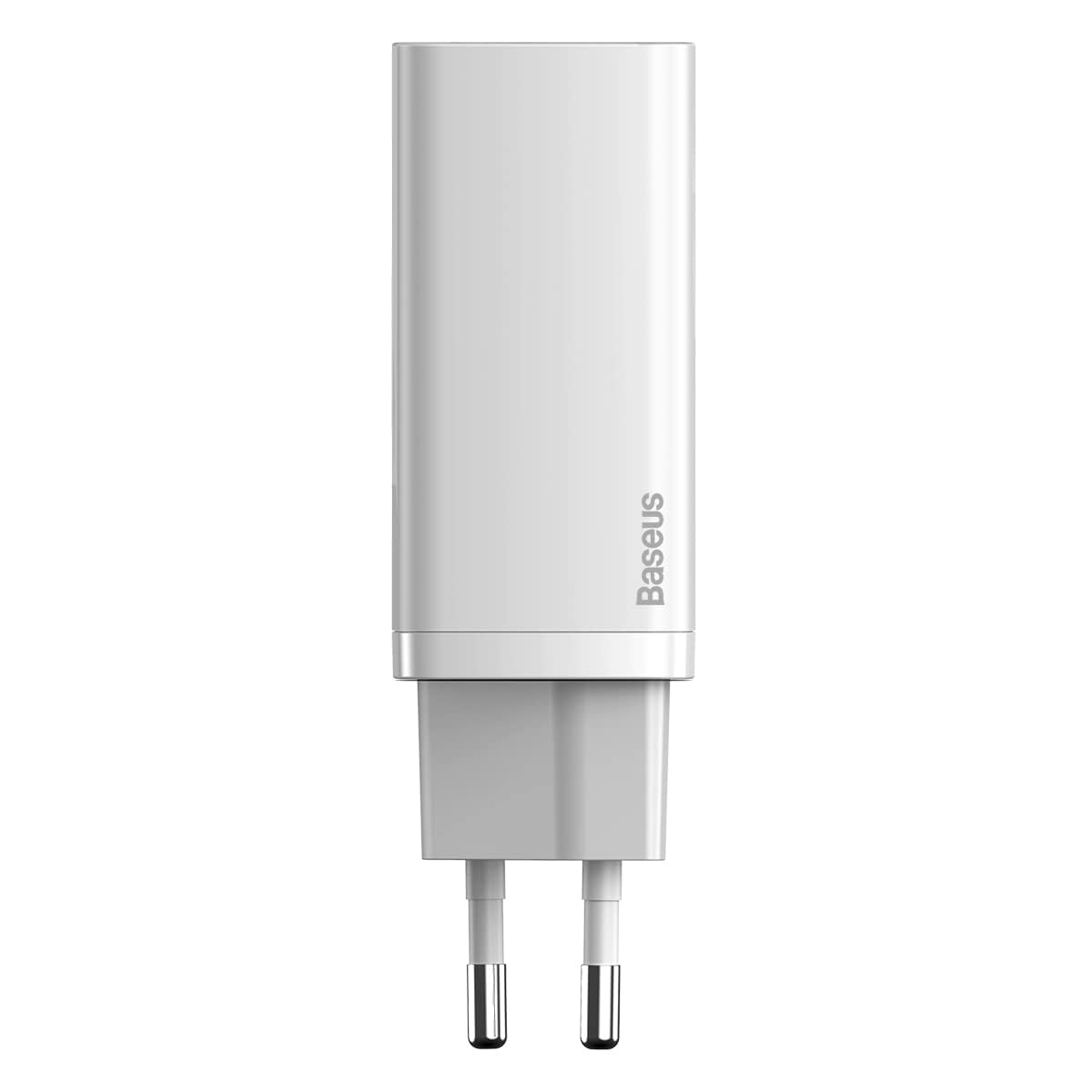
Foto: N'ihu view of the Baseus GaN2 Lite 65W Quick Charger in white, showing the compact body and the two European standard prongs.
Nhazi ọdụ ụgbọ mmiri:
- Ọdụ USB-C: Supports Power Delivery (PD 3.0) for high-speed charging of compatible devices.
- Ọdụ ụgbọ mmiri USB-A: Supports Quick Charge (QC 3.0) and other fast charging protocols.
5. Nhazi
- Jikọọ na Ike: Insert the charger's EU plug into a standard wall power outlet (240 Volts).
- Jikọọ ngwaọrụ: Jiri eriri chaja dakọtara (anaghị etinye ya) jikọọ ngwaọrụ gị na ọdụ USB-C ma ọ bụ USB-A dị na chaja ahụ.
- Malite chaja: Your device should automatically begin charging.
6. Ntuziaka ọrụ
The charger intelligently distributes power based on the connected devices and ports in use.
- Otu Port Oji:
- When only the USB-C ọdụ ụgbọ mmiri is used, it can deliver up to 65W nke ike.
- When only the USB-A ọdụ ụgbọ mmiri is used, it can deliver up to 45W nke ike.
- Dual Port Usage (Simultaneous Charging):
- Mgbe abụọ USB-C and USB-A ports are used simultaneously, the power distribution will be: USB-C at 45W na USB-A at 18W.
For optimal fast charging, ensure your device and charging cable support the respective fast charging protocols (PD 3.0 for USB-C, QC 3.0 for USB-A).
7. Nlekọta
- Nhicha: Kwụpụ chaja ahụ na ebe a na-esi enweta ọkụ eletrik tupu ị sachaa ya. Jiri ákwà dị nro ma kpọọ nkụ hichaa elu ya. Ejila ihe nhicha mmiri ma ọ bụ ihe na-eme ka ọ dị ọcha.
- Nchekwa: Debe chaja ahụ n'ebe dị jụụ ma kpọọ nkụ, ebe anwụ na-anaghị apụta kpọmkwem ma ọ bụ mmiri anaghị eru ya aka mgbe a naghị eji ya.
8. Nchọpụta nsogbu
- Ngwaọrụ anaghị akwụ ụgwọ:
- Gbaa mbọ hụ na etinyere chaja nke ọma na oghere mgbidi na-arụ ọrụ.
- Lelee ma eriri chaja ahụ ọ dị na chaja ahụ na ngwaọrụ gị nke ọma.
- Gbalịa iji eriri chaja ma ọ bụ ọdụ ụgbọ mmiri dị iche.
- Verify that your device is compatible with the charger.
- Nchaji nwayọ:
- Ensure your device and cable support fast charging protocols (PD 3.0 or QC 3.0).
- If charging multiple devices, note the power distribution mentioned in Section 6. Simultaneous charging may result in lower power output per port.
- Close unnecessary applications on your device to reduce power consumption during charging.
9. Nkọwapụta
| Njirimara | Nkọwa |
|---|---|
| Ụdị | Baseus |
| Nọmba nlereanya | CCGAN2L-B02 |
| Akụkụ | 50 x 50 x 28 cm |
| Ibu | 1 n'arọ |
| Ụdị njikọ | USB Ụdị-C, USB Ụdị-A |
| Ngwa dakọtara | Mobile phones with USB-C or Lightning ports |
| Njirimara Pụrụ Iche | Travel-friendly design |
| Ntinye Voltage | 240 volts |
| Mgbakọta ọdụ ụgbọ mmiri USB | 2 |
| Wattage | 65 watts (Max) |
10. Akwụkwọ ikike Ozi
Warranty terms and conditions for the Baseus GaN2 Lite 65W Quick Charger are subject to the policies of the retailer or the manufacturer at the time of purchase. Please refer to your purchase documentation or the official Baseus websaịtị maka ozi akwụkwọ ikike zuru ezu.
11. Nkwado ndị ahịa
For further assistance, technical support, or inquiries regarding your Baseus product, please visit the official Baseus webweebụsaịtị ma ọ bụ kpọtụrụ ngalaba ọrụ ndị ahịa ha. Nkọwa kọntaktị dị na nke onye nrụpụta websaịtị ma ọ bụ nkwakọ ngwaahịa gị.