1. Okwu mmalite
This manual provides instructions for the proper installation, care, and maintenance of your TELEFUNKEN HD03-GLD M80 Replacement Microphone Grill. This gold-colored grill is designed specifically for the TELEFUNKEN M80 microphone, ensuring a perfect fit and restoring its original aesthetic and protective function.
2. Ozi nchekwa
Please read and understand all safety instructions before handling or installing the replacement grill. Failure to do so may result in damage to the product or the microphone.
- Always handle the grill with clean hands to avoid transferring oils or dirt.
- Ensure the microphone is powered off and disconnected from any audio equipment before attempting to replace the grill.
- Debe obere akụkụ n'ebe ụmụaka nọ.
- Do not use excessive force during installation or removal, as this may damage the grill or the microphone.
3. Ihe ngwugwu
Verify that your package contains the following item:
- 1 x TELEFUNKEN HD03-GLD M80 Replacement Microphone Grill (Gold)
4. Ntuziaka nwụnye
Follow these steps to replace the microphone grill on your TELEFUNKEN M80 microphone:
- Prepare the Microphone: Ensure your TELEFUNKEN M80 microphone is disconnected from all cables and power sources.
- Remove the Old Grill: Gently unscrew the existing grill from the microphone body by turning it counter-clockwise. If the grill is stuck, apply gentle, consistent pressure.
- Inspect the Microphone: Once the old grill is removed, inspect the microphone's capsule area for any dust or debris. Clean if necessary using a soft, dry brush.
- Install the New Grill: Carefully align the TELEFUNKEN HD03-GLD replacement grill with the threads on the microphone body. Turn the grill clockwise until it is securely fastened. Do not overtighten.
- Nyochaa dabara adaba: Ensure the new grill is seated properly and does not wobble.
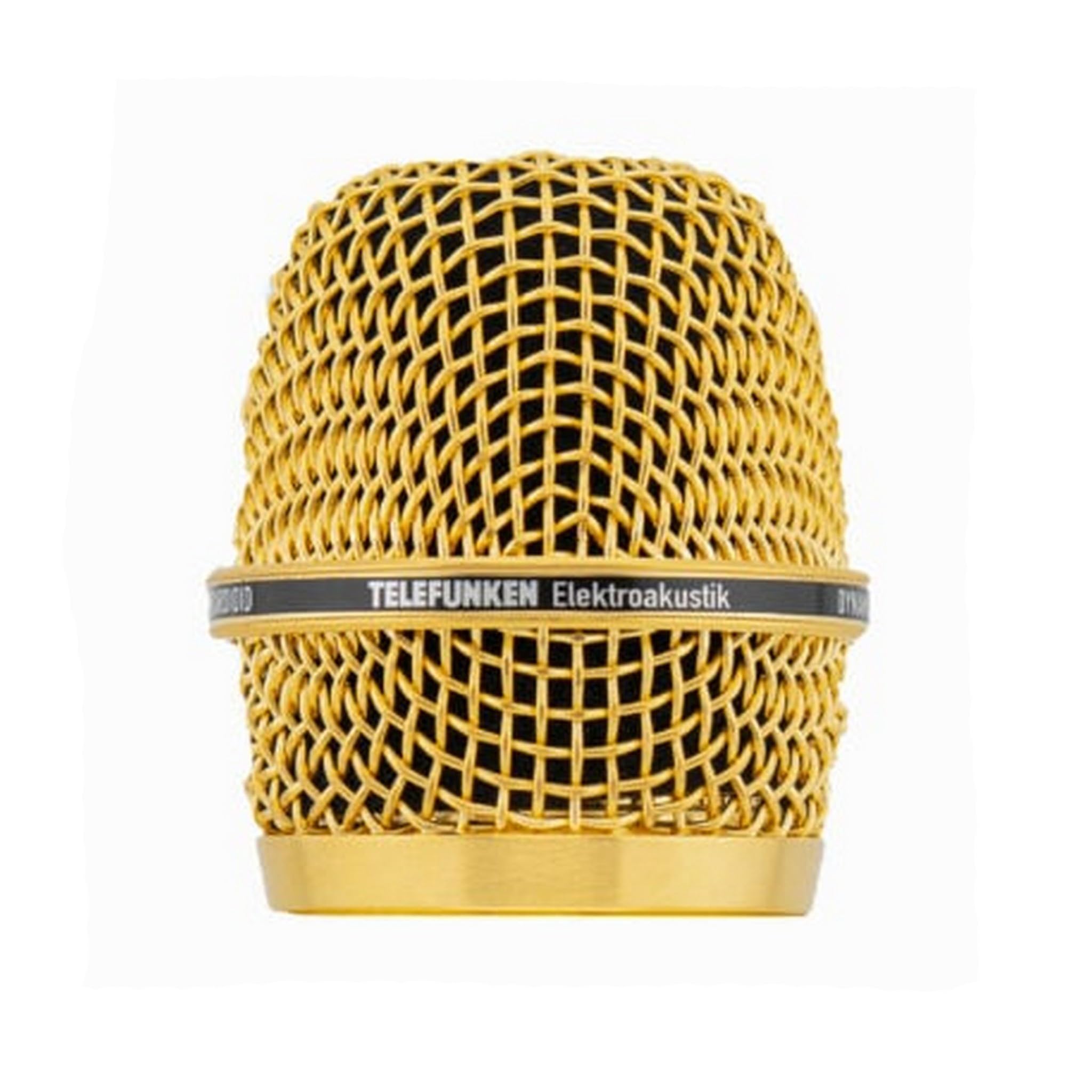
Image Description: A close-up photograph of the TELEFUNKEN HD03-GLD M80 Replacement Microphone Grill. The grill is gold-colored and features a fine mesh design, typical of microphone grilles. It is shown attached to the top of a black microphone body, indicating its function as a protective and aesthetic component for the microphone capsule.
5. Nlekọta na nlekọta
Proper care will extend the life and appearance of your replacement grill.
- Nhicha: To clean the grill, gently wipe it with a soft, dry, lint-free cloth. For stubborn dirt, a slightly damp cloth (water only) can be used, followed immediately by a dry cloth. Do not use harsh chemicals, abrasive cleaners, or solvents, as these can damage the finish.
- Nchekwa: When not in use, store the microphone with the grill attached in a protective case to prevent dents or scratches.
- Ijikwa: Avoid dropping the microphone or subjecting the grill to impacts, as this can deform the mesh.
6. Nchọpụta nsogbu
If you encounter any issues with your replacement grill, refer to the following common problems and solutions:
| Nsogbu | Ihe nwere ike ime | Ngwọta |
|---|---|---|
| Grill does not screw on smoothly. | Misalignment of threads or damaged threads on either the grill or microphone. | Ensure the grill is perfectly aligned before turning. Do not force it. If threads appear damaged, contact TELEFUNKEN support. |
| Grill feels loose after installation. | Not tightened sufficiently or incorrect grill model. | Gently tighten the grill clockwise until snug. Verify that you have the correct HD03-GLD grill for an M80 microphone. |
| Visible dents or damage to the grill. | Impact during handling or storage. | The grill is a protective component. If significantly damaged, it may need replacement to maintain microphone protection and aesthetic. |
7. Nkọwapụta
Key specifications for the TELEFUNKEN HD03-GLD M80 Replacement Microphone Grill:
- Ụdị: HD03-GLD
- ndakọrịta: TELEFUNKEN M80 Microphone
- Agba: Ọlaedo
- Ibu ihe: Ihe dị ka 10 pound
- Akụkụ ngwaahịa (L x W x H): 9 x 9 x 9 sentimita asatọ
- UPC: 658700922544
- Onye nrụpụta: Ụlọ ọrụ TELEFUNKEN Elektroakustik
- Ụbọchị mbụ dị: Ọgọst 6, 2024
Note: The listed item weight (10 pounds) and product dimensions (9x9x9 inches) appear to be general product packaging or shipping dimensions and not specific to the grill itself. The actual grill is significantly smaller and lighter.
8. Akwụkwọ ikike na nkwado
TELEFUNKEN Elektroakustik products are manufactured to high standards. For specific warranty information regarding your HD03-GLD replacement grill, please refer to the official TELEFUNKEN Elektroakustik websaịtị ma ọ bụ kpọtụrụ nkwado ndị ahịa ha ozugbo.
If you require technical assistance or have questions not covered in this manual, please contact TELEFUNKEN customer support:
- Websaịtị: www.telefunken-elektroakustik.com
- Ozi mkpọtụrụ: Gaa na ngalaba "Kpọtụrụ Anyị" na ngalaba gọọmentị website for phone numbers and email addresses.
Please have your product model number (HD03-GLD) and purchase information ready when contacting support.


