Okwu mmalite
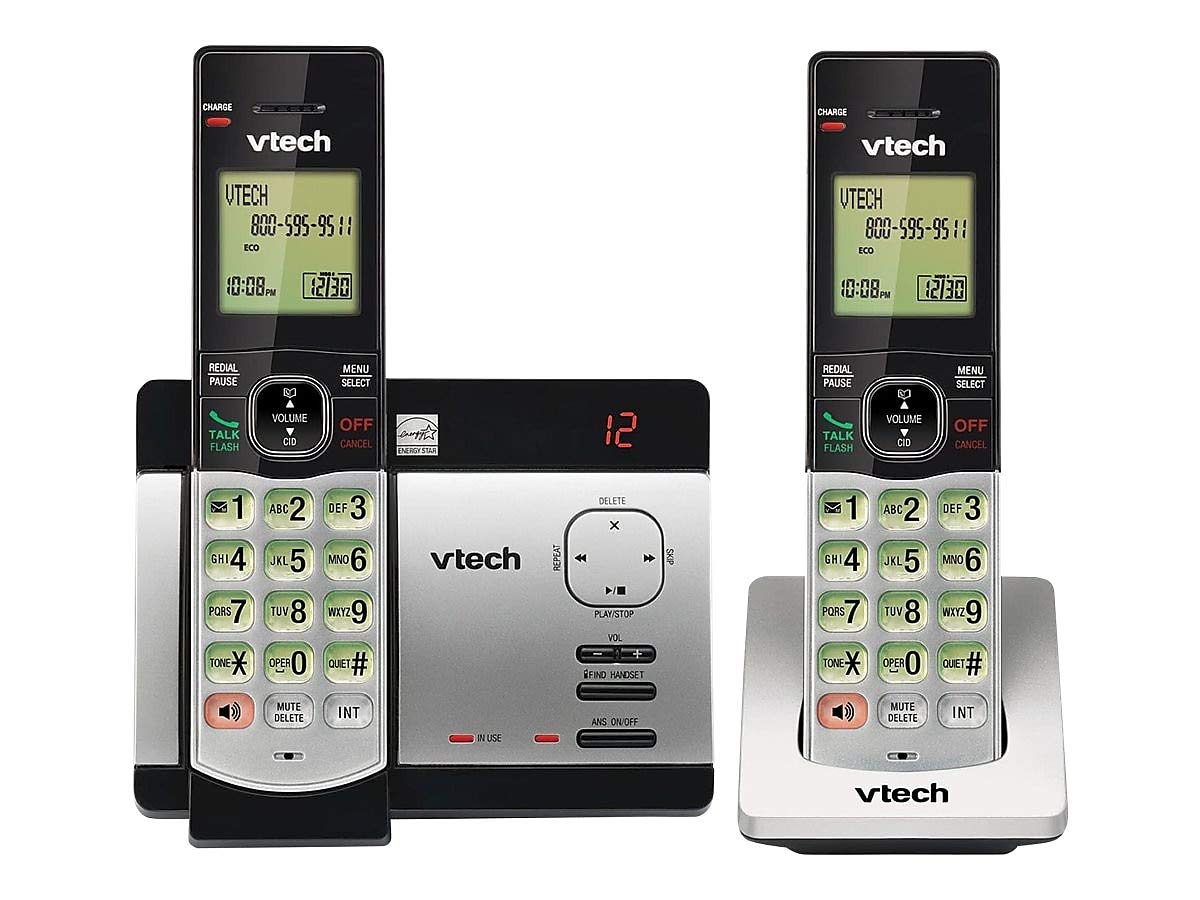
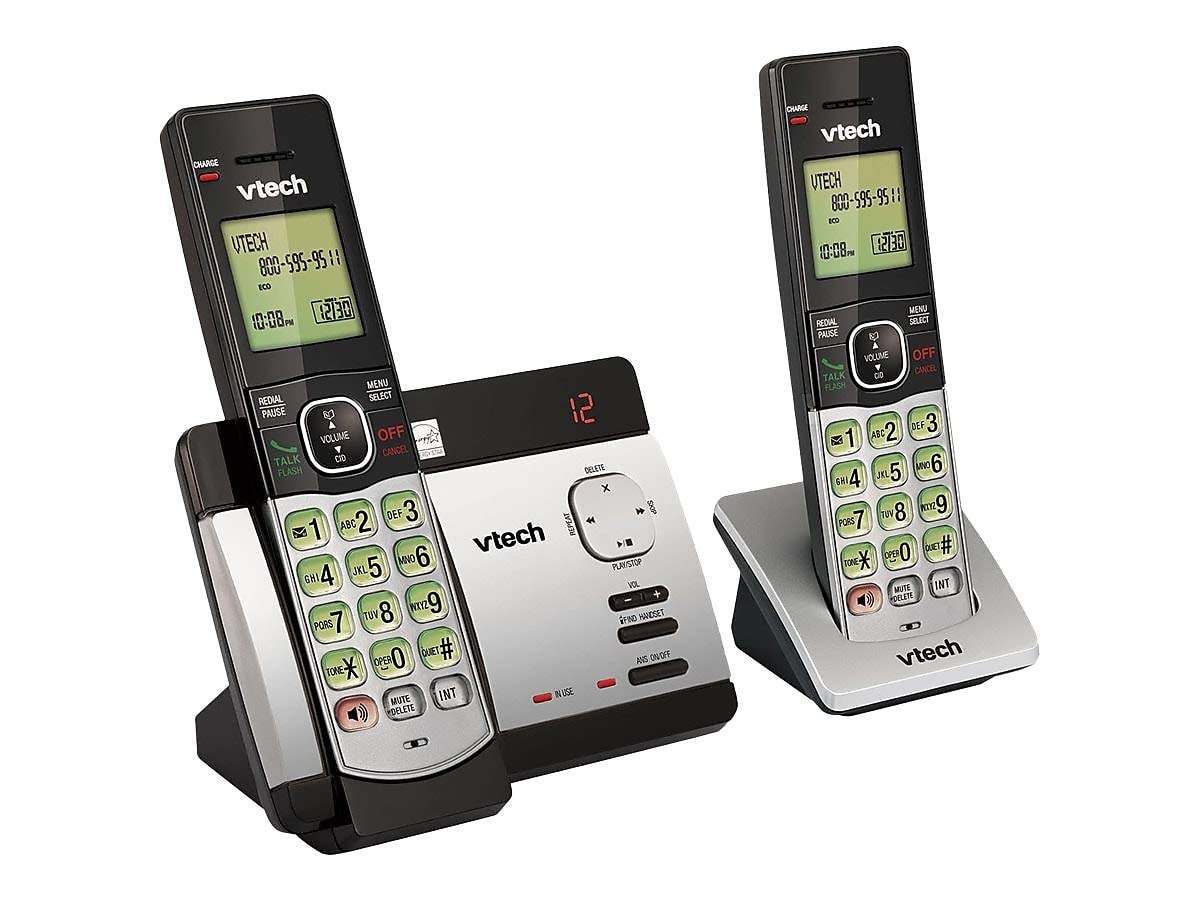
This user manual provides comprehensive instructions for the VTECH Communications CS6729-2 2 Handset Answering System. It covers setup, operation, maintenance, and troubleshooting to ensure optimal performance of your new telephone system. Please read this manual thoroughly before using your phone.
Ntọala na nwụnye
Ihe ngwugwu
Gbaa mbọ hụ na ihe niile dị na ngwugwu gị:
- Ekwentị enweghị eriri (2)
- Base Unit with Digital Answering System
- Ihe nkwụnye ọkụ AC maka ngalaba ntọala
- Ụdọ ekwentị
- Rechargeable Batteries (4 AAA batteries required, included)
- Mgbochi Mgbidi Mgbidi
Ntinye batrị
Before initial use, install the included AAA batteries into each cordless handset. Open the battery compartment cover on the back of the handset, insert the batteries according to the polarity markings, and close the cover. Place the handset on the base unit or charger to charge for at least 16 hours before first use.
Ijikọ ngalaba ntọala
Connect the small end of the AC power adapter to the power jack on the back of the telephone base. Plug the large end of the AC power adapter into a wall outlet not controlled by a wall switch. Connect one end of the telephone line cord to the telephone jack on the back of the telephone base. Plug the other end of the telephone line cord into a telephone wall jack.
Ntuziaka ọrụ
Ịkpọ na ịnata oku
Ka ịkpọọ oku, pịa KWUO / FLASH or any dial pad key, then dial the number. To receive a call, press KWUO / FLASH when the phone rings. To end a call, press Gbanyụọ/Kwụsị ma ọ bụ tinye aka ekwentị azụ n'elu unit/chaja isi.
Answering System Features
The integrated digital answering system can record up to 14 minutes of messages. You can retrieve messages from any handset or remotely. The voicemail waiting indicator will notify you of new messages. Messages are time and date stamped maka mfe ntụaka.
Caller ID/Call Waiting
The phone displays the caller's name and number (if available) before you answer. If you have Call Waiting service, the phone will alert you to an incoming call while you are on another call.
Phonebook Directory
Store up to 50 names and numbers in the phonebook directory for quick dialing. Refer to the handset menu for instructions on adding, editing, and deleting entries.
Intercom
Use the intercom feature to communicate between handsets. This system supports up to 5 handsets (additional handsets sold separately).
Reditanti
The phone stores the last 10 dialed numbers. Press REDIAL/kwụsịtụ to access and redial these numbers.
Njikwa olu
Adjust the earpiece and speakerphone volume during a call using the Mpịakọta buttons on the side of the handset.
Ogbi
Pịa GỤKWUO/HIchapụ button during a call to mute your microphone. The other party will not hear you, but you can still hear them. Press again to unmute.
Oku ọgbakọ
You can set up a 3-way conference call between an outside line and up to two cordless handsets.
Trilingual Prompts
The system offers trilingual prompts, allowing you to choose between English, Spanish, or French for voice announcements and menu options.
Nlekọta
Nhicha
Jiri nwayọ hichaa ekwentị na nkeji ntọala, damp cloth. Do not use cleaning sprays or harsh chemicals. Avoid getting moisture in any openings.
Nlekọta batrị
To maintain optimal battery life, fully charge the handsets regularly. If the phone will not be used for an extended period, remove the batteries to prevent leakage.
Nchọpụta nsogbu
If you experience issues with your phone system, try the following solutions:
| Nsogbu | Ngwọta |
|---|---|
| Enweghị ụda ọkpụkpọ | Ensure the power adapter and telephone line cord are securely plugged into the base unit and wall outlets. Check if the phone line is active. |
| Enweghị ike ịkpọ/nata oku | Check battery charge level. Ensure the handset is within range of the base unit. Verify the telephone line connection. |
| Answering system not recording messages | Ensure the answering system is turned ON. Check if the memory is full; delete old messages if necessary. |
| Ogo ụda adịghị mma | Gaa nso na nkeji ntọala. Lelee maka ndabichi sitere na ngwaọrụ eletrọnịkị ndị ọzọ. |
| Ekwentị anaghị akwụ ụgwọ | Ensure the handset is properly seated in the charging cradle. Clean the charging contacts on both the handset and cradle. |
Nkọwapụta
- Ụdị: Ahịa CS6729-2
- Teknụzụ: DECT 6.0 Dijitalụ
- Ekwe ntị: 2 (nwere ike ịgbasa ruo 5)
- Sistemụ azịza: Digital, 14 minutes recording time
- Ikike akwụkwọ ekwentị: 50 aha na nọmba
- Redial Memory: Nọmba 10 ikpeazụ
- Batrị: Batrị AAA abụọ enwere ike ịchaji (gụnyere)
- Akụkụ ngwaahịa: 1 x 3.2 x 6.9 inches (handset)
- Ibu ihe: 1.3 pound
- Agba: Agba ntụ
- Isi mmalite ike: Igwe ọkụ eletrik
Akwụkwọ ikike na nkwado
For warranty information and technical support, please refer to the warranty card included with your product or visit the official VTech websaịtị. Debe nnata nzụta gị dị ka ihe akaebe nke ịzụrụ maka nkwupụta ikike.


