1. Ngwaahịa gafereview
The Timex T121B Digital Alarm Clock is designed for simplicity and reliability, featuring a large, easy-to-read LED display. It includes a 24-hour "set and forget" alarm with auto-repeat and auto-shutoff functions. The alarm offers a graduated wake-up sound, starting softly and increasing in volume. For convenience during power interruptions, the clock is equipped with a battery backup system (requires 2 AAA batteries, not included) to maintain time and alarm settings. LED indicators show PM, alarm set status, and low battery warnings.

Foto: N'ihu view of the Timex T121B Digital Alarm Clock, displaying the time 10:09 PM.
2. Kedu ihe dị na Igbe ahụ
- Timex T121B Alarm Clock with 0.7-inch Red Display (Black)
- 120V Universal Power Adapter (Corded Electric)
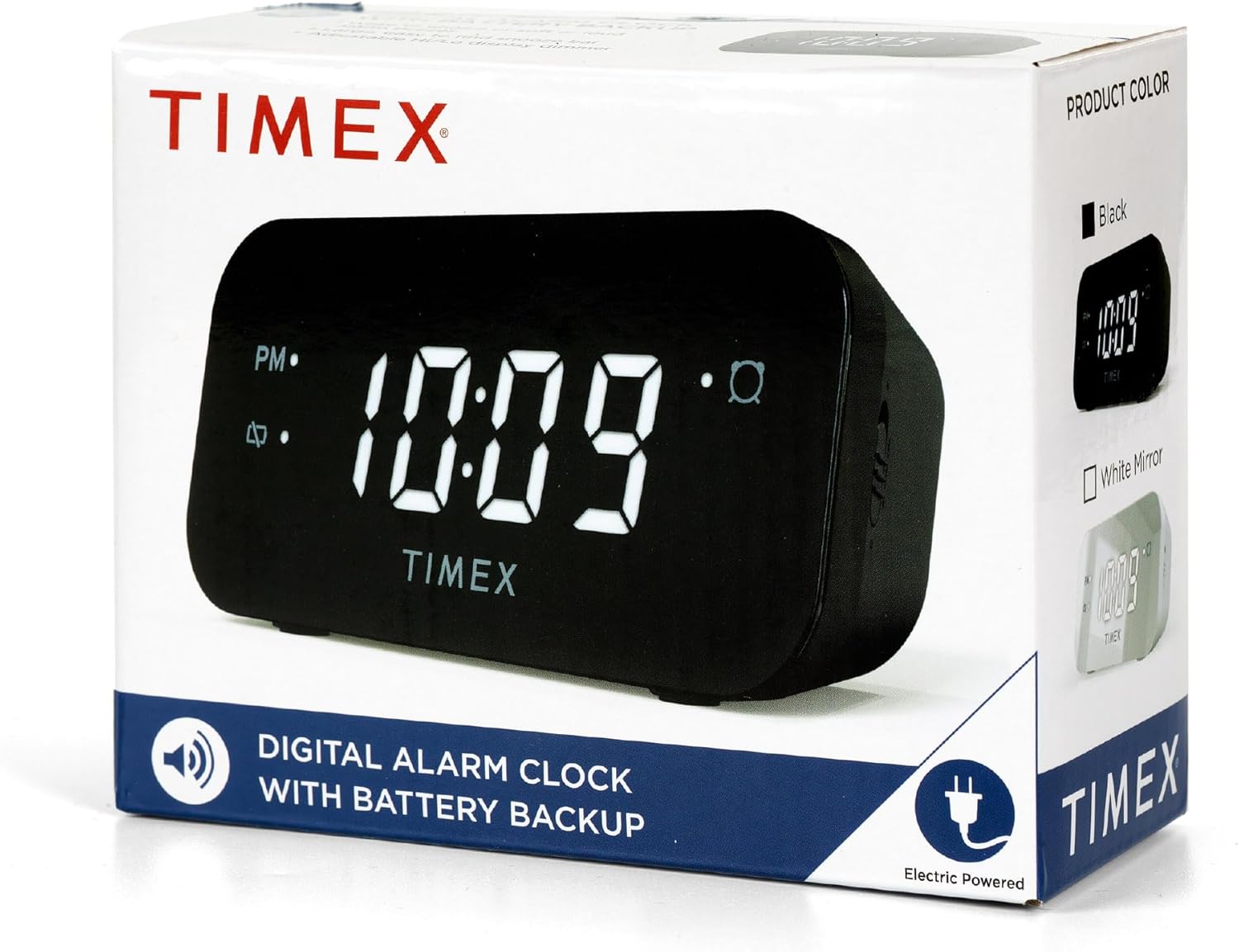
Image: The Timex T121B Digital Alarm Clock shown inside its retail packaging, highlighting its electric power source.
3. Nhazi
3.1 Njikọ ike
- Unpack the Timex T121B alarm clock and its power adapter.
- Insert the small end of the 120V universal power adapter into the DC input jack located on the back of the alarm clock.
- Plug the larger end of the power adapter into a standard 120V AC wall outlet. The clock display will illuminate.
3.2 Nwụnye Ndabere Batrị
The battery backup feature ensures that time and alarm settings are retained during power outages. This clock requires two "AAA" batteries (not included).
- Locate the battery compartment on the bottom of the alarm clock.
- Mepee mkpuchi nke batrị batrị.
- Insert two fresh "AAA" batteries, observing the correct polarity (+ and -) as indicated inside the compartment.
- Mechie mkpuchi nke batrị batrị nke ọma.
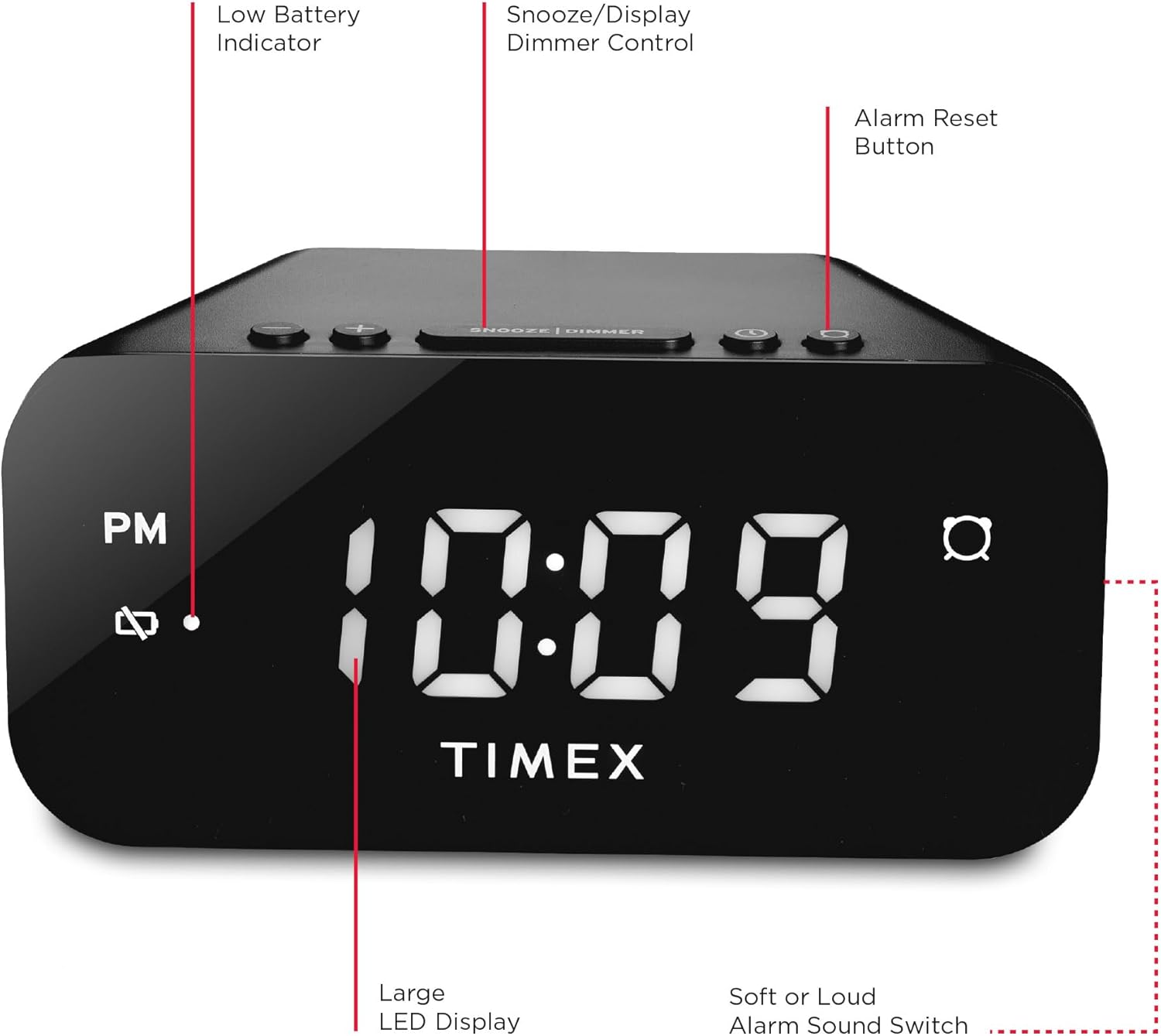
Foto: N'azụ view of the Timex T121B Digital Alarm Clock, illustrating the location of the battery compartment and power input.
4. Ntuziaka ọrụ
4.1 Isetịpụ oge
- Pịa ma jide Oge setịpụrụ button (usually located on the top or back) until the hour digits begin to flash.
- Pịa Awa button repeatedly to adjust the hour. Observe the PM indicator if setting a PM time.
- Pịa nkeji button repeatedly to adjust the minutes.
- Pịa Oge setịpụrụ button again to confirm and save the time.
4.2 Ịtọ ntọala mkpu
- Pịa ma jide AKWARKWỌ NDAR ỌRAR bọtịnụ ruo mgbe ọnụọgụgụ awa mkpu ahụ malitere ịgba ọkụ.
- Pịa Awa bọtịnụ iji dozie elekere mkpu.
- Pịa nkeji bọtịnụ iji dozie nkeji oti mkpu.
- Pịa AKWARKWỌ NDAR ỌRAR button again to confirm the alarm time.
- Iji mee ka mkpu ahụ rụọ ọrụ ma ọ bụ gbanyụọ ya, pịa bọtịnụ MGBANYERE/ Gbanyụọ button. An alarm indicator light will appear on the display when the alarm is active.
4.3 Ọrụ snooze
Mgbe oti mkpu na-ada, pịa nnukwu URUA/DIMMER bar located on the top of the clock. This will temporarily silence the alarm for approximately 9 minutes. The alarm will sound again after the snooze period ends.
4.4 Alarm Reset (Set and Forget)
To turn off the alarm for the current day and automatically reset it for the next day at the same time, press the Ntọgharị mkpu button (often labeled with a bell icon). This feature is part of the 24-hour "set and forget" functionality.
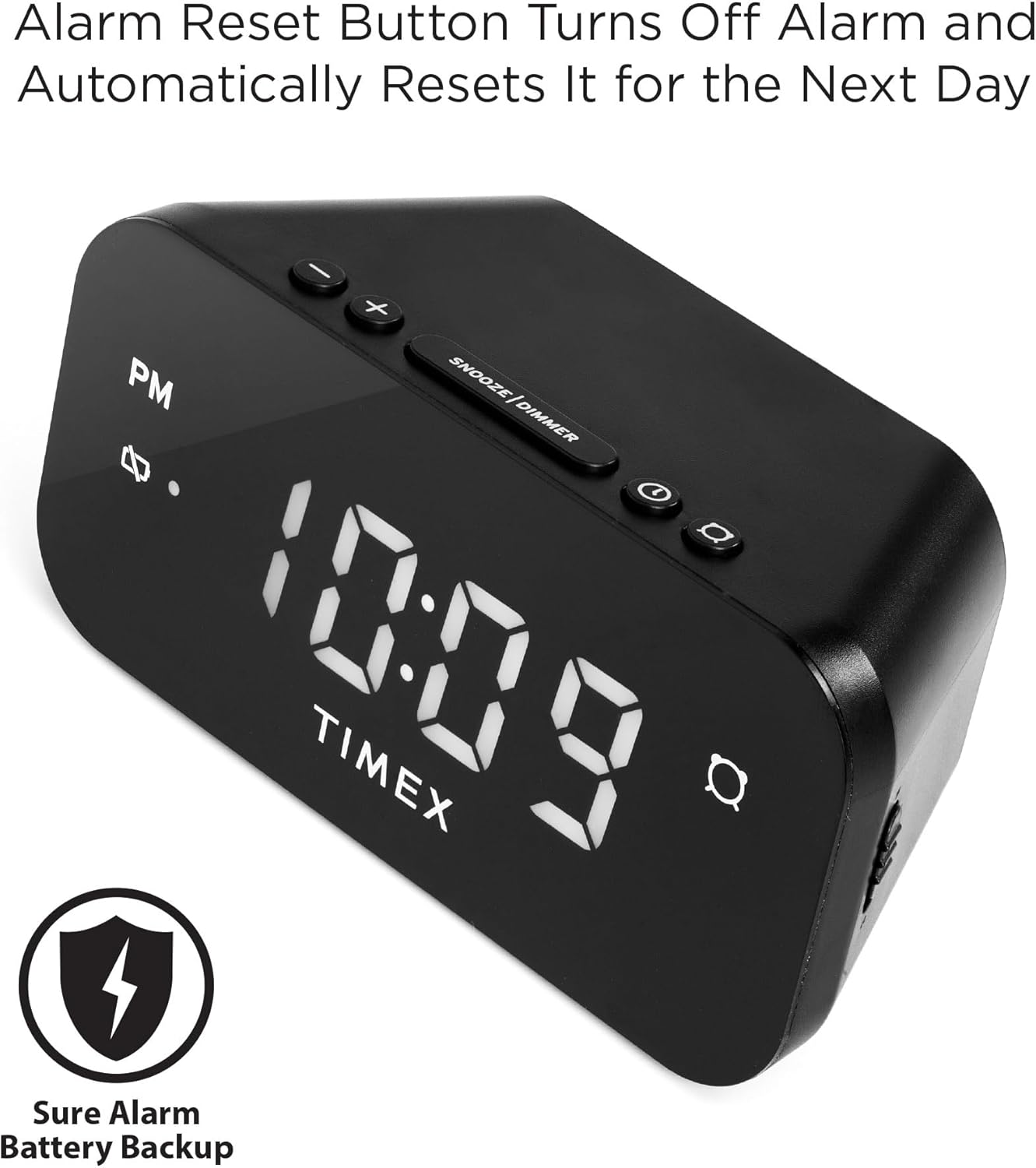
Image: The Timex T121B Digital Alarm Clock highlighting the Alarm Reset Button, which silences the alarm and prepares it for the next day.
4.5 Display Dimmer Control
To adjust the brightness of the LED display, repeatedly press the URUA/DIMMER bar (when the alarm is not sounding). This will cycle through different brightness levels to suit your preference.
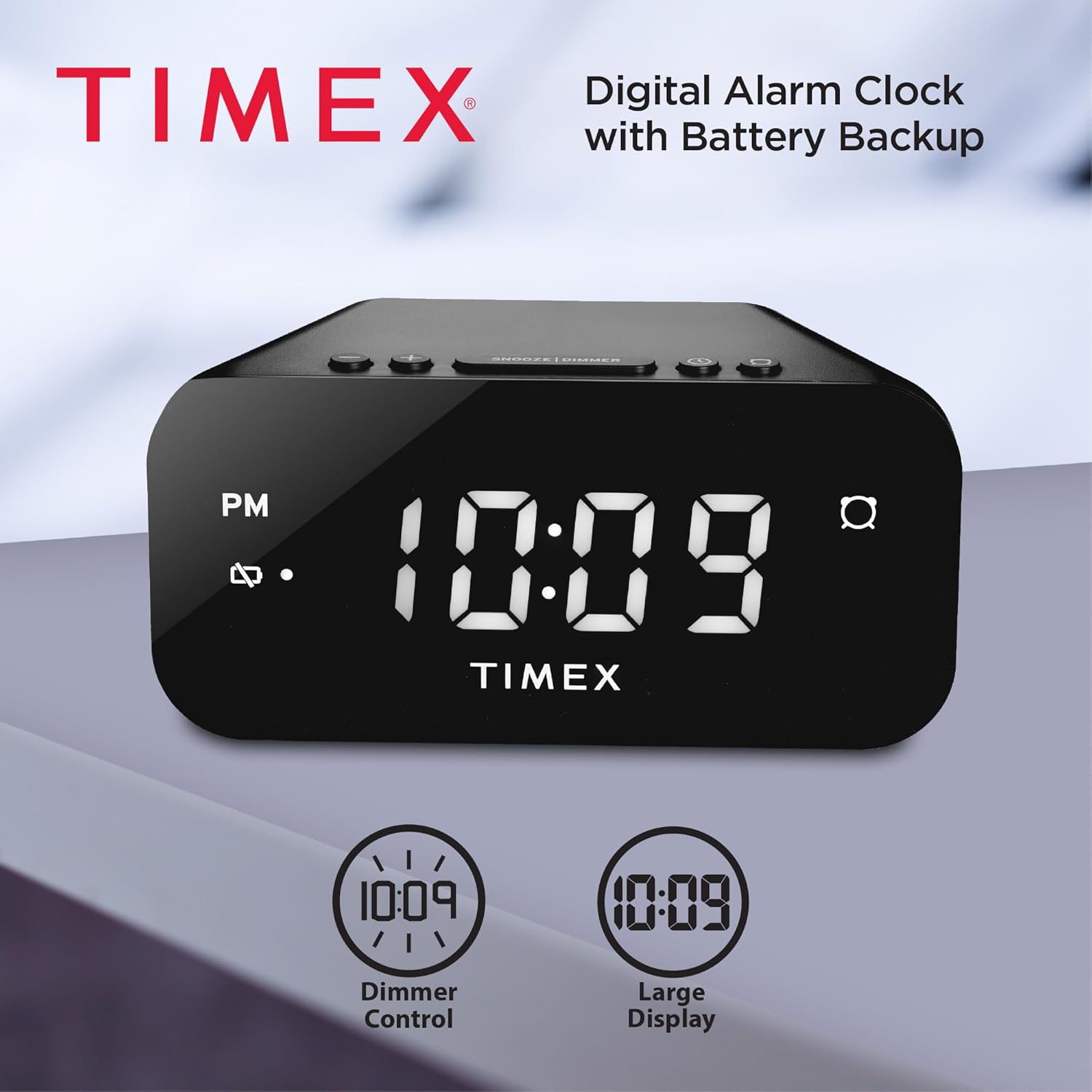
Image: The Timex T121B Digital Alarm Clock illustrating its dimmer control and large display features.
4.6 Alarm Sound Adjustment
The alarm features a graduated wake-up sound. It starts softly and gradually increases in volume to ensure you wake up. There is also a switch to select between soft or loud alarm buzzer settings, typically located on the side or back of the unit.

Image: The Timex T121B Digital Alarm Clock positioned on a nightstand next to a sleeping person, emphasizing its loud alarm capability.
5. Nlekọta
5.1 Nhicha
To clean the alarm clock, gently wipe the exterior surfaces with a soft, dry cloth. Do not use abrasive cleaners, waxes, or solvents as they may damage the finish. Avoid spraying liquids directly onto the unit.
5.2 nnọchi batrị
If the "BATT LOW" indicator appears on the display, it is time to replace the AAA backup batteries. Follow the instructions in Section 3.2 to replace them. Ensure the clock remains plugged into AC power during battery replacement to avoid losing time and alarm settings.
6. Nchọpụta nsogbu
| Nsogbu | Ihe nwere ike ime | Ngwọta |
|---|---|---|
| Clock display is blank. | Enweghị ike AC. | Ensure the power adapter is securely plugged into both the clock and a working wall outlet. Check the outlet with another device. |
| Oti mkpu anaghị ada ụda. | Adọghị ma ọ bụ gbanyụọ mkpu ahụ. | Verify the alarm indicator light is on. Re-set the alarm time following Section 4.2. |
| Time/Alarm settings lost after power outage. | Batrị ndabere anwụọla ma ọ bụ na etinyebeghị ya. | Install or replace two fresh AAA batteries as per Section 3.2. |
| Ngosipụta na-egbuke egbuke/ nchacha ọkụ. | Ntọala Dimmer chọrọ mgbanwe. | Press the SNOOZE/DIMMER bar repeatedly to cycle through brightness levels (Section 4.5). |
7. Nkọwapụta
- Akara: Timex
- Nọmba nlereanya: T121B
- Ụdị ngosi: Digital LED (0.7-inch Red Display)
- Agba: Nwa
- Isi mmalite ike: Corded Electric (120V Universal Power Adapter)
- Ndabere batrị: Chọrọ batrị 2 x AAA (anaghị etinye ya)
- Akụkụ ngwaahịa: 5.52"W x 2.36"H
- Ibu ihe: 6.7 ounces
- Atụmatụ: 24-hour Set and Forget Alarm, Auto-Repeat, Auto-Shutoff, Graduated Wake-up Alarm Sound, Snooze Function, Display Dimmer Control, PM Indicator, Alarm Set Indicator, Low Battery Warning.
8. Akwụkwọ ikike na nkwado
This Timex T121B Digital Alarm Clock comes with a Akwụkwọ ikike nwere oke. For specific details regarding warranty coverage, duration, and claims, please refer to the warranty information provided with your purchase or contact Timex customer support.
For additional support, you may refer to the official User Manual PDF: Timex T121B User Manual (PDF).
Vidiyo: Ihe ngosi vidiyo ngwaahịa gọọmentịasing the features and design of the Timex T121B Digital Alarm Clock.


