Okwu mmalite
This instruction manual provides essential information for the PlayStation Store Gift Card Digital Code. This digital code allows you to easily add funds to your PlayStation Network (PSN) account, which can then be used to purchase a wide variety of content from the PlayStation Store. This includes games, add-ons, virtual currency, and PlayStation Plus subscriptions.
Redemption Instructions
Follow these steps to redeem your PlayStation Store Digital Code:
- Banye: Sign into your PlayStation Network (PSN) account. If you do not have an account, create one at PlayStation.com.
- Access PlayStation Store: On your PlayStation console, select the PlayStation Store icon.
- Navigate to Redeem Code: Within the PlayStation Store, locate and select the 'Redeem Code' option. This is typically found under the '...' (More) menu or in the 'Payment Methods' section of your account settings.
- Tinye Koodu: Carefully enter the 12-digit voucher code provided with your digital gift card.
- Confirm Redemption: Follow the on-screen prompts to confirm the redemption. The funds will be added to your PSN wallet.
- PlayStation App Redemption: You may also redeem codes via the PlayStation App. Open the app, navigate to the PlayStation Store, select the menu button (usually in the upper right), and choose 'Redeem Codes'.
Video: Official PlayStation guide on how to redeem a PlayStation Store Gift Card.
Ojiji na Uru
Once funds are added to your PSN wallet, you can use them for a variety of purchases on the PlayStation Store:
- Egwuregwu: Purchase full digital games for PlayStation consoles.
- Add-ons & DLC: Expand your gaming experience with downloadable content, expansions, and in-game items.
- Virtual Currency: Acquire virtual currency for various games.
- PlayStation Plus Subscriptions: Use funds to purchase or extend PlayStation Plus memberships, granting access to online multiplayer, monthly games, and exclusive discounts.
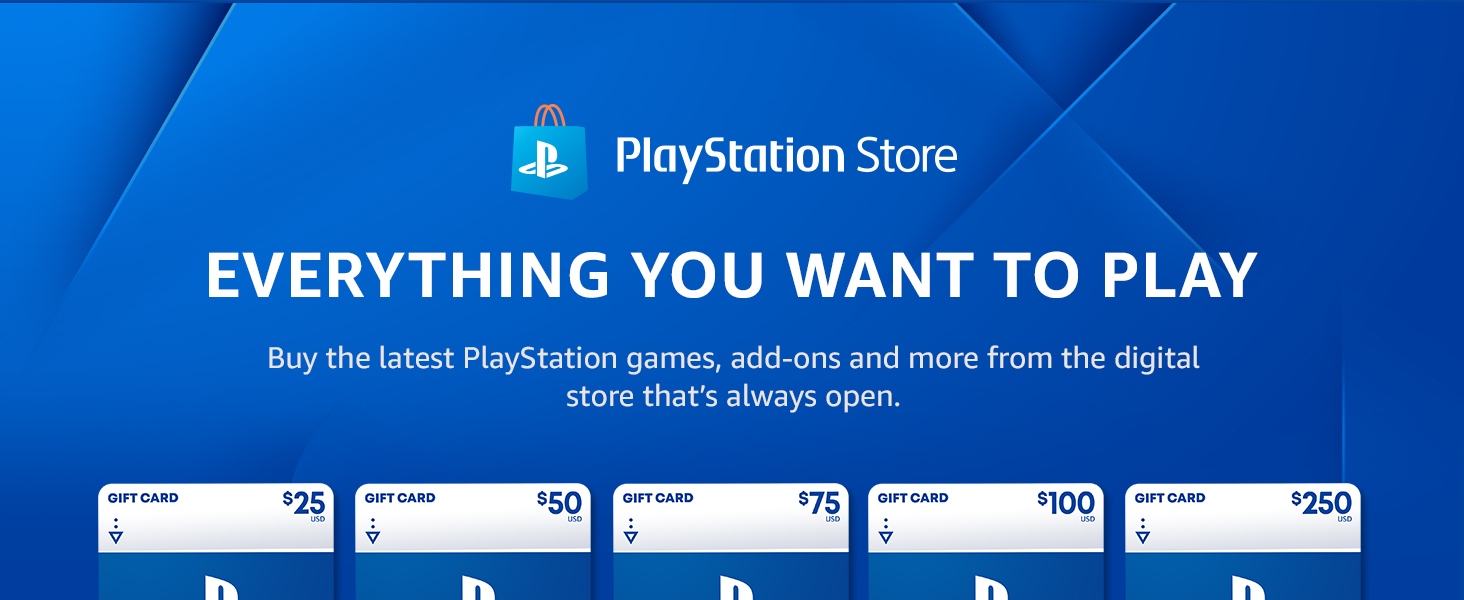
Foto: Ofeview of PlayStation Store benefits including redemption, pre-orders, deals, and remote downloads.
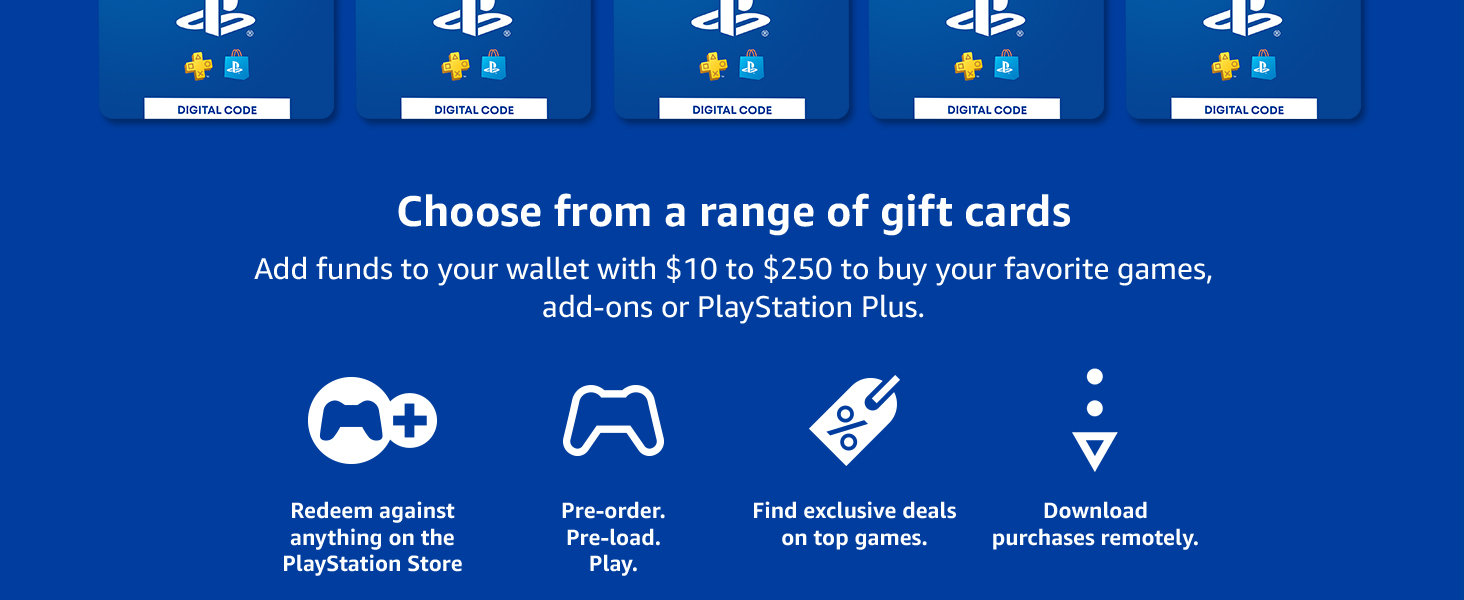
Image: PlayStation Store banner highlighting the vast content library and various gift card values.
Important Terms and Conditions
Biko review the following terms and conditions regarding your PlayStation Store Gift Card:
- Mmachi afọ: Redeemable only by users aged 18 or older holding an adult account for PSN registered in the U.S.
- Wallet Funds Usage: PSN wallet funds can be used by the redeeming account holder (and their child Family Member accounts) to pay for items in the PS Store available to U.S. account holders.
- Legal Terms: Use of the code is subject to these terms, and the Terms of Service and User Agreement and applicable Privacy Policy at www.playstation.com/legal/PSNTerms.
- Changes to Terms: Terms of this Code may change without notice. Void where prohibited or restricted by law.
- No Refunds/Cash Value: Subject to applicable local laws, the Code is not redeemable for cash, cannot be returned for cash or credit, and may not be resold, exchanged, or used for any other purpose.
- Lost/Stolen Codes: The Code will not be replaced if lost, destroyed, stolen, or otherwise used without your permission.
- Ojiji otu oge: Valid for one-time use only.
- Ihe achọrọ: A compatible system and internet connection are required for redemption and use.
Nchọpụta nsogbu
If you encounter issues during redemption or use of your PlayStation Store Gift Card, consider the following:
- Verify Code: Double-check that you have entered the 12-digit voucher code correctly, paying attention to any similar-looking characters (e.g., '0' and 'O', '1' and 'I').
- Account Region: Ensure your PSN account is registered in the U.S., as these codes are region-specific.
- Njikọ Ịntanetị: Confirm that your PlayStation console or device has a stable internet connection.
- Already Redeemed: If the system indicates the code has already been used, refer to the terms regarding lost or stolen codes. Digital codes are for one-time use and are not replaceable if used without permission.
- Nkwado kọntaktị: For further assistance, visit the official PlayStation support websaịtị na support.playstation.com.
Nkọwapụta
| Njirimara | Nkọwa |
|---|---|
| ASIN | B004RMK4P8 |
| Nọmba Nlereanya ihe | 90234 |
| Onye nrụpụta | Sony PlayStation Network |
| Ụbọchị mwepụta | Maachị 11, 2011 |
| Ụdị ihe | Software Download (Digital Code) |
| Ibu Ibu | 0.01 ounces (Digital) |
| Enyere aha | Onye ọ bụla |
Akwụkwọ ikike na nkwado
Iwu nloghachi: This product is non-returnable and non-refundable.
Nkwado ndị ahịa: For any questions or assistance, please visit the official PlayStation support websaịtị: support.playstation.com.


