Okwu mmalite
The Kodak Gold 200 film is a versatile color negative film designed for general use. It offers a fine grain structure and natural color reproduction, making it suitable for a wide range of photographic conditions, including daylight and flash photography. This film is rated at ISO 200, providing a good balance between speed and image quality. Each roll contains 24 exposures.
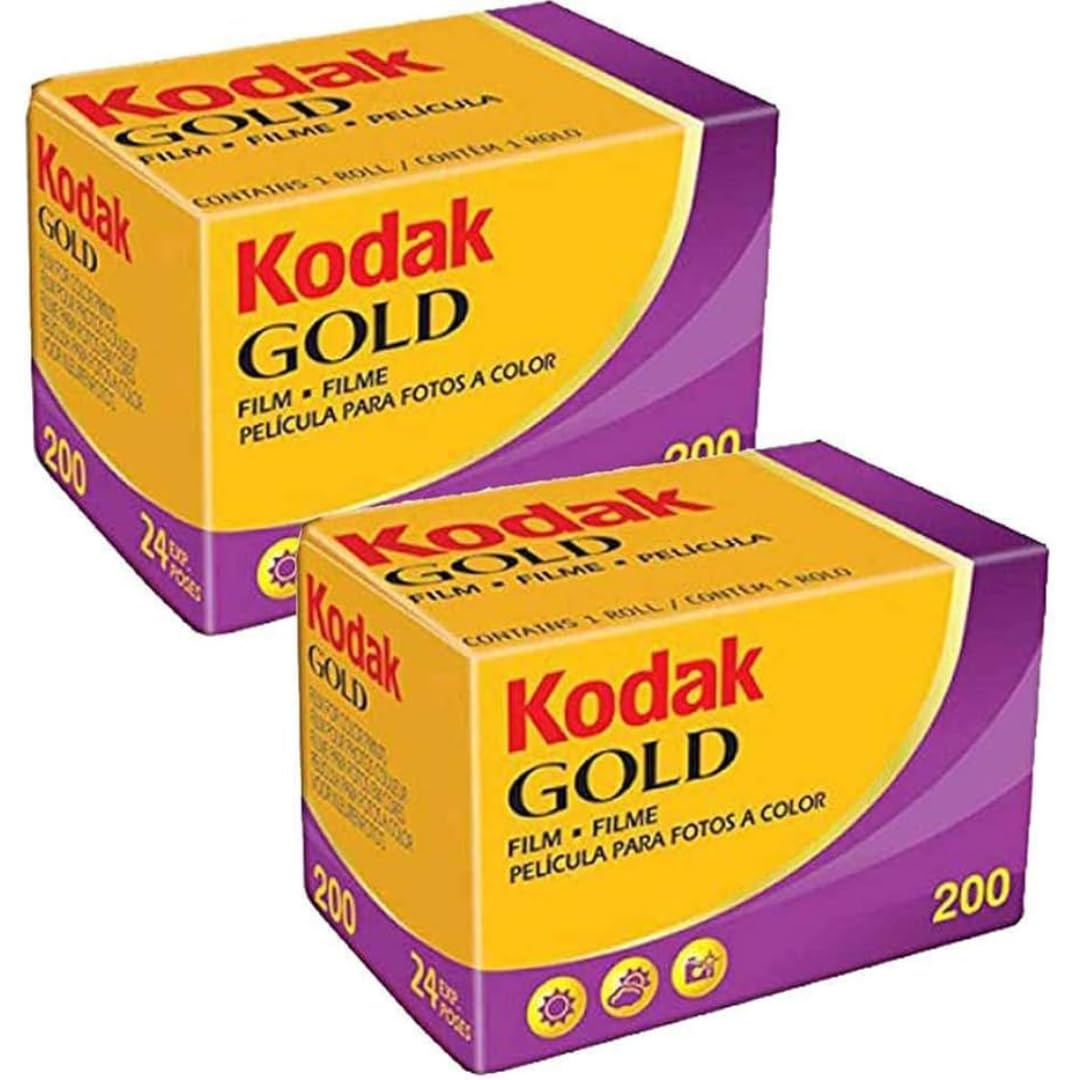
Image: Kodak Gold 200 135/24 Film (Pack of 2). This image displays the product packaging, showing two rolls of film.
Setup: Loading the Film
Proper film loading is crucial for successful photography. Always load film in subdued light to prevent accidental exposure.
- Open Camera Back: Locate and open the back cover of your 35mm film camera. Refer to your camera's specific manual for exact instructions.
- Insert Film Cartridge: Place the film cartridge into the film chamber on the left side of the camera. Ensure it is seated correctly.
- Pull Leader: Gently pull the film leader across the camera body until it reaches the take-up spool on the right side.
- Attach Leader: Insert the tip of the film leader into a slot or hook on the take-up spool.
- Advance Film: Slowly advance the film using the film advance lever or motor drive, ensuring the perforations on the film engage with the sprockets. Check that the film is winding correctly onto the take-up spool.
- Close Camera Back: Once the film is securely loaded and advancing, close the camera back firmly.
- Check Frame Counter: Advance the film one or two frames until the frame counter shows '1' (or the first available frame number), indicating the film is ready for shooting.
Ntuziaka ọrụ
Kodak Gold 200 film is designed for ease of use in various lighting conditions. For optimal results, consider the following:
- Ntọala ISO: Set your camera's ISO or film speed dial to 200. This ensures accurate exposure readings.
- Ọnọdụ ọkụ: This film performs well in bright daylight and with electronic flash. It offers good exposure latitude, meaning it can handle slight over- or under-exposure without significant loss of quality.
- Flash Photography: When using a flash, ensure your camera's flash settings are appropriate for ISO 200 film.
- Composition and Focus: Focus carefully and compose your shots as desired. The film captures fine details and natural colors.
- Ọnụọgụ ihe ngosi: Each roll provides 24 exposures. Keep track of your shots to avoid running out of film unexpectedly.
- Rewinding Film: After the last exposure, rewind the film completely into its cartridge before opening the camera back. Most cameras have a rewind button or lever. Opening the camera before rewinding will expose the film to light and ruin your images.
Nchekwa na Nlekọta
Proper storage helps maintain film quality and extends its shelf life.
- Unexposed Film: Store unexposed film in a cool, dry place, away from direct sunlight and high temperatures. Refrigeration (not freezing) can extend shelf life, but allow the film to warm to room temperature before use to prevent condensation.
- Exposed Film: Process exposed film as soon as possible. If immediate processing is not possible, store exposed rolls in a cool, dry place, similar to unexposed film, but do not refrigerate for extended periods.
- Avoid X-rays: Airport security X-ray machines can damage film, especially higher ISO films. Request a hand inspection for your film when traveling.
- Ijikwa: Handle film by the edges to avoid fingerprints or scratches on the emulsion.
Nchọpụta nsogbu
Here are some common issues and their potential causes or solutions:
| Okwu | Ihe kpatara/ Ngwọta nwere ike ime |
|---|---|
| Blank or Underexposed Images | Incorrect ISO setting, insufficient light, faulty light meter, shutter not firing, film not advancing properly. Ensure ISO is set to 200. |
| Overexposed Images | Incorrect ISO setting, too much light, faulty light meter, shutter speed too slow, aperture too wide. Ensure ISO is set to 200. |
| Scratches or Dust on Negatives | Improper film handling, dirty camera interior, dust during scanning/printing. Handle film by edges, keep camera clean. |
| Color Shifts or Fading | Expired film, improper storage (heat/humidity), processing issues. Use fresh film and store correctly. |
| Film Not Advancing | Film not properly loaded onto take-up spool, camera mechanism issue. Re-load film carefully, check camera. |
Nkọwapụta ngwaahịa
| Ụdị | KODAK |
| Aha Nlereanya | Gold 200 |
| Nọmba Nlereanya ihe | 6033963 |
| Agba ihe nkiri | Agba |
| Ụdị ihe nkiri | 135 (35 mm) |
| Exposures per Roll | 24 |
| Ọsọ ọsọ ISO | 200 |
| Akụkụ ngwaahịa | 1.38 x 2.56 x 1.38 sentimita asatọ |
| Ibu Ibu | 1.06 ounces |
| Ụbọchị mbụ dị | Ọgọst 21, 2012 |
Ozi nkwado
For further assistance, technical support, or inquiries regarding Kodak Gold 200 film, please refer to the official KODAK website or contact their customer service department. Detailed contact information can typically be found on the product packaging or the manufacturer's official support pages.
Regarding returns, the product typically adheres to a 30-day return policy for refunds or replacements, as per standard retail practices. Please check with your retailer for specific return conditions.