1. Ngwaahịa gafereview
The Master Lock 7620EURD is a 20mm aluminum resettable combination padlock designed for security applications such as securing suitcases, briefcases, and sport bags. It features a durable aluminum body with a brushed metal finish, offering resistance to corrosion. This padlock utilizes a 3-digit set-your-own combination system for convenient keyless security.
Akụkụ ndị bụ isi:
- Durable aluminum body with brushed metal finish.
- 3-digit resettable combination for personalized security.
- 20mm wide lock body with a 3mm diameter shackle, 21mm long.
- Security level 3.

Figure 1: Master Lock 20mm 3-Digit Combination Padlock securing luggage.
2. Ịtọlite Ngwakọta Gị
Your Master Lock 7620EURD padlock comes preset to open at 0-0-0. Follow these steps to set your personal combination:
- Open the padlock by setting the dials to 0-0-0 and pulling up the shackle.
- Rotate the shackle 90 degrees clockwise (from the top view).
- Press the shackle down firmly into the lock body. Ensure it is fully depressed; this position is critical for combination setting.
- While holding the shackle down, set your desired 3-digit combination by rotating the dials. Choose a memorable combination.
- Once your new combination is set, pull the shackle up.
- Rotate the shackle back 90 degrees counter-clockwise to its original closed position.
- Scramble the dials to lock the padlock. Test your new combination to ensure it opens correctly before securing any items.

Figure 2: Dials for setting the 3-digit combination.
3. Operating the Padlock
To open the padlock:
- Align the dials to your preset 3-digit combination.
- Pull the shackle upwards to release the lock.
To close and secure the padlock:
- Tinye eriri ahụ n'ime ahụ mkpọchi.
- Scramble the dials to a random combination to secure the padlock.
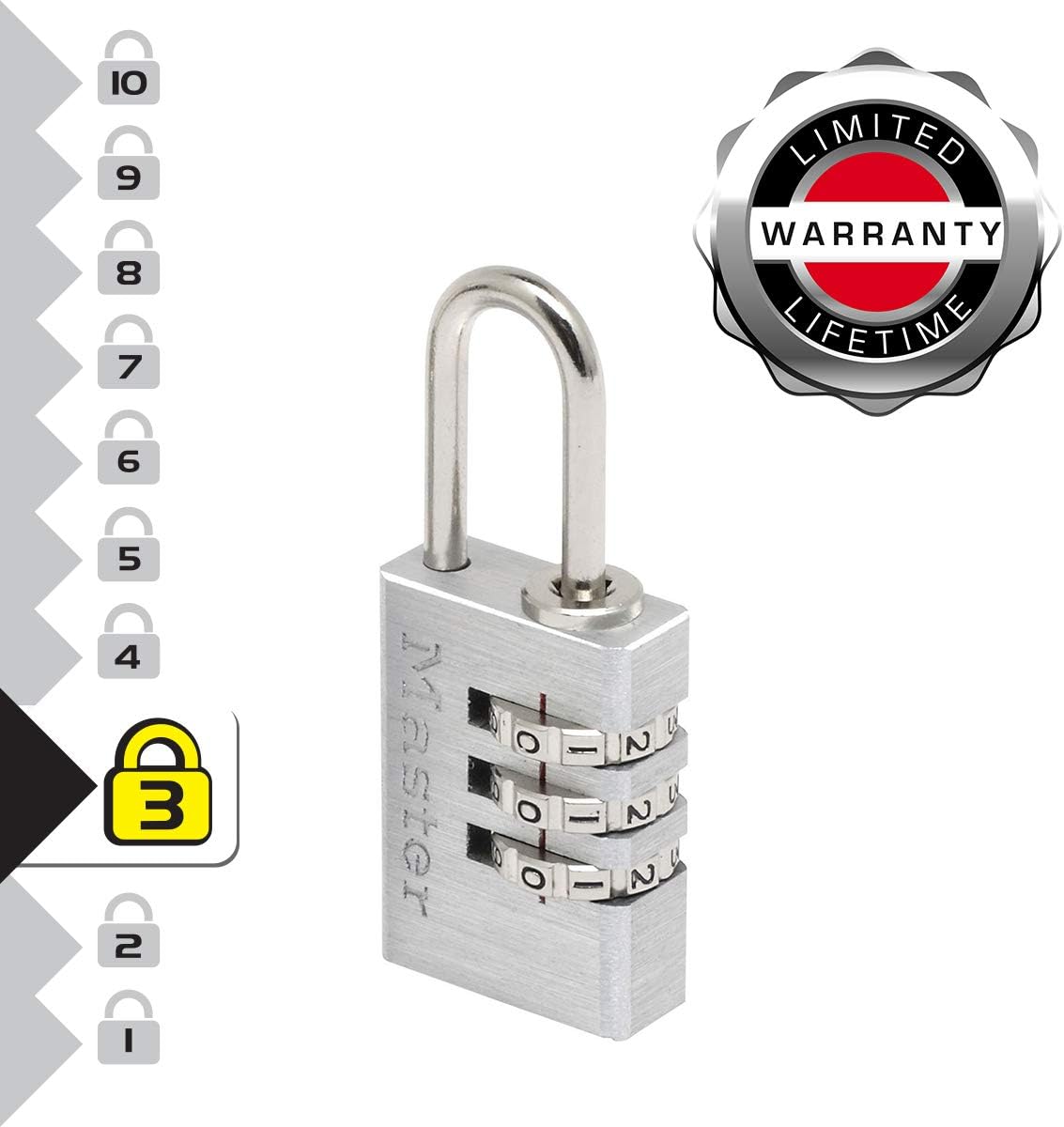
Foto 3: Akụkụ view of the padlock, showing the shackle and body.
4. Nlekọta
The Master Lock 7620EURD padlock requires minimal maintenance to ensure optimal performance and longevity:
- Nhicha: Wipe the padlock periodically with a soft, dry cloth to remove dust and grime. Avoid harsh chemicals or abrasive cleaners.
- mmanu mmanu: If the shackle or dials become stiff, apply a small amount of graphite lubricant or a silicone-based spray lubricant to the shackle opening and dial mechanisms. Do not use oil-based lubricants as they can attract dirt.
- Nchekwa: Store the padlock in a dry environment when not in use to prevent moisture buildup.
5. Nchọpụta nsogbu
Ọ bụrụ na ị hụ nsogbu na mkpọchi gị, tụlee ihe ndị a:
- Padlock will not open with the correct combination:
- Ensure each number is precisely aligned in the center of the viewwindow.
- Verify that you are using the correct combination. If you recently changed it, try both the old and new combinations.
- Apply slight pressure to the shackle while entering the combination, then release pressure and pull up.
- Dials are stiff or difficult to turn:
- Apply a small amount of graphite lubricant or silicone spray to the dial mechanisms.
- Clean any visible dirt or debris from around the dials.
- Forgot the combination:
Unfortunately, for a 3-digit resettable combination padlock, there is no master key or override code. If the combination is forgotten, the only method to open it is to try all possible combinations (000 to 999). This process can be time-consuming but is feasible for a 3-digit lock.
6. Nkọwapụta
| Njirimara | Nkọwa |
|---|---|
| Nọmba nlereanya | 7620 EUR |
| Ụdị mkpọchi | 3-Digit Resettable Combination Padlock |
| Akụrụngwa ahụ | Aluminom |
| Shackle Ihe | Alloy Steel |
| Obosara ahụ | 20mm |
| Dayameta Shackle | 3mm |
| Shackle Length (Vertical Clearance) | 21mm |
| N'ozuzu akụkụ (L x W x H) | 1.18 x 1.18 x 2.05 sentimita (ihe dịka 30 x 30 x 52 mm) |
| Ibu Ibu | 0.03 Kilograms (approx. 1 ounce) |
| Ụdị mmecha | Aluminom chara acha |
| Ọkwa nchekwa | 3 |

Figure 4: Dimensional diagram of the padlock.
7. Akwụkwọ ikike na nkwado
Master Lock products are manufactured to stringent quality standards. The Master Lock 7620EURD 20mm 3-Digit Combination Padlock comes with a Nkwa ndụ oge niile against mechanical defects under normal use.
For warranty claims, technical assistance, or further inquiries, please visit the official Master Lock websaịtị ma ọ bụ kpọtụrụ nkwado ndị ahịa ha ozugbo. Debe nnata nzụta gị ka ihe akaebe nke ịzụrụ.
Master Lock Official Websaịtị: www.masterlock.com


