1. Okwu mmalite
Nnọọ na Dance Aerobics for the Nintendo Entertainment System! This game provides an engaging and interactive way to exercise using the Nintendo Power Pad accessory. Follow the on-screen instructor through a variety of aerobic routines designed to improve your fitness and provide an enjoyable workout experience. The game features 12 levels of aerobic conditioning and 64 unique routines to keep your workouts fresh and challenging.
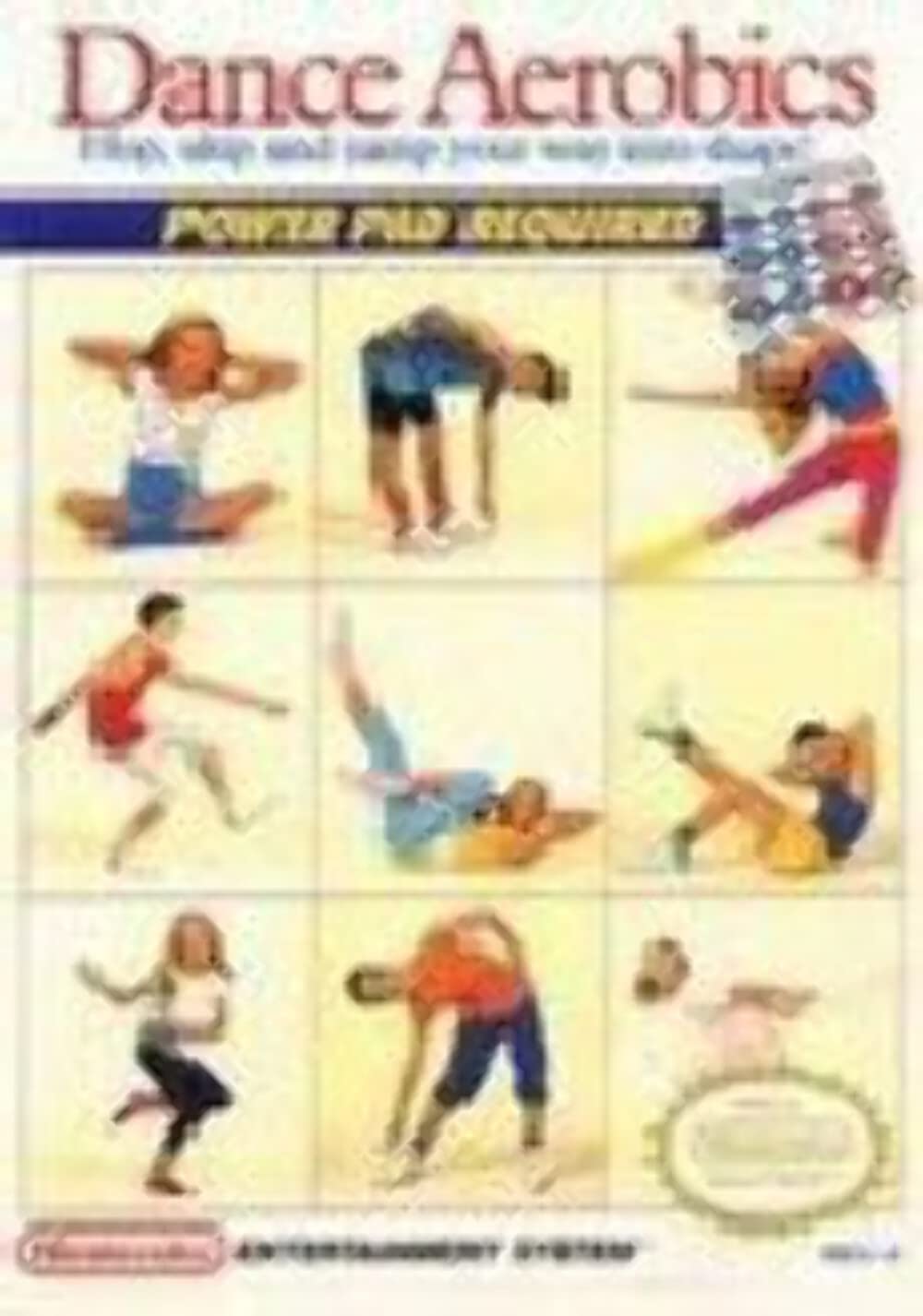
Image 1.1: Dance Aerobics NES Game Cartridge. This image displays the front of the game cartridge for Nintendo's Dance Aerobics, featuring the game's title and artwork.
2. Nhazi
Tupu ịmalite igwu egwu Dance Aerobics, ensure your Nintendo Entertainment System (NES) console and Power Pad are correctly set up.
- Tinye katrij egwuregwu ahụ: Carefully insert the Dance Aerobics game cartridge into the cartridge slot of your NES console. Push down firmly until it clicks into place.
- Connect the Power Pad: Plug the Nintendo Power Pad's connector cable into the second controller port on the front of your NES console.
- Position the Power Pad: Lay the Power Pad flat on a clear, stable, and safe surface. Ensure there is enough space around the pad for movement without obstruction.
- Ike Na: Turn on your television and then your NES console. The game should load automatically.
3. Ntuziaka ọrụ
Dance Aerobics offers various modes of play, primarily utilizing the Nintendo Power Pad for interaction.
3.1 Ụdị egwuregwu
- Aerobics Mode: This is the primary game mode. Follow the on-screen instructor's movements by stepping on the corresponding numbered pads on your Power Pad. The game will guide you through a series of exercises and routines. Some routines may also incorporate hand movements.
- Ụdị egwu: In this mode, the Power Pad functions as a large-scale piano keyboard. Each numbered pad corresponds to a musical note, allowing you to play simple melodies.
- Twister Mode: This mode displays specific hand and foot positions on an on-screen representation of the Power Pad. Your objective is to replicate these positions on your physical Power Pad.
3.2 Njikwa
All in-game actions are performed using the Nintendo Power Pad. The standard NES controller is typically used only for menu navigation or selecting game modes, not for active gameplay.
- Power Pad: Step on the numbered pads (1-12) as indicated on the screen. Ensure you step firmly and accurately for the game to register your input.
- Side B: Note that Dance Aerobics primarily utilizes 'Side B' of the Power Pad. If your Power Pad has a selector switch, ensure it is set to 'B'.
3.3 Saving Progress
The game includes a simple password system to save your progress in Aerobics Mode. Make sure to write down any passwords provided by the game to resume your workout at a later time.
4. Nlekọta
Proper care of your game cartridge and Power Pad will ensure their longevity and optimal performance.
4.1 Cartridge Care
- Keep the game cartridge clean and free from dust and debris.
- Store the cartridge in its protective sleeve or case when not in use.
- Avoid touching the gold connector pins on the bottom of the cartridge.
4.2 Power Pad Care
- Keep the Power Pad clean and dry. Avoid spills and excessive moisture.
- Do not place heavy objects on the Power Pad or fold it sharply, as this can damage the internal sensors and wiring.
- Store the Power Pad rolled up loosely or laid flat in a safe place to prevent creasing ma ọ bụ mmebi.
4.3 Nhicha
Use a soft, dry cloth to gently wipe down the game cartridge and Power Pad. For stubborn dirt on cartridge connectors, a cotton swab lightly dampened with rubbing alcohol can be used, ensuring it is completely dry before re-inserting into the console. Do not use harsh chemical cleaners.
5. Nchọpụta nsogbu
If you encounter issues while using Dance Aerobics, try the following solutions:
5.1 Game Not Starting or Freezing
- Re-insert Cartridge: Ensure the game cartridge is fully and correctly inserted into the NES console.
- Njikọ ndị dị ọcha: If the game still doesn't start, remove the cartridge and gently clean the gold connector pins with a cotton swab and a small amount of rubbing alcohol. Allow to dry completely before re-inserting.
- Reset Console: Try pressing the 'Reset' button on your NES console.
5.2 Power Pad Not Responding
- Lelee njikọ: Verify that the Power Pad cable is securely plugged into the second controller port of your NES console.
- Power Pad Side: Ensure your Power Pad is set to 'Side B' if it has a selector switch, as Dance Aerobics typically uses this side.
- Firm Steps: Make sure you are stepping firmly and directly on the numbered pads. Light or off-center steps may not register.
- Nyochaa eriri: Check the Power Pad's cable for any visible damage or kinks.
6. Nkọwapụta
- Aha ngwaahịa: Dance Aerobics
- Platform: Nintendo Entertainment System (NES)
- Ụdị: Exercise / Fitness
- Onye nrụpụta: Nintendo
- ASIN: B000IZSFCC
- UPC: 045496630430
- Ibu ihe: Approximately 3.2 ounces (cartridge)
- Akụkụ ngwaahịa: Approximately 8 x 4 x 10 inches (packaging/cartridge)
7. Akwụkwọ ikike na nkwado
As this product is typically sold as a pre-owned item, specific warranty information from the original manufacturer may no longer be applicable. Please refer to the seller's return policy or terms of sale for any issues related to your purchase.
For general technical support regarding the Nintendo Entertainment System or Power Pad, please consult official Nintendo resources, historical documentation, or online community forums dedicated to retro gaming.


