1. Ozi nchekwa dị mkpa
Please read all instructions carefully before operating your Thomson RR 68 M clock. Keep this manual for future reference.
- Ekwela ka elekere ahụ hụ oke okpomọkụ, anwụ kpọmkwem, ma ọ bụ oke iru mmiri.
- Zere ịtụfu elekere ma ọ bụ itinye ya n'ihe ike siri ike.
- Do not attempt to disassemble or modify the clock. This will void the warranty.
- Use only the specified battery type. Ensure correct polarity when inserting batteries.
- Wepụ batrị ma ọ bụrụ na a gaghị eji elekere ahụ ruo ogologo oge iji gbochie mmiri ịpụ apụ.
2. Ngwaahịa gafereview
Familiarize yourself with the components of your Thomson RR 68 M clock.
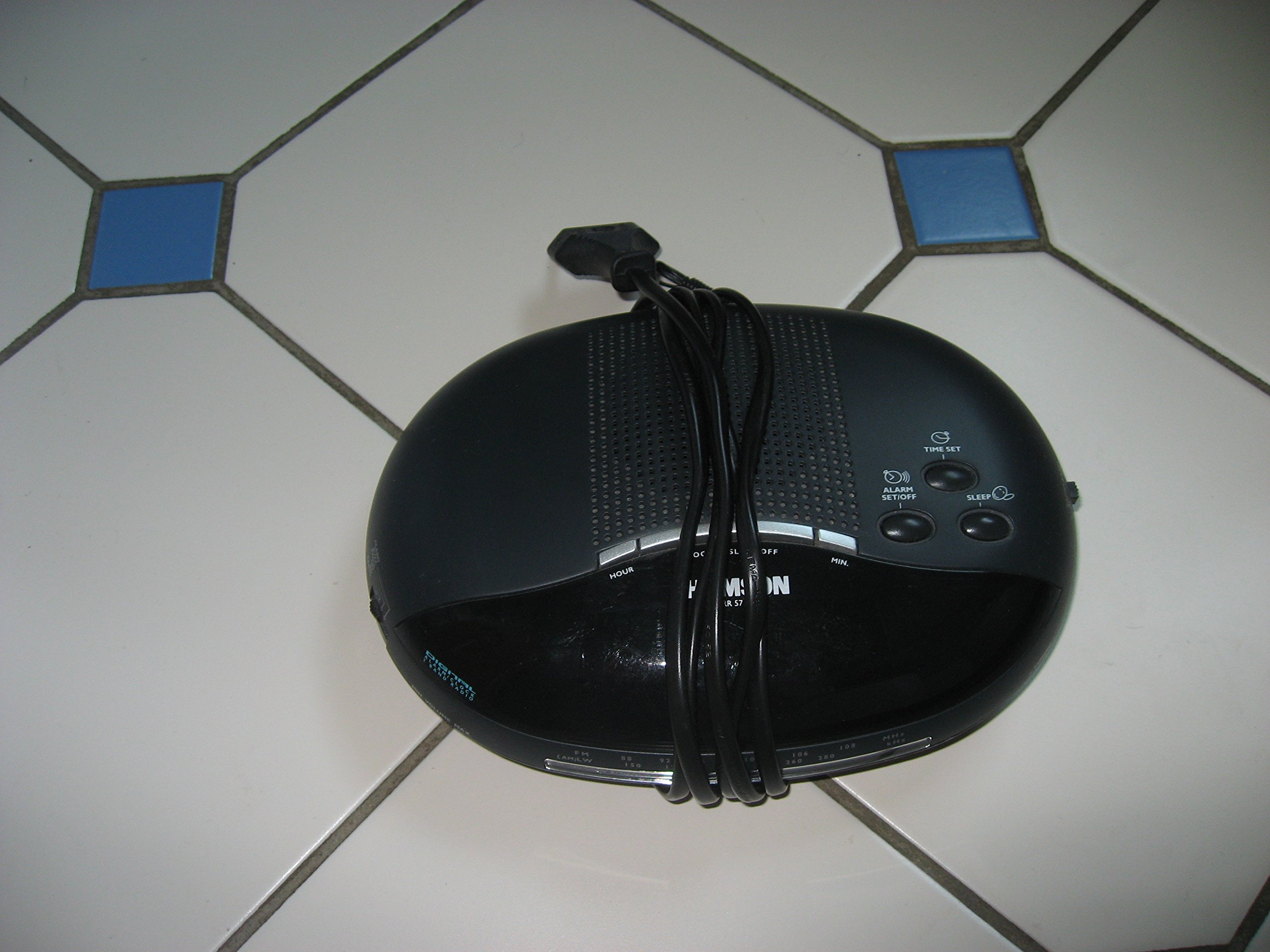
Foto nke 1: N'ihu view of the Thomson RR 68 M clock, showing the digital display and control buttons. This image illustrates the compact design suitable for tabletop placement.
Ihe ngwugwu 2.1
- Thomson RR 68 M Clock Unit
- Akwụkwọ ntuziaka (akwụkwọ a)
3. Nhazi
3.1 Powering the Clock
The Thomson RR 68 M clock operates on batteries (not included). Ensure you have the correct type and quantity of batteries before proceeding.
- Locate the battery compartment cover on the back or bottom of the clock.
- Remove the battery compartment cover by sliding or unlatching it.
- Insert the required batteries, paying close attention to the polarity markings (+ and -) inside the compartment.
- Replace the battery compartment cover securely. The clock display should now illuminate.
4. Ntuziaka ọrụ
4.1 Isetịpụ oge
To set the current time on your Thomson RR 68 M clock:
- Locate the 'SET' or 'MODE' button, usually on the back or side of the clock. Press and hold this button for a few seconds until the hour digits begin to flash.
- Use the '+' or 'HOUR' button to adjust the hour. Press repeatedly to advance the hour.
- Press the 'SET' or 'MODE' button again. The minute digits will begin to flash.
- Use the '+' or 'MINUTE' button to adjust the minutes. Press repeatedly to advance the minutes.
- Press the 'SET' or 'MODE' button one last time to confirm the time setting and exit the setting mode. The display will stop flashing.
Note: This model does not feature an alarm function.
5. Nlekọta
5.1 Nhicha
Iji mee ka elekere gị dị mma:
- Jiri ákwà dị nro ma kpọọ nkụ hichaa mpụta elekere ahụ.
- Ejila ihe nchacha abrasive, ihe mgbaze, ma ọ bụ mmiri ọgwụ kemịkalụ, n'ihi na ndị a nwere ike imebi njedebe.
5.2 nnọchi batrị
When the display dims or the clock stops functioning, it is time to replace the batteries. Follow the steps in Section 3.1 to replace the old batteries with new ones. Dispose of used batteries responsibly according to local regulations.
6. Nchọpụta nsogbu
If you encounter issues with your Thomson RR 68 M clock, refer to the following common problems and solutions:
6.1 Clock Display is Blank or Dim
- Lelee batrị: Ensure batteries are inserted correctly with the correct polarity. Replace with fresh batteries if necessary.
- Akụkụ batrị: Hụ na mkpuchi nke ebe batrị ahụ emechiela nke ọma.
6.2 Time is Incorrect
- Oge Tọgharia: Follow the instructions in Section 4.1 to manually set the time.
- Ike batrị: If the time frequently resets or loses accuracy, the batteries may be low and require replacement.
7. Nkọwapụta
| Nọmba nlereanya | RR 68 M |
| Ụdị | THỌMSON |
| Ụdị nkwụnye | N'elu tebụl |
| Isi Iyi Ike | Batrị (anaghị etinye ya) |
| Ọrụ mkpu | Mba |
8. Akwụkwọ ikike Ozi
Specific warranty details for the Thomson RR 68 M clock are not provided within this user manual. Please refer to the product packaging, the point of purchase, or the official Thomson websaịtị maka usoro na ọnọdụ nkwa zuru oke.
9. Nkwado ndị ahịa
For further assistance, technical support, or inquiries regarding your Thomson RR 68 M clock, please visit the official Thomson webweebụsaịtị ma ọ bụ kpọtụrụ ngalaba ọrụ ndị ahịa ha. Ozi kọntaktị na-adịkarị na nke onye nrụpụta webngwugwu saịtị ma ọ bụ ngwaahịa.


