
1. Okwu mmalite
Thank you for choosing the MINISO MS216 Sleep Earbuds. These earbuds are designed to provide comfort for side sleepers, advanced noise reduction, and real-time AI translation across 135 languages. This manual will guide you through the features, setup, and operation to ensure an optimal user experience.

Figure 1.1: MINISO MS216 Sleep Earbuds and Charging Case.
2. Akụrụngwa Ngwaahịa
- Nkasi Obi Maka Ndị Na-ehi Ụra n'akụkụ: Na-egosi obere-profile, ergonomic design that fits snugly within the ear canal, minimizing pressure and discomfort when sleeping on your side.
- Mbelata mkpọtụ dị elu: Utilizes Active Noise Cancellation (ANC) technology to reduce background noise, suitable for sleep, calls, or music in various environments.
- 3-in-1 AI Translation: Combines real-time translation, high-definition call clarity, and premium audio playback. Offers near-instant translation (<0.5s delay) with 98% accuracy.
- Nkwado ọtụtụ asụsụ: Supports real-time translation across 135 languages, including Spanish, Chinese, English, Japanese, Korean, German, and French.
- Multiple Translation Modes: Includes Hands-Free, Touch Control, Photo Translate, AI Chat Mode, Meeting Mode, Hybrid Mode, and Voice Notes.
- Ndụ batrị agbatịkwuru: Provides up to 8 hours of playtime on a single charge, with the compact charging case extending total playtime to 48 hours. Supports Type-C fast charging.
- Njikọ Bluetooth 6.0: Na-eme ka njikọ ikuku kwụsiri ike ma dị irè.

Figure 2.1: Ergonomic design and lightweight construction for comfortable sleep.

Figure 2.2: Active Noise Cancellation (ANC) for reduced ambient sound.
3. Nhazi
3.1 Nchaji izizi
Before first use, fully charge the earbuds and the charging case. Connect the provided Type-C charging cable to the charging case and a power source. The indicator lights on the case will show charging status.

Figure 3.1: Charging the MINISO MS216 Earbuds and Case.
3.2 Njikọ Bluetooth
- Gbaa mbọ hụ na ekwe ntị nọ na nchaji na mkpuchi ikpe ghe oghe.
- On your device (smartphone, tablet), enable Bluetooth.
- Select "MINISO MS216" from the list of available Bluetooth devices.
- Ozugbo ejikọtara ya, ekweisi ndị a dị njikere maka ojiji.
4. Ntuziaka ọrụ
4.1 Yiri ekwe ntị
Gently insert each earbud into your ear canal. Adjust for a comfortable and secure fit. The ergonomic design is intended to remain comfortable even when lying on your side.
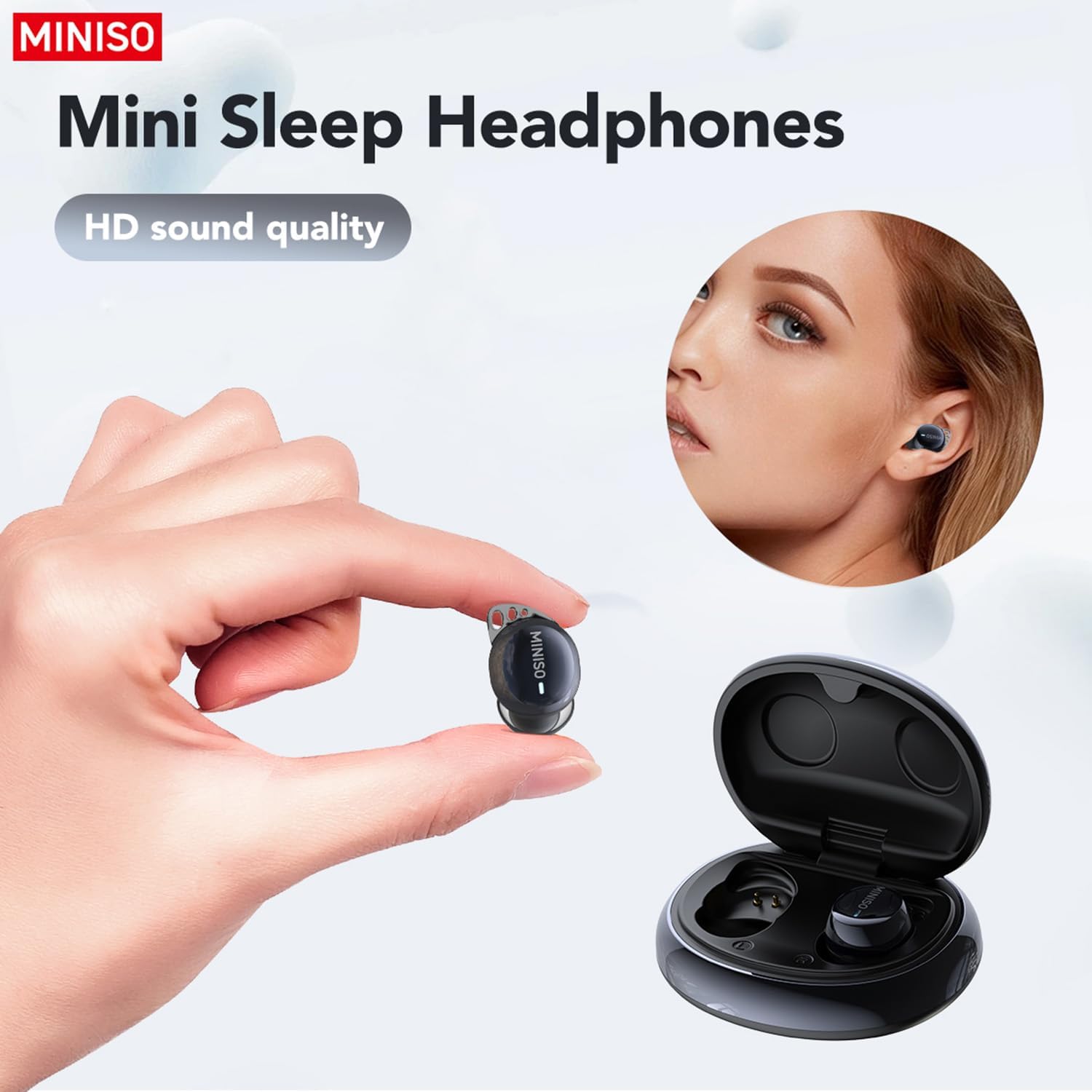
Figure 4.1: Proper placement of the earbud for a secure fit.
4.2 Njikwa Ndị Dị Mkpa (Metụ Aka)
- Gwuo/kwụsịtụ: Otu mgbata na ntị ntị.
- Track na-esote: Pịa bọtịnụ ntị aka nri ugboro abụọ.
- Gara aga Track: Kpatụ ntị ugboro abụọ n'akụkụ aka ekpe.
- Azịza/Kwụsị Oku: Otu mgbata na ntị ntị.
- Jụ oku: Pịa ma jide na ntị abụọ ahụ.
- Mee ka onye enyemaka olu rụọ ọrụ: Pịa ugboro atọ na ntị ntị.
4.3 AI Translation Function (Saymi App)
The AI translation feature requires the free Saymi app, available for both iPhone and Android devices. Download and install the app, then ensure your earbuds are connected via Bluetooth.
- Open the Saymi app on your smartphone.
- Select the desired translation mode (e.g., Hands-Free, Touch Control, Headphones+Phone Mode).
- Follow the on-screen instructions within the app to initiate translation.
- For 'Headphones+Phone Mode', one person speaks into the earbud, and the other speaks into the phone's microphone.
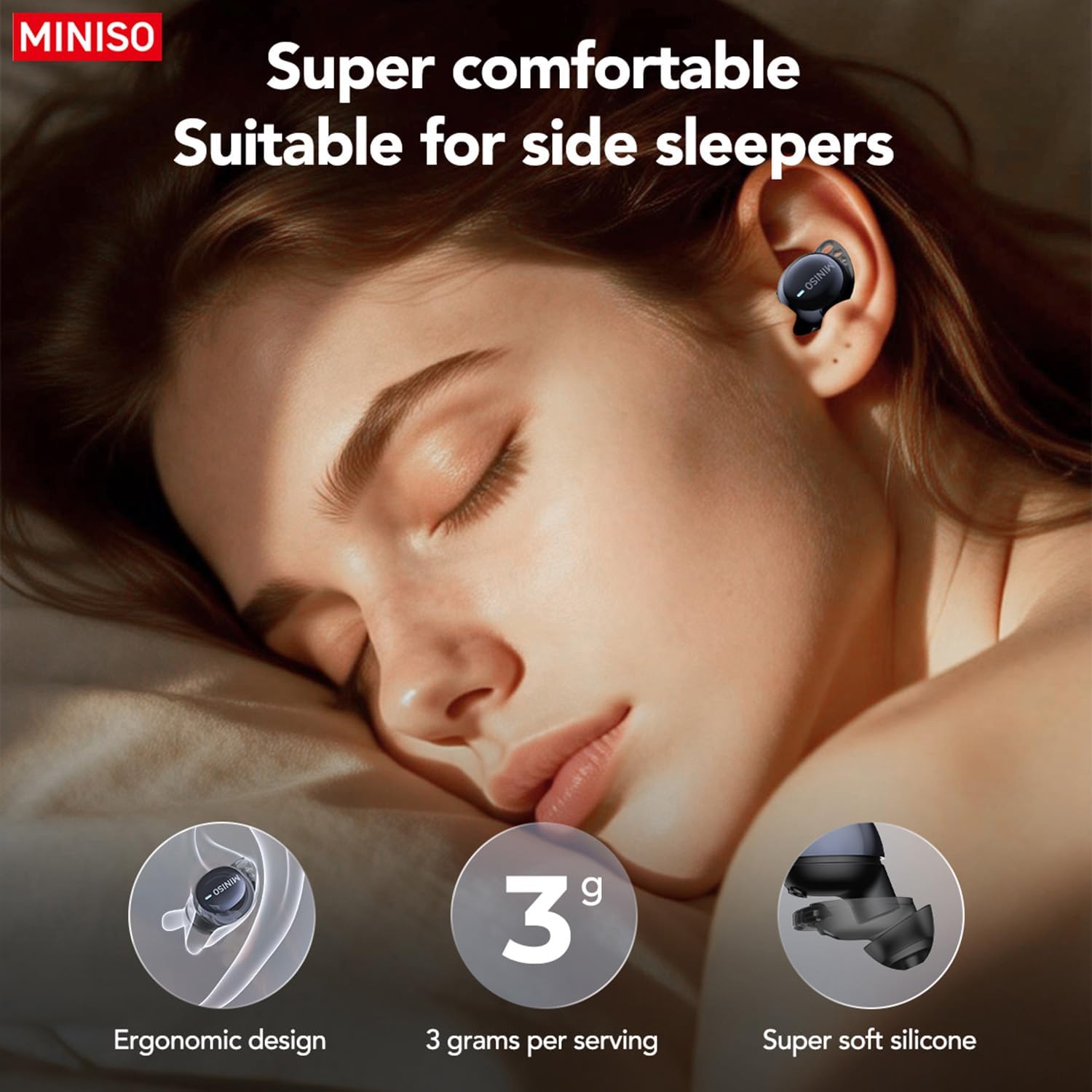
Figure 4.2: Using earbuds for clear communication.
5. Nlekọta
- Nhicha: Regularly clean the earbuds and charging case with a soft, dry cloth. Do not use harsh chemicals or abrasive materials.
- Ndụmọdụ ntị: Remove and clean the silicone ear tips periodically with mild soap and water. Ensure they are completely dry before reattaching.
- Nchekwa: Debe ekwe ntị n'ime akpa chaja ha mgbe a naghị eji ha iji chebe ha ma hụ na ha na-achaji chaja.
- Zenarị mmiri: The earbuds are not waterproof. Avoid exposure to excessive moisture or submersion in water.
6. Nchọpụta nsogbu
| Nsogbu | Ihe nwere ike ime | Ngwọta |
|---|---|---|
| Igwe ntị anaghị ejikọta ọnụ | Bluetooth is off; earbuds out of range; low battery. | Ensure Bluetooth is on. Place earbuds closer to device. Charge earbuds and case. |
| Enweghị ụda | Olu dị oke ala; ejikọghị ya; mgbasa ozi kwụsịtụrụ. | Increase device volume. Reconnect earbuds. Check media playback. |
| Ntụgharị asụsụ anaghị arụ ọrụ | Saymi app not open; incorrect mode selected; internet connection issue. | Open Saymi app. Select correct translation mode. Ensure stable internet connection. |
| Earbuds falling out during sleep | Incorrect ear tip size; improper fit. | Try different sized ear tips for a more secure fit. Adjust placement in ear. |
7. Nkọwapụta
- Nọmba nlereanya: MS216
- Njikọta: Bluetooth 6.0
- Translation Languages: 135 (via Saymi app)
- Playtime (Earbuds): Ruo awa iri abụọ
- Total Playtime (with Case): Ruo awa iri abụọ
- Nchaji ọdụ ụgbọ mmiri: Ụdị-C
- Ibu ihe: 3.52 ounces
- Akụkụ ngwugwu: 4.21 x 3.19 x 1.73 sentimita asatọ
- Onye nrụpụta: MINISO
8. Akwụkwọ ikike na nkwado
MINISO products are covered by a limited warranty. For detailed warranty information, product support, or service inquiries, please refer to the warranty card included in your product packaging or visit the official MINISO website. You may also contact MINISO customer service directly for assistance.

Figure 8.1: Product packaging and included manual.