
Okwu mmalite
Thank you for choosing the aowoka S24-1 Computer Speakers. This USB-powered sound bar is designed to deliver clear stereo sound with versatile connectivity options, including Bluetooth and 3.5mm AUX. It features a multifunctional knob for easy control and integrated RGB lighting effects to enhance your audio experience. Please read this manual carefully to ensure proper setup and operation.
Ihe ngwugwu
- aowoka S24-1 Computer Speakers
- Integrated USB-A Power and 3.5mm AUX Audio Cable
- Akwụkwọ ntuziaka (akwụkwọ a)
Ngwaahịa gafereview
Familiarize yourself with the main components of your aowoka S24-1 speakers.
Multifunctional Control Knob
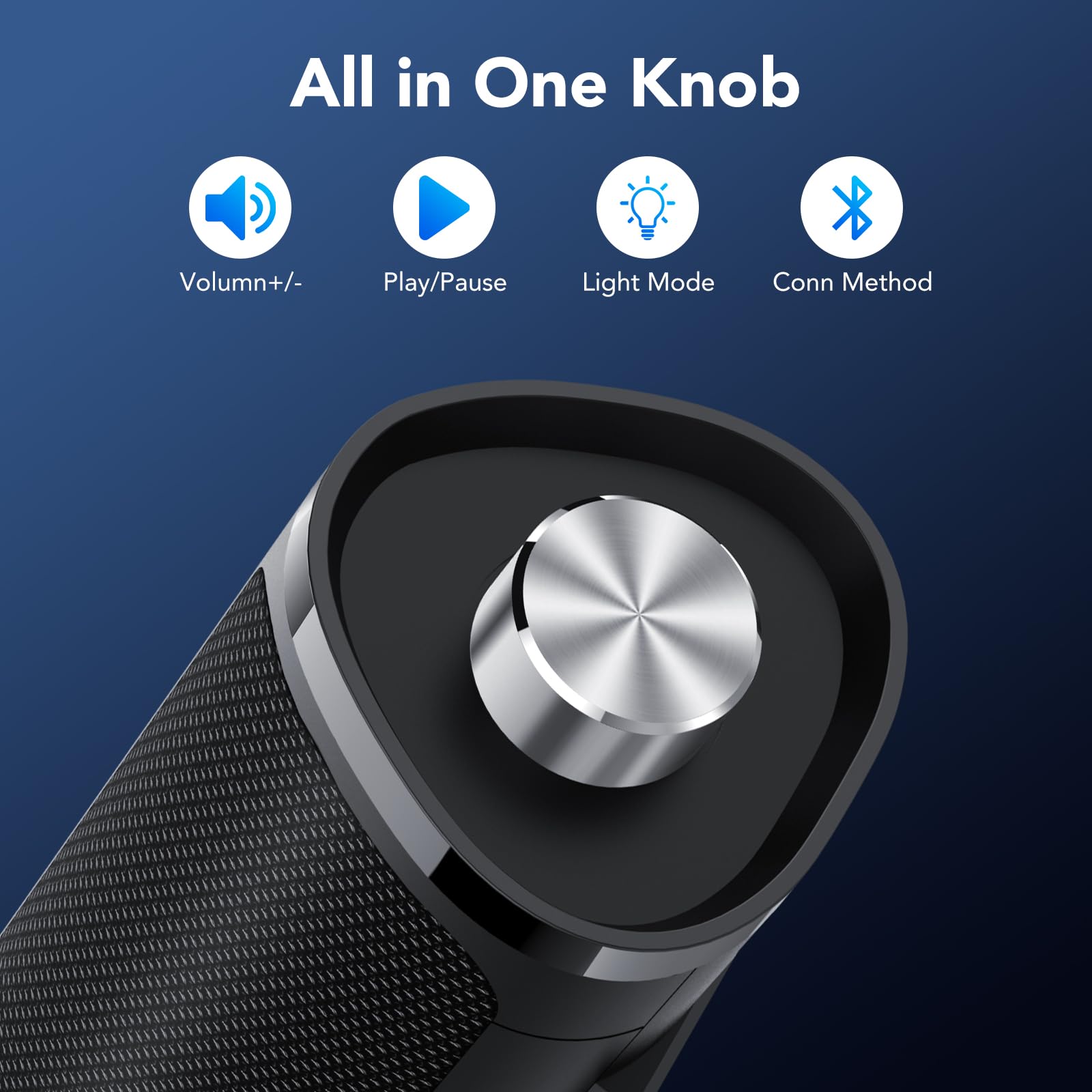
Image: The control knob allows for volume adjustment, play/pause, light mode switching, and connection mode selection.
- Pịa ogologo (nkeji 2): Gbanyụọ/ Gbanyụọ
- Otu ọpịpị: Kpọọ/ kwụsịtụ ọdịyo
- Pịa ugboro abụọ: Switch between Bluetooth and AUX connection modes
- Pịa ugboro atọ: Switch RGB light modes
- Rotate clockwise/counter-clockwise: Gbanwee olu
Mmetụta ọkụ RGB
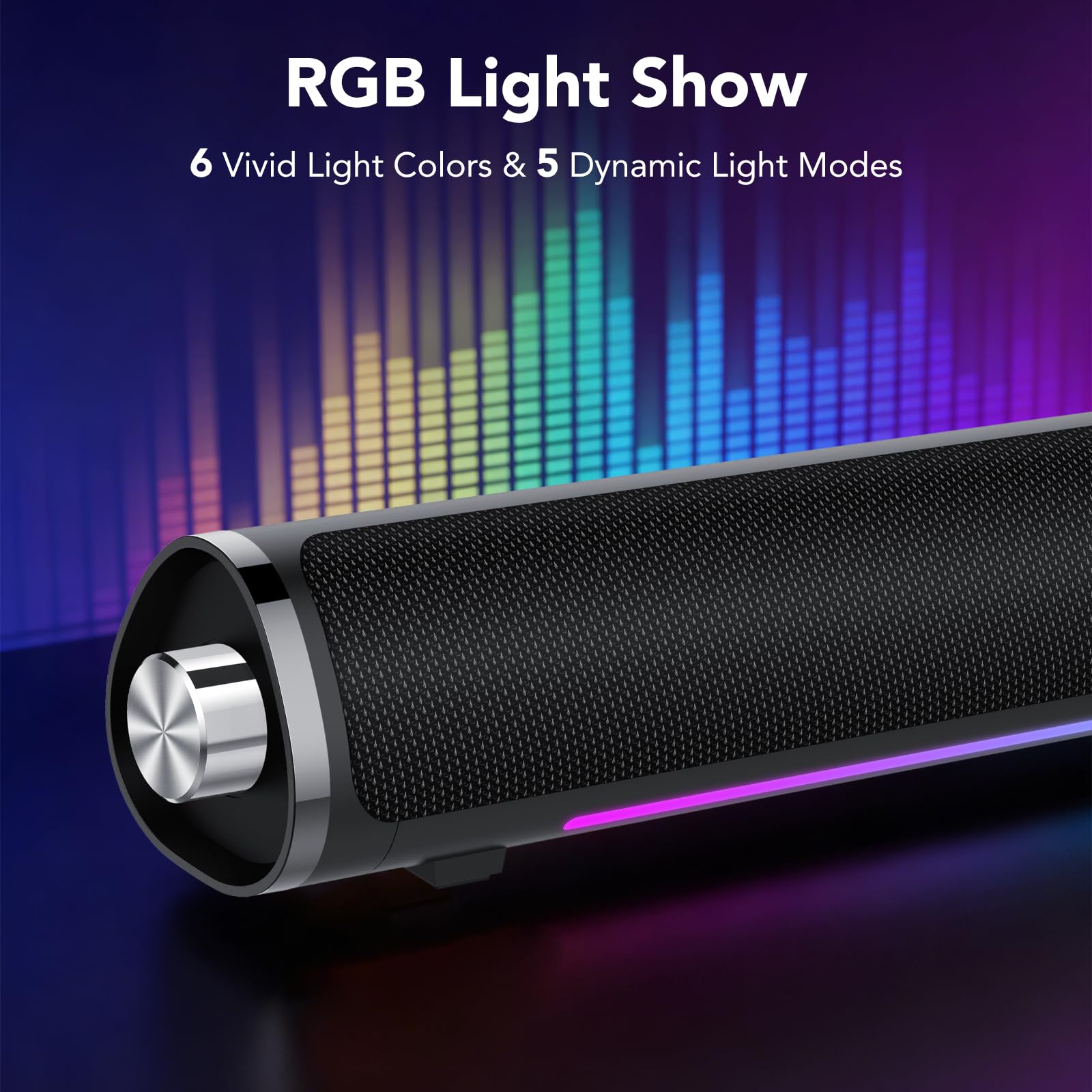
Image: The speaker features 6 vivid light colors and 5 dynamic light modes.
The speaker includes integrated RGB lighting with multiple colors and effects. These can be controlled via the multifunctional knob.
Ntuziaka nhazi
Follow these steps to set up your aowoka S24-1 speakers.
Njikọ Ike
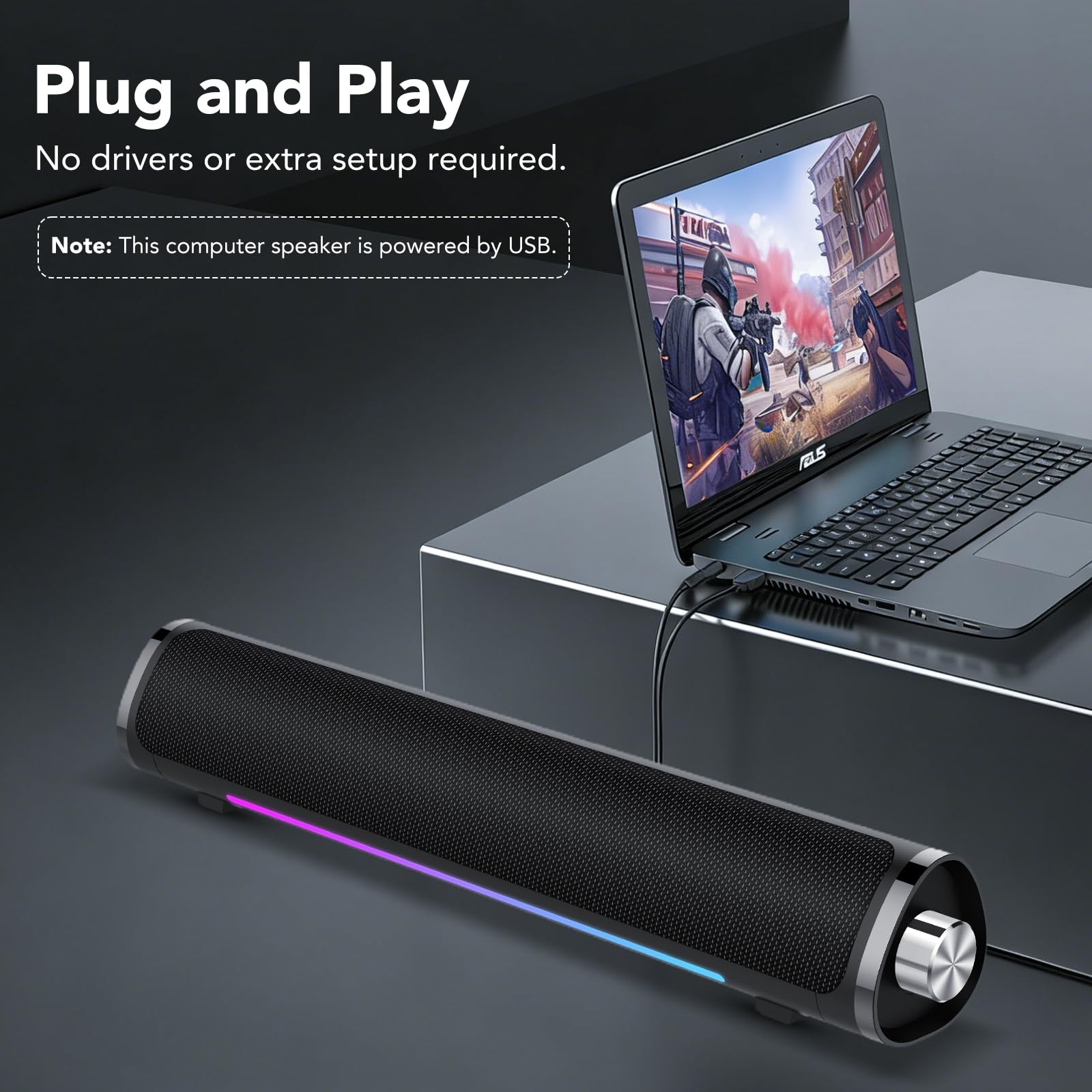
Image: The speaker requires USB power for operation.
- Locate the integrated USB-A cable.
- Plug the USB-A connector into an available USB port on your computer, laptop, or a USB power adapter (not included). The speaker requires power to function.
Audio Connection (2 Ways)
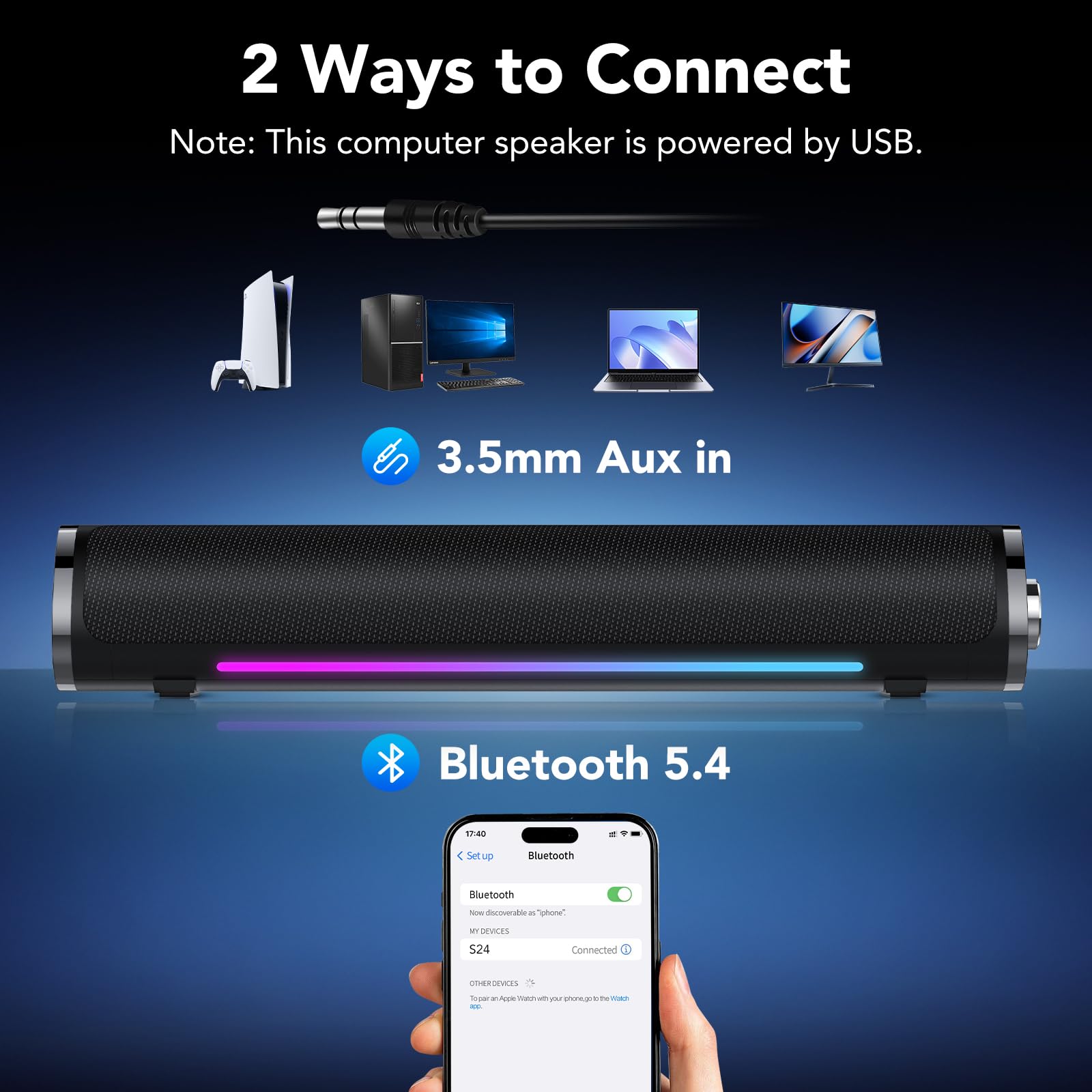
Image: The speaker supports both 3.5mm AUX and Bluetooth 5.4 connectivity.
Method 1: 3.5mm AUX Connection
- Gbaa mbọ hụ na agbanyere ọkà okwu.
- Plug the 3.5mm audio jack (integrated with the USB power cable) into the audio output port of your device (e.g., computer, laptop, tablet, smartphone).
- If the speaker does not automatically switch to AUX mode, double-click the multifunctional knob to select AUX mode.
- You may need to select the speaker as the audio output device in your computer's sound settings.
Method 2: Bluetooth Connection
- Gbaa mbọ hụ na agbanyere ọkà okwu.
- Double-click the multifunctional knob to switch to Bluetooth mode. The speaker will enter pairing mode, indicated by a flashing light.
- On your device (e.g., smartphone, tablet, Bluetooth-enabled computer), go to Bluetooth settings and search for available devices.
- Select "S24" from the list of devices to pair. Once connected, the speaker will indicate a successful connection, and the light will stop flashing.
Note: The speaker is universally compatible with devices featuring a 3.5mm AUX audio output or Bluetooth connectivity.
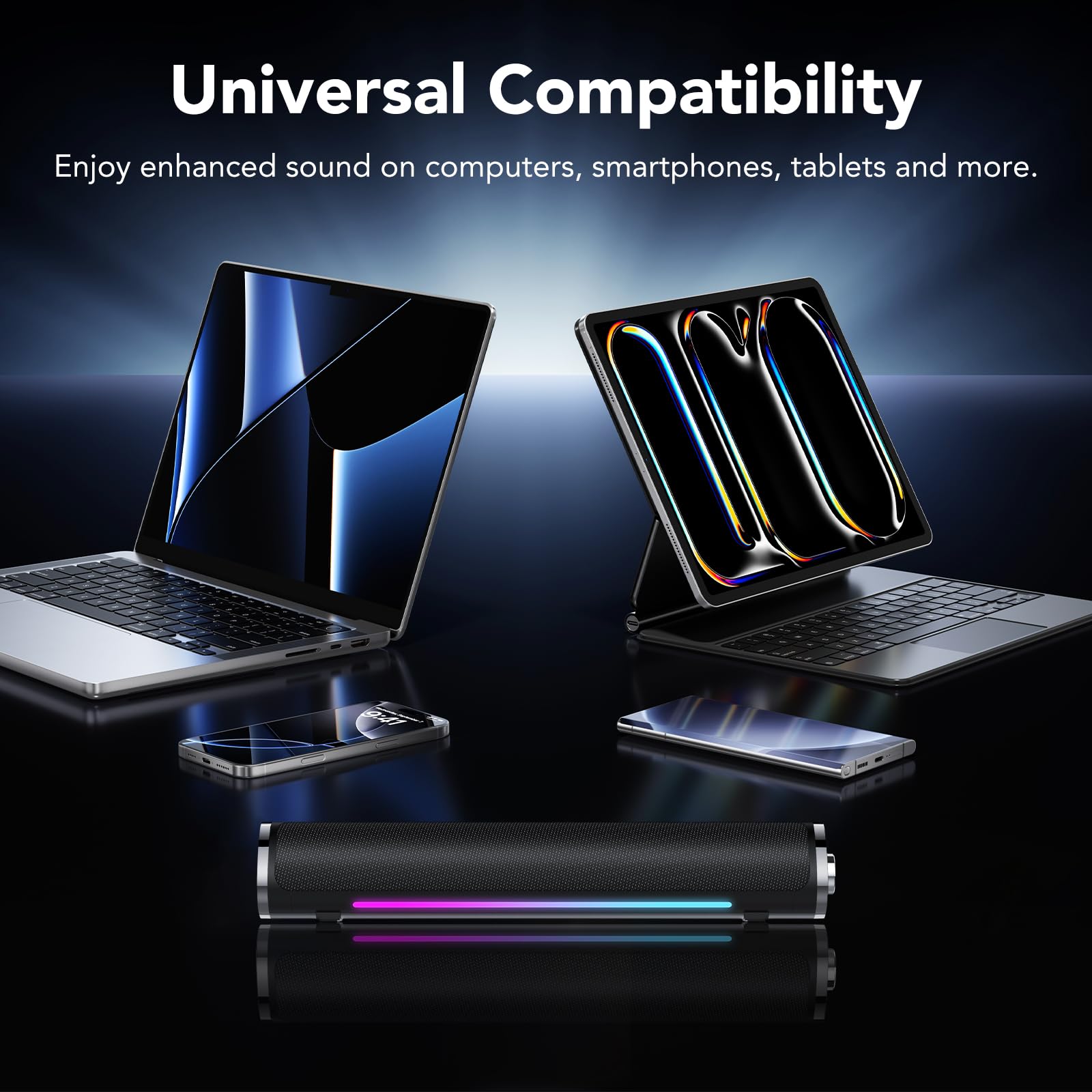
Image: The speaker is compatible with various devices like computers, laptops, tablets, and smartphones.
Ntuziaka ọrụ
Control your aowoka S24-1 speakers using the multifunctional knob.
- Gbanyụọ/ Gbanyụọ: Long press the knob for 2 seconds.
- Njikwa olu: Rotate the knob clockwise to increase volume, counter-clockwise to decrease volume.
- Gwuo/kwụsịtụ: Single click the knob to play or pause audio.
- Gbanwee Ụdị Njikọ: Double click the knob to toggle between Bluetooth and 3.5mm AUX modes.
- Change Lighting Effects: Triple click the knob to cycle through the 6 lighting colors and 5 dynamic lighting effects.
Nlekọta
To ensure the longevity and optimal performance of your speakers, follow these maintenance guidelines:
- Nhicha: Use a soft, dry cloth to wipe the speaker's surface. Do not use liquid cleaners or abrasive materials.
- Nchekwa: Debe igwe okwu n'ebe dị jụụ ma kpọọ nkụ, ebe anwụ na-anaghị anwụ kpọmkwem na oke okpomọkụ dị oke njọ.
- Ijikwa: Zere idobe ndị ọkà okwu ma ọ bụ tinye ha na mmetụta siri ike.
- Mkpughe mmiri: Keep the speakers away from water and high humidity. They are not waterproof.
Nchọpụta nsogbu
If you encounter any issues with your aowoka S24-1 speakers, please refer to the following solutions:
| Nsogbu | Ihe nwere ike ime | Ngwọta |
|---|---|---|
| Enweghị ụda sitere na ndị ọkà okwu. |
|
|
| Ngwaọrụ Bluetooth enweghị ike ijikọ. |
|
|
| RGB lights are not working or stuck. |
|
|
Nkọwapụta
| Ụdị | awuka |
| Nọmba nlereanya | S24-1 |
| Teknụzụ Njikọta | Bluetooth 5.4, 3.5mm AUX |
| Ike Nwepu kacha elu | 24 Watt |
| Isi Iyi Ike | Kwadoro USB |
| Akụkụ ihe (D x W x H) | 2.86"D x 2.7"W x 3.95"H |
| Ihe onwunwe | Plastic |
| Agba | Oji oji |
Akwụkwọ ikike na nkwado
aowoka products are designed for reliability and performance. This product comes with a standard manufacturer's warranty. For detailed warranty information, technical support, or customer service inquiries, please refer to the contact information provided with your purchase or visit the official aowoka websaịtị.
Biko dowe ihe akaebe nke ịzụrụ ihe maka akwụkwọ ikike.