1. Okwu mmalite
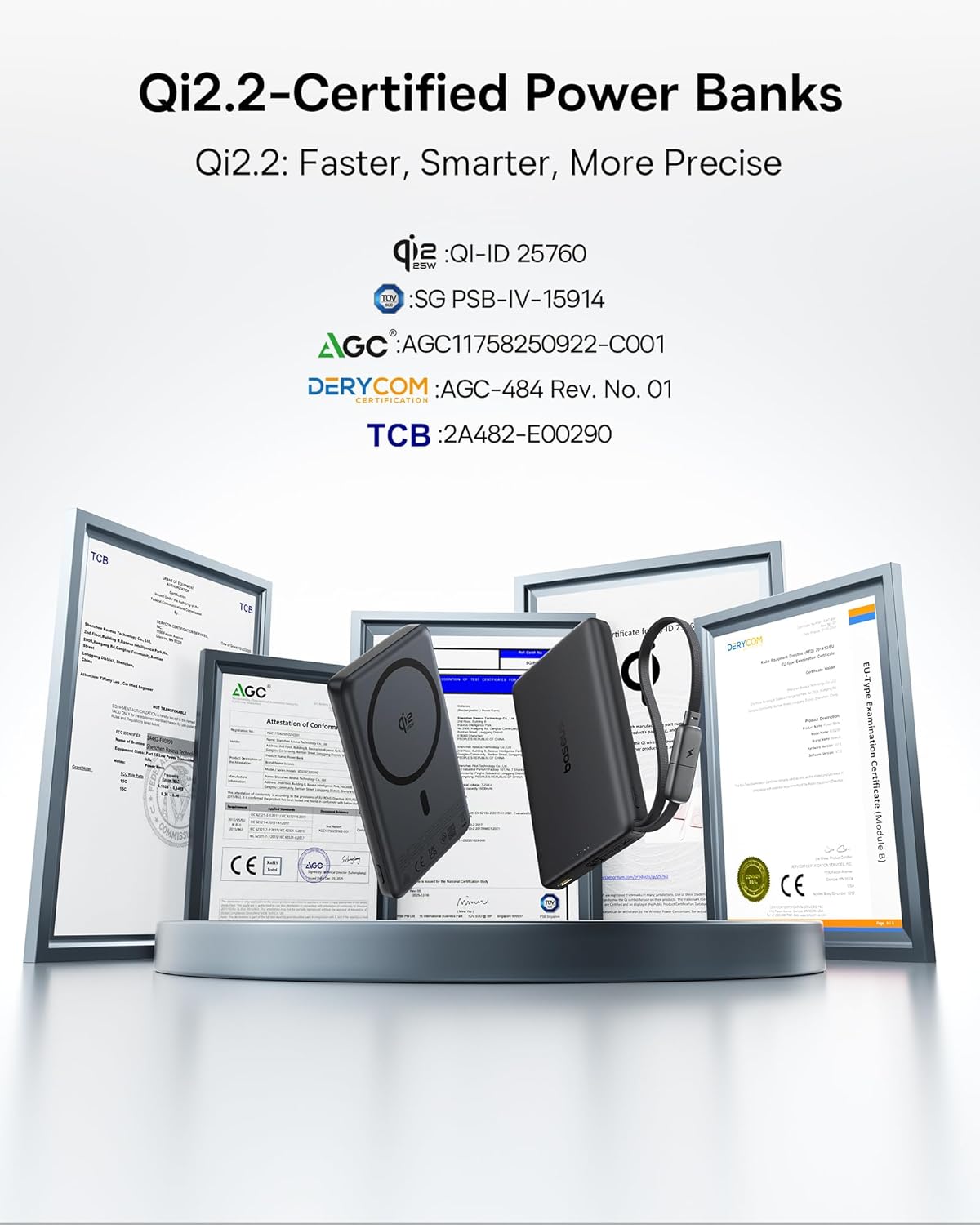
Thank you for choosing the Baseus Picogo AM52 MagSafe Power Bank. This portable charger is designed to provide efficient and versatile power solutions for your mobile devices. Featuring Qi2.2 certified 25W ultra-fast wireless charging, a built-in 45W USB-C cable for wired charging, and a 10,000mAh high-capacity battery, it ensures your devices stay powered throughout the day. Its slim design and advanced heat management system make it a reliable companion for daily use and travel.
2. Ngwaahịa gafereview
2.1 Atụmatụ
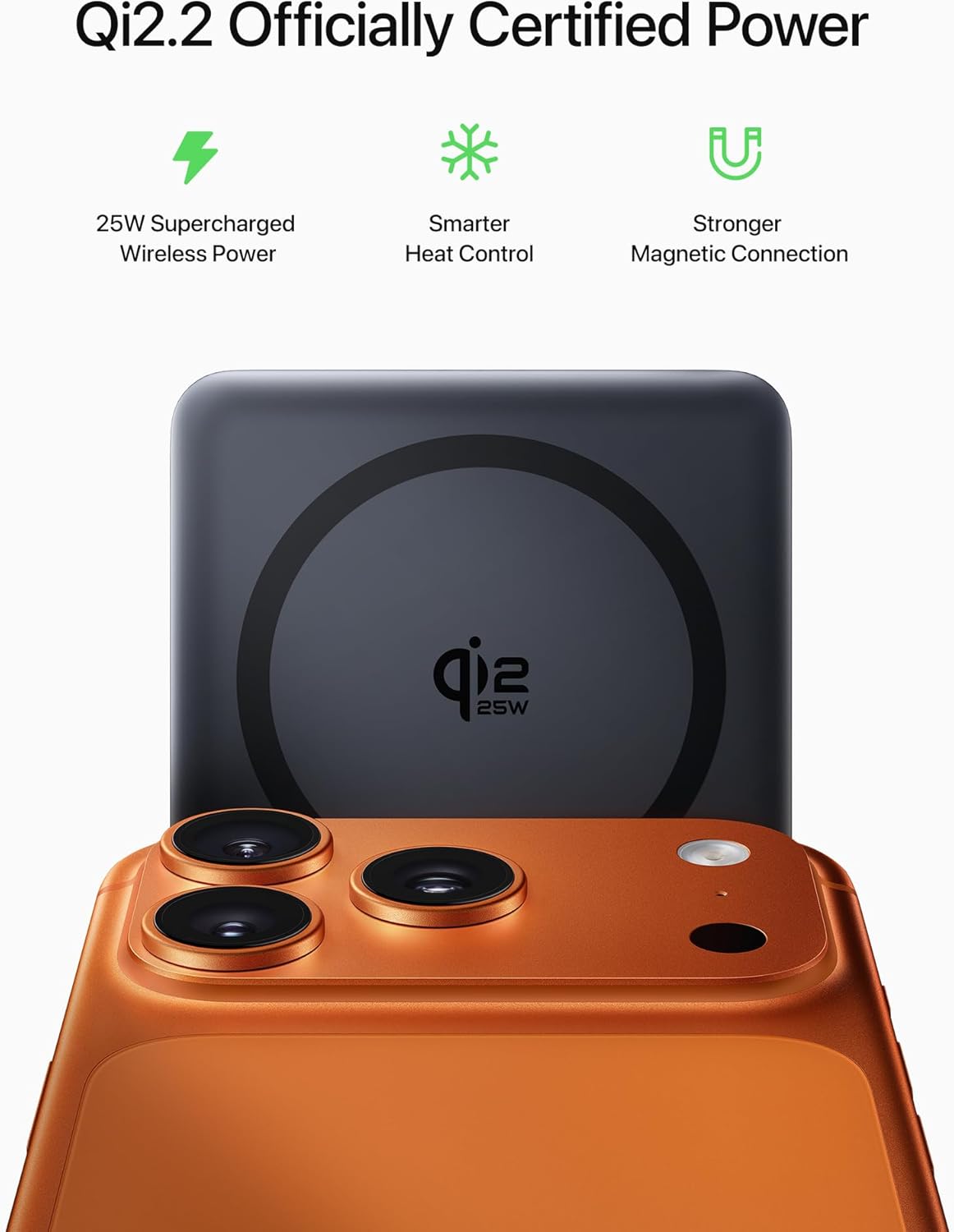
- Qi2.2 Certified 25W Wireless Charging: Delivers ultra-fast wireless charging for compatible iPhones (up to 25W for iPhone 16/17 series, 15W for iPhone 12-15 series).
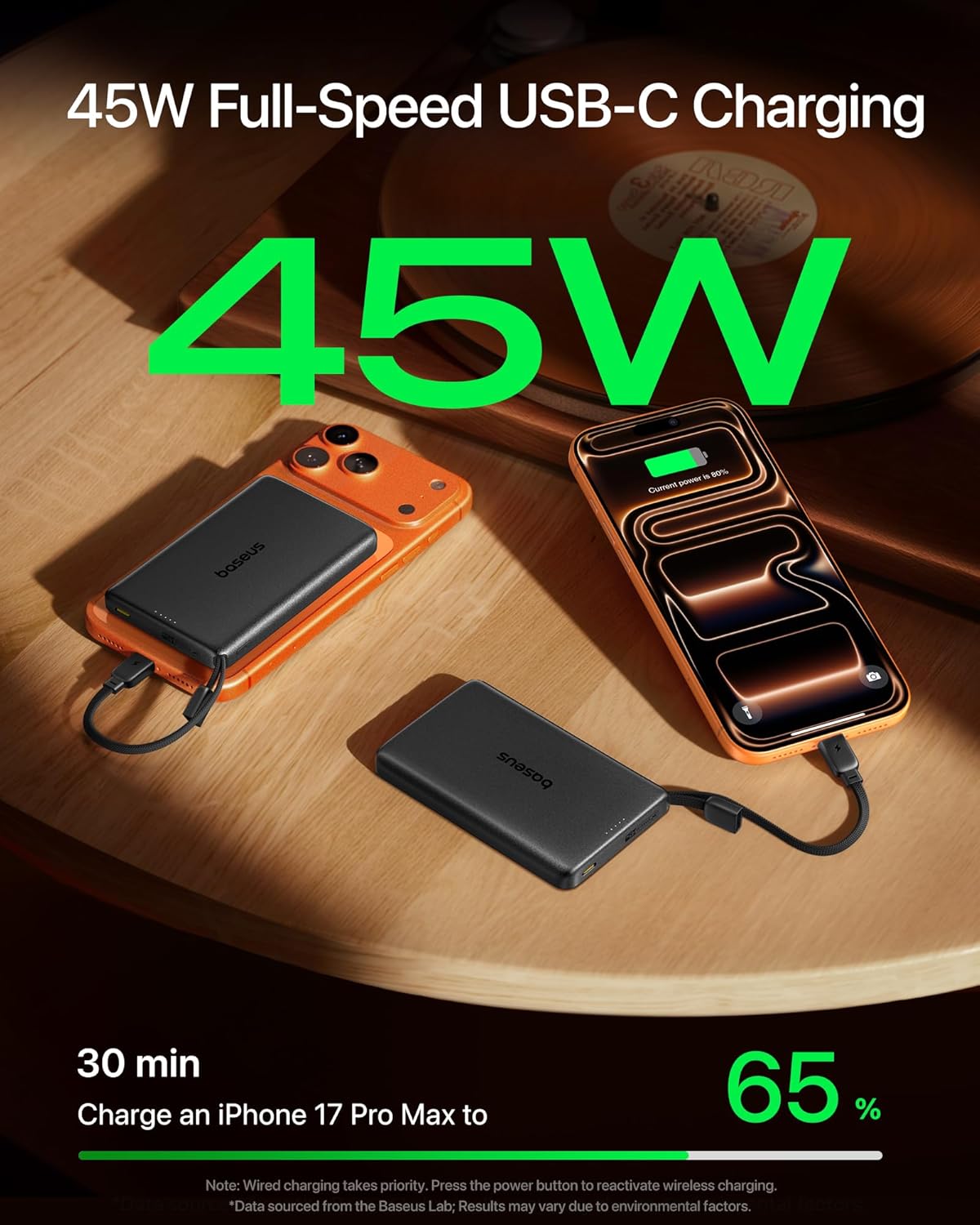
- Built-in 45W USB-C Cable: Provides powerful 45W PD output for fast wired charging of laptops, tablets, and other devices. The cable also functions as a convenient carry strap.
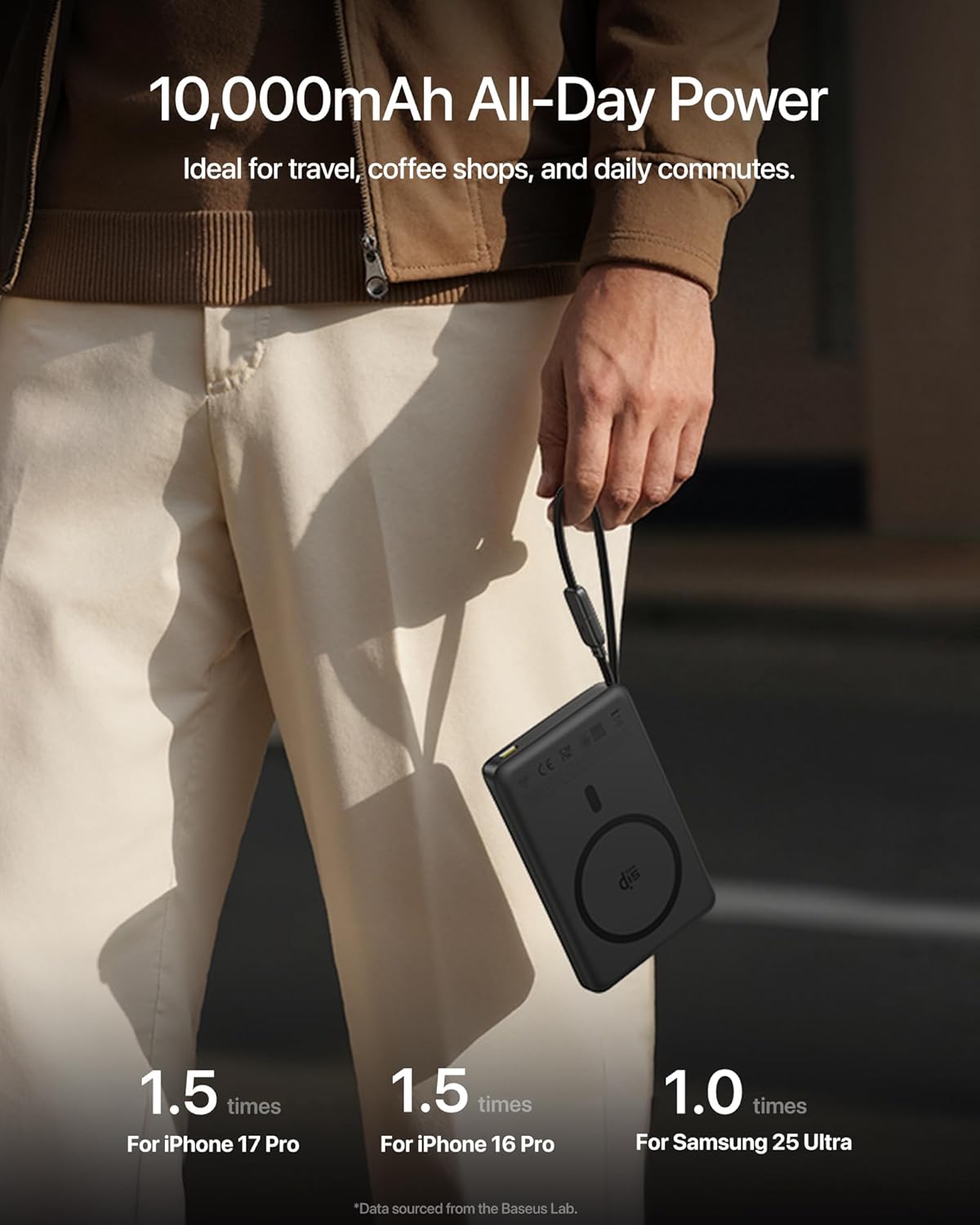
- Ike dị elu nke 10,000mAh: Offers extended power for multiple charges, meeting TSA guidelines for flight-friendly travel.
- Nlekọta ọkụ dị elu: Incorporates an NTC smart temperature control chip, graphene inner layer, and aluminum alloy shell to maintain optimal operating temperatures below 97°F (36.2°C).
- Mgbakwụnye magnetik siri ike: Equipped with 16 x N52 magnets for a secure and precise connection to MagSafe-compatible devices.
- Kọmpat na Slim Design: Measuring 0.6" thin, it is designed for portability and ease of use.
Ihe ngwugwu 2.2
- Baseus Picogo AM52 MagSafe Power Bank
- Akwụkwọ ntuziaka (akwụkwọ a)
2.3 Eserese ngwaahịa

The power bank features a sleek, minimalist design with a soft silicone surface for scratch-free contact and a durable aluminum alloy body. The front includes the Qi2.2 wireless charging pad, while the side houses the power button and LED indicators. A built-in USB-C cable is integrated for convenience.
3. Nhazi
3.1 Ịchaji Power Bank
Before initial use, fully charge your Baseus Picogo AM52 Power Bank. The power bank can be recharged using its built-in USB-C cable or the dedicated USB-C input/output port.
- Connect the built-in USB-C cable or a separate USB-C cable to the power bank's USB-C port.
- Connect the other end of the cable to a compatible power adapter (30W or higher recommended for fast recharging).
- The LED indicators on the power bank will illuminate and blink to show the charging status. All LEDs will be solid when fully charged.

4. Ntuziaka ọrụ
4.1 Wireless Charging (MagSafe)
The power bank supports Qi2.2 certified wireless charging for MagSafe-compatible iPhones (iPhone 12 and newer).
- Gbaa mbọ hụ na akwụgoro ụlọ akụ ọkụ nke ọma.
- Align your MagSafe-compatible iPhone with the magnetic charging pad on the power bank. The magnets will snap into place, securing the connection.
- Nchaji ikuku ga-amalite na akpaghị aka.
- Mara: iPhone 16/17 series supports up to 25W wireless charging. iPhone 12-15 series supports up to 15W wireless charging.

4.2 Wired Charging (USB-C Cable)
The built-in USB-C cable provides 45W Power Delivery (PD) output for fast wired charging.
- Unclip the built-in USB-C cable from its storage slot.
- Connect the USB-C cable to your device's charging port.
- Nchaji ga-amalite ozugbo.
- Mara: This 45W output is sufficient to fast-charge compatible laptops, tablets, and smartphones.

4.3 Nchaji n'otu oge
The power bank can charge up to three devices simultaneously: one wirelessly and two via wired connections (using the built-in cable and the additional USB-C port).
- Initiate wireless charging as described in Section 4.1.
- Connect the built-in USB-C cable to a second device.
- Connect a third device using a separate USB-C cable to the power bank's additional USB-C port.
- If wired and wireless charging are initiated simultaneously, 45W wired charging takes priority, and wireless charging may be temporarily disabled. To activate dual charging (wired + wireless), press the power button on the power bank once.
5. Advanced Heat Management
The Baseus Picogo AM52 is engineered with a triple-loop cooling system to ensure stable and safe performance during high-speed charging:
- NTC Smart Temperature Control Chip: Continuously monitors and regulates the device's temperature in real-time.
- Graphene Inner Layer: Facilitates efficient heat conduction away from critical components.
- Aluminom Alloy Shell: Provides timely heat dissipation to keep the surface temperature low.
This system ensures the power bank's surface temperature remains below 97°F (36.2°C), significantly cooler than many other portable chargers, protecting both the power bank and your devices.

6. Ndakọrịta
The Baseus Picogo AM52 MagSafe Power Bank is primarily designed for:
- MagSafe-compatible iPhones: iPhone 12 series and newer for secure magnetic attachment and optimal wireless charging.
- Wired USB-C Charging: Compatible with a wide range of devices including Android phones (Samsung, Google, OnePlus, Motorola, LG, etc.), iPads, and certain laptops via the built-in USB-C cable or the additional USB-C port.
Ihe ndetu ndị dị mkpa:
- Android phones do not support the magnetic feature and will only charge via wired USB-C. Wireless charging speed for non-Qi2.2 Android devices will be at a lower efficiency.
- Not compatible with non-MagSafe cases, as they may interfere with magnetic attachment and cause heating.
7. Nkọwapụta
| Njirimara | Nkọwa |
|---|---|
| Nọmba nlereanya | E0028Z |
| Ụdị | Baseus |
| Ike batrị | 10,000 mAh |
| Mmepụta Nchaji Ikuku | Ruo 25W (akwadoro Qi2.2) |
| Wired USB-C Output (Built-in Cable) | Nnyefe Ike 45W (PD) |
| Ọdụ ụgbọ mmiri USB-C (Ntinye/Mpụta) | 30W Recharging / 45W Output |
| Ụdị njikọ | USB Ụdị C |
| Isi Iyi Ike | Batrị |
| Ụdị cell batrị | Lithium polymer |
| Ọnụọgụ nke ọdụ ụgbọ mmiri | 1 (plus built-in cable and wireless pad) |
| Ibu Ibu | 115 grams |
| Akụkụ ihe (L x W x Ọkpụrụkpụ) | 4.02 x 2.64 x 0.63 sentimita asatọ |
| Agba | Nwa |
8. Nlekọta
- Debe ụlọ akụ ọkụ na mmiri, ọkụ na oke okpomọkụ.
- Zere idobe ma ọ bụ idobe ngwaọrụ ahụ na mmetụta siri ike.
- Jiri ákwà dị nro ma kpọọ nkụ hichaa elu ya. Ejila kemịkalụ siri ike ma ọ bụ ihe ndị na-eme ka ọ ghara ịdị mma.
- Chekwaa n'ebe dị jụụ, kpọrọ nkụ mgbe ọ naghị eji ya.
9. Nchọpụta nsogbu
9.1 Device Not Charging Wirelessly
- Ensure your phone is MagSafe-compatible (iPhone 12 series or newer).
- Check if the phone case is MagSafe-compatible. Non-MagSafe cases may prevent proper magnetic alignment and charging.
- Verify the power bank has sufficient charge.
- Ensure proper alignment of the phone on the wireless charging pad.
9.2 Wireless Charging Disabled During Wired Charging
- When wired and wireless charging are used simultaneously, wired charging (especially 45W) takes priority.
- To reactivate wireless charging while wired charging is active, press the power button on the power bank once.
9.3 Nchaji nwayọ
- For fast wired charging, ensure your device and cable support Power Delivery (PD) and the power bank has sufficient charge.
- For fast wireless charging, ensure your iPhone is compatible with Qi2.2 (iPhone 16/17 for 25W, iPhone 12-15 for 15W).
- Ensure no foreign objects are between the phone and the wireless charging pad.
9.4 Ike Bank oke ọkụ
- The Baseus Picogo AM52 has advanced heat management. If it feels excessively hot, discontinue use and allow it to cool down.
- Avoid using non-MagSafe cases during wireless charging, as they can trap heat.
- Ensure adequate ventilation around the power bank during use.
10. Akwụkwọ ikike na nkwado
Baseus offers a Nkwa ọnwa 24 na-enweghị nchegbu for the Picogo AM52 MagSafe Power Bank, ensuring genuine Baseus quality assurance.
For product support, warranty claims, or further inquiries, please visit the official Baseus website or contact their customer service through the details provided on your product packaging or purchase platform.
Baseus products meet the highest global standards, certified by FCC, UL, TÜV, DOE, CEC, UN, IEC, and RoHS, ensuring safety, energy efficiency, and environmental compliance.