
Okwu mmalite
This manual provides detailed instructions for the setup, operation, and maintenance of your Oilsky M305 MP3 Player. Please read this manual thoroughly before using the device to ensure optimal performance and longevity.

Foto: Ofeview of the Oilsky M305 MP3 Player's key features.
1. Ntuziaka Nhazi
1.1 Unboxing na ngwugwu ọdịnaya
Carefully unpack your Oilsky M305 MP3 Player and verify all components are present.

Image: Contents of the Oilsky M305 MP3 Player box.
Ngwungwu ahụ kwesịrị ịnwe:
- 1x Oilsky M305 Music Player
- 1x 128GB TF Card (pre-installed or separate)
- 1x USB Cable (for charging and data transfer)
- 1x Wired Earphones
- 1x Protective Film
- 1x Nchekwa
- 1x Akwụkwọ ntuziaka onye ọrụ
1.2 Ịchaji ngwaọrụ
Before first use, fully charge the device. Connect the provided USB cable to the player's charging port and to a USB power adapter (not included) or a computer's USB port. The charging indicator will show the charging status.
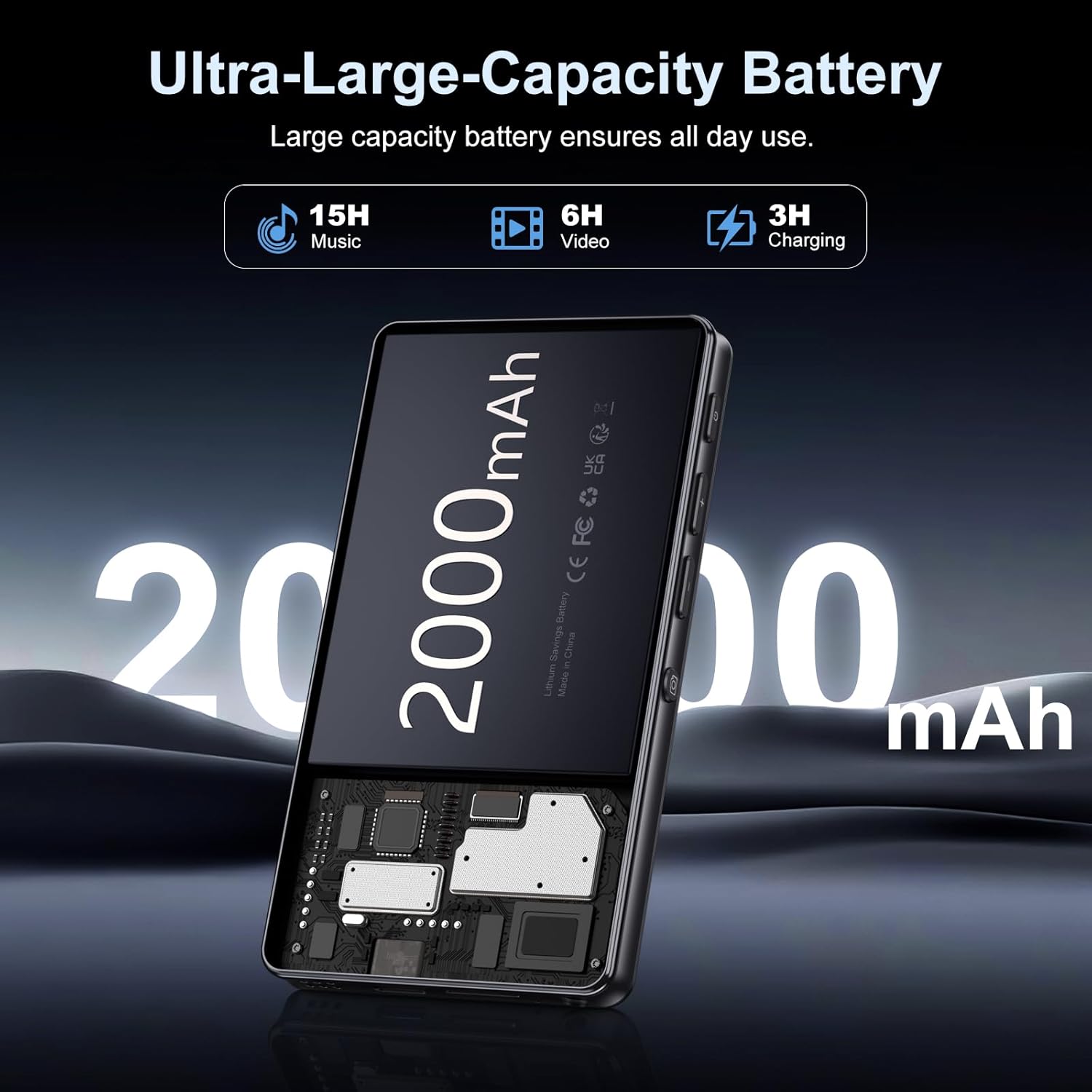
Image: Illustration of the 2000mAh battery and its charging/usage capabilities.
The 2000mAh battery provides approximately 15 hours of music playback and 6 hours of video playback on a full charge, which takes about 3 hours.
1.3 Gbanyụọ ma ọ bụ gbanyụọ
- Iji gbanye: Pịa ma jide bọtịnụ ike dị n'akụkụ ngwaọrụ ahụ ruo mgbe ihuenyo na-enwu.
- Iji gbanyụọ: Press and hold the power button, then select 'Power Off' from the options that appear on the screen.
1.4 Ntọala mbụ
Ozugbo agbanyere ya na mbụ, soro ntuziaka ndị dị na ihuenyo iji:
- Họrọ asụsụ ọkacha mmasị gị.
- Connect to a Wi-Fi network for internet access and app downloads.
- Set up date and time.
2. Ntuziaka ọrụ
2.1 Basic Navigation (Touchscreen)
The Oilsky M305 features a 4.02-inch HD touchscreen for intuitive control. Use gestures similar to a smartphone:
- Kpatụ: Ka ịhọrọ otu ihe ma ọ bụ mepee ngwa.
- Mịpụta: To scroll through lists or switch between screens.
- Tuo-na-mbugharị: In supported applications like image galleries.

Image: The 4.02-inch HD touchscreen in use, displaying video content.
2.2 Nghaghachi egwu
The device supports various music formats including MP3, WAV, APE, FLAC, and AAC. You can play music through the built-in speaker or connected headphones/Bluetooth devices.

Image: Music playback interface showing supported audio formats.
- Accessing Music: Open the pre-installed music player app or any downloaded streaming service (e.g., Spotify, Audible).
- Creating Playlists: Use the music player app to organize your songs into custom playlists.
- Mmepụta: Adjust audio settings via the built-in equalizer for a personalized listening experience.

Image: Features for music management, including playlist creation and equalizer settings.
2.3 Nkpọghachi vidiyo
The device supports various video formats including AVI, MKV, MP4, MPG, and MOV. Videos can be viewed on the 4.02-inch HD screen.

Image: Supported video and music formats for the device.
2.4 Ojiji igwefoto
The M305 is equipped with a 13MP rear camera and a 5MP front camera for capturing photos and videos.
- Na-ewere Foto: Mepee ngwa igwefoto ahụ, tinye foto gị n'ime ihe osise ahụ, wee pịa bọtịnụ mkpuchi ahụ.
- Ndekọ vidiyo: Switch to video mode in the Camera app and tap the record button to start/stop.

Image: Illustration of the 5MP front and 13MP rear cameras.
2.5 Connectivity (Bluetooth & Wi-Fi)
The device features dual-band Wi-Fi for fast internet access and Bluetooth 5.0 for stable wireless connections.
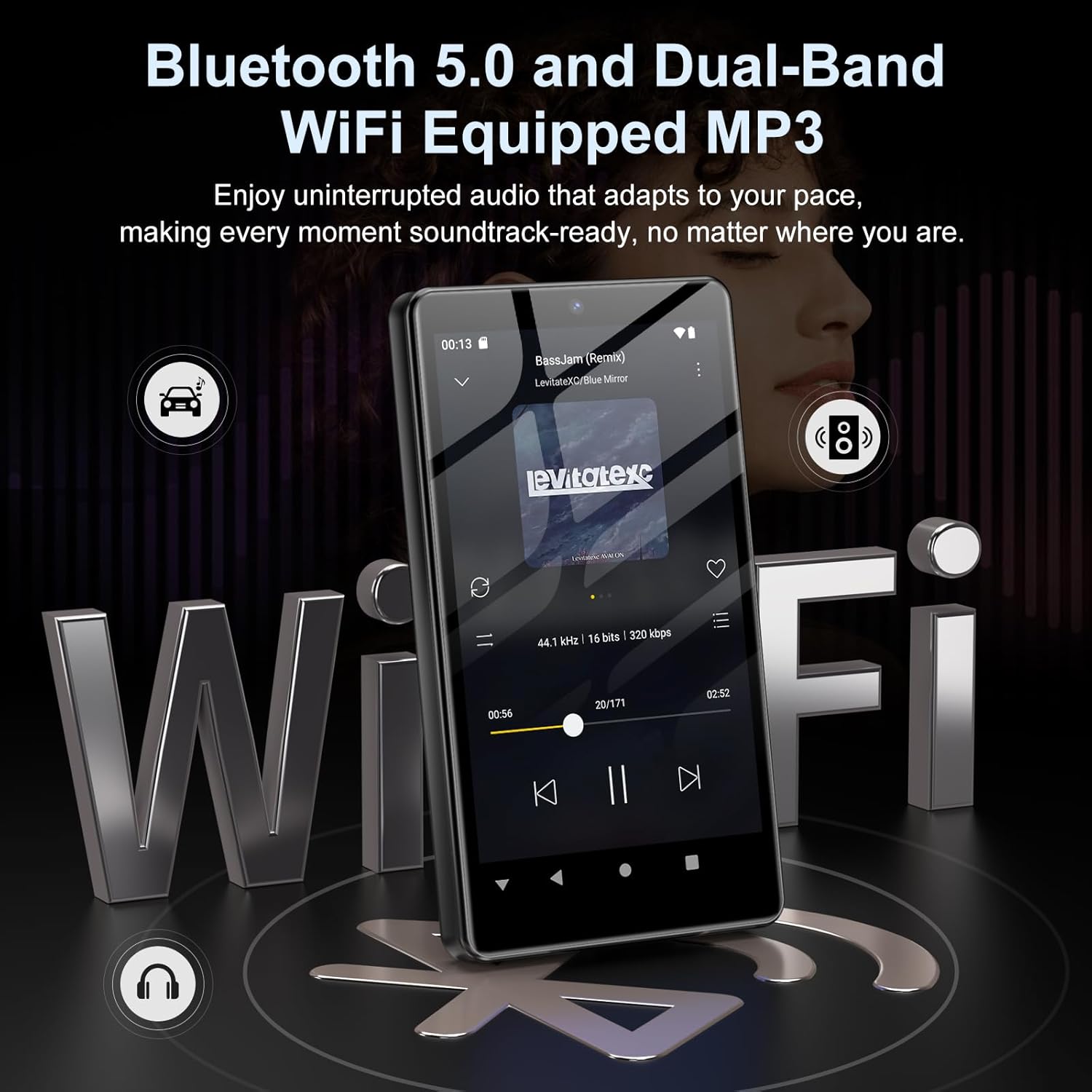
Image: Visual representation of Bluetooth and Wi-Fi connectivity.
- Wi-Fi: Gaa na Ntọala> Netwọk & ịntanetị> Wi-Fi iji jikọọ na netwọk dị.
- Bluetooth: Go to Settings > Connected devices > Bluetooth to pair with headphones, speakers, or other Bluetooth-enabled devices.
2.6 Njikwa nchekwa
The M305 comes with 32GB of internal ROM and includes a 128GB TF card, supporting external storage expansion up to 1TB.

Image: Storage capacity details including internal ROM and TF card expansion.
- Viewing Storage: Navigate to Settings > Storage to see internal and external storage usage.
- Na-ebufe Files: Connect the device to a computer using the USB cable to transfer music, videos, and photos.
2.7 App Installation (Google Play Store)
Running on Android 13.0, the device allows you to install and uninstall applications from the Google Play Store.
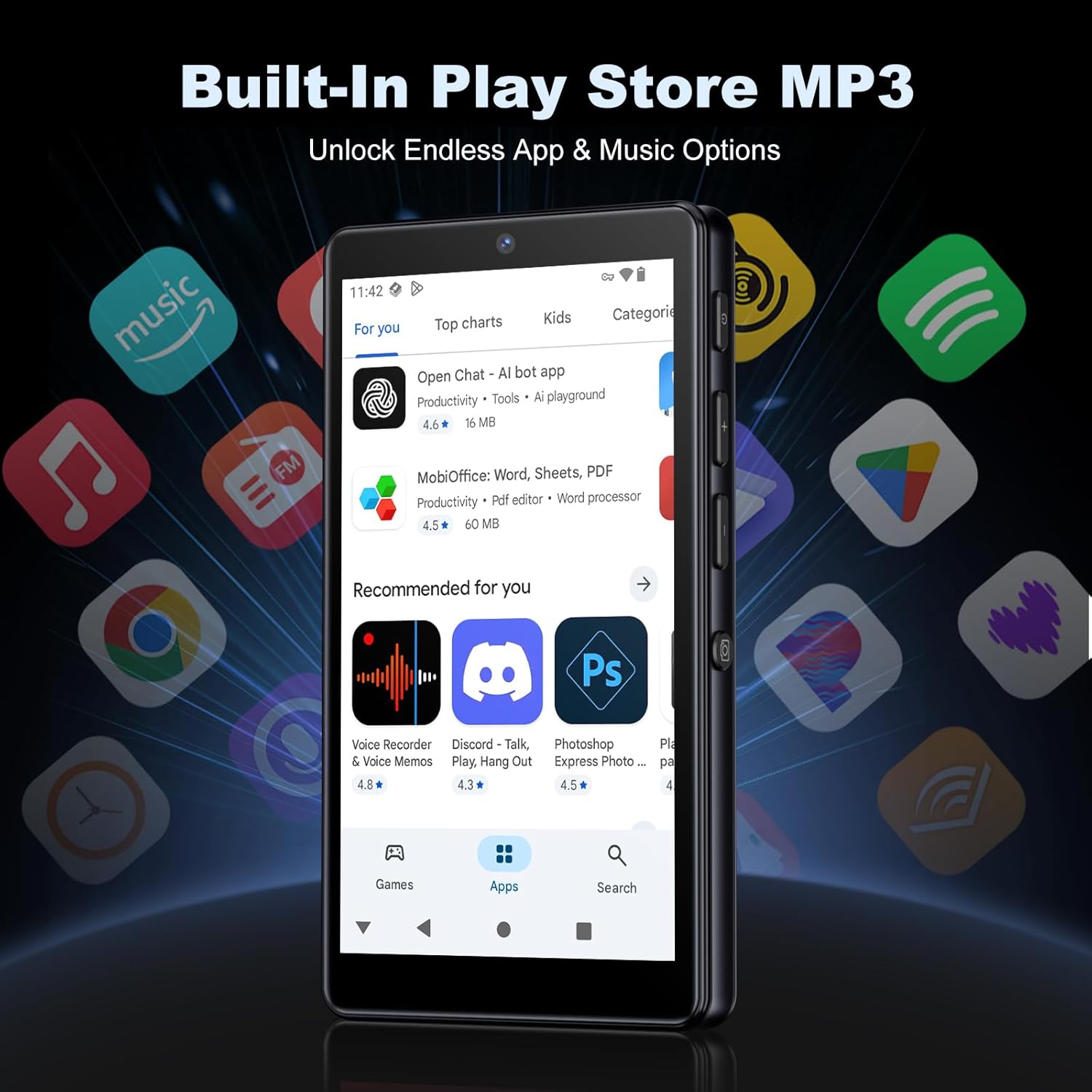
Image: The Google Play Store interface on the device.
- Ịwụnye ngwa: Open the Play Store app, search for your desired application, and tap 'Install'.
- Iwepụ ngwa: Go to Settings > Apps, select the app, and tap 'Uninstall'.
3. Nlekọta
3.1 Nhicha
To clean the device, use a soft, dry, lint-free cloth. Avoid using abrasive cleaners, solvents, or aerosol sprays, which may damage the screen or finish.
3.2 Nlekọta batrị
- Zere ikpughe ngwaọrụ na oke okpomọkụ.
- Ekwela ka batrị ka ọ na-apụ ugboro ugboro.
- Jiri naanị eriri USB enyere maka ịchaji.
3.3 Mmelite ngwanrọ
Periodically check for software updates to ensure your device has the latest features and security patches. Go to Settings > System > System update.
4. Nchọpụta nsogbu
4.1 Ngwaọrụ anaghị agbanwu
- Ensure the battery is charged. Connect the device to a charger for at least 30 minutes.
- Try a forced restart by holding the power button for 10-15 seconds.
4.2 Nsogbu Njikọta (Wi-Fi/Bluetooth)
- Wi-Fi: Check if the Wi-Fi network is active and you have entered the correct password. Try restarting your router.
- Bluetooth: Ensure the device you are trying to connect to is in pairing mode and within range. Try turning Bluetooth off and on again on both devices.
4.3 Ngwa ndị na-akụda ma ọ bụ na-ajụ oyi
- Mechie wee mepee ngwa ahụ.
- Clear the app's cache: Settings > Apps > [App Name] > Storage & cache > Clear cache.
- Ọ bụrụ na nsogbu ahụ anọgide, gbalịa iwepụ ma tinyegharịa ngwa ahụ.
4.4 Ọdịmma Ọdịyo Na-adịghị Mma
- Check your earphones or Bluetooth speaker connection.
- Gbaa mbọ hụ na Audio file adịghị emerụ emerụ.
- Adjust the equalizer settings in your music player.
5. Nkọwapụta
| Njirimara | Nkọwa |
|---|---|
| Ụdị | Oilsky |
| Nọmba nlereanya | M305 |
| Sistemụ nrụọrụ | Android 13.0 |
| Nhazi | MTK 8-core |
| RAM | 4GB |
| Nchekwa ime (ROM) | 32GB |
| Nchekwa mpụga | 128GB TF Card included, expandable up to 1TB |
| Nha ihuenyo | 4.02 sentimita asatọ HD ihuenyo mmetụ |
| Igwefoto azụ | 13MP |
| Igwefoto ihu | 5MP |
| Bluetooth | Bluetooth 5.0 |
| Wi-Fi | Wi-Fi nwere eriri abụọ |
| Ike batrị | 2000mAh Lithium-polymer |
| Oge Egwu Egwu | Ruo awa iri abụọ |
| Oge ịkpọghachi vidiyo | Ruo awa iri abụọ |
| Oge Nchaji | Ihe ruru. awa 3 |
| Ụdị ọdịyo akwadoro | MP3, WAV, APE, FLAC, AAC, etc. |
| Ụdị vidiyo akwadoro | AVI, MKV, MP4, MPG, MOV, etc. |
| Ụdị onyonyo akwadoro | JPEG, BMP, GIF, PNG, etc. |
6. Akwụkwọ ikike Ozi
The Oilsky M305 MP3 Player comes with a manufacturer's warranty. Please refer to the warranty card included in your package or contact Oilsky customer support for specific terms and conditions. Keep your proof of purchase for warranty claims.
7. Nkwado ndị ahịa
If you encounter any issues not covered in this manual or require further assistance, please contact Oilsky customer support. Contact details can typically be found on the official Oilsky websaịtị ma ọ bụ na kaadị akwụkwọ ikike.