
Okwu mmalite
This manual provides comprehensive instructions for the Skechers Fiske Digital Watch, Model SR5258. It covers essential information regarding the watch's setup, daily operation, maintenance, and troubleshooting. Please read this manual thoroughly to ensure proper use and to maximize the lifespan of your timepiece.
Melite
1. Unboxing na mbido nyocha
Carefully remove the watch from its packaging. Inspect the watch for any visible damage. The watch comes with a pre-installed 12V battery.
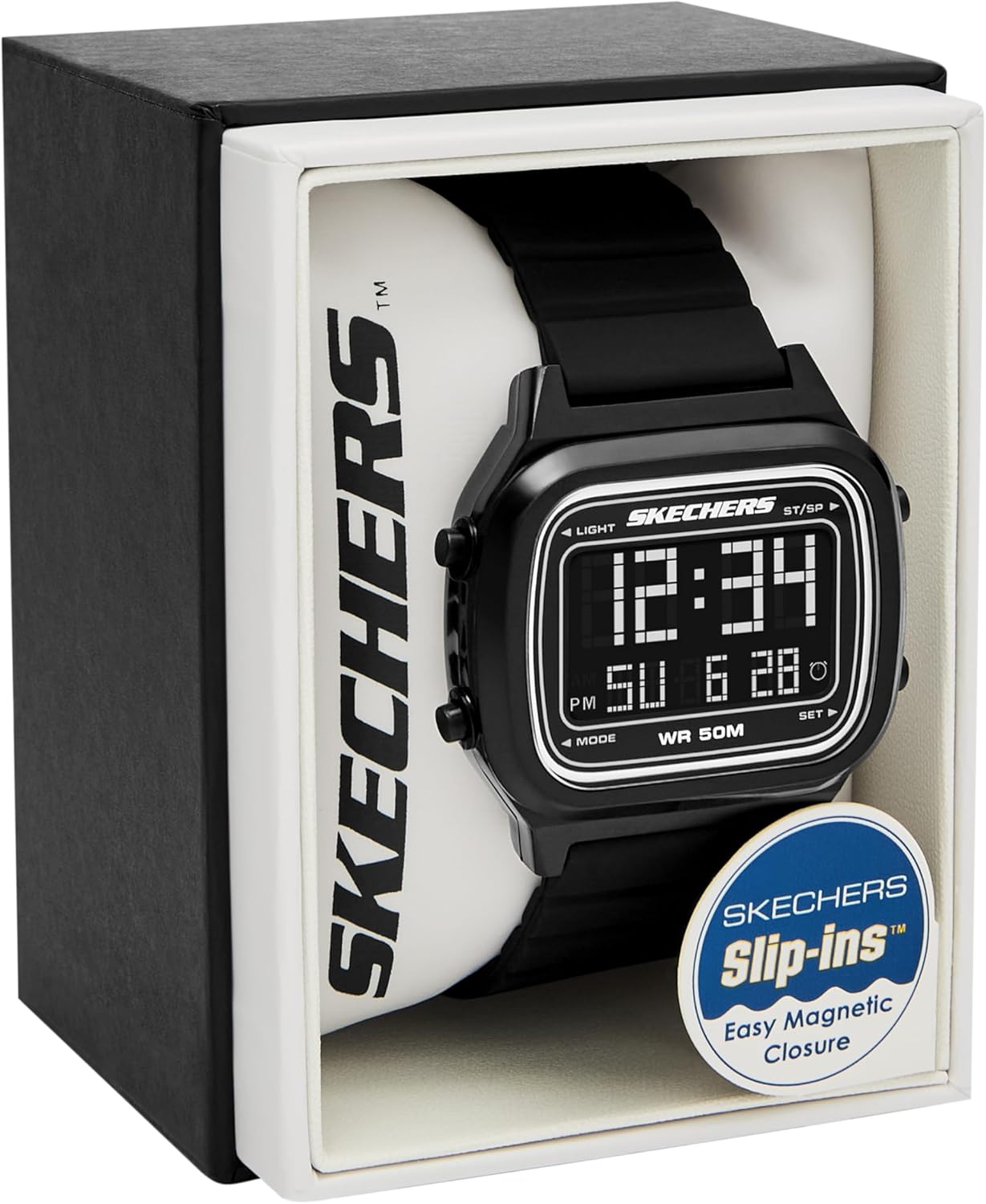
Image: The Skechers Fiske Digital Watch, Model SR5258, presented in its retail packaging. The watch features a black rectangular case and a black silicone strap.
2. Ịgbanwe eriri ahụ
The watch features a black durable silicone band with a magnetic Skechers Slip-Ins clasp. This band is self-adjustable for a customized fit. Simply wrap the band around your wrist and secure the magnetic clasp to the desired tightness.
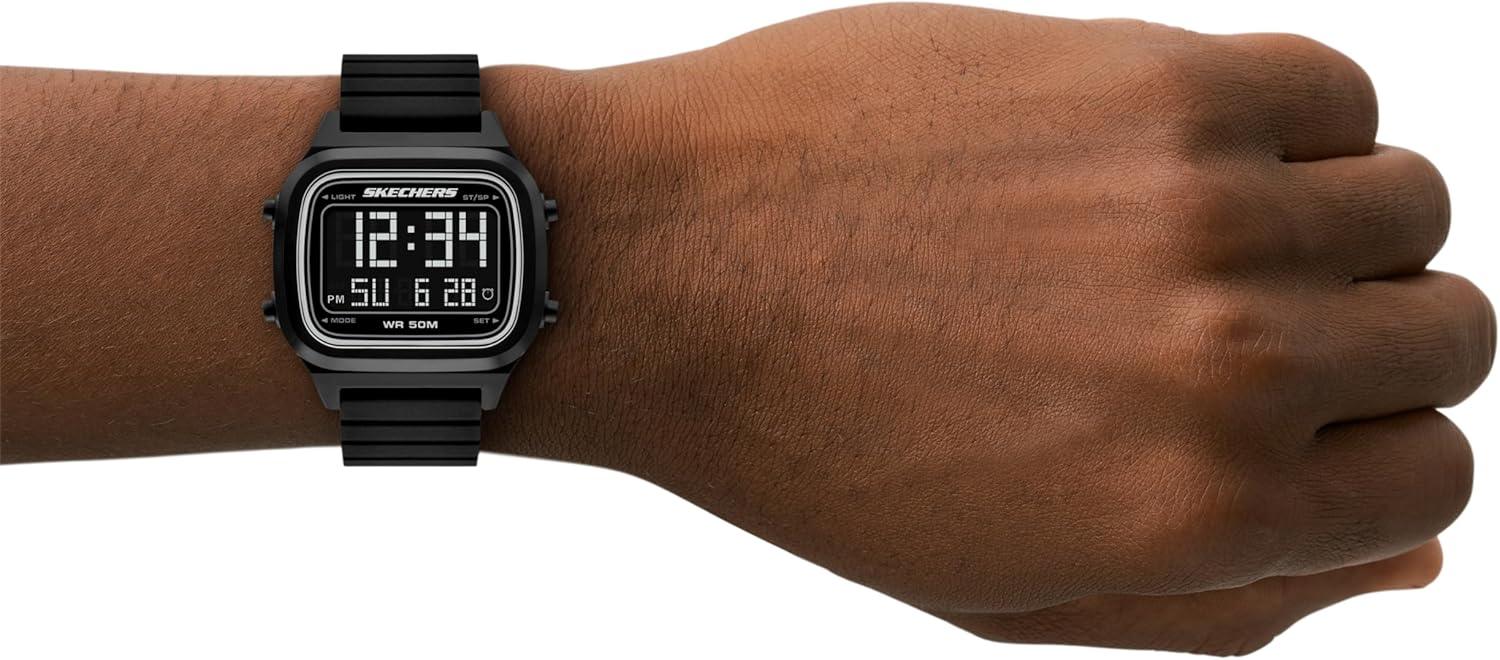
Image: The Skechers Fiske Digital Watch worn on a wrist, displaying the time and date. This illustrates how the watch appears when worn and the digital display.
Ntuziaka ọrụ
1. Ịghọta Ngosipụta
The watch features a negative digital display, showing time (hours, minutes, AM/PM indicator), day of the week, and date. The display also indicates 'WR 50M' for water resistance.
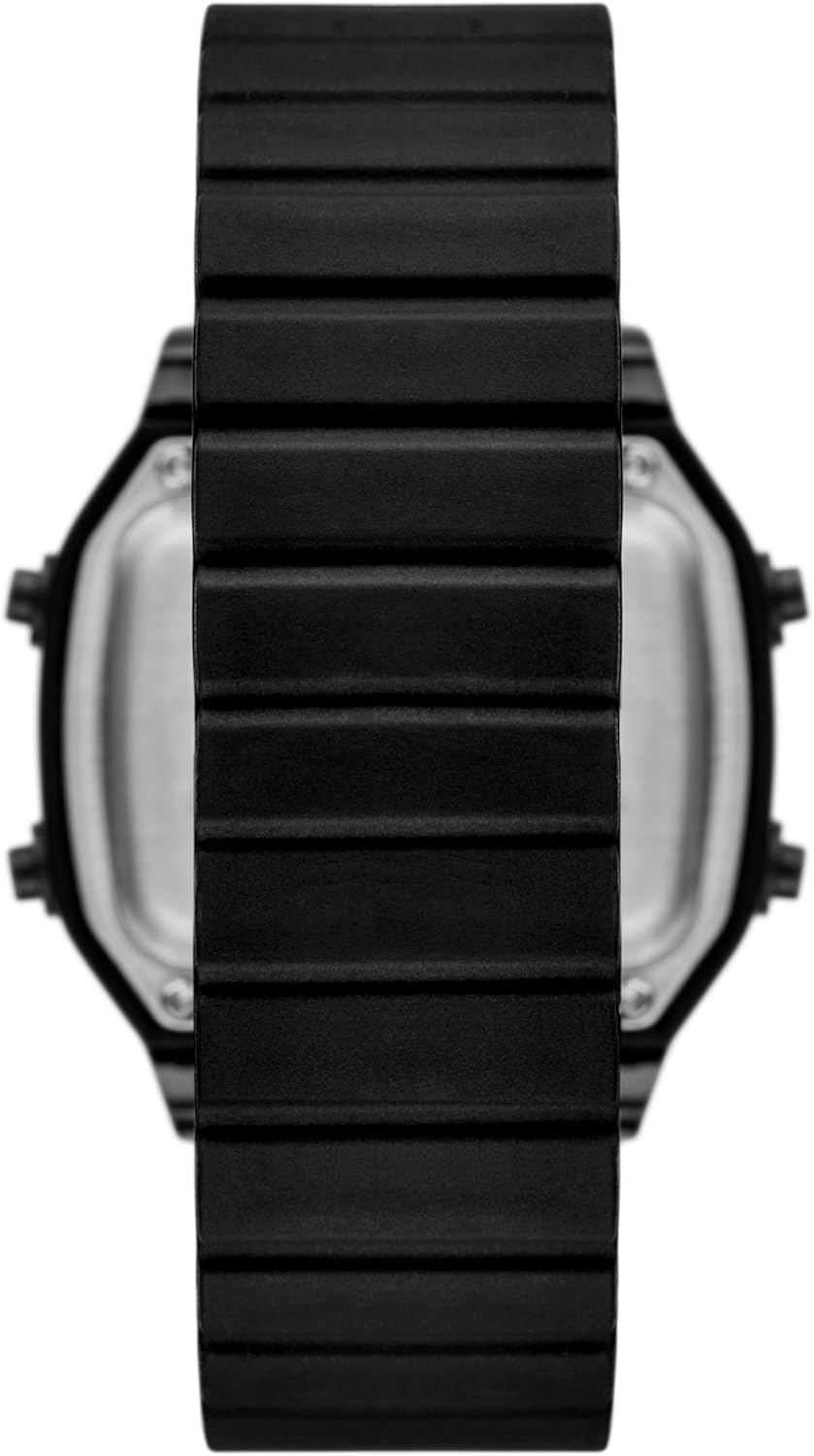
Foto: ihu doro anya view of the Skechers Fiske Digital Watch, highlighting its negative digital display with time, date, and water resistance indicator.
2. Ọrụ bọtịnụ
The watch has four buttons located on the sides of the case. These buttons are typically labeled or have icons for 'LIGHT', 'MODE', 'ST/SP' (Start/Stop), and 'SET'.
- Ìhè: Na-eme ka ìhè azụ rụọ ọrụ maka ịhụ ihe n'ọnọdụ ìhè dị ala.
- Edị: Cycles through different display modes such as time, date, stopwatch, and alarm.
- ST/SP (Start/Stop): Used for starting and stopping functions like the stopwatch.
- WEP :TARA: Used to enter and confirm settings adjustments (e.g., time, date, alarm).

Foto: A side profile of the Skechers Fiske Digital Watch, clearly showing the two control buttons on the right side of the watch case.
3. Ịtọ oge na ụbọchị
- Pịa MODE bọtịnụ ugboro ugboro ruo mgbe ọnọdụ ntọala oge pụtara ìhè (a na-egosikarị ya site na ọnụọgụgụ na-enwu gbaa).
- Jiri ihe SET button to select the digit you wish to adjust (e.g., hours, minutes).
- Jiri ihe ST/SP button to increase the value of the selected digit.
- Repeat steps 2 and 3 for all time and date components (hours, minutes, month, day, year).
- Ozugbo ntọala niile ziri ezi, pịa bọtịnụ MODE bọtịnụ ka ịpụ na ọnọdụ ntọala.
4. Mmiri Nguzogide
This watch is water resistant up to 50 meters (165 feet) or 5 ATM. This means it is suitable for short periods of recreational swimming and showering. It is ọ bụghị suitable for diving or snorkeling. Avoid pressing buttons while the watch is wet or submerged to prevent water ingress.
Nlekọta
1. Nhicha
To clean your watch, wipe the case and strap with a soft, damp cloth. For the silicone strap, a mild soap solution can be used, followed by rinsing with clean water and thorough drying. Avoid using harsh chemicals or abrasive materials, as these can damage the watch's finish or strap.
2. Ngbanwe batrị
The watch uses one 12V battery. When the display dims or stops functioning, it indicates that the battery needs replacement. Battery replacement should ideally be performed by a qualified watch technician to ensure proper sealing and maintain water resistance.
3. Nchekwa
When not in use, store your watch in a cool, dry place away from direct sunlight and extreme temperatures. Avoid exposing the watch to strong magnetic fields, which can affect its accuracy.
Nchọpụta nsogbu
- Ngosipụta ahụ tọgbọ chakoo ma ọ bụ gbaa ọchịchịrị: Batrị ahụ nwere ike ịdị ala ma ọ bụ gwụchaa. Dochie batrị ahụ.
- Oge/ụbọchị na-ezighi ezi: Refer to the 'Setting Time and Date' section in Operating Instructions to reset the time and date.
- Bọtịnụ anaghị anabata: Ensure the watch is dry. If the issue persists, the watch may require servicing.
- Mmiri n'ime elekere: Immediately take the watch to a professional watch repair service. Do not attempt to open it yourself, as this will void the warranty and may cause further damage.
Nkọwapụta
| Aha Nlereanya | SR5258 |
| Ụdị | Skechers |
| Ụdị ngosi | Dijitalụ |
| Ụdị mmegharị | Quartz |
| Ihe gbasara ikpe | Plastic |
| Dayameta ikpe | 42 millimeters |
| Ọkpụrụkpụ ikpe | 12 millimeters |
| Ụdị ihe Band | Silikoni |
| Obosara band | 22 millimeters |
| Ogologo band | 210 millimeters |
| Ụdị mgbako | Igwe ndọkụrịta |
| Ụdị kristal | Acrylic |
| Mmiri Nguzogide Omimi | Mita 50 (ATM 5) |
| Batrị | 1 x 12V batrị (gụnyere) |
| Akụkụ ngwaahịa | 1.65 x 0.87 x 0.47 sentimita asatọ |
| Ibu Ibu | 120 grams (4.23 ounces) |
| UPC | 807320017103 |
Ozi akwụkwọ ikike
This Skechers Fiske Digital Watch comes with a limited warranty. For specific details regarding warranty coverage, duration, and terms, please refer to the warranty card included with your purchase or contact Skechers customer support directly. Keep your proof of purchase for warranty claims.
Nkwado
If you encounter issues not covered in this manual or require further assistance, please contact Skechers customer support. Refer to the official Skechers webNkwakọ ngwaahịa ma ọ bụ saịtị maka ozi kọntaktị.