
Okwu mmalite
Thank you for choosing the ChunHee Wireless Dog Doorbell. This system is designed to assist in potty training your dog by providing a clear and consistent way for them to communicate their need to go outside. This manual provides detailed instructions for setup, operation, maintenance, and troubleshooting to ensure optimal performance and a positive training experience for both you and your pet.
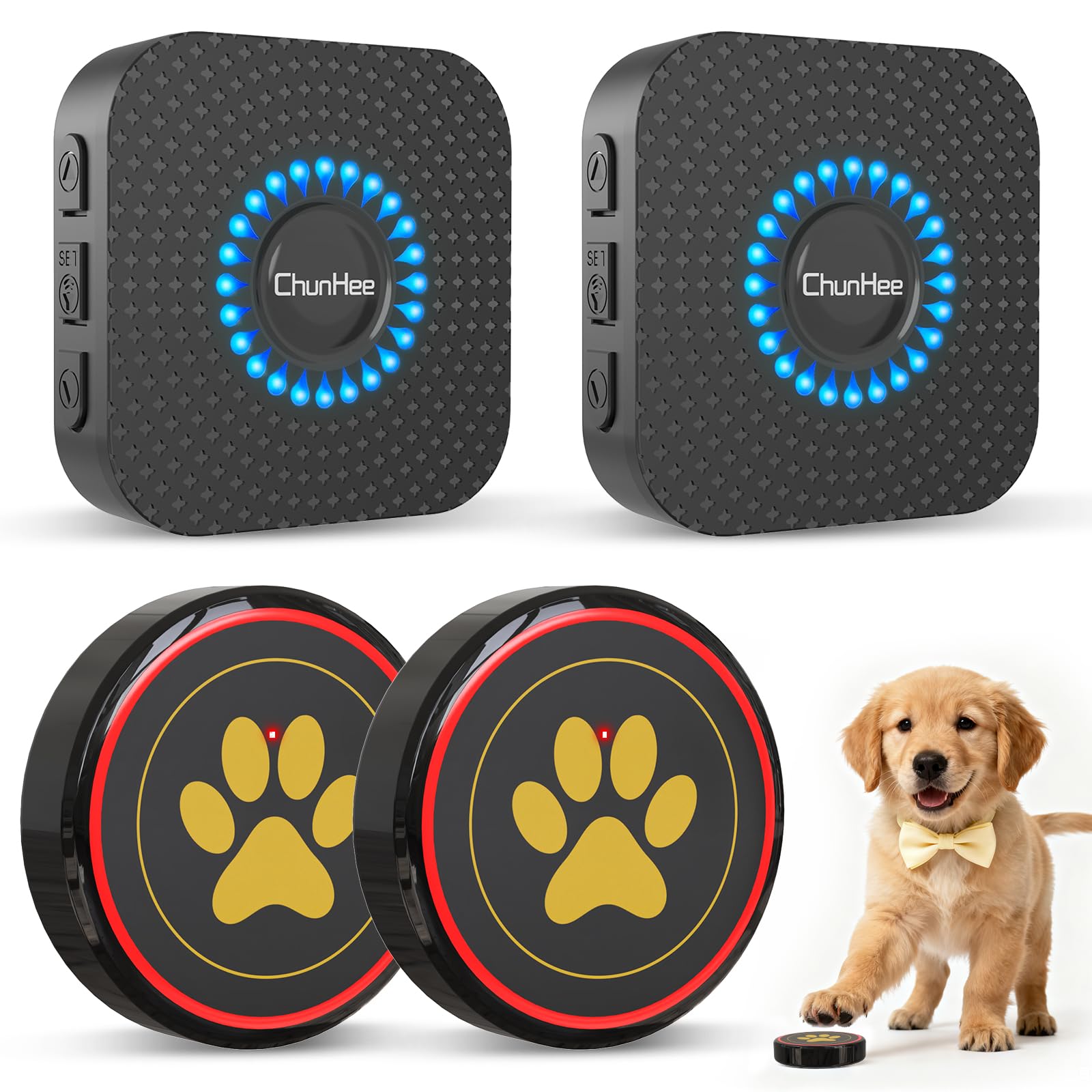
Image: The ChunHee Wireless Dog Doorbell system, featuring two black buttons with paw print icons and two compact receivers.
Ihe ngwugwu
Biko chọpụta na ihe niile dị na ngwugwu gị:
- Wireless Receiver (2 units)
- Wireless Transmitter Button (2 units)
- CR2430 Battery (2 units, pre-installed in buttons)
- Mounting Accessories (Adhesive pads)
- Akwụkwọ ntuziaka onye ọrụ (Akwụkwọ a)

Image: An illustration showing the individual components included in the ChunHee Wireless Dog Doorbell package.
Ntuziaka nhazi
Follow these steps to set up your ChunHee Wireless Dog Doorbell system:
- Wụnye onye nnata: Plug the wireless receiver into a standard wall outlet in a central location where you can easily hear the chime.
- Install Transmitter Button: Choose a suitable location for the transmitter button, such as near a door at your dog's nose or paw height. Ensure the surface is clean and dry. Remove the protective film from the adhesive pad on the back of the button and firmly press it onto the desired surface. Alternatively, the button can be placed on the floor.
- Mgbalite batrị: The CR2430 battery is pre-installed. Ensure the plastic pull tab (if present) has been removed to activate the battery.

Image: A visual guide demonstrating the three-step installation process for the doorbell button and receiver.

Foto: Examples of flexible installation options for the ChunHee dog doorbell, including mounting on a door, glass, or placing on the floor.
Mmakọ Transmitter na erite
Your doorbell system should be pre-paired. If re-pairing is needed or you add more buttons/receivers, follow these steps:
- Plug the receiver into a socket.
- Press the "Forward" or "Backward" button on the receiver to select your desired melody.
- Press and hold the "Volume" button on the receiver for 5 seconds until it makes a "Ding" sound and the receiver indicator flashes.
- Touch the transmitter button quickly within 8 seconds. The receiver will make a "Ding-Ding" sound, and the indicator will flash, confirming successful pairing.

Image: A step-by-step diagram illustrating the pairing process for the doorbell components.
Ntuziaka ọrụ
Adjusting Ringtones and Volume
The system offers 55 chimes and 5 adjustable volume levels (0-110 dB).
- Change Melody: Press the "Forward" or "Backward" button on the receiver to cycle through the 55 available melodies.
- Gbanwee olu: Press the "Volume" button on the receiver to cycle through the 5 volume levels. The lowest setting is mute.
The system features a memory function, retaining your selected melody and volume settings even after a power outage.
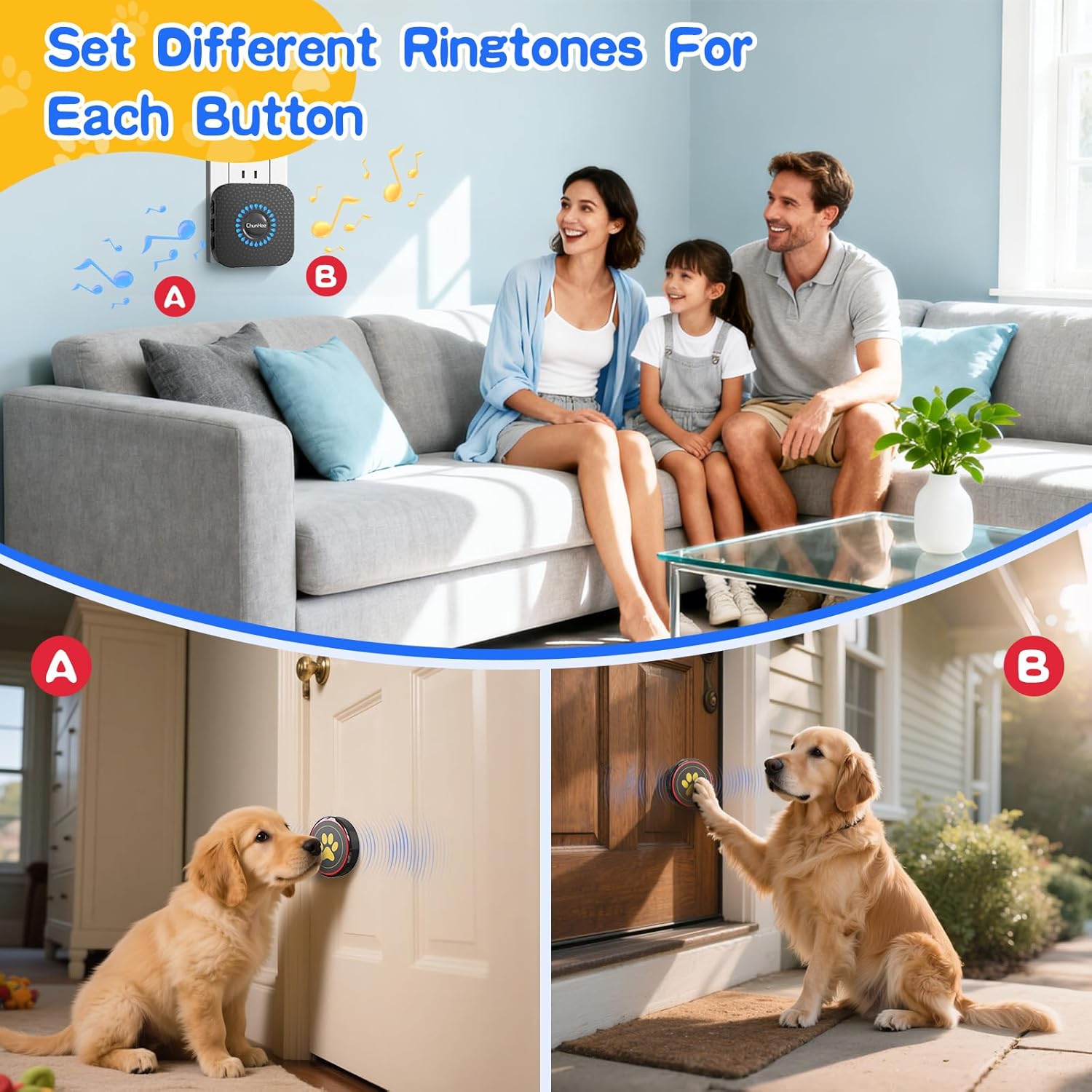
Image: A family interacting with their dog and the doorbell, illustrating how different ringtones can be assigned to multiple buttons.
Using the Transmitter Button
The transmitter button features a 1.6-inch touch surface, making it easy for dogs of all sizes to activate with a gentle touch of their paw or nose.

Foto: nkọwa zuru ezu view of the doorbell button, emphasizing its large, easy-to-press touch surface.
Potty Training Guide
Consistent training is key to success. Here’s a guide to help your dog learn to use the doorbell:
- Step 1: Introduce the Doorbell. Let your dog explore the bell. Treat and reward any interest. Ensure they are comfortable with the sound.
- Step 2: Teach to Touch. Cut treats into small pieces. When your dog touches the bell, say "Touch!", then "Yes!" and reward with a treat.
- Step 3: Teach When to Ring. Ask your dog to touch the bell before opening the door. Say "Yes!" and treat. Repeat every time you go out. Treat them again after they potty outside.
- Step 4: Be Patient. If your dog rings the bell to play, take them out. If they potty, praise and treat. If not, go back inside. They'll learn the bell means potty time!

Image: A visual representation of the four key steps in training your dog to use the doorbell for potty breaks.
This training method helps reduce unwanted behaviors like scratching, barking, or whining at the door, providing a clear communication channel.

Image: Contrasting a dog successfully using the doorbell with undesirable behaviors like scratching doors or urinating indoors.
Official Product Video: The Cutest Dog Potty Training Doorbelt
Video: This short video demonstrates the ChunHee Wireless Dog Doorbell in action, showing a dog using the button to signal its need to go outside for potty breaks. It highlights the ease of use and the clear communication it provides.
Nlekọta
To ensure the longevity and proper function of your ChunHee Wireless Dog Doorbell, follow these maintenance guidelines:
- Nhicha: Wipe the receiver and transmitter buttons with a soft, dry cloth. Avoid using harsh chemicals or abrasive cleaners.
- Ngbanwe batrị: The transmitter button uses a CR2430 battery, which typically lasts 2-3 years or up to 80,000 presses. When the button's indicator light no longer flashes or the signal becomes unreliable, it's time to replace the battery. To replace, carefully open the button casing, remove the old battery, and insert a new CR2430 battery with the positive (+) side facing up.
- Nhazi mgbochi mmiri: The transmitter button has an IP55 waterproof rating, making it suitable for outdoor use. However, avoid submerging it in water.

Image: A visual representation of the doorbell button's battery life and the type of battery (CR2450, though the product specs state CR2430, this image is the closest match) required for replacement.
Nchọpụta nsogbu
| Nsogbu | Ihe nwere ike ime | Ngwọta |
|---|---|---|
| Onye nnata anaghị akpọ oku. | Receiver unplugged; low battery in transmitter; out of range; not paired. | Ensure receiver is plugged in. Replace transmitter battery. Move receiver closer to transmitter. Re-pair transmitter and receiver (see Setup Instructions). |
| Ogologo ọrụ dị mkpụmkpụ. | Obstructions (thick walls, metal objects); interference from other devices. | Bugharịa ebe nnata ma ọ bụ ihe nnyefe ozi ga-eme ka ihe ghara igbochi ya. Zere itinye ihe ndị dị ka ígwè ma ọ bụ ngwaọrụ ikuku ndị ọzọ nso. |
| Mkpu ụgha. | Button pressed accidentally; dog playing with button. | Ensure button is mounted securely. Continue training to teach dog appropriate use. |
Nkọwapụta
| Njirimara | Nkọwa |
|---|---|
| Aha Nlereanya | Chunhee |
| Agba | Black-2 Button & 2 Receiver |
| Ihe onwunwe | Plastic |
| Ibu Ibu | 8.8 ounces |
| Batrị nnyefe | 1 x CR2430 (gụnyere) |
| Ngosi nke enweghị mmiri | IP55 (Transmitter Button) |
| Ụda ụda | 55 nhọrọ |
| Ọkwa olu | Ọkwa ise (0-110 dB) |
| Touch Area Size | 1.6 sentimita (dayameta) |
Akwụkwọ ikike na nkwado
ChunHee products are designed for reliability and performance. For specific warranty details, please refer to the product packaging or contact ChunHee customer support directly. If you encounter any issues or have questions regarding your Wireless Dog Doorbell, please reach out to our support team for assistance.
Ozi mkpọtụrụ: Please visit the official ChunHee website or your retailer's support page for the most up-to-date contact details.