
Okwu mmalite
Thank you for choosing the TECKNET TK-HS049 Hybrid Active Noise Cancelling Headphones. These headphones are designed to provide a superior audio experience with advanced noise cancellation, long battery life, and versatile connectivity. This manual will guide you through the setup, operation, and maintenance of your new headphones.
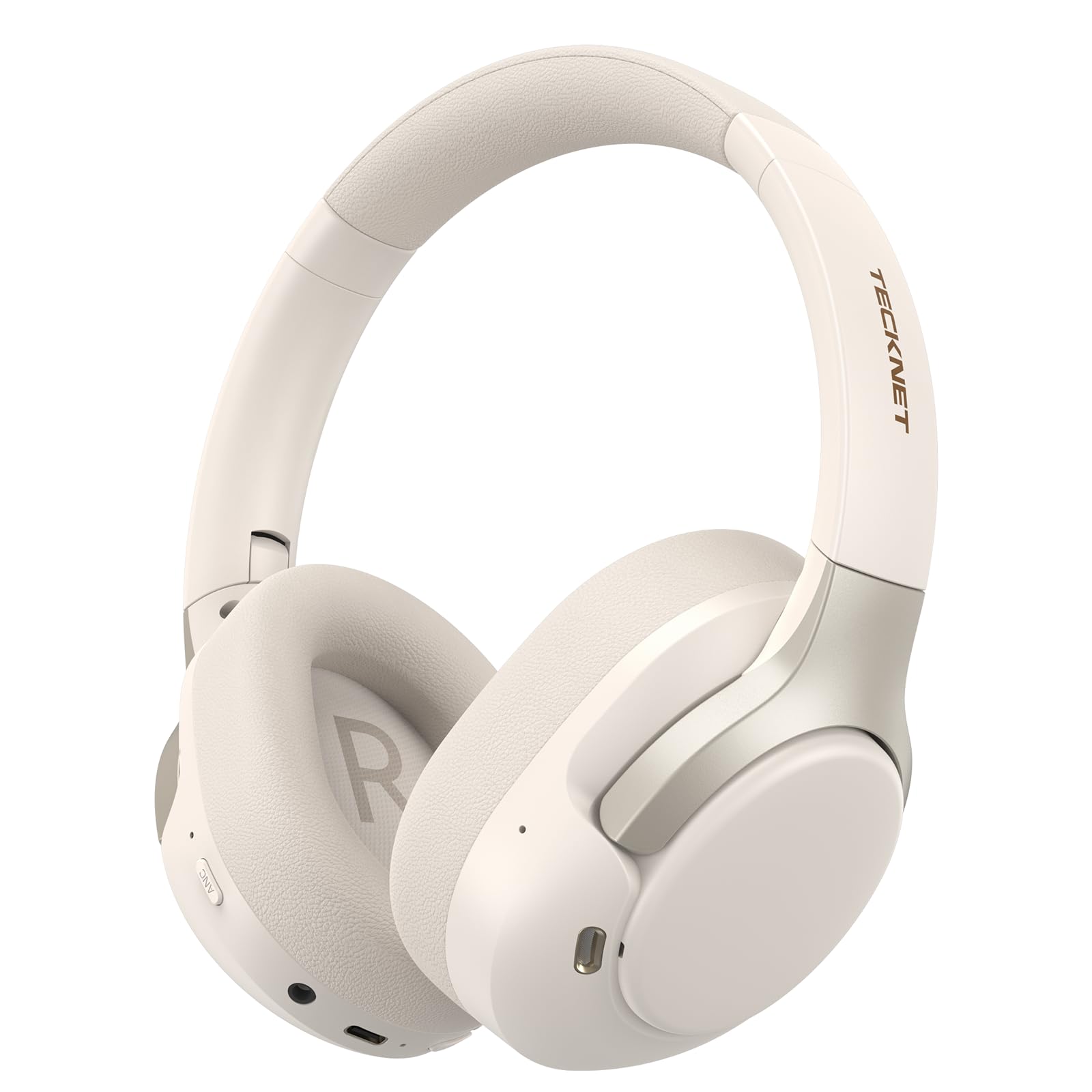
Image: TECKNET TK-HS049 Hybrid Active Noise Cancelling Headphones.
Kedu ihe dị na Igbe ahụ
- 1 x TECKNET TK-HS049 ANC Headphones
- 1 x 3.5mm USB USB
- 1 x Akwụkwọ ntuziaka onye ọrụ
- 1 x Ụdị-C eriri USB

Image: Contents of the product packaging.
Ngwaahịa gafereview
Familiarize yourself with the various components and controls of your TECKNET TK-HS049 headphones.
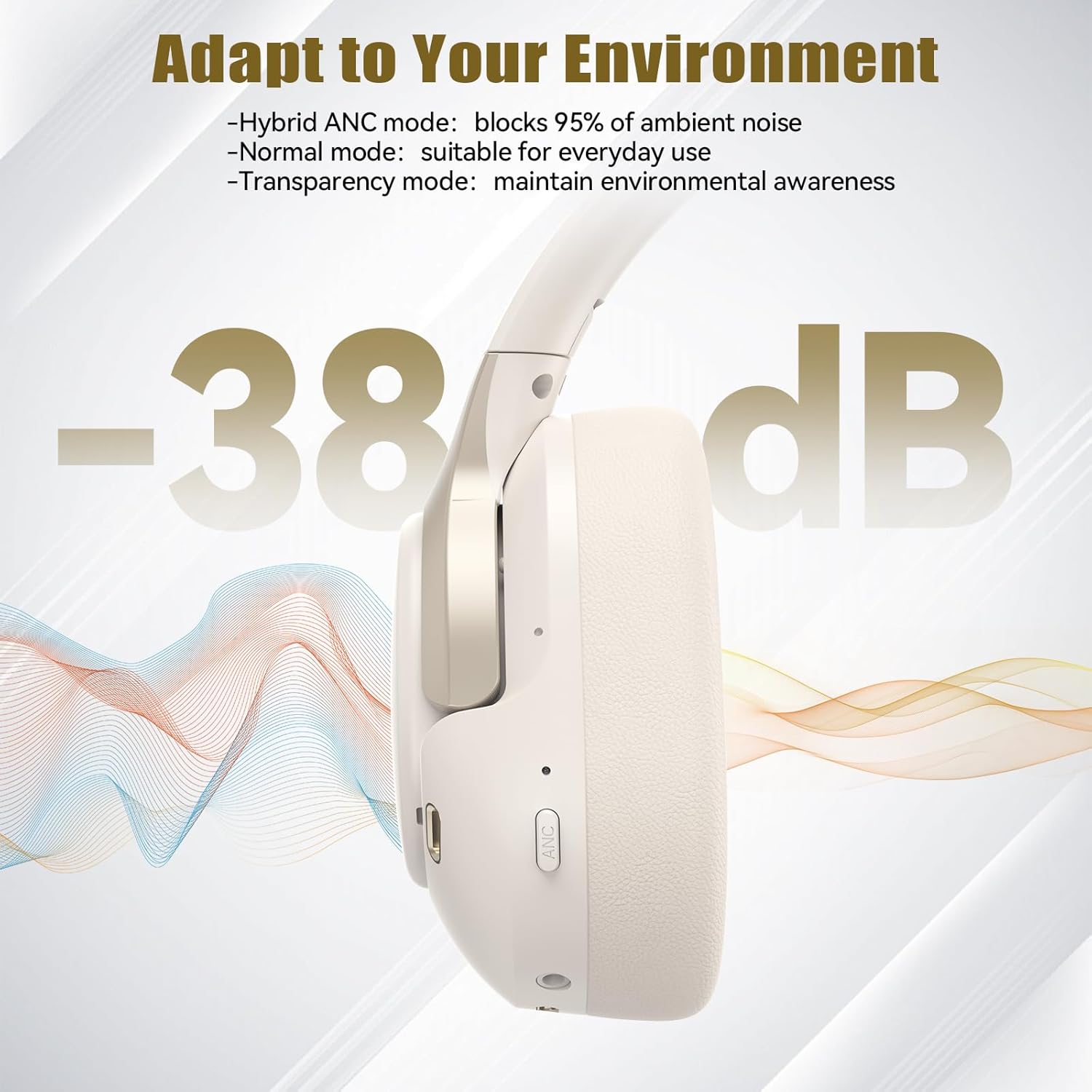
Foto: Akụkụ view of the headphones highlighting control buttons and ports.
Isi ihe:
- Bọtịnụ ike: Used to turn the headphones on/off and for Bluetooth pairing.
- Mgbakwunye olu/Bọtịnụ egwu na-esote: Na-eme ka olu dịkwuo elu ma ọ bụ na-awụlikwa elu gaa na egwu ọzọ.
- Mbelata olu/Bọtịnụ egwu gara aga: Decreases volume or goes to the previous track.
- Bọtịnụ ọrụ ọtụtụ: Kpọọ/kwụsịtụ egwu, zaa/kwụsị oku.
- Bọtịnụ ANC: Toggles Active Noise Cancellation modes.
- Ụdị-C ọdụ ụgbọ mmiri: Maka ịchaji ekweisi.
- Jack Audio: 3.5mm Maka njikọ ọdịyo wired.
- Igwe okwu: Maka oku na iwu olu.
Melite
1. Ịchaji ekweisi
Before first use, fully charge your headphones. Connect the supplied Type-C charging cable to the charging port on the headphones and the other end to a USB power source (e.g., wall adapter, computer USB port).
- Ihe ngosi LED ga-egosi ọkwa nchaji.
- Ụgwọ zuru ezu na-ewekarị awa 2-3.
2. Gbanyụọ / gbanyụọ
- Ike Na: Press and hold the Power button for 3 seconds until the LED indicator flashes blue.
- Gbanyụọ: Press and hold the Power button for 3 seconds until the LED indicator flashes red and then turns off.
3. Njikọ Bluetooth
Iji jikọọ ekweisi gị na ngwaọrụ site na Bluetooth:
- Gbaa mbọ hụ na agbanyụrụ ekweisi.
- Press and hold the Power button for 5 seconds until the LED indicator flashes red and blue alternately, indicating pairing mode.
- Na ngwaọrụ gị (smartphone, tabletị, laptọọpụ), gbanye Bluetooth wee chọọ ngwaọrụ dị.
- Select "TECKNET TK-HS049" from the list of devices.
- Ozugbo ejikọrọ, ihe ngosi LED ga -eji nwayọ na -acha anụnụ anụnụ.
4. Njikọ ngwaọrụ abụọ
The headphones support simultaneous connection to two Bluetooth devices, allowing seamless switching between them.
- Pair the headphones with the first device (e.g., smartphone) as described above.
- Disable Bluetooth on the first device. The headphones will re-enter pairing mode.
- Pair the headphones with the second device (e.g., laptop).
- Re-enable Bluetooth on the first device. The headphones should automatically connect to both devices.
- To switch audio, simply play media on the desired device.

Image: Dual device connection setup.
5. Njikọ eriri
For devices without Bluetooth or when battery is low, use the included 3.5mm audio cable.
- Tinye otu nsọtụ nke eriri ọdịyo 3.5mm n'ime ihe mkpuchi ọdịyo nke ekweisi ahụ.
- Tinye nsọtụ nke ọzọ n'ime ihe na-eme ka ụda 3.5mm dị na ngwaọrụ gị.
- Note: Some headphone functions (e.g., ANC, EQ modes) may be limited or unavailable in wired mode without power.

Image: Wired connection via 3.5mm audio jack.
Na-arụ ọrụ
1. Ụdị Mkpọtụ Na-arụ Ọrụ (ANC)
Press the ANC button to cycle through the available noise cancellation modes:
- Hybrid ANC Mode: Blocks up to 35dB-38dB of ambient noise, ideal for travel or noisy environments.
- Ụdị nkịtị: ANC is off, suitable for everyday use where some environmental awareness is desired.
- Ụdị nghọta: Allows ambient sounds to pass through, enhancing awareness of your surroundings.

Image: Hybrid Active Noise Cancellation in action.
2. Nghaghachi egwu
- Gwuo/kwụsịtụ: Pịa bọtịnụ Multi-function ozugbo.
- Track na-esote: Press and hold the Volume Up button.
- Gara aga Track: Pịa ma jide bọtịnụ ụda ala.
- Olu elu: Press the Volume Up button briefly.
- Olu ala: Press the Volume Down button briefly.
3. Njikwa oku
- Azịza/Kwụsị Oku: Pịa bọtịnụ Multi-function ozugbo.
- Jụ oku: Pịa ma jide bọtịnụ ọtụtụ ọrụ maka sekọnd iri na abụọ.
- Enyemaka Olu: Double-press the Multi-function button to activate your device's voice assistant.
4. EQ Music Modes
The headphones feature 6 EQ music modes to optimize your listening experience for different genres. Press the EQ button (if available, or refer to specific button on your model) to cycle through these modes:
- Agba egwu
- Nkume
- Oge gboo
- Olu olu
- Bass
- Dị nro

Image: Cycling through 6 EQ music modes.
Nlekọta
To ensure the longevity and optimal performance of your TECKNET TK-HS049 headphones, follow these maintenance guidelines:
- Nhicha: Use a soft, dry cloth to clean the earcups and headband. Do not use abrasive cleaners or solvents.
- Nchekwa: When not in use, store the headphones in a cool, dry place, preferably in a protective case to prevent dust and damage.
- Zere mmiri mmiri: Although the headphones have a waterproof rating, avoid prolonged exposure to water or high humidity. Do not submerge them.
- Ịchaji: Only use the provided Type-C cable for charging. Avoid overcharging the battery.
- Okpomọkụ: Do not expose the headphones to extreme temperatures (hot or cold).
Nchọpụta nsogbu
If you encounter any issues with your headphones, refer to the following common problems and solutions:
| Nsogbu | Ngwọta |
|---|---|
| Ekweisi agaghị agbanwu. | Ensure the headphones are charged. Connect to a power source and try again after a few minutes. |
| Enweghị ike ijikọ site na Bluetooth. | Make sure the headphones are in pairing mode (LED flashing red/blue). Disable and re-enable Bluetooth on your device. Ensure no other devices are connected. |
| Enweghị ụda ma ọ bụ obere olu. | Check volume levels on both headphones and your connected device. Ensure the headphones are properly paired. Try playing audio from a different source. |
| ANC is not effective. | Ensure ANC mode is activated. Check that the earcups form a good seal around your ears. ANC is most effective against low-frequency, constant noise. |
| Igwe okwu anaghị arụ ọrụ. | Ensure the headphones are connected via Bluetooth. Check microphone settings on your device. |
Nkọwapụta
Detailed technical specifications for the TECKNET TK-HS049 headphones:
| Njirimara | Nkọwa |
|---|---|
| Nọmba nlereanya | TK-HS049 |
| Teknụzụ Njikọta | Ikuku (Bluetooth), waya (Jack3.5mm) |
| Ụdị Bluetooth | 6.0 |
| Njikwa mkpọtụ | Hybrid Noise Cancellation (up to 38dB) |
| Ụdị ọkwọ ụgbọala | 40mm Ndị ọkwọ ụgbọ ala dị ike |
| Oke ugboro ugboro | 20Hz - 20,000Hz (supports up to 40kHz for high-resolution audio) |
| Ndụ Batrị (ANC Gbanyere) | Ruo awa 40 (na olu 60%) |
| Ndụ Batrị (ANC gbanyụrụ) | Ruo awa iri abụọ |
| Usoro njikwa | Bọtịnụ anụ ahụ |
| Ntinye ntị | N'elu Ntị |
| Ihe onwunwe | Fabric, Silicone, Memory Foam (earcups) |
| Ọkwa Nguzogide mmiri | Waterproof |
| Igwe okwu | Igwe okwu ENC anọ |
| EQ esdị | 6 Presets (Dance, Rock, Classical, Vocal, Bass, Soft) |

Image: Battery life overview.

Image: 40mm dynamic drivers for premium audio.

Image: Comfort features including memory foam earcups and adjustable headband.
Akwụkwọ ikike na nkwado
TECKNET TK-HS049 headphones come with a Akwụkwọ ikike nke ọnwa 36. If you encounter any problems during product use, please contact our professional customer service team for assistance. You can typically find contact information on the TECKNET official websaịtị ma ọ bụ site na ikpo okwu ịzụrụ ihe.