
1. Okwu mmalite
The MangoKit SR-L is a versatile audio device offering WiFi Internet Radio, FM Radio, Podcast playback, and Bluetooth streaming capabilities. It features a full-color display, 150 presets, and can be powered by mains or batteries for portable use. This manual provides detailed instructions for setting up and operating your SR-L radio.
2. Akụrụngwa Ngwaahịa
- FM & Internet Radio: Access a wide range of local and global stations with clear digital sound.
- Bluetooth & Podcast Playback: Stream audio from your devices via Bluetooth or enjoy podcasts directly on the radio.
- 150 atọrọ: Store up to 150 favorite stations across FM and Internet Radio for quick access.
- Alarm Clock Radio with Sleep Timer: Wake up to your preferred station or a buzzer, with snooze and sleep timer functions.
- Mains or Battery Powered: Operate using the included mains adapter or 4 AA batteries (not included) for up to 10 hours of portable listening.
- Full Colour Display: Provides clear information and easy navigation.
3. Ihe ngwugwu
- MangoKit SR-L WiFi Internet Radio
- Ihe nkwụnye ọkụ
- Akwụkwọ ntuziaka (akwụkwọ a)
4. Ntuziaka Nhazi
4.1 Powering On Your Radio
The SR-L radio can be powered by the included mains adapter or 4 AA batteries (not included).
- Ike isi: Connect the power adapter to the DC IN port on the back of the radio and plug it into a wall outlet.
- Ike batrị: Open the battery compartment on the back and insert 4 AA batteries, ensuring correct polarity. Close the compartment securely.
Gbatịa antenna telescopic ahụ maka nnabata FM kacha mma.

Image: The MangoKit SR-L radio demonstrating its portability, suitable for outdoor use with battery power.
4.2 Initial Setup and WiFi Connection
Upon first power-on, the radio will guide you through the initial setup process.
- Nhọrọ asụsụ: Use the navigation controls to select your preferred language.
- Oge/Ụbọchị: Tọọ oge na ụbọchị dị ugbu a.
- Ntọala netwọkụ: The radio will scan for available WiFi networks. Select your network from the list.
- Tinye okwuntughe: Use the rotary knob and buttons to enter your WiFi password. Confirm your selection.
- Nkwenye njikọ: The radio will attempt to connect to the network. Once successful, a confirmation message will appear.

Foto: nkọwa zuru ezu view of the radio's user-friendly controls and clear display, essential for navigation and setup.
5. Ntuziaka ọrụ
5.1 Na-achịkwaview
Mara onwe gị na njikwa ndị bụ isi:
- Ike/Mpịakọta olu: Pịa iji gbanye/gbanyụọ, tụgharịa iji gbanwee olu.
- Bọtịnụ menu: Nweta nchịkọta nhọrọ.
- Bọtịnụ azụ: Laghachi na ihuenyo gara aga.
- Isi mmalite: Switch between Internet Radio, FM, Bluetooth, and Podcast modes.
- Bọtịnụ igodo nsoroụzọ (elu/ala/ekpe/aka nri): Navigate through menus and lists.
- OK/Select Button (center of knob): Kwenye nhọpụta.
- Preset Buttons (1, 2, 3+): Quickly access saved favorite stations.
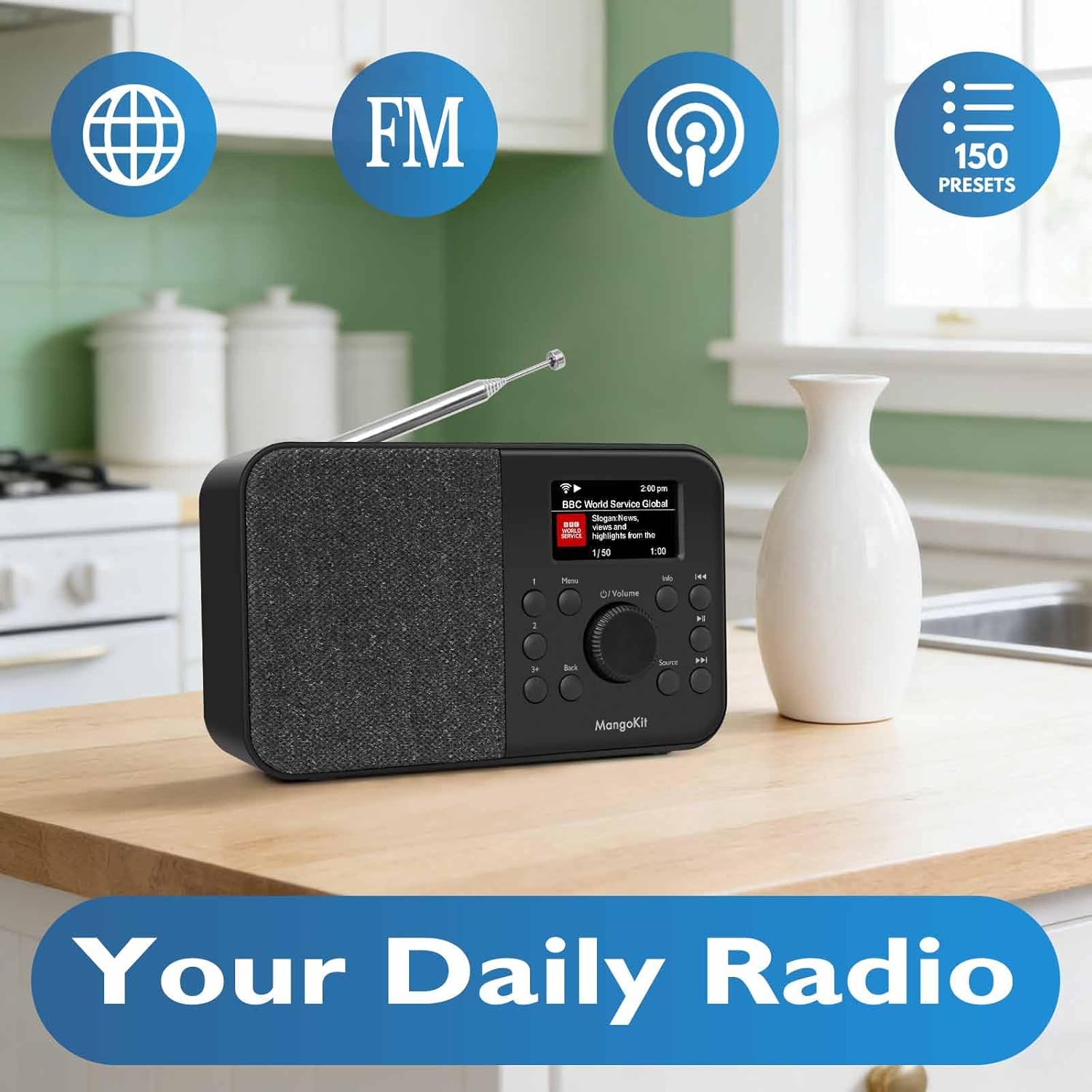
Image: The MangoKit SR-L radio highlighting its core functionalities: Internet Radio, FM, Podcast, and 150 Presets.
5.2 Redio ịntanetị
- Pịa Isi mmalite button until "Internet Radio" is selected.
- Use the navigation buttons to browse stations by location, genre, or search.
- Pịa OK/Họrọ ịhọrọ ọdụ ọdụ.
- To save a preset, tune to the desired station, then press and hold one of the Ntọala buttons (1, 2, or 3+). Follow the on-screen prompts to save.
Igwe redio FM 5.3
- Pịa Isi mmalite button until "FM Radio" is selected.
- Use the navigation buttons to manually tune or press and hold to auto-scan for the next available station.
- To save a preset, tune to the desired station, then press and hold one of the Ntọala buttons (1, 2, or 3+). Follow the on-screen prompts to save.
5.4 Bluetooth gụgharia
- Pịa Isi mmalite button until "Bluetooth" is selected. The radio will enter pairing mode.
- On your mobile device, enable Bluetooth and search for "MangoKit SR-L".
- Select the radio to pair. Once connected, you can stream audio from your device.
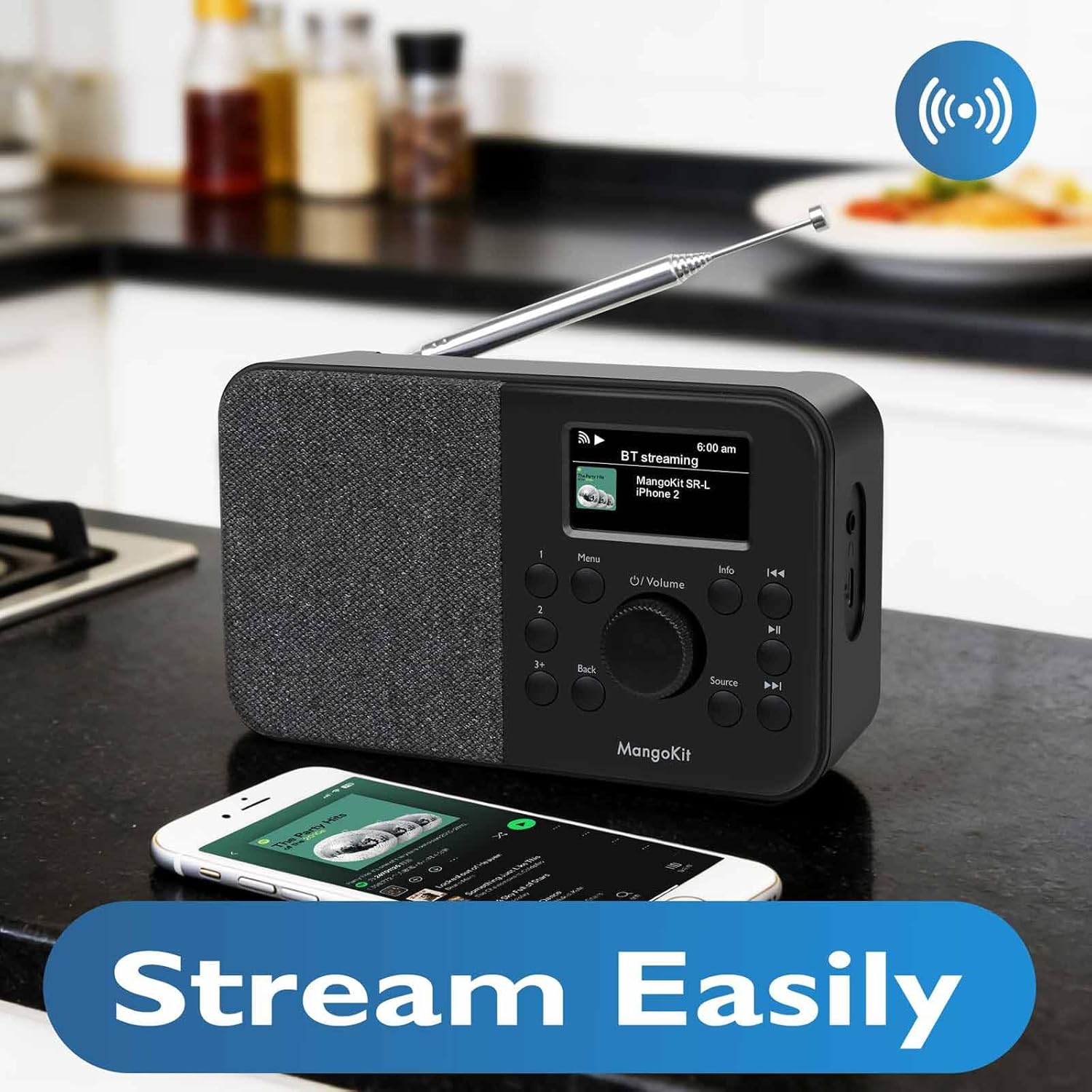
Image: The MangoKit SR-L radio seamlessly streaming music from a smartphone via Bluetooth.
5.5 Podcast Player
- Pịa Isi mmalite button until "Podcast" is selected.
- Browse or search for podcasts using the navigation controls.
- Pịa OK/Họrọ to play an episode.
5.6 Elekere mkpu na ihe eji echeta ụra
- Ịtọ ntọala mkpu: Go to the main menu, select "Alarm" and follow the prompts to set alarm time, source (FM, Internet Radio, or buzzer), and frequency.
- Soo: When the alarm sounds, press any button (except Power) to activate snooze.
- Oge ụra: From the main menu, select "Sleep Timer" and choose a duration (e.g., 15, 30, 60 minutes). The radio will automatically turn off after the set time.

Image: The MangoKit SR-L radio positioned on a bedside table, illustrating its use as an alarm clock.
6. Nchọpụta nsogbu
| Nsogbu | Ihe nwere ike ime | Ngwọta |
|---|---|---|
| Enweghị ike | Power adapter not connected; batteries depleted or incorrectly inserted. | Check power adapter connection; replace batteries or ensure correct polarity. |
| No Internet Radio connection | Incorrect WiFi password; weak WiFi signal; router issue. | Re-enter WiFi password; move radio closer to router; restart router. |
| Nnabata FM adịghị mma | Antenna not extended; interference. | Fully extend the telescopic antenna; reposition the radio away from electronic devices. |
| Bluetooth device won't pair | Radio not in pairing mode; device already paired to another unit. | Ensure radio is in Bluetooth mode; unpair from other devices; restart both devices. |
7. Nkọwapụta
- Ụdị: SR-L
- Akara: MangoKit
- Njikọta: WiFi, Bluetooth 5.3, FM Radio
- Ike: Mains adapter (included) or 4 x AA batteries (not included)
- Ndụ batrị: Up to 10 hours (with AA batteries)
- Ngosipụta: Full Colour Display
- Atọrọ atọ: 150 (Internet Radio & FM combined)
- Arọ: Approximately 16 ounces (without batteries)
8. Akwụkwọ ikike na nkwado
Your MangoKit SR-L radio comes with a standard manufacturer's warranty. For detailed warranty information, technical support, or service inquiries, please refer to the warranty card included in your package or visit the official MangoKit websaịtị. Debe ihe akaebe nke ịzụrụ maka akwụkwọ ikike.
9. Product Video Overview
Vidiyo: Onye ọrụ gọọmentị gafereview of the MangoKit SR-L WiFi Internet Radio, demonstrating its features and various modes of operation including Podcast and Bluetooth.