
1. Ozi nchekwa
Please read all safety instructions carefully before using the innioasis G1 MP3 Player. Keep this manual for future reference.
- Ewepụla ngwaọrụ ahụ na oke okpomọkụ, ìhè anyanwụ kpọmkwem, ma ọ bụ oke iru mmiri.
- Zere idobe ma ọ bụ idobe ngwaọrụ ahụ na mmetụta siri ike.
- Agbalịla ịkwatu ma ọ bụ rụzie ngwaọrụ ahụ n'onwe gị. Nke a ga-eme ka akwụkwọ ikike ahụ ghara ịdị irè.
- Jiri naanị eriri USB-C enyere maka ịchaji.
- Debe ngwaọrụ ahụ na mmiri na mmiri mmiri ndị ọzọ.
- Ịge ntị ogologo oge n'ogo dị elu nwere ike imebi ihe ntị.
2. Ihe ngwugwu
Chọpụta na ihe niile dị na ngwugwu gị:
- 1 x innioasis G1 MP3 Player
- 1 x 64GB SD card (pre-installed or separate)
- 1 x USB-C eriri USB
- 1 x Wired headphones
- 1 x ntuziaka onye ọrụ

Image: The innioasis G1 MP3 Player, USB-C cable, wired headphones, 64GB SD card, and user manual included in the package.
3. Ngwaọrụ gafereview
The innioasis G1 MP3 Player features a compact design with a 4-inch full-touch screen. It includes physical buttons for power and volume control, and ports for charging and headphones.

Foto: N'ihu view of the innioasis G1 MP3 Player displaying various preinstalled applications on its touch screen.
Akụkụ ndị bụ isi:
- 4-inch Full Touch Screen
- Android OS with 1.9GHz Octa-core CPU and 2GB RAM
- 80GB Storage (16GB ROM + 64GB TF card), expandable up to 1TB
- Njikọ Bluetooth 4.2
- Wi-Fi (2.4GHz na 5GHz)
- Pre-installed streaming apps (Spotify, Spotify Kids, Amazon Music, Pandora, Tidal, Deezer, Audible)
- Njikwa Nne na Nna
- FM Radio, Voice Recorder, Video Player, Ebook Reader, Calculator, Clock, Gallery, Browser, Calendar
4. Nhazi
4.1 Nchaji izizi
Before first use, fully charge the device using the provided USB-C cable and a compatible power adapter (not included). The battery indicator on the screen will show charging status.
4.2 Gbanyụọ ma ọ bụ gbanyụọ
- Iji gbanye: Press and hold the Power button on the side of the device until the screen lights up.
- Iji gbanyụọ: Press and hold the Power button, then select "Power Off" from the options on the screen.
4.3 Language and Time Settings
Upon first startup, you may be prompted to select your preferred language and set the date and time. Follow the on-screen instructions.
4.4 Njikọ Wi-Fi
To access streaming services and online features, connect your device to a Wi-Fi network:
- Gaa na Ntọala > Netwọk & Ịntanetị > Wi-Fi.
- Gbanwee Wi-Fi On.
- Họrọ netwọk nke ịchọrọ na listi ahụ.
- Tinye paswọọdụ ma ọ bụrụ kpaliri wee pịa Jikọọ.

Image: The innioasis G1 MP3 Player displaying its home screen with app icons, illustrating its strong network connection capabilities.
5. Ntuziaka ọrụ
5.1 Nsoro ụzọ
The device features a full touch screen for navigation. Swipe left/right to browse app pages, tap an icon to open an app, and use the navigation buttons at the bottom of the screen (Back, Home, Recent Apps) to move between screens and applications.
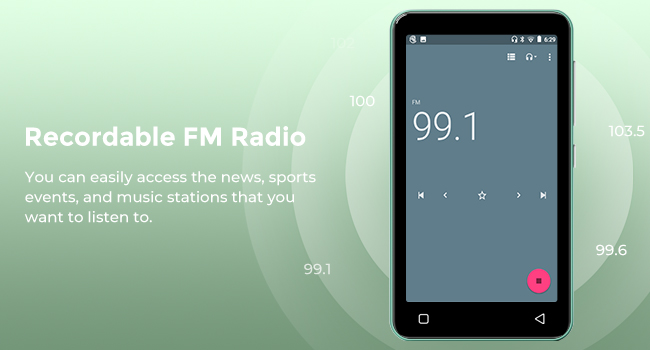
Image: A hand demonstrating touch screen interaction on the innioasis G1 MP3 Player, highlighting its ease of use.
5.2 Nghaghachi egwu
The innioasis G1 supports various audio formats including MP3, FLAC, WAV, AAC, APE, OGG, M4A, WMA, and MP2.
- Local Music Player: Open the "Music" app to play files stored on the device or SD card. You can create playlists, search for songs, and use the graphic equalizer to adjust sound.
- Ngwa gụgharia: Access pre-installed apps like Spotify, Spotify Kids, Amazon Music, Pandora, Tidal, and Deezer. Ensure you are connected to Wi-Fi for streaming.

Image: The innioasis G1 MP3 Player displaying its local music player interface, showing song categories, search function, playlist creation, and equalizer options.
5.3 Njikọ Bluetooth
Connect your MP3 player to Bluetooth headphones, speakers, or car stereos.
- Gaa na Ntọala > Ngwa ejikọrọ > Bluetooth.
- Gbanwee Bluetooth On.
- Make sure your Bluetooth accessory is in pairing mode.
- Họrọ ngwa gị site na ndepụta ngwaọrụ dị maka ijikọ.
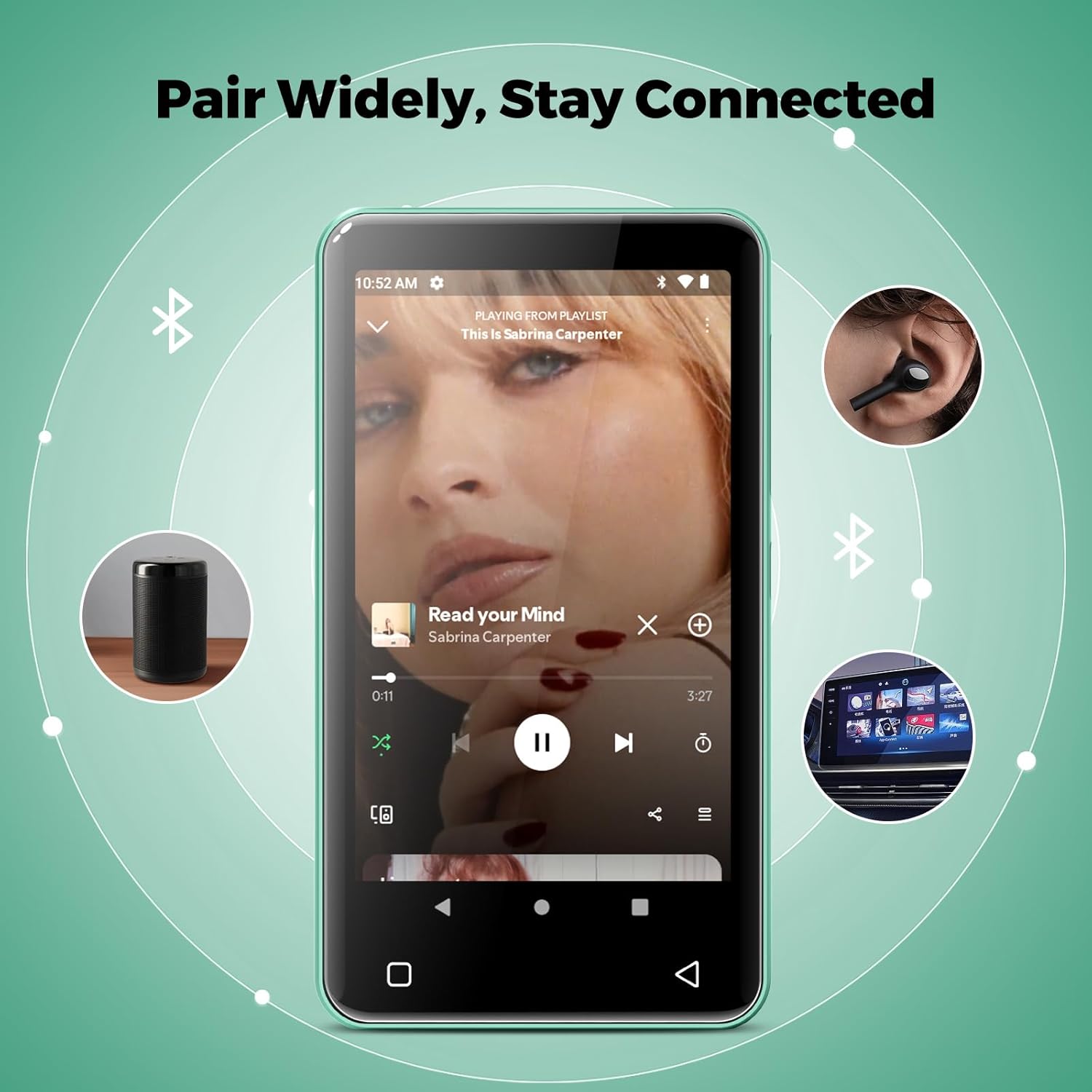
Image: The innioasis G1 MP3 Player showing its Bluetooth connection capabilities, pairing with headphones, a portable speaker, and a car stereo system.
5.4 Njikwa Nne na Nna
The device includes parental control features to manage app access and settings.
- Gaa na Ntọala > Njikwa Nne na Nna.
- Set a parental control password.
- You can enable/disable app installation, limit internet usage, and restrict device usage time.
- Preloaded apps can be removed, and settings can be locked with the passcode.

Image: The innioasis G1 MP3 Player displaying its parental control settings, including options for password management, app installation, internet usage limits, and device usage limits.
5.5 File Nyefee
To transfer music, videos, and other files from a computer:
- Connect the MP3 player to your computer using the USB-C cable.
- On the MP3 player, swipe down from the top of the screen to open the notification panel.
- Tap the USB notification (e.g., "USB charging this device") and select "File transfer" or "MTP".
- Your computer should now recognize the device as a removable storage drive. You can drag and drop files to the internal storage or the SD card.
5.6 Ngwa ndị ọzọ
The innioasis G1 comes with several other useful applications:
- Igwe Redio: Tune into local radio stations. Some models may support recording.
- Ihe ọkpụkpọ vidiyo: Supports 1080P HD video playback and various formats including AVI, MKV, MP4, MPEG, MOV, VOB, WMV, WEBM, DIVX, F4V, FLV, XviD, 3GP.
- Ihe ndekọ olu: Record audio using the built-in microphone.
- Ebook Reader: Access pre-loaded Audible for audiobooks and other e-book formats.
- Calculator, Clock, Gallery, Browser, Calendar: Standard utility apps for daily use.
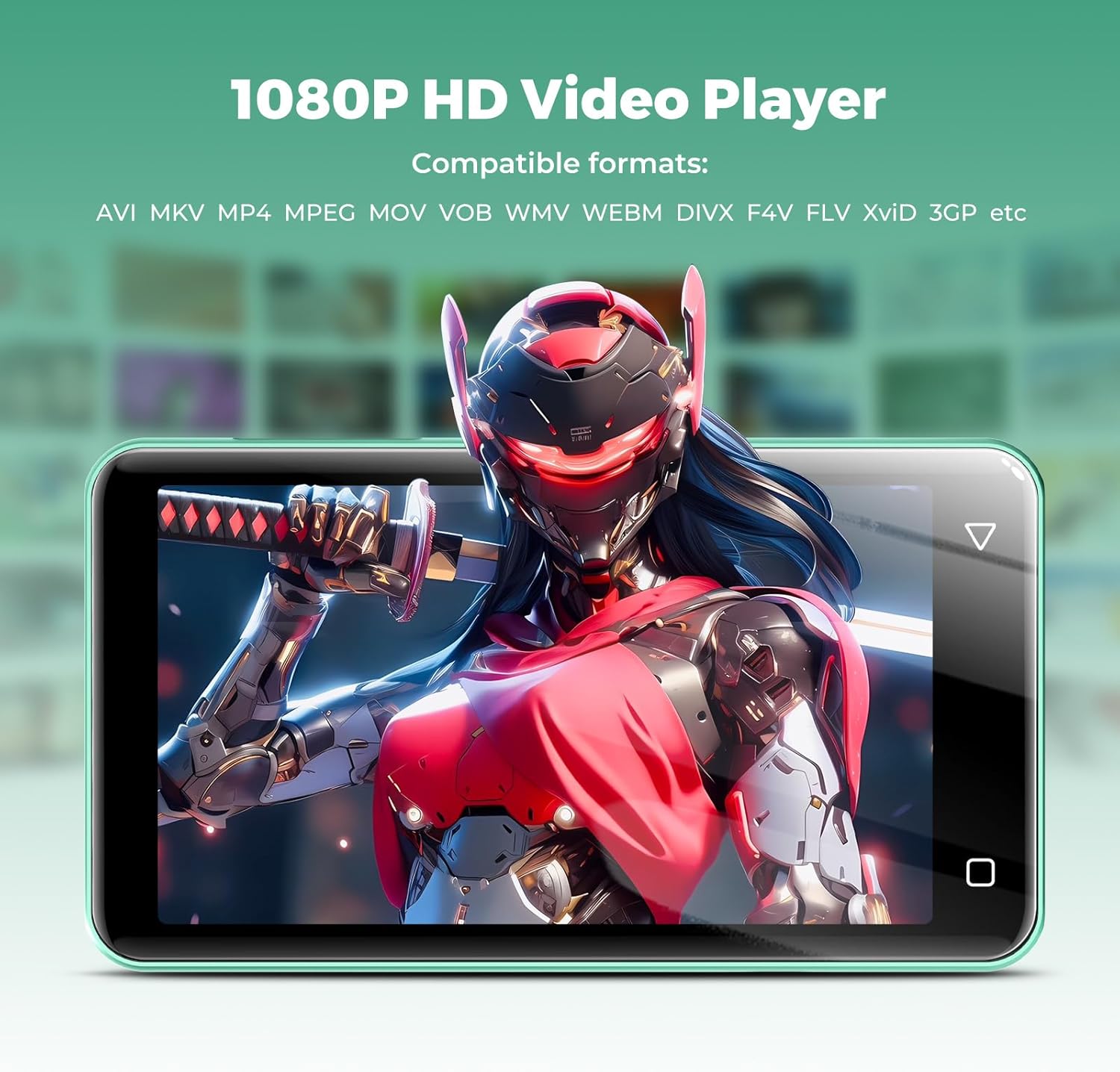
Image: The innioasis G1 MP3 Player displaying a high-definition video on its screen, illustrating its 1080P HD video playback capability.
6. Nlekọta
- Nhicha: Jiri akwa dị nro dị nro hichaa ngwaọrụ ahụ. Ejila ihe nhicha mmiri ma ọ bụ ikuku ikuku.
- Nlekọta batrị: To prolong battery life, avoid fully discharging the battery frequently. Charge the device regularly. If storing for a long period, charge it to about 50% every few months.
- Mmelite ngwanrọ: Periodically check for software updates in the device settings to ensure optimal performance and security.
7. Nchọpụta nsogbu
| Nsogbu | Ngwọta enwere ike |
|---|---|
| Ngwaọrụ anaghị agbanwu ọkụ. | Ensure the battery is charged. Connect to a charger for at least 30 minutes. If unresponsive, press and hold the power button for 10-15 seconds to force a restart. |
| Enweghị ike ijikọ na Wi-Fi. | Check if Wi-Fi is enabled in settings. Verify the Wi-Fi password. Restart your router and the MP3 player. Ensure you are within range of the Wi-Fi signal. |
| Ngwa Bluetooth anaghị ejikọta. | Ensure Bluetooth is enabled on both devices and the accessory is in pairing mode. Move the devices closer together. Try restarting both devices. |
| Apps are slow or unresponsive. | Close unused background apps. Clear app cache in Settings > Apps. Restart the device. Ensure sufficient storage space is available. |
| Enweghị ike ịnyefe files to/from computer. | Ensure the USB-C cable is properly connected and functioning. On the MP3 player, select "File transfer" mode from the USB notification. Try a different USB port or computer. |
| Ogo ụda adịghị mma. | Check headphone connection. Test with different headphones. Adjust equalizer settings in the music player. Ensure audio files adịghị emerụ. |
8. Nkọwapụta
- Aha nlereanya: G1
- Akụkụ ngwaahịa: 0.39 x 2.56 x 4.13 sentimita asatọ
- Ibu ihe: 5.9 ounces
- Onye nrụpụta: INNIOASIS
- Ike Nchekwa ebe nchekwa: 80 GB (16GB ROM + 64GB TF card)
- Nchekwa enwere ike ịgbasa: Up to 1TB (SDXC/SDHC compatible)
- Nha ihuenyo: 4 sentimita asatọ
- Teknụzụ Njikọta: Bluetooth 4.2, Wi-Fi (2.4GHz & 5GHz)
- Atụmatụ pụrụ iche: Equalizer, FM Radio, Hi-Res Audio, Video Playback, Voice Recorder, Parental Controls
- Ngwa dakọtara: Headphones, Earphones
- Ụdị mgbasa ozi: Micro SD, Micro SDHC, Micro SDXC, SD Card, SDHC
- Batrị: 1500mAh (up to 25 hours music, 5 hours video playback)

Image: The innioasis G1 MP3 Player screen displaying battery life indicators for video (5 hours) and music (25 hours) playback.
9. Akwụkwọ ikike na nkwado
The innioasis G1 MP3 Player comes with a standard manufacturer's warranty. For detailed warranty information, please refer to the warranty card included in your package or contact innioasis customer support.
If you encounter any issues or have questions about your device, please contact innioasis customer support through their official website or the contact information provided in the product packaging.