
Okwu mmalite
This manual provides instructions for the installation, operation, and maintenance of your Luqeeg Smart Sprinkler Timer Automatic. This device allows for automated and remote control of your garden irrigation system via a mobile application and voice commands, enhancing watering efficiency and convenience.
Ihe ngwugwu
- 1 x WiFi Water Timer
- 1 x nkwụnye
- 1 x kpochapu
- 1 x Akwụkwọ ntuziaka Bekee
Melite
1. Ntinye batrị
The Luqeeg Smart Sprinkler Timer requires 4 x AA batteries (not included) for operation. Open the battery compartment, insert the batteries according to the polarity markings, and securely close the compartment.
2. Nwụnye anụ ahụ
Attach the sprinkler timer to your outdoor faucet. Ensure the connection is secure to prevent leaks. The timer features a 3/4 inch NPT thread specification for standard hose connections. Connect your garden hose to the outlet of the sprinkler timer.
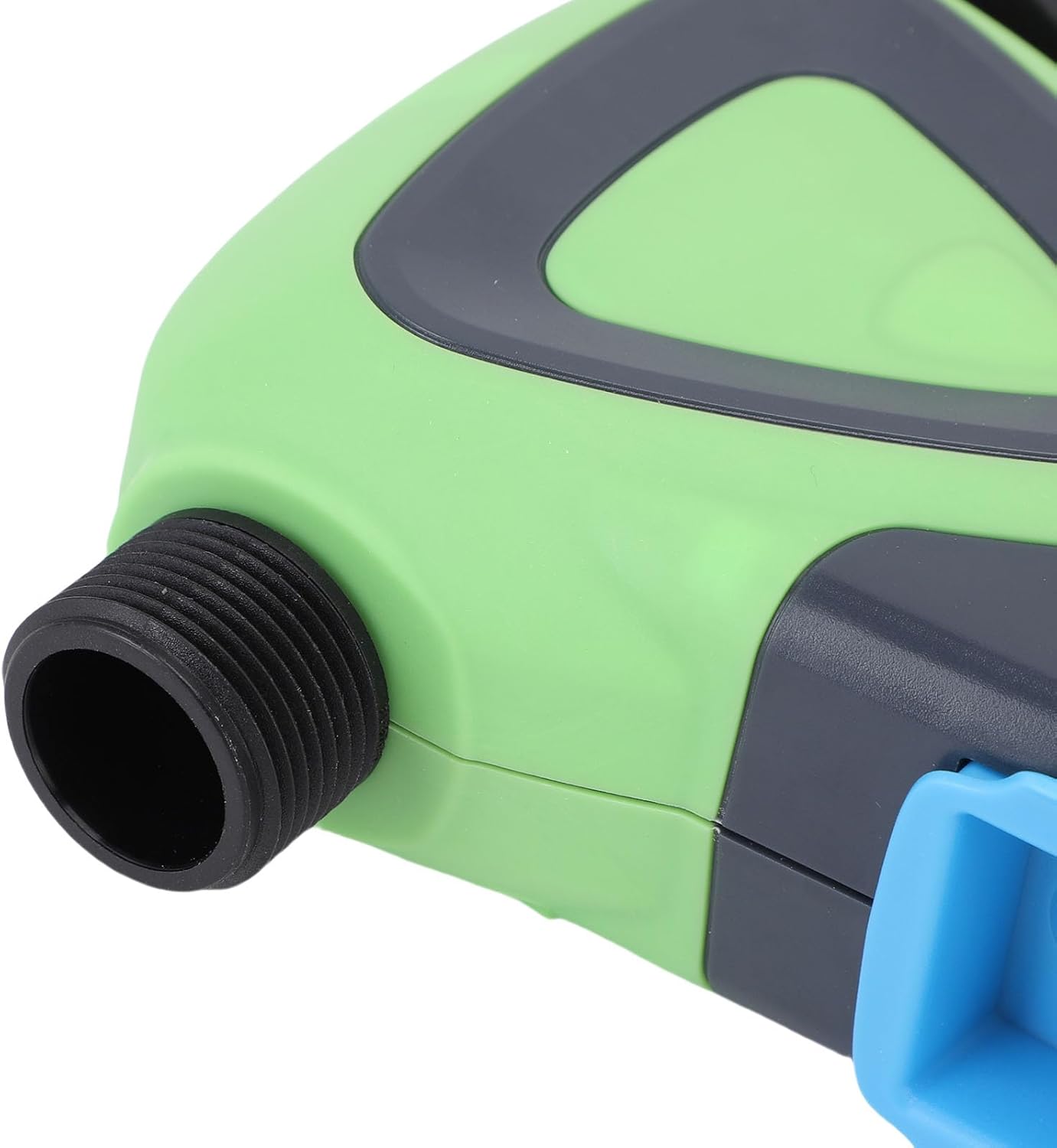
Foto: nso nso view of the Luqeeg Smart Sprinkler Timer's threaded inlet and outlet for hose connection.
3. App Download and Device Pairing
Download the compatible mobile application (refer to the included English Manual for specific app details). Follow the in-app instructions to add your Luqeeg Smart Sprinkler Timer. The device connects via a Zigbee hub to your 2.4GHz WiFi network. Ensure your WiFi network is 2.4GHz for successful pairing.
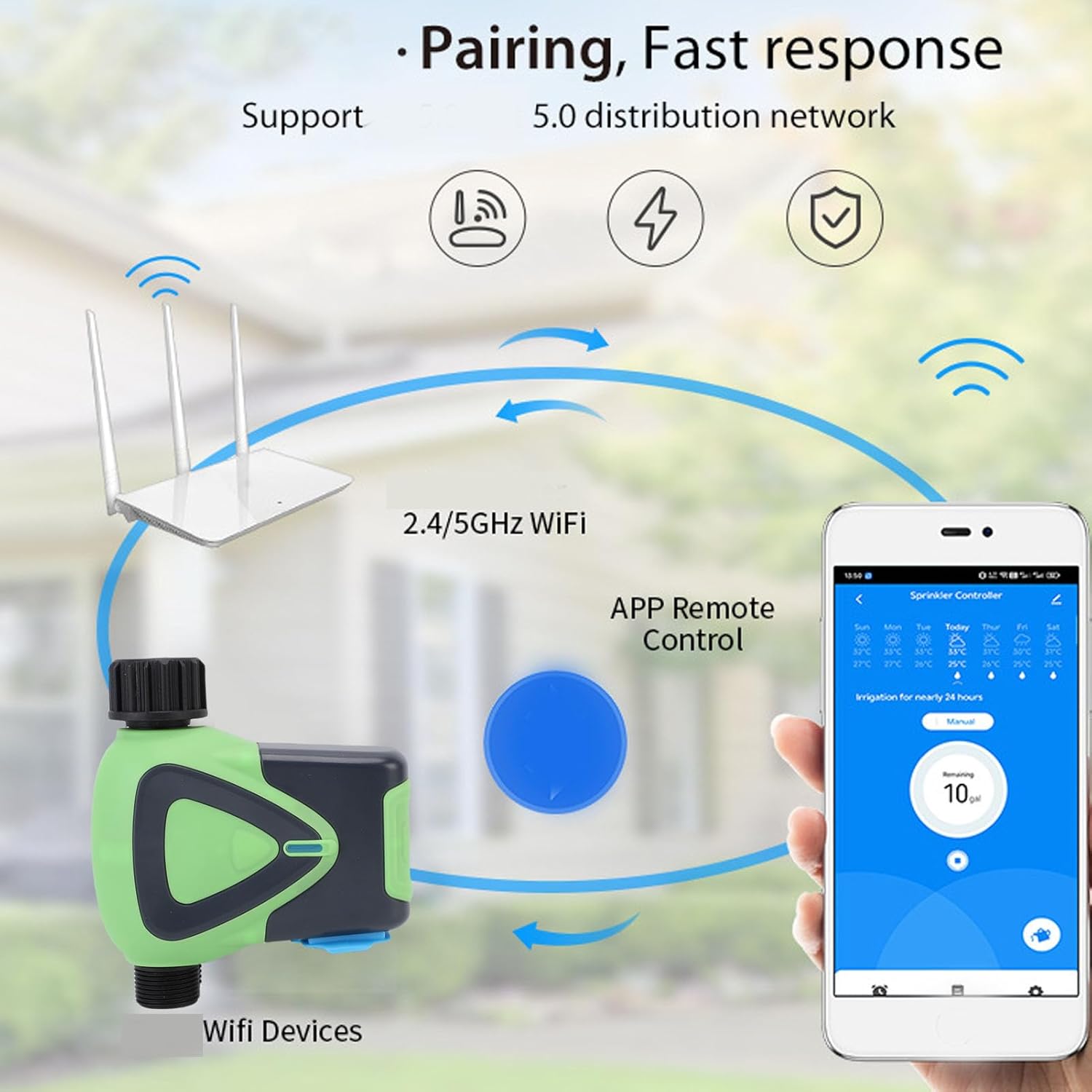
Image: Diagram illustrating the pairing process, showing the smart sprinkler timer, a WiFi router, and a smartphone displaying the control app.
Ntuziaka ọrụ
1. Njikwa anya site na ngwa
Once paired, you can manage your irrigation schedules and settings remotely using the mobile application. This includes setting watering times, durations, and activating manual watering modes.

Image: A smartphone displaying the app interface for remote watering control, with an icon representing a watering can.
2. Njikwa olu
The sprinkler timer supports voice activation through compatible smart assistants. Link your device to your preferred voice assistant (e.g., Google Assistant) to control watering with voice commands.
3. Scheduling and Rain Delay
Set up customized watering schedules within the app. The system also supports a rain delay function, allowing you to pause watering during rainy periods to conserve water and prevent overwatering.
4. Family Collaboration
The app allows you to add family members for shared management of the sprinkler timer. This enables multiple users to monitor and adjust watering settings.
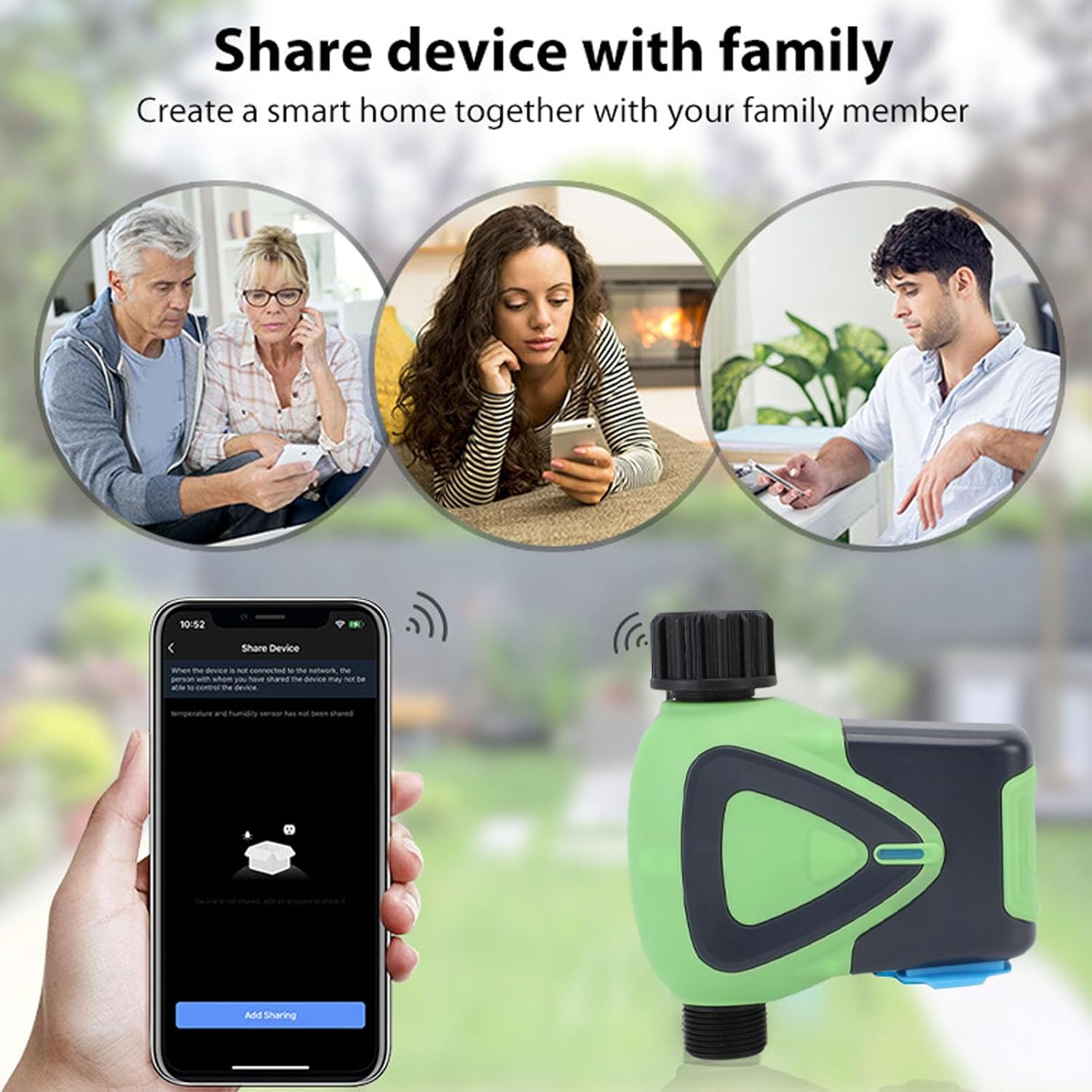
Image: Illustration depicting family members sharing control of the smart device via their smartphones.
5. Watering Records
The application maintains a record of past watering activities, including irrigation amounts and times. This feature helps in monitoring water usage and optimizing schedules.

Image: A smartphone screen showing the "Watering Records" section of the app, listing irrigation amounts and dates.
Nlekọta
To ensure optimal performance and longevity of your Luqeeg Smart Sprinkler Timer, follow these maintenance guidelines:
- Ngbanwe batrị: Replace the 4 x AA batteries when the low battery indicator appears in the app or on the device.
- Nhicha: Periodically clean the exterior of the device with a soft, damp akwa . Ejila kemịkalụ siri ike ma ọ bụ ihe mkpocha abrasive.
- Oge oyi: In regions with freezing temperatures, disconnect the sprinkler timer from the faucet and store it indoors to prevent damage from freezing water.
- Ọnụọgụ enweghị mmiri: The device has an IP65 waterproof rating, meaning it is protected against low-pressure water jets from any direction. However, avoid submerging the device in water.
Nchọpụta nsogbu
- Ngwaọrụ Anaghị ejikọ:
- Ensure your WiFi network is 2.4GHz.
- Verify the Zigbee hub is properly connected and functioning.
- Check if the device is within the 45m wireless distance range of the hub/router.
- Restart the device and attempt pairing again.
- Enweghị Mgbasa Mmiri:
- Lelee ma ọkpọkọ ahụ emepeela nke ọma.
- Ensure batteries are charged and correctly installed.
- Verify the watering schedule in the app is active and correctly configured.
- Check for any blockages in the hose or timer.
- Okwu Njikọta ngwa:
- Jide n'aka na ekwentị gị nwere njikọ ịntanetị na-arụ ọrụ.
- Melite ngwa ahụ na ụdị kachasị ọhụrụ.
- Restart your smartphone and the sprinkler timer.
- Inaccurate Watering:
- Review your watering schedule and settings in the app.
- Check for any rain delay settings that might be active.
Nkọwapụta
| Nkọwapụta | Uru |
|---|---|
| Ụdị ihe | WiFi mmiri ngụ oge |
| Ihe onwunwe | ABS |
| Ịnye ọkụ | Batrị 4 x AA (anaghị etinye ya) |
| Ogo hose | 3/4 nke anụ ọhịa |
| Nkọwapụta eriri | NPT |
| Oriri Ike Njikere | 200 uA |
| Ikuku Standard | IEEE802.11b, g, n |
| Ugboro ikuku | 2.4GHz |
| Anya ikuku | 45m |
| Ọkwa mgbochi mmiri | IP65 |
| Nrụgide mmiri na-arụ ọrụ | 0.03MPa ruo 1MPa |
| Okpomọkụ na-arụ ọrụ | -10°C ruo 60°C (14°F ruo 140°F) |
| Iru mmiri na-arụ ọrụ | 1% to 95%RH (non condensing) |
| Nha ngwaahịa | Approx. 137x126x54mm (5.4x5.0x2.1in) |
| Nọmba nlereanya | Luqeegfzgw1dqgay |
| Ụdị | Luqeeg |

Image: The Luqeeg Smart Sprinkler Timer with its approximate dimensions indicated.