
Krysenix KGH2
Krysenix KGH2 Wireless Gaming Headset Instruction Manual
Brand: Krysenix | Model: KGH2
Okwu mmalite
This manual provides comprehensive instructions for the setup, operation, and maintenance of your Krysenix KGH2 Wireless Gaming Headset. Designed for an immersive audio experience, this headset features versatile connectivity, a noise-canceling microphone, and comfortable design for extended use.
Kedu ihe dị na Igbe ahụ
- Igwe isi egwuregwu ikuku ikuku (1)
- 2.4GHz Dongle (1)
- Ụdị-C USB USB (1)
- Akwụkwọ ntuziaka onye ọrụ (1)

Image: Contents of the Krysenix KGH2 Wireless Gaming Headset package, including the headset, 2.4GHz dongle, and Type-C charging cable.
Njirimara ngwaahịa
50mm Titanium-Coated Drivers
Experience clear highs and deep lows with the 50mm titanium-coated drivers, designed for precise audio in gaming environments.

Foto: Ihe dị n'ime view highlighting the 50mm dynamic drivers within the headset, emphasizing high-fidelity audio.
Adjustable Noise-Canceling Microphone
The sensitive, adjustable microphone features noise-canceling technology to eliminate background noise, ensuring clear communication. It can be adjusted up to 120° for optimal positioning.

Image: A user wearing the headset, demonstrating the adjustable noise-canceling microphone's effectiveness in reducing ambient sound for clear voice calls.
Cool RGB Lighting
Dynamic RGB lighting on the earcups enhances your gaming setup and provides a visually appealing experience.
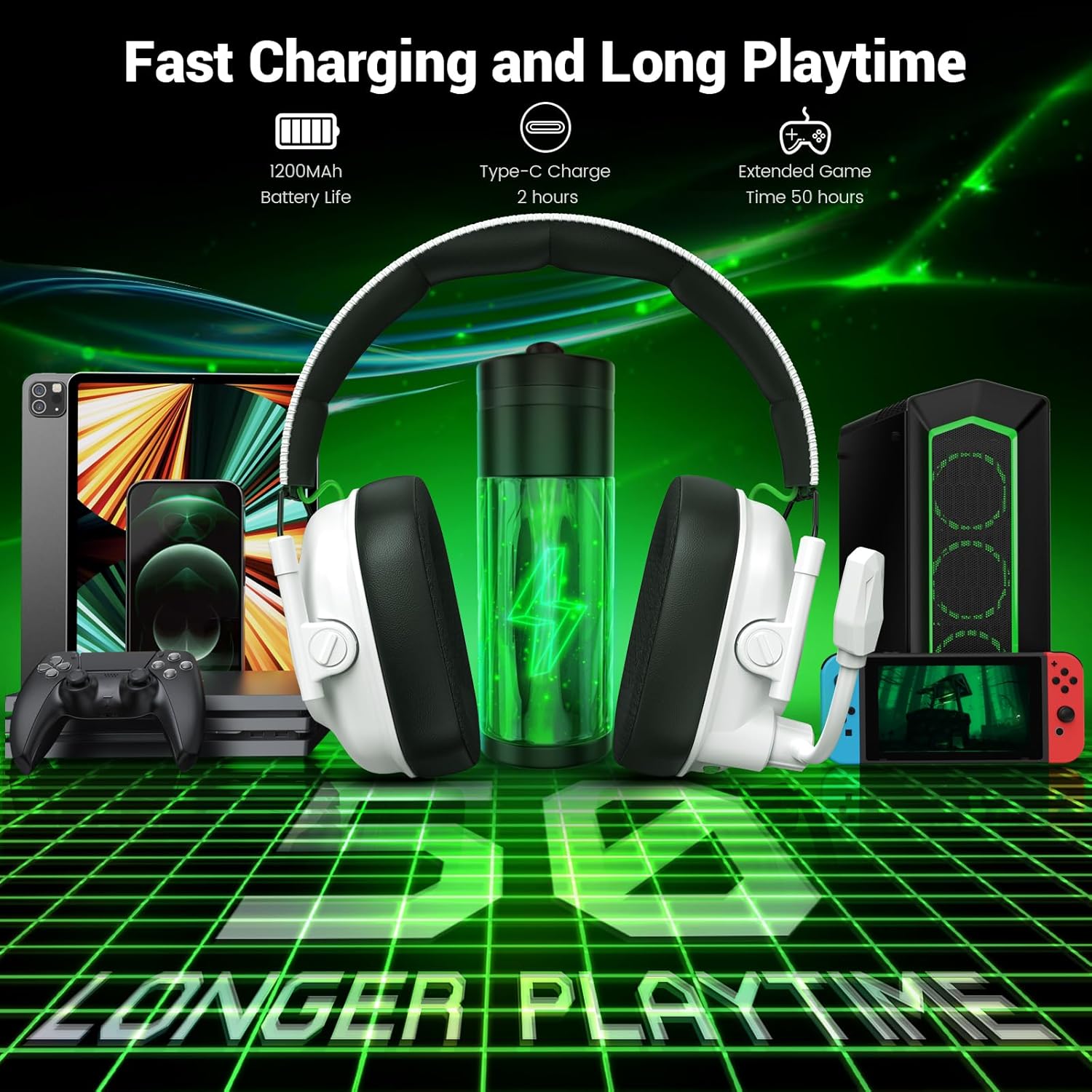
Image: The headset showcasing its cool RGB lighting, along with callouts for its foldable design and ultra-soft ear cups.
Foldable Design & Comfortable Earmuffs
The headset features a foldable design for easy storage and portability. Soft, high-quality imitation protein earmuffs and an adjustable headband ensure optimal comfort during long gaming sessions.
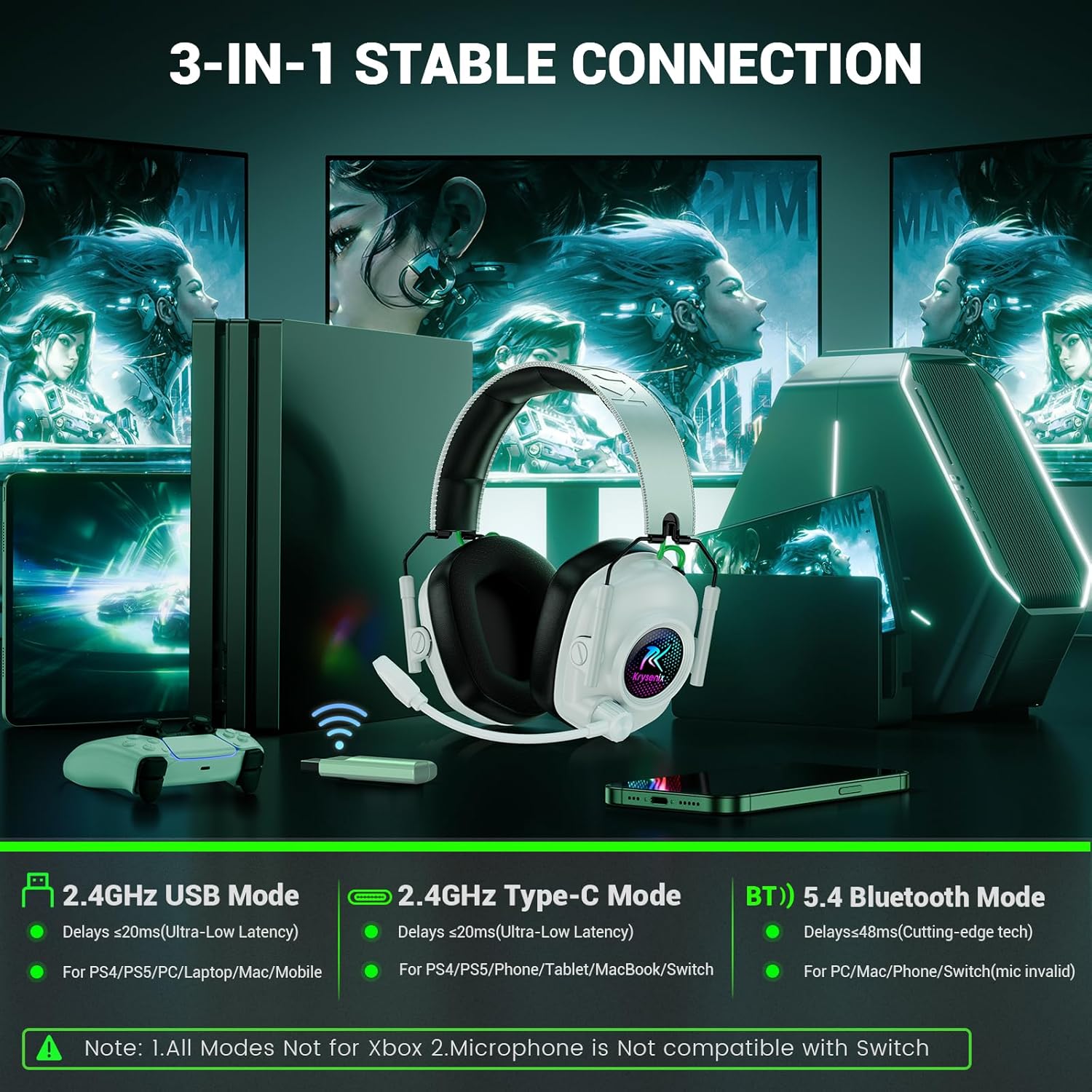
Image: The headset in its folded, compact state, ideal for travel and storage, shown alongside compatible devices.
Ntọala na Njikọta
Ịchaji ekweisi
The headset is equipped with a 1200mAh battery. Use the provided Type-C charging cable to charge the headset. A full charge takes approximately 2.5 to 3 hours. A full charge provides 30-35 hours of playtime with RGB lighting on, or up to 50 hours with RGB lighting off.
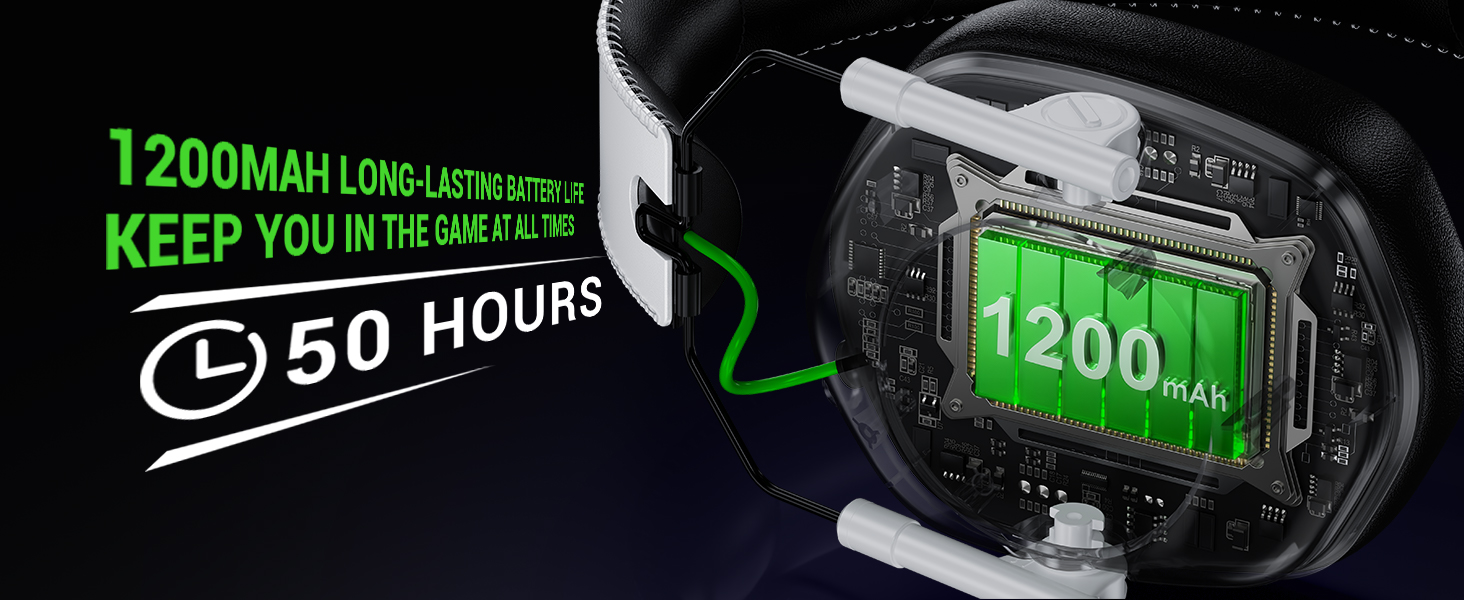
Image: Visual representation of the headset's 1200mAh battery, highlighting its 50-hour battery life.
Ijikọ na Ngwaọrụ
The Krysenix KGH2 headset offers two primary wireless connection modes: 2.4GHz wireless via dongle and Bluetooth 5.4.
- Ọnọdụ ikuku 2.4GHz: For ultra-low latency audio (≤20ms), plug the 2.4GHz dongle into your PC, PS4, PS5, Mac, or Laptop. For PS4/PS5, combine the 2-in-1 transmitter before connecting.
- Ụdị Bluetooth 5.4: For wireless connection to mobile devices like smartphones, tablets, and Nintendo Switch.
Ndekọ ndakọrịta dị mkpa:
- The microphone is not available when connected to Nintendo Switch.
- Bluetooth modes are incompatible with PS4 and PS5.
- The headset is not compatible with any Xbox series consoles in any mode.
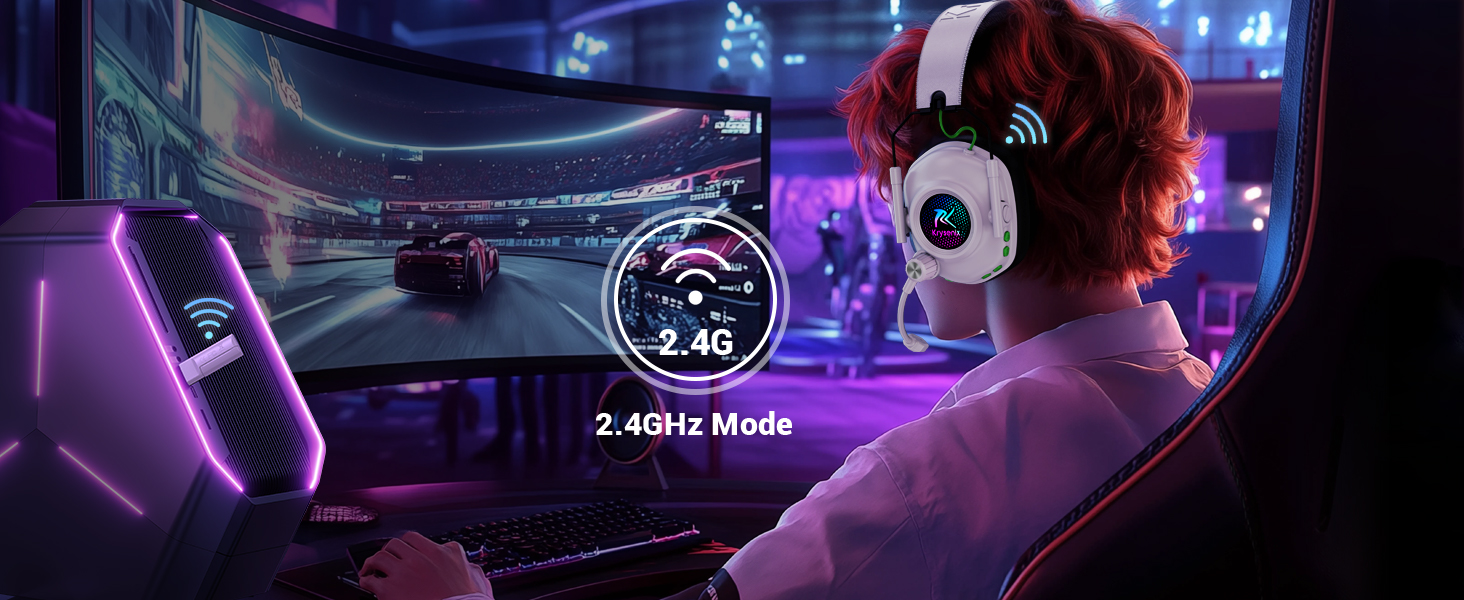
Image: An illustration detailing the two wireless connectivity options: 2.4GHz mode and Bluetooth 5.4 mode, with the headset shown in a gaming setup.

Image: A detailed compatibility table indicating audio and microphone functionality for 2.4GHz and Bluetooth modes across PC, PS4/PS5, Laptop, Switch, Phone/Pad, and Xbox Series.
Ntuziaka ọrụ
The headset features intuitive button controls located on the left earcup.

Foto: nkọwa zuru ezu view of the headset's control buttons, including power, volume up/down, mode switch, and microphone on/off.
- Gbanyụọ/ Gbanyụọ: Long press the Power button (1) for 3 seconds to power on, 4 seconds to power off.
- Gwuo/kwụsịtụ: Single click the Power button (1).
- Azịza/Kwụsị Oku: Single click the Power button (1).
- Jụ oku: Long press the Power button (1) for 2 seconds.
- Oku ikpeazụ ga-emegharị: Double click the Power button (1).
- Olu elu: Single click the '+' button (3).
- Olu ala: Single click the '-' button (2).
- Track na-esote: Long press the '+' button (3) for 2 seconds.
- Gara aga Track: Long press the '-' button (2) for 2 seconds.
- Gbanyụọ/ gbanyụọ RGB: Single click the 'M' button (4).
- Ụdị Egwuregwu/Ụdị Egwu: Double click the 'M' button (4).
- Re-Pair (Bluetooth Mode): Long press the 'M' button (4) for 3 seconds.
- Gbanyụọ/ Gbanyụọ igwe: Single click the Mic button (5).
- BT/2.4G Switch: Long press the Mic button (5) for 2 seconds.
Nlekọta
- Nhicha: Jiri ákwà dị nro ma kpọọ nkụ hichaa ekweisi ahụ. Zere iji kemịkalụ siri ike ma ọ bụ ihe ndị na-emebi ihe.
- Nchekwa: Store the headset in a cool, dry place. Utilize its foldable design for compact storage when not in use.
- Nlekọta batrị: To prolong battery life, avoid fully discharging the headset frequently. Charge it regularly, especially if not used for extended periods.
- Nlekọta igwe okwu: Handle the adjustable microphone gently to prevent damage.
Nchọpụta nsogbu
- No Audio/Microphone:
- Gbaa mbọ hụ na agbanyere ekweisi wee chajịa nke ọma.
- Verify correct connection mode (2.4GHz dongle or Bluetooth) for your device.
- Check device compatibility (e.g., microphone invalid for Switch, Bluetooth incompatible with PS4/PS5).
- Confirm volume levels on both the headset and the connected device.
- For 2.4GHz, ensure the dongle is securely plugged in and recognized by the device.
- Okwu Njikọta:
- For Bluetooth, ensure the headset is in pairing mode and visible to your device.
- Move closer to the connected device to rule out range issues.
- Malitegharịa ma ekweisi na ngwaọrụ ejikọrọ.
- Ọkụ RGB anaghị arụ ọrụ:
- Gbaa mbọ hụ na agbanyere ekweisi.
- Single click the 'M' button to toggle RGB lighting.
Nkọwapụta
| Ụdị | Krysenix |
| Aha Nlereanya | KGH2 |
| Teknụzụ Njikọta | Wireless (2.4GHz & Bluetooth 5.4) |
| Teknụzụ nzikọrịta ozi ikuku | Bluetooth |
| Ụdị ọkwọ ụgbọ ala ọdịyo | Onye ọkwọ ụgbọ ala dị ike (50mm) |
| Njikwa mkpọtụ | Sound Isolation, Noise Cancellation (Microphone) |
| Ndụ batrị | Up to 50 Hours (RGB off), 30-35 Hours (RGB on) |
| Oge Nchaji | Awa 3 |
| Jack ekweisi | Type-C (for charging) |
| Ihe onwunwe | Leather (earmuffs) |
| Atụmatụ pụrụ iche | Foldable, Microphone Included, Noise Cancellation, Noise Isolation, Volume Control |
| Ibu Ibu | 12 ounces |
Vidiyo ngwaahịa ngwaahịa
Krysenix KGH2 Wireless Gaming Headset Unboxing
Video: An unboxing of the Krysenix KGH2 Wireless Gaming Headset, showing the contents of the package and initial impressions of the headset's design and features.
gafereview of Krysenix KGH2 Wireless Gaming Headset Features
Vidiyo: Ihe osise zuru ezuview of the Krysenix KGH2 Wireless Gaming Headset, covering its design, comfort, controls, and connectivity options.
Krysenix KGH2 Wireless Gaming Headset Demonstration
Video: A demonstration of the Krysenix KGH2 Wireless Gaming Headset in use, highlighting its comfort, microphone flexibility, and RGB lighting.
Akwụkwọ ikike na nkwado
For warranty information and customer support, please refer to the official Krysenix webma ọ bụ kpọtụrụ onye na-ere ahịa gị. Debe risit gị maka akwụkwọ ikike ọ bụla.
Ask a question about this manual
Ask about setup, troubleshooting, compatibility, parts, safety, or missing instructions. Manuals+ will review the question and use this page’s manual context to help answer it.