
Okwu mmalite
Thank you for choosing the 1MORE Piston P20 Type-C Wired Earphones. This manual provides detailed instructions for setting up, operating, maintaining, and troubleshooting your earphones to ensure optimal performance and longevity. Please read this manual thoroughly before using the product.
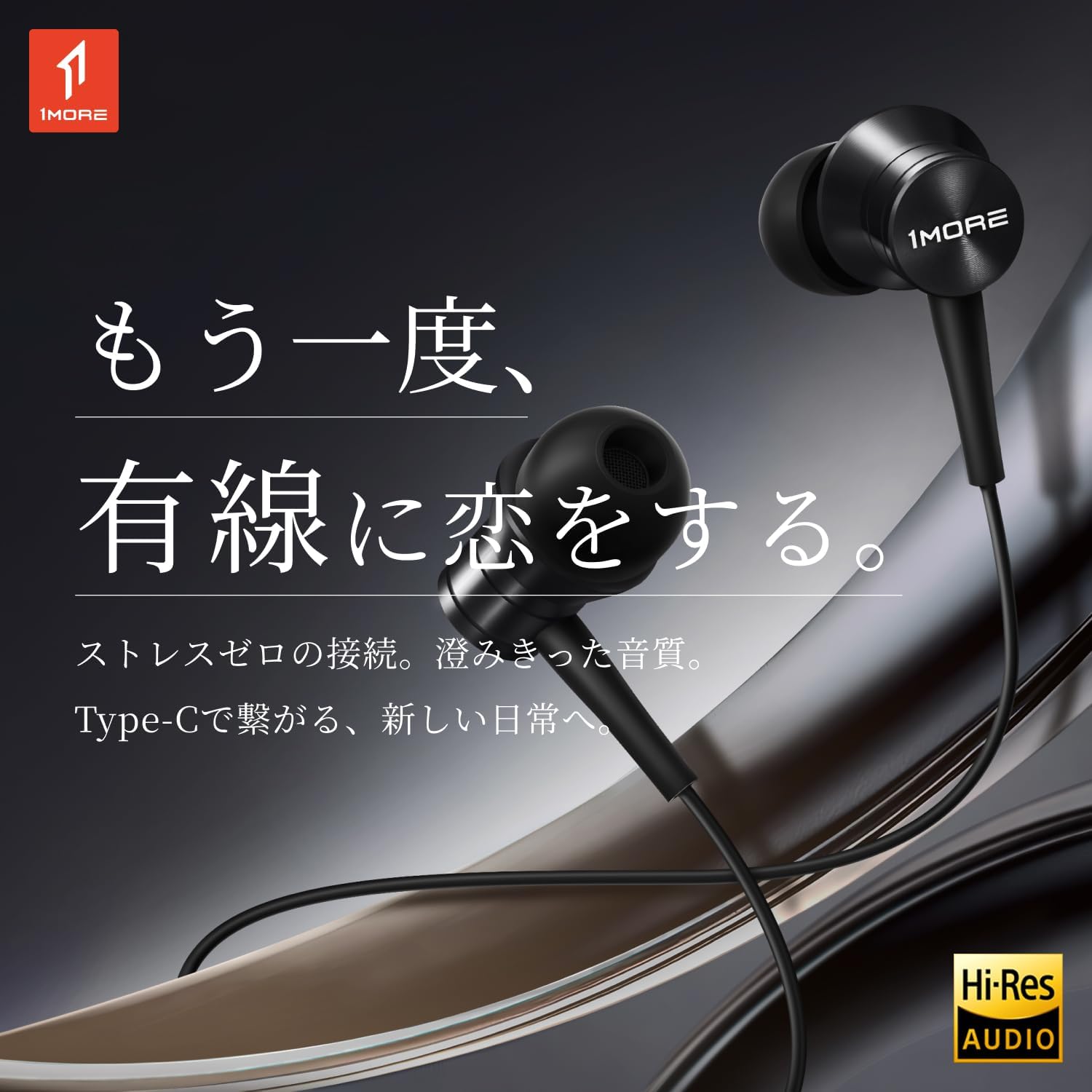
Image: The 1MORE Piston P20 Type-C Wired Earphones, showcasing their sleek black design and the Hi-Res Audio certification logo.
Ihe ngwugwu
Chọpụta na ihe niile dị na ngwugwu gị:
- 1MORE Piston P20 Type-C Wired Earphones
- Ndụmọdụ ntị (nha dị iche iche)
Melite
Ijikọ na Ngwaọrụ gị
The 1MORE Piston P20 earphones feature a Type-C connector for direct digital audio transmission. No additional setup or pairing is required.
- Locate the Type-C port on your smartphone, tablet, or other compatible device.
- Insert the Type-C connector of the earphones firmly into the device's port.
- The earphones are ready for use once connected.

Image: A hand connecting the Type-C earphones to a smartphone, illustrating the simple plug-and-play setup.
Iyi ekwe ntị
The earphones are designed for a comfortable and secure fit:
- Identify the left (L) and right (R) earpieces. These markings are located on the inner side of each earbud.
- Gently insert each earbud into the corresponding ear canal. The 45° angled nozzle and two-stage angle design are engineered for an ergonomic fit.
- Adjust the earpieces until they feel secure and comfortable. Proper fit helps optimize sound quality and noise isolation.
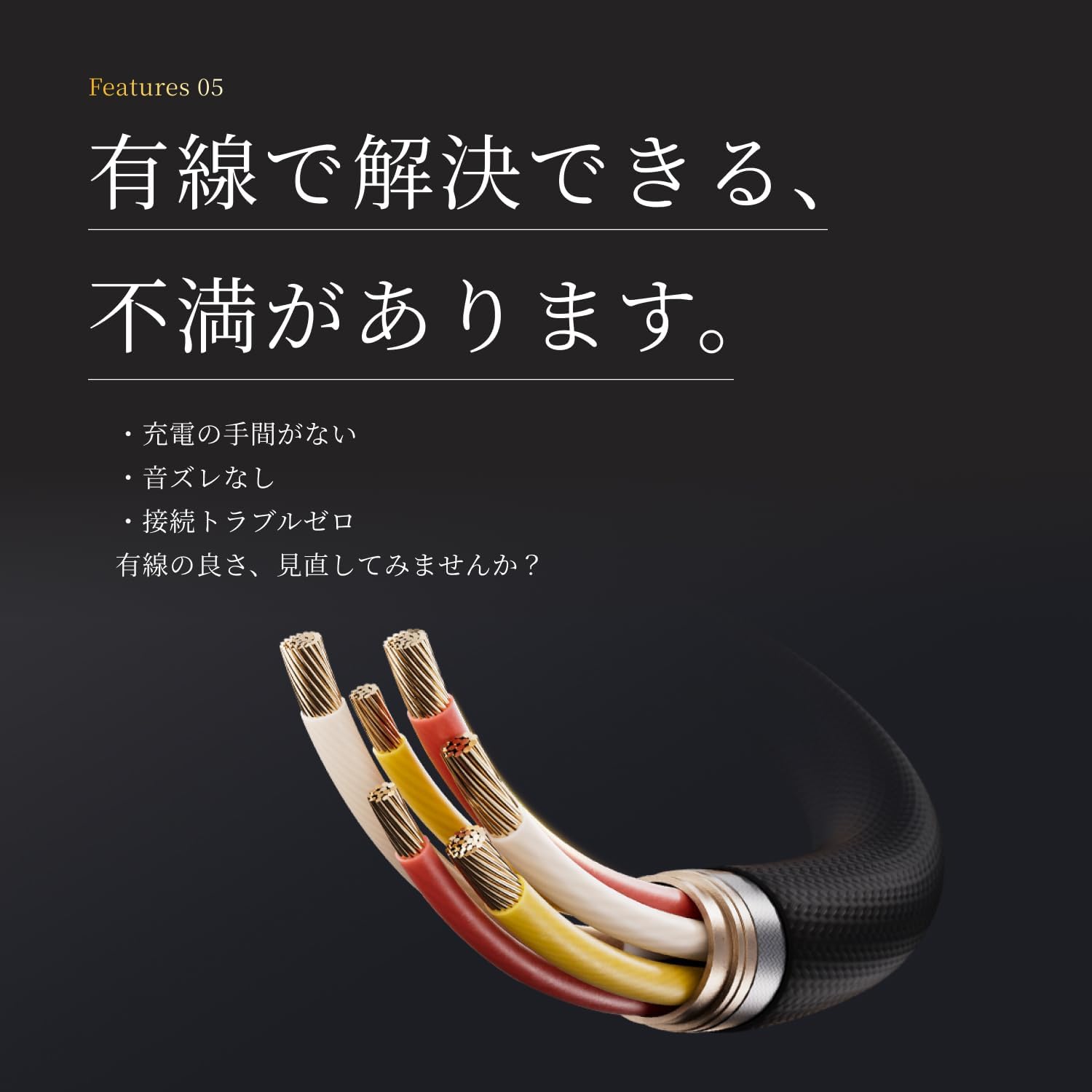
Foto: A nso nso view of an earphone, highlighting the clear 'L' marking for proper left ear placement.

Image: Two individuals wearing the 1MORE Piston P20 earphones, demonstrating the ergonomic and comfortable fit.
Ntuziaka ọrụ
Inline Remote Control Functions
The earphones are equipped with an intuitive inline remote control for easy management of audio playback and calls.
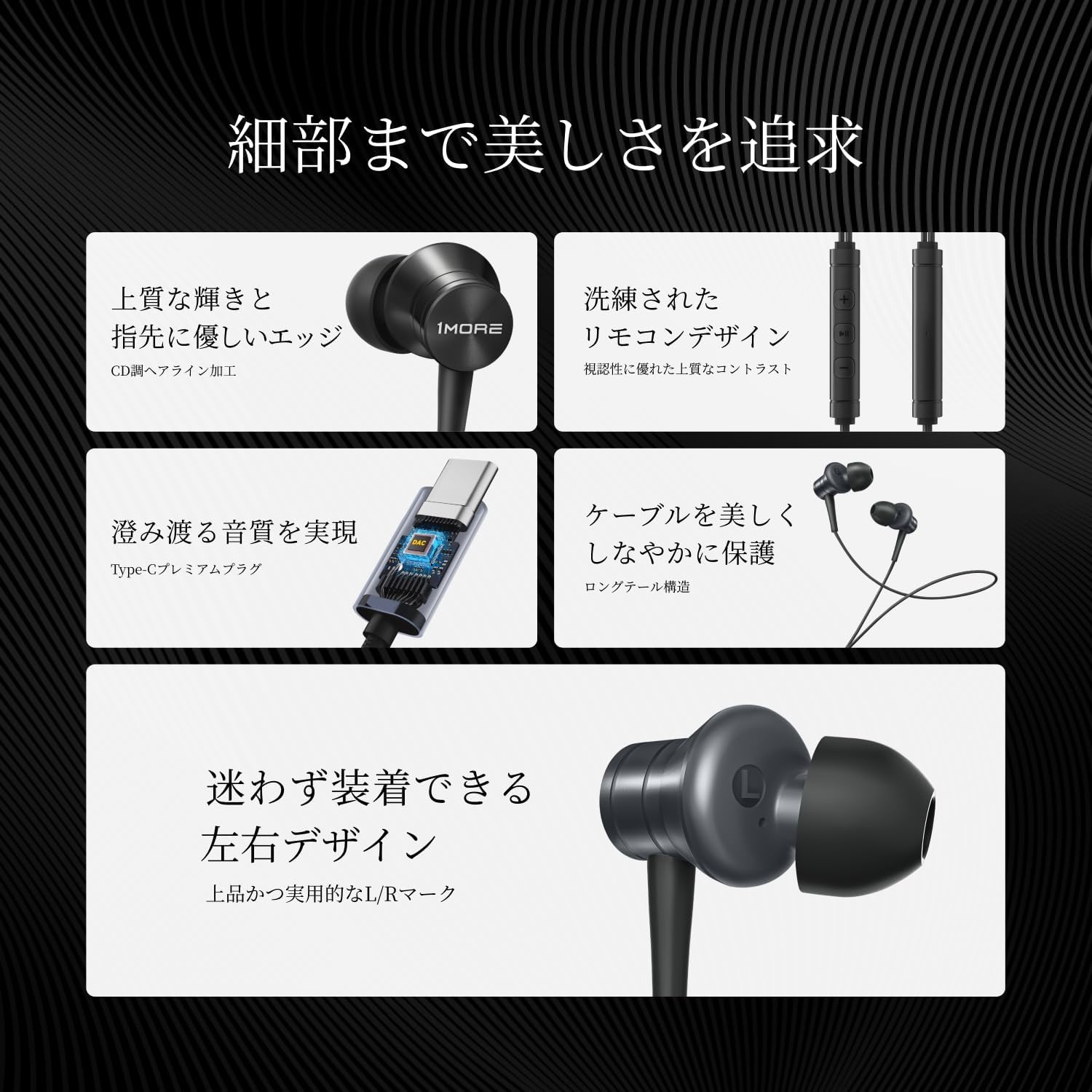
Foto: nkọwa zuru ezu view of the inline remote control, showing the volume and multi-function buttons.
| Ọrụ | Omume |
|---|---|
| Kpọọ/kwụsịtụ egwu | Pịa bọtịnụ etiti otu ugboro. |
| Elu elu | Pịa bọtịnụ '+'. |
| Mpịakọta ọnụ | Pịa bọtịnụ '-'. |
| Track na-esote | Pịa bọtịnụ etiti ugboro abụọ. |
| Egwu gara aga | Press the center button three times. |
| Zaa/Kwụsị Oku | Press the center button once during a call. |
| Jụ oku | Pịa ma jide bọtịnụ etiti. |
| Mee ka onye enyemaka olu rụọ ọrụ | Press and hold the center button (functionality may vary by device). |
| Mechie Igwe okwu | Pịa ma jide bọtịnụ '-'. |
Eji igwe okwu
The integrated AI ENC (Environmental Noise Cancellation) MEMS microphone ensures clear voice capture during calls and recordings, minimizing ambient noise.

Image: A person engaged in a phone call using the earphones, demonstrating the microphone's position for clear communication.

Image: A diagram illustrating the AI ENC technology, showing how environmental noise is suppressed for clearer voice transmission.
Nlekọta
Cleaning the Earphones
Ịsacha mgbe niile na-enyere aka ịnọgide na-adị ọcha ma na-enwe ụda dị mma.
- Gently remove the ear tips from the earbuds.
- Clean the ear tips with a mild soap solution and water, then rinse thoroughly and allow them to dry completely before reattaching.
- Use a soft, dry cloth to wipe the earbud surfaces and cable. Avoid using harsh chemicals or abrasive materials.
- Ensure no moisture enters the earbud nozzles or the Type-C connector.
Nlekọta USB
The earphones feature a tension-reinforced fiber and braided cable cover for durability. To prolong the cable's life:
- Zere ịgbagọ nkọ ma ọ bụ ịdọpụ eriri ahụ gabiga ókè.
- Store the earphones neatly to prevent tangling.
- Do not expose the cable to extreme temperatures or direct sunlight for extended periods.

Image: A close-up of the earphone cable, highlighting its durable braided construction designed to resist wear and tear.
Nchọpụta nsogbu
If you encounter any issues with your earphones, refer to the following common problems and solutions:
| Nsogbu | Ngwọta enwere ike |
|---|---|
| Enweghị ụda sitere na ekwe ntị. |
|
| Ogo ụda adịghị mma ma ọ bụ mgbagha. |
|
| Igwe okwu anaghị arụ ọrụ ma ọ bụ na-edoghị anya. |
|
| Inline remote not responding. |
|
Nkọwapụta
Detailed technical specifications for the 1MORE Piston P20 Type-C Wired Earphones:
| Njirimara | Nkọwa |
|---|---|
| Nlereanya | P20 |
| Ụdị njikọ | Type-C (Wired) |
| Ụdị ejiji | N'ime ntị |
| Onye ọkwọ ụgbọ ala | 10mm DLC (Diamond-Like Carbon) Diaphragm Dynamic Driver |
| Nzaghachi ugboro ugboro | 20Hz - 40,000Hz |
| Mgbochi | 32Ω |
| Mmetụta | 100dB |
| Enyere ike | 5mW |
| Ogologo eriri USB | 1.25m |
| Ibu | 19g |
| Igwe okwu | AI ENC MEMS Microphone |
| DAC Chip | Ejikọtara |
| Hi-Res Audio | Asambodo |
| Mba onye si | China |
Akwụkwọ ikike na nkwado
Akwụkwọ ikike nke onye nrụpụta
The 1MORE Piston P20 Type-C Wired Earphones come with a Akwụkwọ ikike onye nrụpụta afọ 1 from the date of purchase. This warranty covers defects in materials and workmanship under normal use. It does not cover damage caused by misuse, accidents, unauthorized modifications, or normal wear and tear.
Nkwado ndị ahịa
For technical assistance, warranty claims, or general inquiries, please contact 1MORE customer support through their official website or the retailer from whom you purchased the product. Please have your proof of purchase and product model number (P20) ready when contacting support.
For more information, visit the official 1MORE websaịtị: www.1more.com