
1. Okwu mmalite
Welcome to the user manual for your new vivo Y31 Pro 5G smartphone. This guide provides essential information on setting up, operating, maintaining, and troubleshooting your device. Please read this manual thoroughly to ensure proper usage and to maximize your phone's capabilities.
The vivo Y31 Pro 5G is a powerful smartphone featuring a 50MP camera, a large 6500 mAh battery with 44W fast charging, 8GB RAM, 256GB storage, and 5G connectivity, all powered by Funtouch OS 15.
2. Kedu ihe dị na Igbe ahụ
Upon unboxing your vivo Y31 Pro 5G, please verify that all the following items are included:
- vivo Y31 Pro 5G Smartphone
- Akpa ekwentị
- Power Adapter (44W Fast Charger)
- SIM Tray Ejector
- Ihe nchekwa ihuenyo ( etinyere ya ụzọ)
- eriri USB (ụdị-C)
3. Ngwaọrụ gafereview
Familiarize yourself with the physical components and layout of your vivo Y31 Pro 5G.
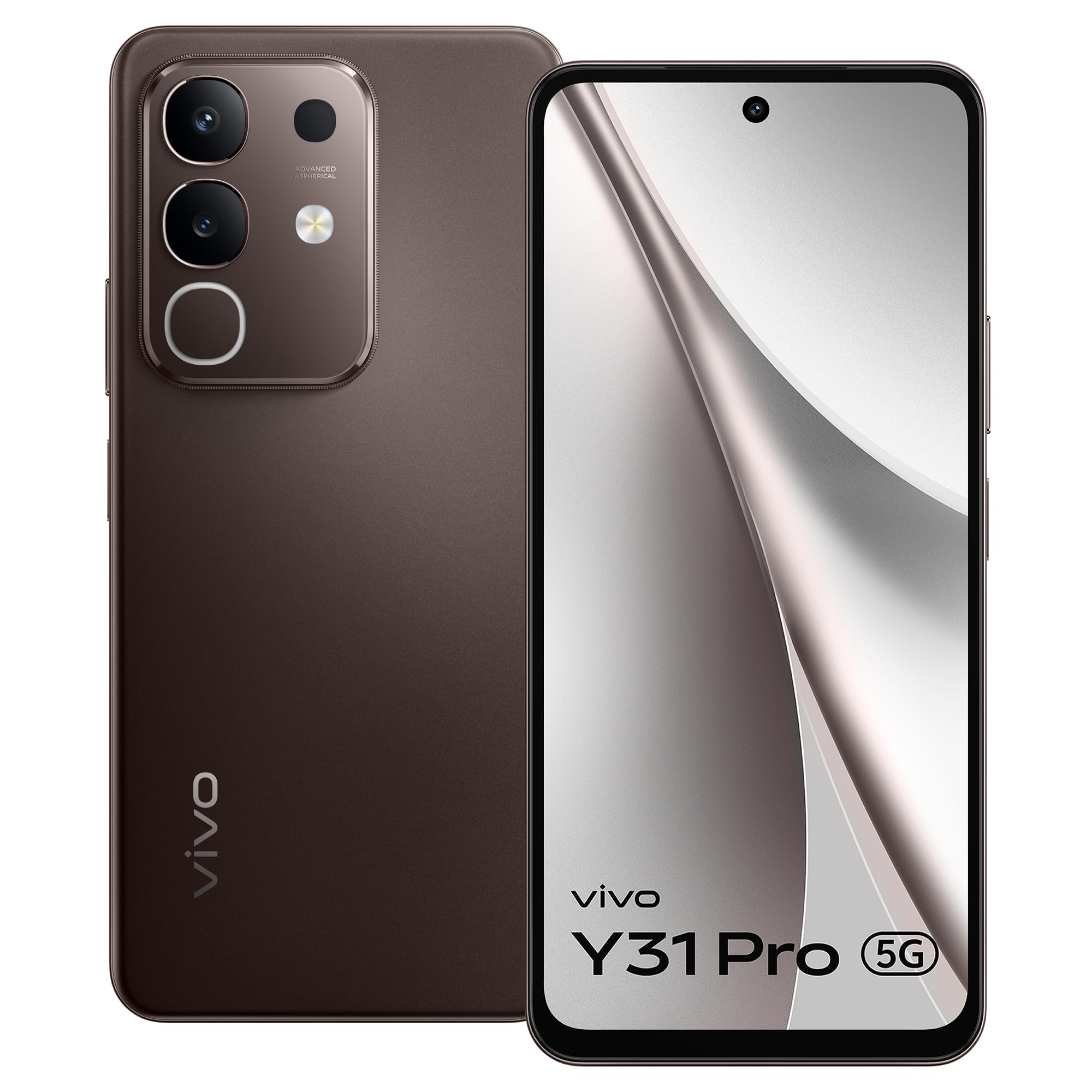
Foto 3.1: N'ihu view of the vivo Y31 Pro 5G, showcasing its display and front camera.

Foto 3.2: Azu view of the vivo Y31 Pro 5G, highlighting the camera module and vivo branding.
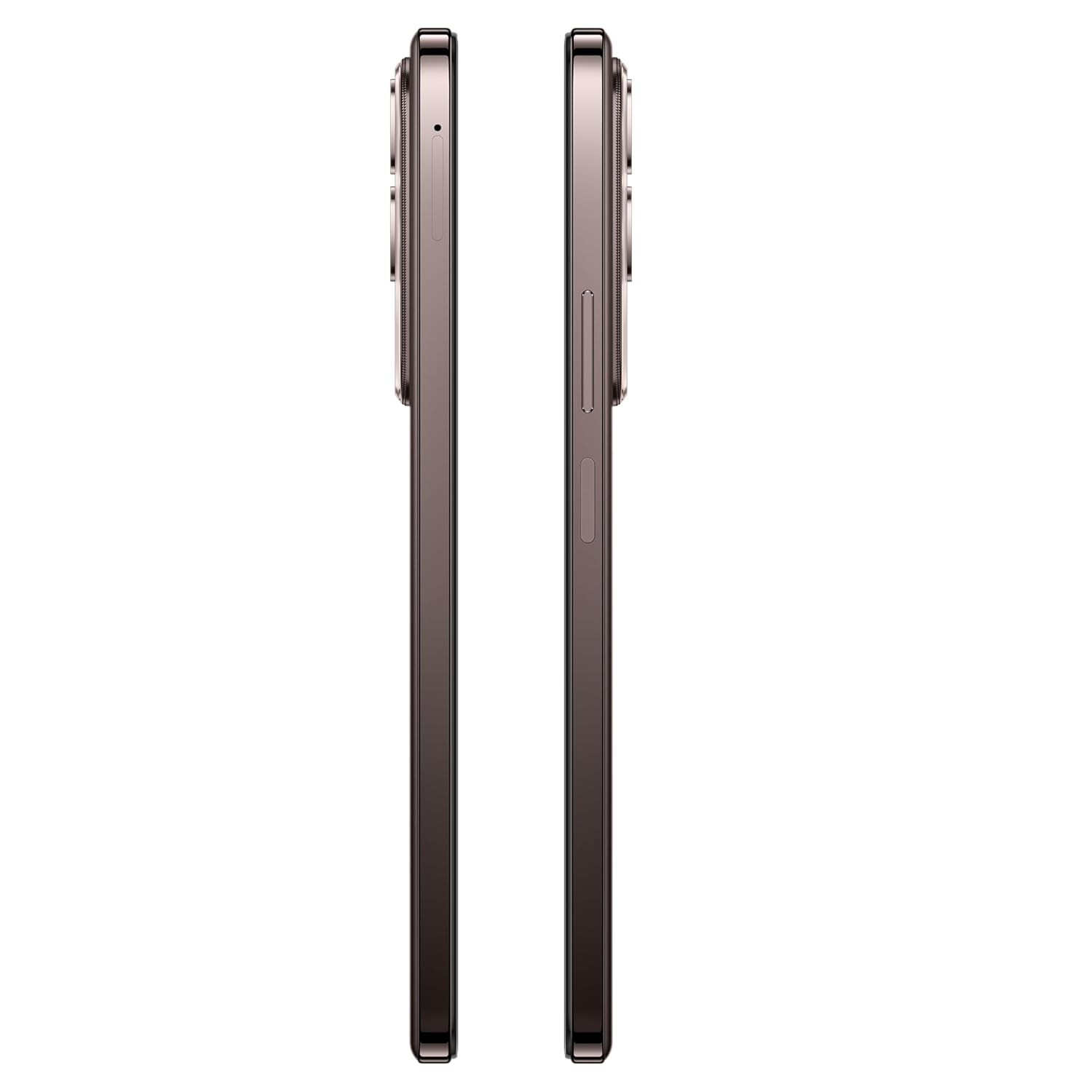
Foto 3.3: Akụkụ view of the vivo Y31 Pro 5G, illustrating the power button, volume rocker, and SIM card tray location.

Foto 3.4: N'elu na ala view of the vivo Y31 Pro 5G, showing the USB Type-C port, speaker grille, and microphone.
4. Nhazi
4.1. Ntinye SIM na kaadị ebe nchekwa
Your vivo Y31 Pro 5G supports dual Nano SIM cards. Follow these steps to install your SIM cards:
- Locate the SIM card tray on the side of your phone (refer to Figure 3.3).
- Fanye ngwaọrụ mkpagharị SIM tray n'ime obere oghere dị n'akụkụ tray ahụ wee pịasie ike ruo mgbe tray ahụ pụtara.
- Jiri nlezianya dọpụta tray SIM ahụ.
- Place your Nano SIM cards into the designated slots on the tray, ensuring the gold contacts face downwards and the cut corner aligns correctly.
- Gently push the SIM tray back into the phone until it is flush with the device's side.
4.2. Ike izizi
Iji gbanye ngwaọrụ gị maka oge mbụ:
- Press and hold the Power button (located on the side) until the vivo logo appears on the screen.
- Soro ntuziaka na ihuenyo ka ịmechaa nhazi mbụ, gụnyere nhọrọ asụsụ, njikọ Wi-Fi, ntọlite akaụntụ Google, na ntọala nchekwa.
4.3. Ịchaji ngwaọrụ
Tupu i jiri ya na mbụ, a na-atụ aro ka ị chajịa ekwentị gị nke ọma.
- Connect the USB Type-C cable to the charging port at the bottom of your phone.
- Connect the other end of the USB cable to the provided 44W Power Adapter.
- Tinye nkwụnye ọkụ n'ime oghere mgbidi.
- The charging indicator will appear on the screen. Your device supports 44W fast charging for quick power-ups.
5. Atụmatụ igodo
Explore the advanced features of your vivo Y31 Pro 5G.
5.1. Ngosipụta
Enjoy a vibrant visual experience on the 17.06 cm (6.72-inch) FHD display with a high brightness mode of 1050 Nits and a smooth 120 Hz refresh rate.
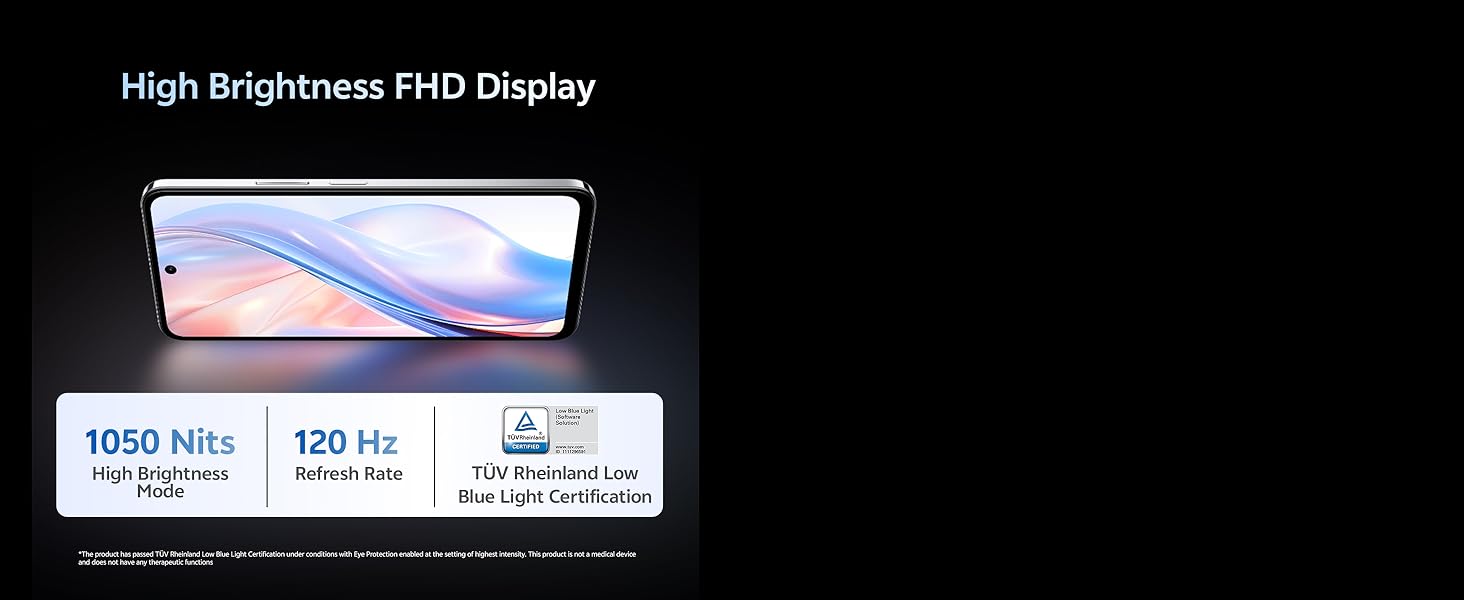
Foto 5.1: The vivo Y31 Pro 5G features a High Brightness FHD Display with 1050 Nits and 120 Hz Refresh Rate for clear and fluid visuals.
5.2. Sistemụ igwefoto
Capture stunning photos and videos with the versatile camera setup:
- Igwefoto azụ: 50 MP Main Camera + 2 MP Secondary Camera
- Igwefoto ihu: 8 MP Selfie Camera
- Ndekọ vidiyo: Supports 4K video recording for high-definition footage.
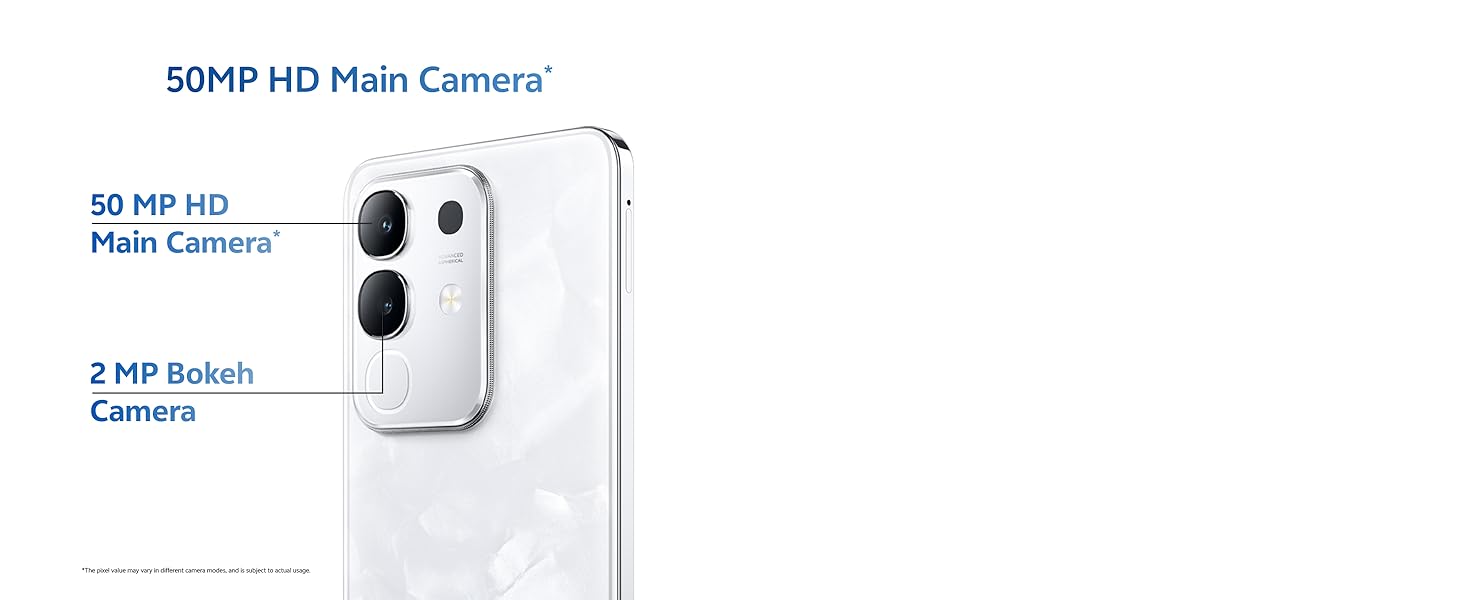
Foto 5.2: Close-up of the 50MP HD Main Camera module on the vivo Y31 Pro 5G.

Foto 5.3: Illustration of the 4K Video Recording feature, demonstrating enhanced detail.
5.3. Arụmọrụ
The vivo Y31 Pro 5G is engineered for smooth and efficient performance:
- Ihe nhazi: Powered by the MediaTek Dimensity 7300 Processor for robust performance.
- RAM: 8GB RAM ensures seamless multitasking.
- Nchekwa: 256GB internal memory provides ampohere maka ngwa, foto na mgbasa ozi.
- Njikọta: 5G cellular technology for lightning-fast internet speeds.
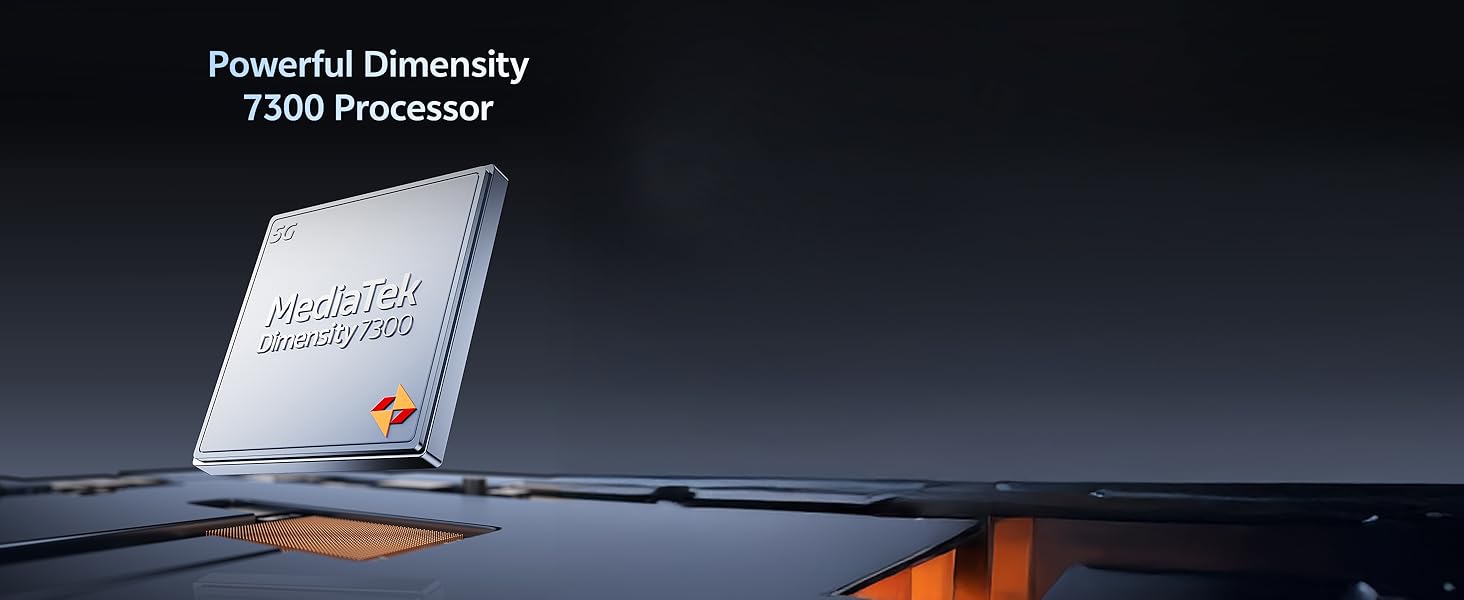
Foto 5.4: The Powerful Dimensity 7300 Processor, central to the phone's high performance.
5.4. Batrị & Nchaji
Stay powered throughout your day with:
- Ike batrị: Massive 6500 mAh lithium-ion battery.
- Nchaji ngwa ngwa: 44W fast charging technology for quick recharges.
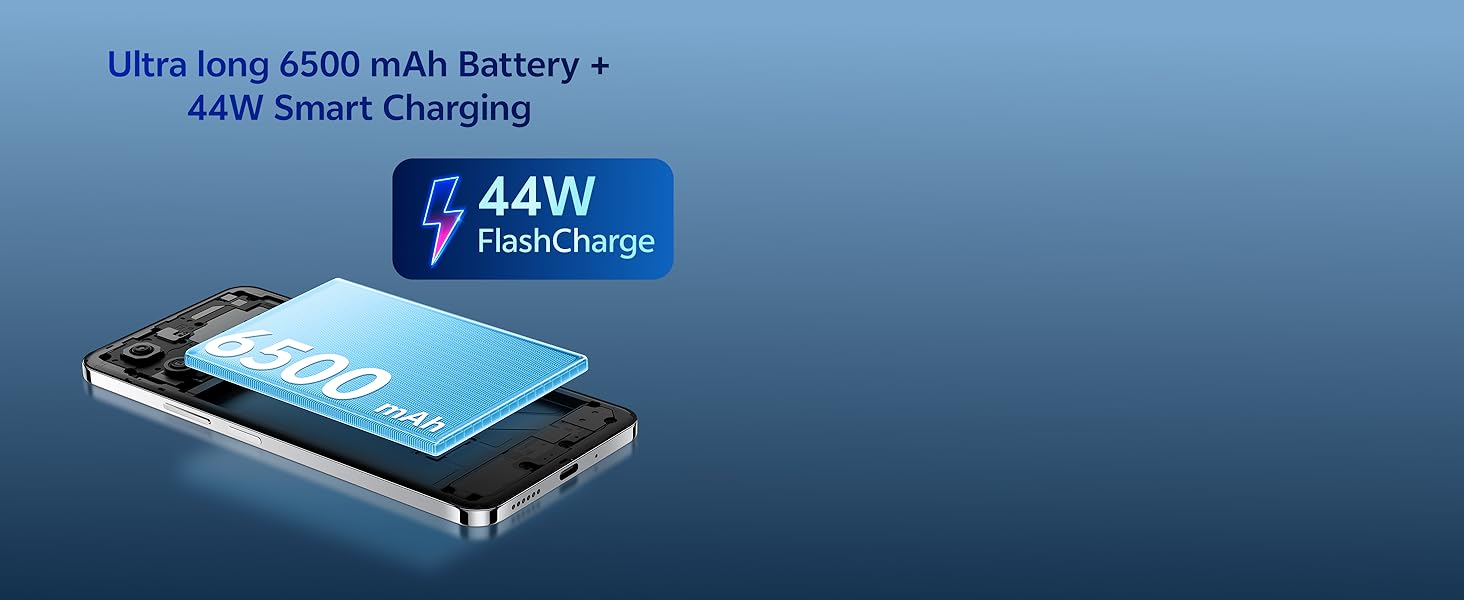
Foto 5.5: The Ultra long 6500 mAh Battery with 44W FlashCharge capability.
5.5. Durability & Design
The vivo Y31 Pro 5G is built to withstand daily use:
- Ogologo oge: Features Military Grade durability, tested to MIL-STD-810H standards.
- Nguzogide mmiri: IP64 rating for All-Life-Scenario Water Resistance, offering protection against dust and water splashes.
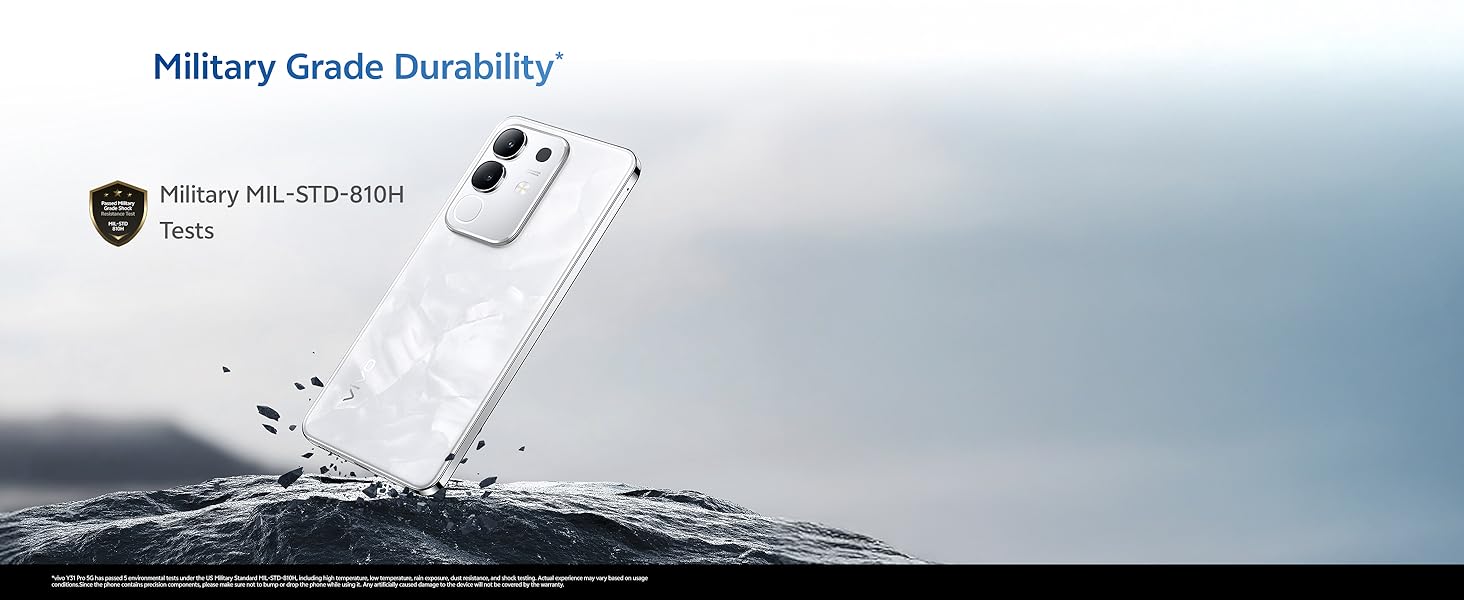
Foto 5.6: The vivo Y31 Pro 5G demonstrating Military Grade durability in a rugged environment.
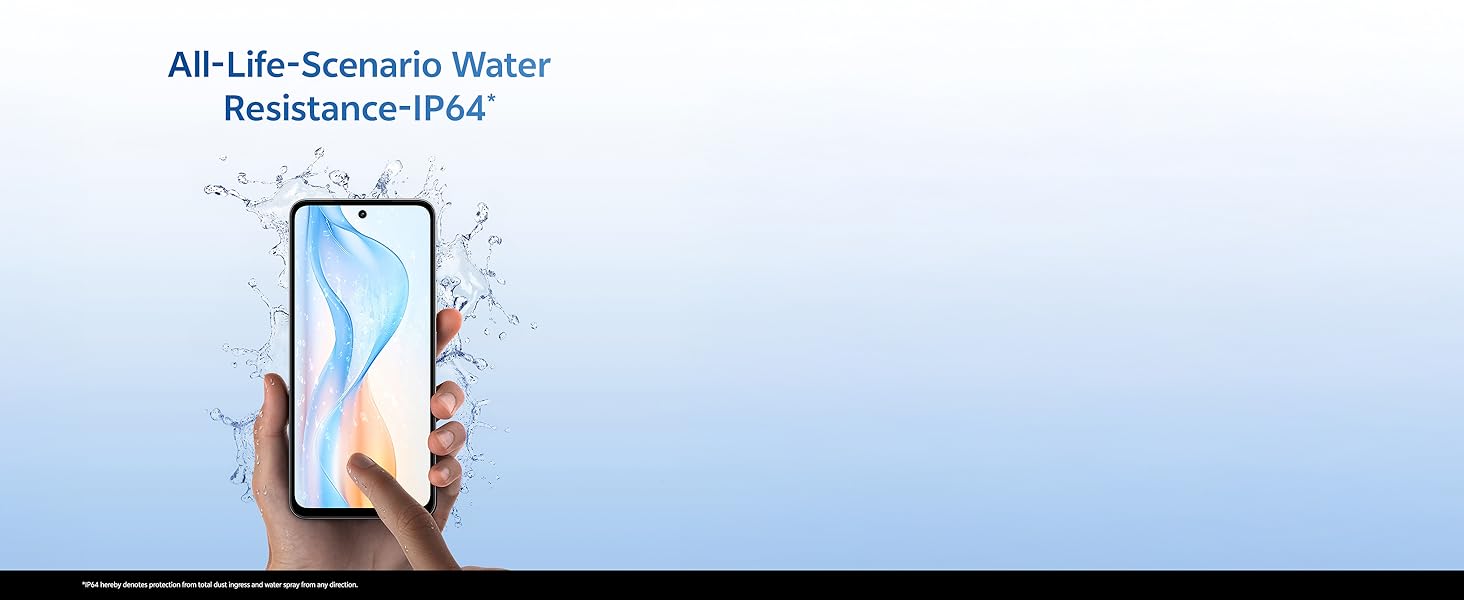
Foto 5.7: A hand holding the vivo Y31 Pro 5G, illustrating its IP64 water resistance against splashes.
5.6. Akwukwo
Experience immersive sound with dual stereo speakers, offering 400% boosted volume for enhanced audio playback.
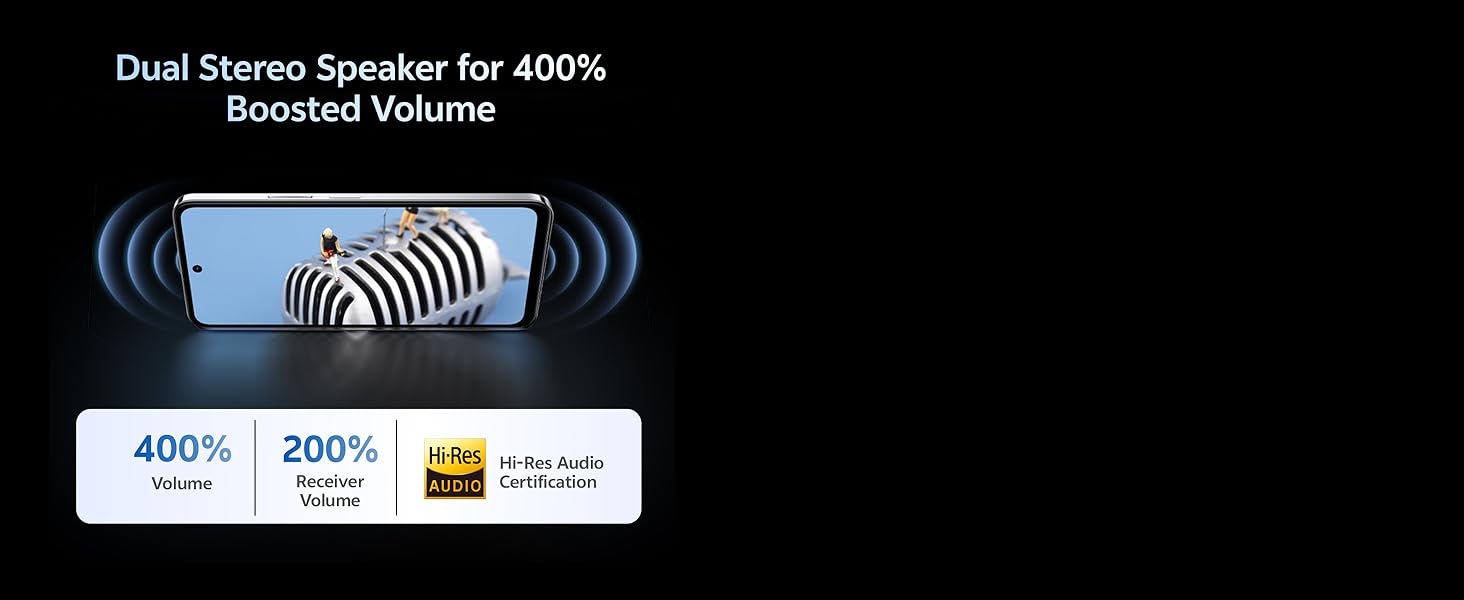
Foto 5.8: Visual representation of the Dual Stereo Speaker system providing boosted volume.
5.7. AI Suite
Leverage intelligent features for enhanced user experience:
- AI Erase: Intelligently remove unwanted objects from your photos.
- AI Photo Enhance: Automatically improve photo quality with AI algorithms.

Foto 5.9: Examples of AI Suite functionalities, including AI Erase and AI Photo Enhance.
6. Sistemụ arụmọrụ
The vivo Y31 Pro 5G runs on Funtouch OS 15, vivo's customized Android operating system. Funtouch OS 15 offers a user-friendly interface, enhanced privacy features, and various customization options. It also includes biometric security features such as Face Recognition for convenient and secure unlocking.
7. Nchọpụta nsogbu
This section addresses common issues you might encounter with your vivo Y31 Pro 5G. If you experience problems not covered here, please refer to the Warranty and Support section for further assistance.
- Ngwaọrụ anaghị agbanwu: Ensure the battery is charged. Connect the phone to the charger and wait a few minutes before attempting to power it on again. If it still doesn't turn on, press and hold the Power button for at least 10-15 seconds to force a restart.
- Phone not charging: Check if the USB cable and power adapter are securely connected to both the phone and the power outlet. Try using a different outlet or a different compatible charger and cable. Ensure the charging port is clean and free of debris.
- Mgbaàmà netwọk adịghị mma: Check if your SIM card is correctly inserted. Try restarting your phone. If the issue persists, contact your network provider to check for service outages na mpaghara gị.
- Ngwa na-akụda ma ọ bụ na-ajụ oyi: Close the problematic app and reopen it. If the issue continues, clear the app's cache and data in the phone's settings, or uninstall and reinstall the app. Ensure your Funtouch OS is updated to the latest version.
- Ihuenyo anaghị anabata: Force restart your phone by pressing and holding the Power button for 10-15 seconds. If the screen remains unresponsive after restarting, contact customer support.
8. Nkọwapụta
Detailed technical specifications for the vivo Y31 Pro 5G:
| Njirimara | Nkọwapụta |
|---|---|
| Ụdị | vivo |
| Aha Nlereanya | Y31 Pro 5G |
| Sistemụ nrụọrụ | Funtouch OS 15 |
| Ogo etinyere ebe nchekwa RAM | 8 GB |
| Ike Nchekwa ebe nchekwa | 256 GB |
| Nha ihuenyo | 6.72 sentimita (17.06 cm) |
| Mkpebi | Pikselụ 2408 x 1080 (FHD) |
| Ụdị ngosi | LCD |
| Mkpebi igwefoto azụ | 50 MP + 2 MP |
| Mkpebi igwefoto n'ihu | 8 MP |
| Ike batrị | 6500 ndeamp Oge awa |
| Nchaji teknụzụ | Nchaji ngwa ngwa 44W |
| SIM Card Slot Count | Dual SIM (Nano) |
| Ụdị njikọ | USB Ụdị C |
| Teknụzụ ekwentị | 5G |
| Nchekwa biometric | Nchọpụta ihu |
| Ọkwa Nguzogide mmiri | IP64 (Splash Resistant) |
| Ibu Ibu | 204 grams |
| Akụkụ akụkụ | 16.6 x 7.6 x 0.8 centimita |
| Afọ Nlereanya | 2025 |
9. Akwụkwọ ikike na nkwado
Your vivo Y31 Pro 5G comes with a manufacturer's warranty to ensure your peace of mind.
- Akwụkwọ ikike ngwaọrụ: 1 year manufacturer warranty from the date of purchase.
- In-box Accessories Warranty: 6 months manufacturer warranty for accessories included in the box from the date of purchase.
For warranty claims, technical support, or further assistance, please contact vivo customer service or visit an authorized service center. You can find contact information on the official vivo websaịtị ma ọ bụ site na ngalaba nkwado nke ntọala ngwaọrụ gị.
Ozi kọntaktị onye nrụpụta: vivo Mobile India Pvt Ltd Plot No 08, Sector 24, Yamuna Expressway Area, Gautam Buddha Nagar, Uttar Pradesh, 201310
10. Product Video Overview
Watch this short video for a quick overview of the vivo Y31 Pro 5G's key features and design.
Vidio 10.1: A brief introductory video showcasing the design and main functionalities of the vivo Y31 Pro 5G smartphone.