
1. Okwu mmalite
Thank you for choosing the THOMSON COSMO 500W Wi-Fi Connected Fluid-Free Electric Towel Dryer. This appliance is designed to provide rapid and uniform heat, ensuring warm towels and a comfortable bathroom environment. Its elegant design and smart connectivity features offer both performance and convenience.
This manual provides essential information for the safe installation, operation, and maintenance of your new towel dryer. Please read it thoroughly before use and retain it for future reference.
2. Ntuziaka nchekwa
Ịdọ aka ná ntị: Failure to follow these safety instructions may result in fire, electric shock, or injury.
- Gụọ ntuziaka niile tupu ịwụnye ma ọ bụ jiri ngwa a.
- Ezubere ngwa a maka naanị ụlọ. Ejila ya maka ebumnuche azụmahịa ma ọ bụ ụlọ ọrụ mmepụta ihe.
- Gbaa mbọ hụ na ọkọnọ ọkụ voltage dakọtara na akara ọkwa dị na ngwa ahụ.
- Do not operate the appliance with a damaged cord or plug, or if it has malfunctioned or been dropped.
- Debe eriri ọkụ ka ọ ghara ịdị ọkụ.
- Ejila ngwa, eriri, ma ọ bụ nkwụnye n'ime mmiri ma ọ bụ ihe mmiri ndị ọzọ.
- Kwụpụ ngwa ngwa na ebe ọkụ ọkụ mgbe ọ naghị eji ya na tupu ihicha ya.
- Do not allow children to operate or play with the appliance. Close supervision is necessary when the appliance is used near children.
- Install the towel dryer in a location where it is not accessible to persons in the bath or shower.
- Ensure proper ventilation around the appliance. Do not cover the towel dryer.
- This appliance is equipped with overheat protection. If it overheats, it will automatically shut off.
- Ekwesịrị ịrụ ọrụ nrụnye site n'aka onye ọrụ ọkụ eletrik ruru eru dịka iwu wiwi mpaghara si dị.
3. Ngwaahịa gafereview
The THOMSON COSMO towel dryer features a sleek design and advanced fluid-free heating technology for rapid and even heat distribution. It includes a digital control panel and Wi-Fi connectivity for remote management.
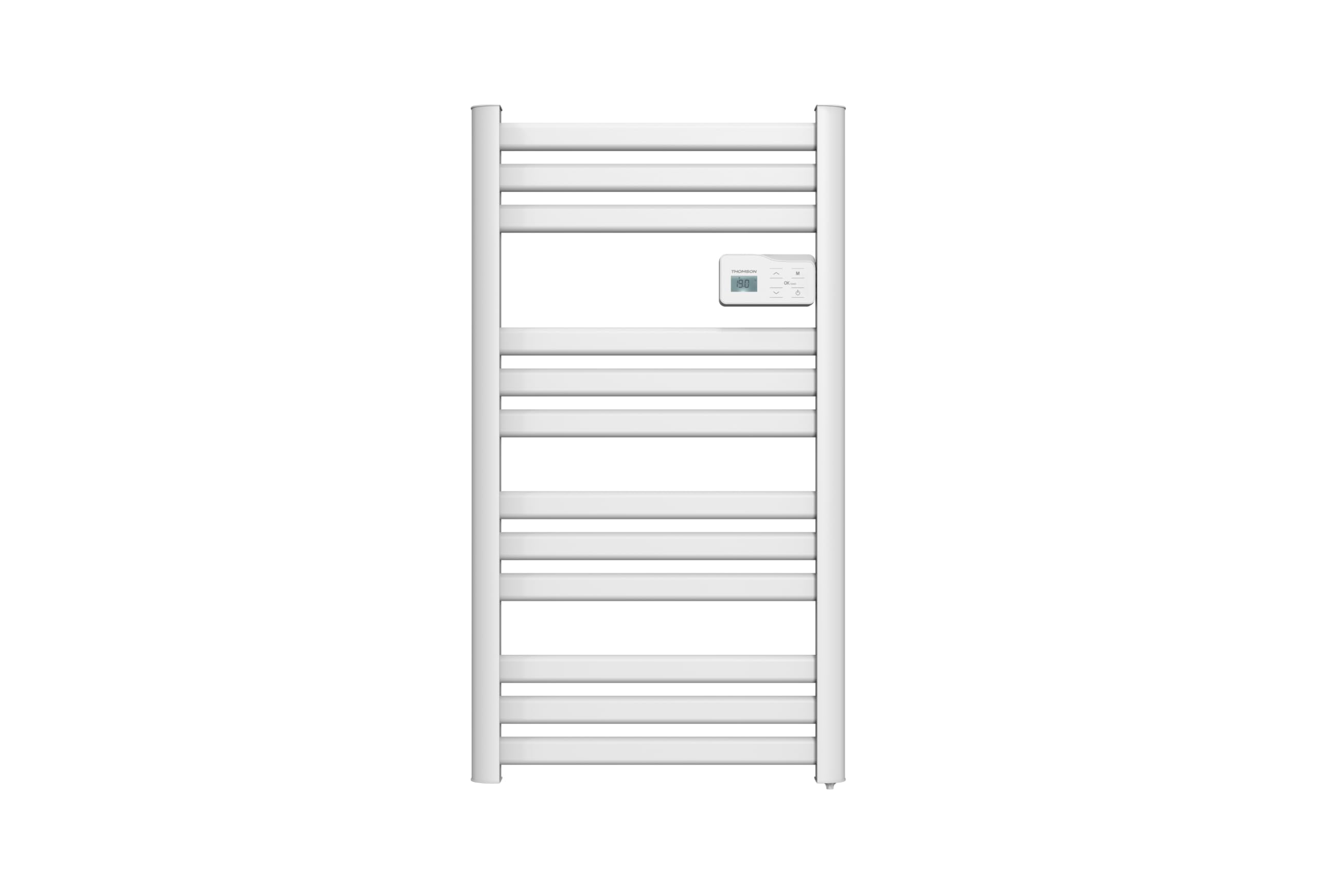
Foto: N'ihu view of the THOMSON COSMO electric towel dryer, white, wall-mounted, showcasing its design in a bathroom.
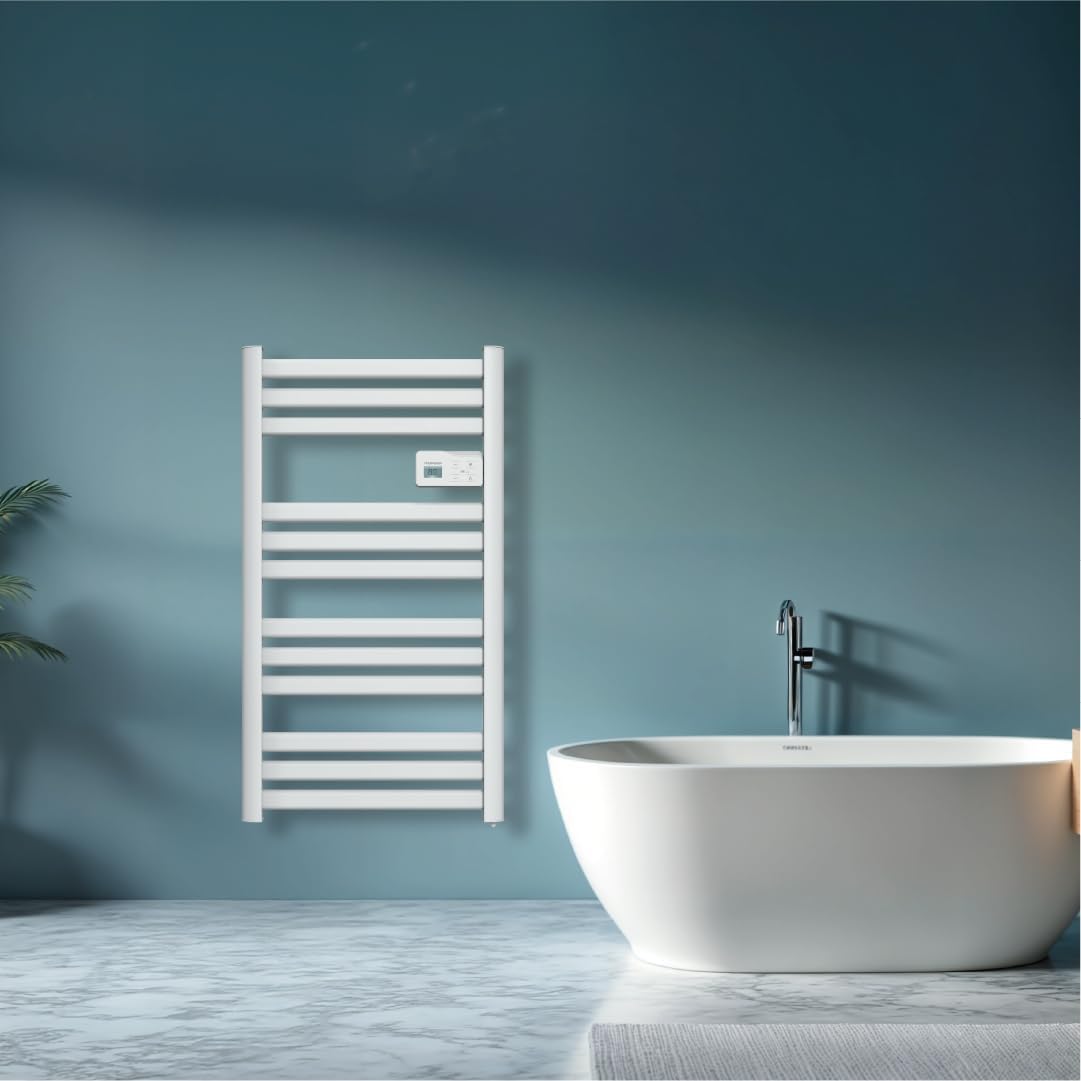
Foto: Diagram illustrating the internal fluid-free heating elements, highlighting rapid and homogeneous heat distribution and programmable thermostat.
Akụkụ ndị bụ isi:
- Ike 500W: Efficient heating for towels and bathroom.
- Fluid-Free Technology: Ensures quick heat-up and uniform temperature across the surface.
- Njikọ Wi-Fi: Compatible with Tuya Smart and Smart Life applications for remote control.
- Ogwe njikwa dijitalụ: Intuitive LCD display for direct temperature and mode adjustments.
- Thermostat nke mmemme: 7 daily pre-recorded and customizable programs.
- Nchọpụta mepere emepe: Automatically cuts heating to save energy if a sudden temperature drop is detected.
- Mkpọchi nwa: Na-egbochi mgbanwe ndị a na-atụghị anya ya na ntọala.
4. Ntọala na nwụnye
The THOMSON COSMO towel dryer is designed for wall-mounted installation. Professional installation is recommended.
4.1. Iwepu ngwongwo
- Carefully remove the towel dryer and all accessories from the packaging.
- Check for any damage during transit. If damaged, do not install and contact your retailer.
- Retain packaging for future transport or storage.
4.2. Ebe Nkwanye
- Choose a suitable wall in your bathroom, ensuring it is structurally sound to support the weight of the unit (approximately 3.9 kg).
- Ensure the location complies with local electrical safety regulations, especially regarding proximity to water sources (baths, showers, sinks).
- Maintain adequate clearance around the unit for air circulation and access.

Foto: Product dimensions and weight for installation planning.
4.3. Mgbidi Mgbidi
- Mark the drilling points on the wall using the provided mounting template or by measuring the bracket positions.
- Drill holes of appropriate size for the wall plugs (e.g., Molly anchors for plasterboard, as suggested by a user review).
- Insert the wall plugs and secure the mounting brackets to the wall.
- Carefully hang the towel dryer onto the secured brackets.
- Ensure the unit is level and securely fastened to the wall.
4.4. Njikọ Ọdụdọ
- The appliance connects via an electrical cable. Ensure the power supply is switched off at the main circuit breaker before making any connections.
- Connect the towel dryer to a suitable electrical outlet or junction box according to local electrical codes.
- Once connected, switch on the power supply.
5. Ntuziaka ọrụ
The THOMSON COSMO towel dryer features an intuitive digital control panel for easy operation.
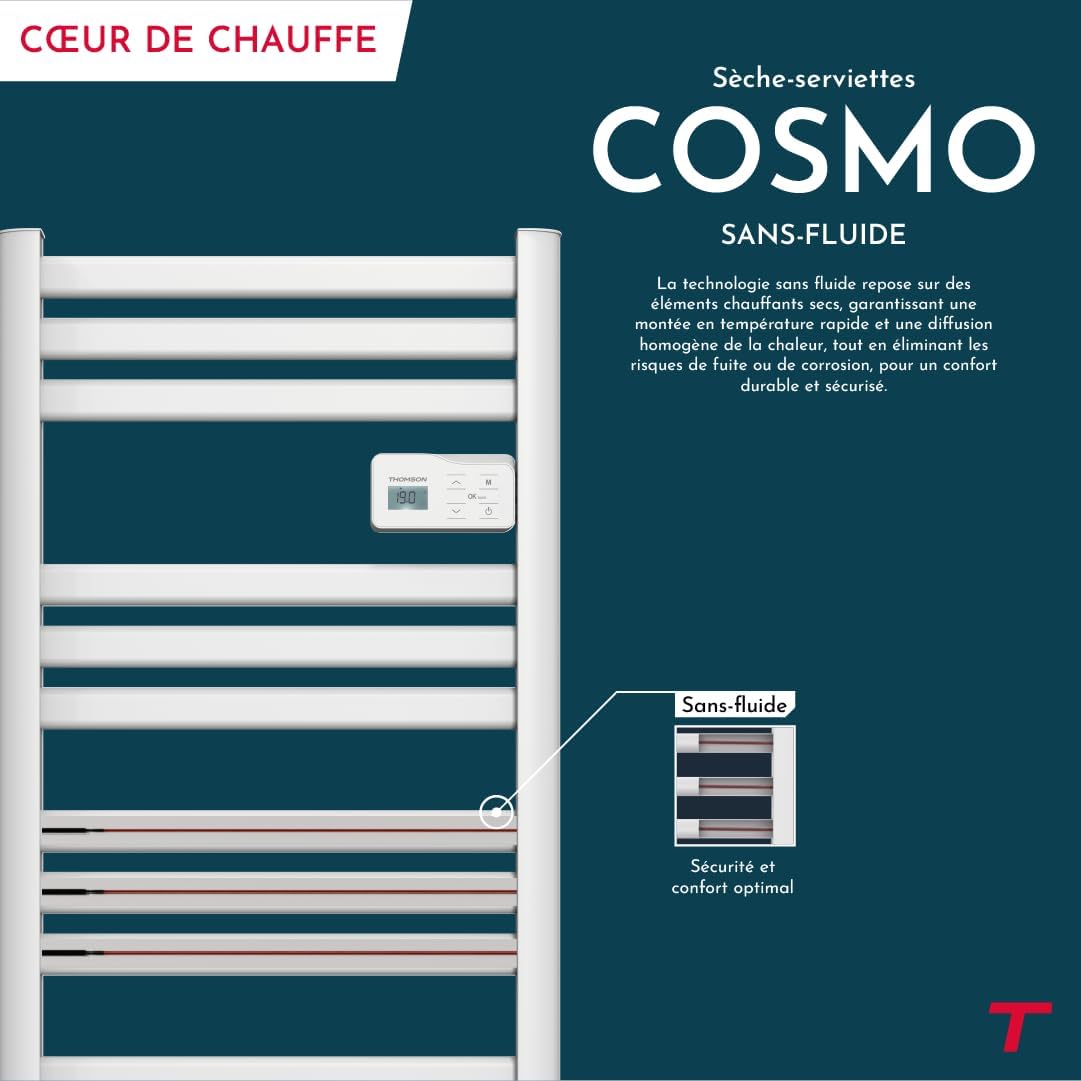
Foto: Digital control panel with LCD display and buttons for temperature adjustment and mode selection, shown with a hand pressing the power button.
5.1. Ogwe njikwa gafereview
- Ngosipụta LCD: Na-egosi okpomọkụ dị ugbu a, ọnọdụ, na ntọala ndị ọzọ.
- bọtịnụ ike (⏻): Na -atụgharị unit na Gbanyụọ/Gbanyụọ.
- Akụ Elu/Ada (⌃ / ⌄): Adjust temperature settings or navigate menus.
- Bọtịnụ Ụdị (M): Cycles through different operating modes (e.g., Comfort, Eco, Boost, Program).
- Menu/Confirm Button (≡): Accesses menu options or confirms selections.
5.2. Basic Ọrụ
- Gbanyụọ/ Gbanyụọ: Pịa bọtịnụ Ike (⏻) to turn the towel dryer on or off.
- Tọọ okpomọkụ: When the unit is on, use the Up/Down arrows (⌃ / ⌄) to adjust the desired temperature. The display will show the set temperature.
- Gbanwee ụkpụrụ: Press the Mode button (M) to cycle through available operating modes. Refer to the full product manual for detailed descriptions of each mode (e.g., Comfort, Eco, Boost, Frost Protection).
5.3. Mmemme
The towel dryer offers 7 daily pre-recorded and customizable programs. Access the programming menu via the Menu/Confirm button (≡) and follow the on-screen instructions to set your desired heating schedules.
For a visual guide on programming, you can refer to the official video tutorial playlist:
Vidiyo: Official video tutorial playlist for THOMSON COSMO towel dryer programming and features. This playlist provides step-by-step instructions on how to set up and use various functions of your device.
6. Wi-Fi Connectivity & Smart Features
The THOMSON COSMO towel dryer can be controlled remotely via Wi-Fi using the Tuya Smart or Smart Life mobile applications.
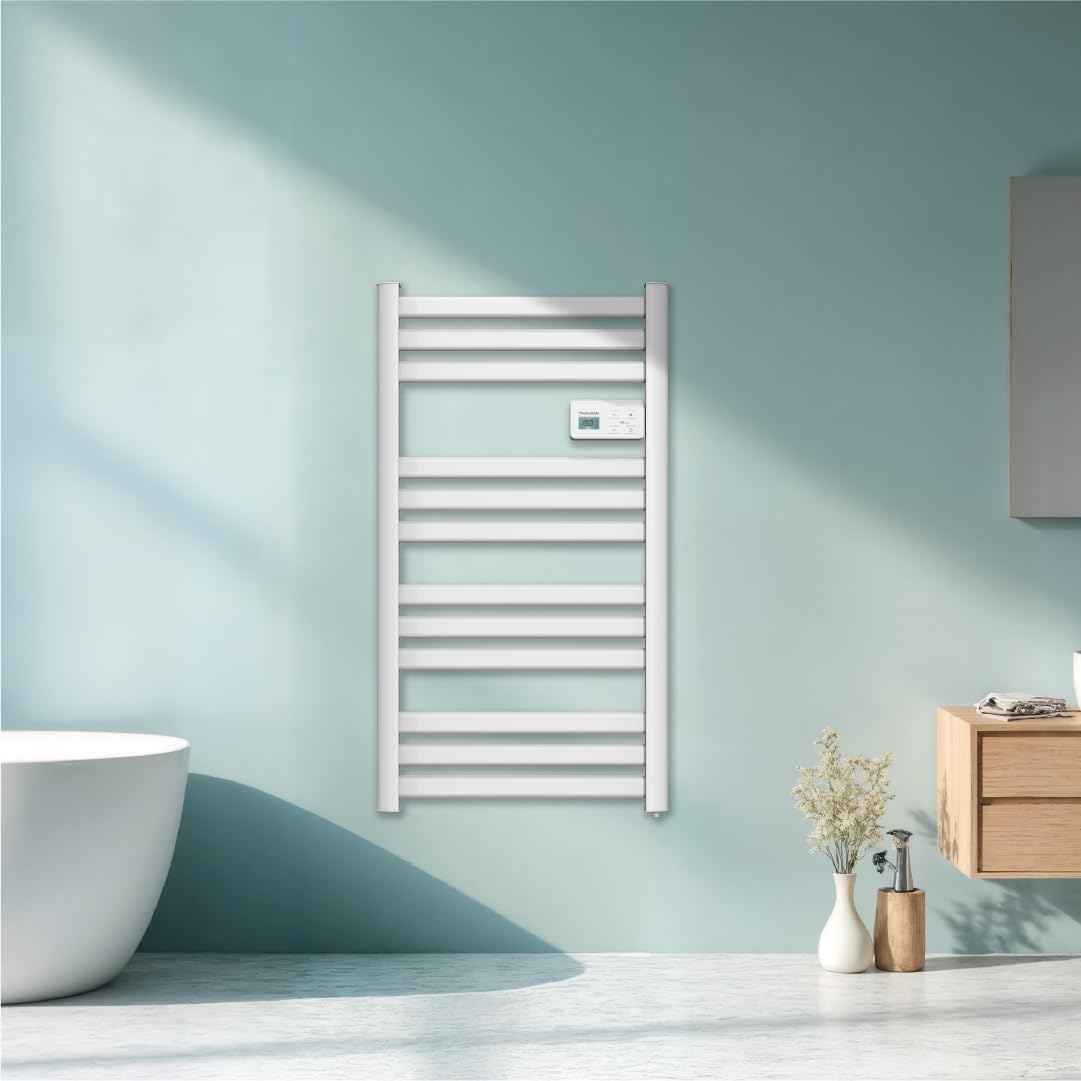
Foto: A graphic indicating the towel dryer's Wi-Fi connectivity and compatibility with the Tuya Smart application.
6.1. Ngwa nwụnye na ijikọ
- Download the "Tuya Smart" or "Smart Life" app from your smartphone's app store (Google Play Store for Android, Apple App Store for iOS).
- Debanye ma ọ bụ banye na akaụntụ gị.
- Ensure your towel dryer is powered on and your smartphone is connected to a 2.4 GHz Wi-Fi network.
- N'ime ngwa ahụ, pịa "Tinye Ngwaọrụ" ma ọ bụ akara ngosi "+".
- Select the appropriate device category (e.g., "Heater" or "Towel Warmer").
- Follow the in-app instructions to put your towel dryer into pairing mode (usually by pressing and holding a button on the control panel until an indicator light flashes).
- Complete the pairing process within the app.
6.2. Remote Control Features
Once connected, you can use the app to:
- Turn the towel dryer ON/OFF.
- Gbanwee okpomọkụ.
- Change operating modes.
- Set and customize heating schedules.
- Monitor energy consumption (if supported by the app and device).

Foto: The Tuya Smart app interface demonstrating energy monitoring and scheduling features for connected devices.
6.3. Njikọ njikwa olu
The THOMSON COSMO towel dryer is compatible with voice assistants like Amazon Alexa and Google Home via the Tuya Smart/Smart Life app integration.

Foto: Logos of Amazon Alexa and Google Home, signifying that the towel dryer can be controlled using voice commands through these platforms.
- Enable the "Tuya Smart" or "Smart Life" skill/service in your Alexa or Google Home app.
- Link your Tuya/Smart Life account with your voice assistant account.
- Discover devices. Your towel dryer should appear as a controllable device.
- I nwere ike iji iwu olu ugbu a dịka:
- "Alexa, turn on the bathroom heater."
- "Hey Google, set the bathroom heater to 22 degrees."
7. Nlekọta
Regular maintenance ensures the longevity and efficient operation of your THOMSON COSMO towel dryer.
7.1. Nhicha
- Kwupu ngwa ngwa mgbe niile ma hapụ ya ka ọ dị jụụ kpamkpam tupu ihicha ya.
- Jiri nwayọ hichaa elu mpụta, damp akwa . Ejila ihe nchacha abrasive, ihe mgbaze, ma ọ bụ kemịkalụ siri ike, n'ihi na ndị a nwere ike imebi njedebe.
- Ensure no water enters the control panel or electrical components.
- Do not use water jets or immerse the appliance in water.
7.2. Nchekwa
If storing the towel dryer for an extended period, ensure it is clean and dry. Store it in a cool, dry place, preferably in its original packaging to protect it from dust and damage.
8. Nchọpụta nsogbu
If you encounter issues with your THOMSON COSMO towel dryer, refer to the following common problems and solutions:
| Nsogbu | Ihe nwere ike ime | Ngwọta |
|---|---|---|
| Ngwa anaghị agbanwuo. | Enweghị ike ọkụ; Apịghị bọtịnụ ike; Arụnyere nchebe oke ọkụ. | Check power outlet and circuit breaker; Press the Power button; Unplug, let cool, then plug back in. |
| Appliance is not heating. | Temperature setting too low; Incorrect mode selected; Window open detection activated. | Increase temperature setting; Select Comfort or Boost mode; Close windows/doors. |
| Njikọ Wi-Fi daa. | Incorrect Wi-Fi password; Not connected to 2.4 GHz network; Router too far; Device not in pairing mode. | Verify password; Connect to 2.4 GHz Wi-Fi; Move router closer or use extender; Re-enter pairing mode as per app instructions. |
| Njikwa olu anaghị arụ ọrụ. | App not linked to voice assistant; Device not discovered; Incorrect commands. | Ensure Tuya/Smart Life skill is enabled and linked; Re-discover devices in Alexa/Google Home app; Use correct voice commands. |
Ọ bụrụ na nsogbu ahụ dịgidere mgbe ịnwale azịza ndị a, biko kpọtụrụ nkwado ndị ahịa.
9. Nkọwapụta
| Njirimara | Nkọwa |
|---|---|
| Nlereanya | COSMO |
| Ụdị | THOMSON (Bestherm) |
| Mpụta ike | 500 Watt |
| Usoro kpo oku | Radiant, Fluid-Free Electric |
| Akụkụ (H x W x D) | 98 cm x 54 cm x 9.2 cm (38.6 na x 21.3 na x 3.6 na) |
| Ibu | 3.9 Kilogram (8.6 lbs) |
| Agba | Ọcha |
| Ụdị nkwụnye | Ejiri mgbidi |
| Atụmatụ pụrụ iche | Wi-Fi Compatible, Overheat Protection, Programmable Thermostat, Electronic Thermostat, Child Lock, Window Open Detection |
| Ndakọrịta Smart Home | Tuya Smart, Smart Life, Amazon Alexa, Google Home |
| ASIN | B0FP2KJNLQ |
10. Akwụkwọ ikike na nkwado
10.1. Akwụkwọ ikike Ozi
Your THOMSON COSMO towel dryer comes with a manufacturer's warranty. Please refer to the warranty card included with your product for specific terms, conditions, and duration. Keep your proof of purchase for warranty claims.
10.2. Nkwado ndị ahịa
For technical assistance, troubleshooting beyond this manual, or warranty inquiries, please contact your retailer or the manufacturer's customer service. Contact details can typically be found on the product packaging or the manufacturer's official websaịtị.
Akụrụngwa dị n'ịntanetị: For additional support and video tutorials, visit the official THOMSON website or the YouTube playlist provided in this manual.