
1. Okwu mmalite
Welcome to the RORSOU B8 Over-Ear Bluetooth Headphones. These headphones are designed to deliver a high-fidelity audio experience with deep bass, versatile connectivity, and exceptional comfort. This manual will guide you through the features and functions of your new headphones.
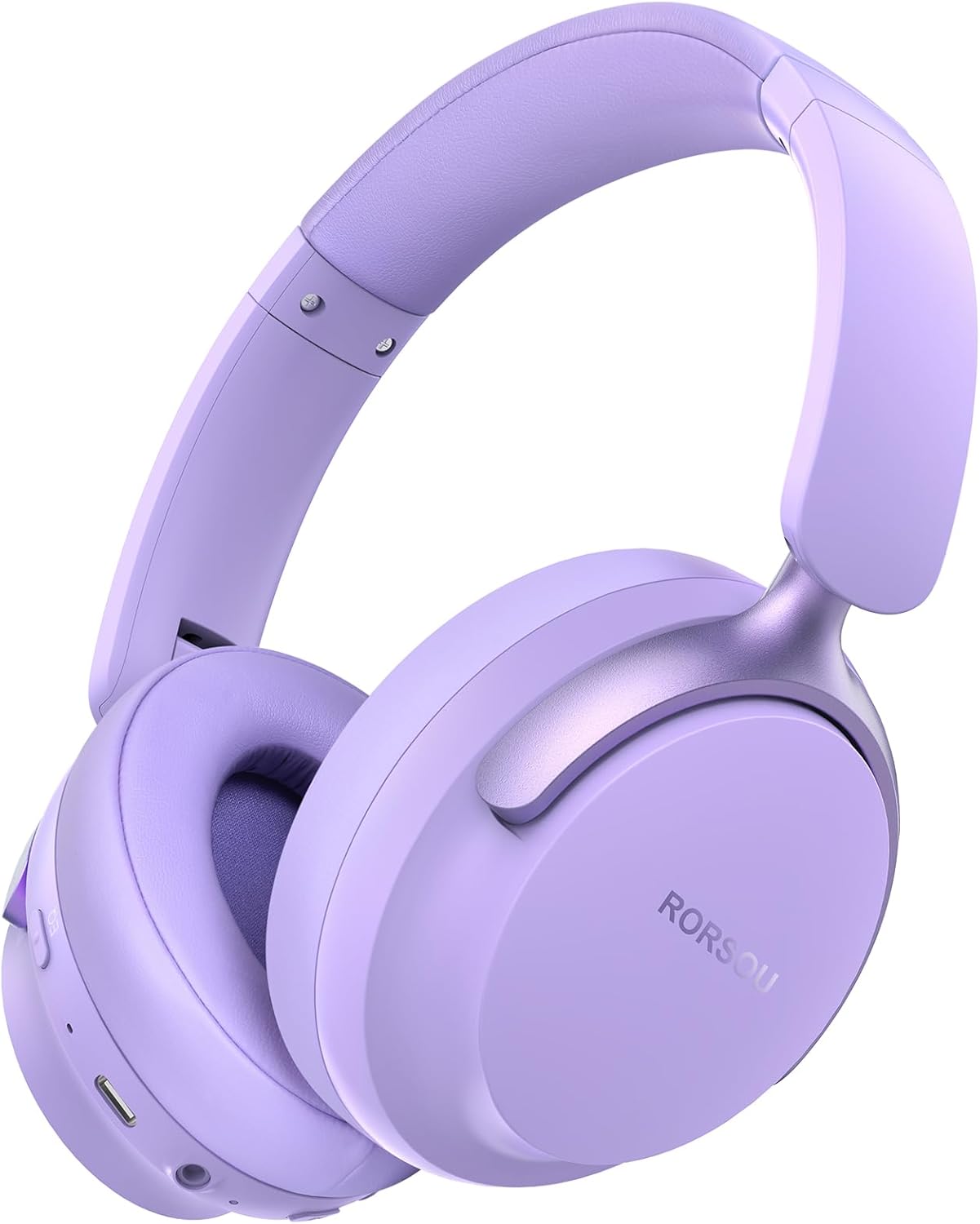
Figure 1: RORSOU B8 Over-Ear Bluetooth Headphones (Purple)
Akụkụ ndị bụ isi:
- Hi-Fi Stereo and Deep Bass Sound: Equipped with 40mm audio drivers and an advanced Bluetooth 5.4 chip for clear sound, full dynamic range, rich bass, and crisp mids.
- Strong Bluetooth 5.4 & Wired Connection: Offers faster, more stable data transmission, dual-device pairing, and a 3.5mm audio jack for wired use.
- Optimized Sound Quality with 6 EQ Modes: Allows switching between six preset EQ settings (Standard, Classical, Metal, Jazz, Rock, Bass) for different music styles. Features a built-in microphone for clear calls.
- All-day Comfort & Foldable Design: Ultra-soft protein leather earcups and an adjustable headband ensure comfort during extended use. The foldable and lightweight design enhances portability.
- Ogologo oge egwuregwu: 400mAh battery provides up to 50 hours of playtime. Can be used in wired mode when the battery is depleted.
2. Kedu ihe dị na Igbe ahụ
- RORSOU B8 Over-Ear Bluetooth Headphones
- USB-C eriri USB
- 3.5mm Audio USB
- Akwụkwọ ntuziaka onye ọrụ
- Obere akpa
3. Nhazi
3.1 Ịchaji ekweisi
Before first use, fully charge your RORSOU B8 headphones. Connect the provided USB-C charging cable to the charging port on the headphone and the other end to a USB power source (e.g., computer, wall adapter). The LED indicator will show charging status and turn off when fully charged. A full charge takes approximately 2 hours.
3.2 Gbanyụọ/ gbanyụọ
- Iji gbanye: Press and hold the Power button for 3 seconds until the LED indicator lights up.
- Iji gbanyụọ: Pịa ma jide bọtịnụ ike maka sekọnd 3 ruo mgbe ihe ngosi LED gbanyụrụ.
3.3 Njikọ Bluetooth
To connect your RORSOU B8 headphones to a Bluetooth-enabled device:
- Gbaa mbọ hụ na agbanyụrụ ekweisi.
- Press and hold the Power button for approximately 5 seconds until the LED indicator flashes blue and red alternately. This indicates pairing mode.
- Na ngwaọrụ gị (smartphone, tabletị, PC), gbanye Bluetooth wee chọọ ngwaọrụ dị.
- Select "RORSOU B8" from the list of available devices.
- Once connected, the LED indicator on the headphones will flash blue slowly or remain solid blue.
The headphones can be paired with two devices simultaneously and seamlessly switch between them.
3.4 Njikọ wired
For a wired connection, use the provided 3.5mm audio cable. Plug one end into the 3.5mm audio jack on the headphones and the other end into your audio source. This mode does not require battery power.
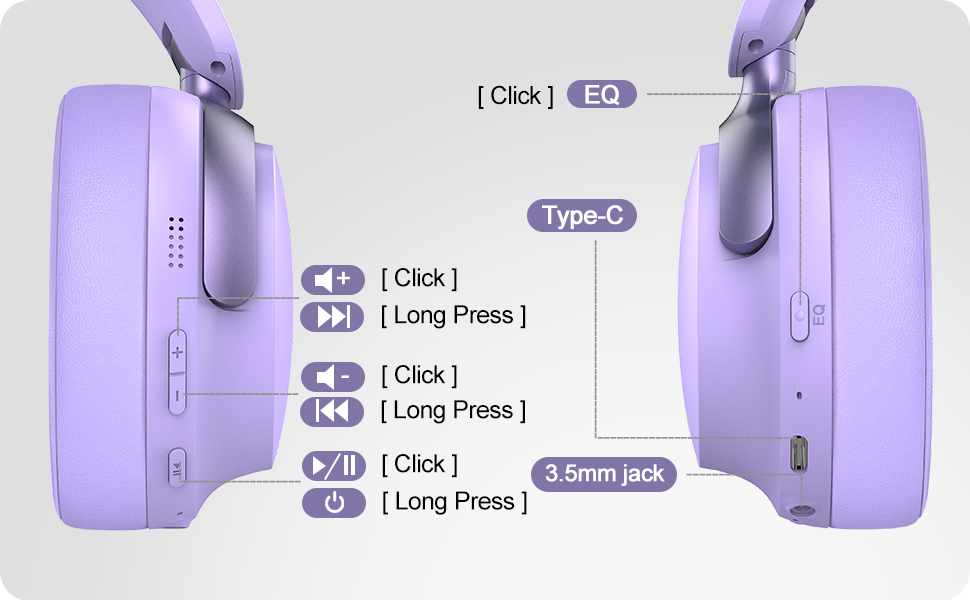
Figure 2: Bluetooth 5.4 Wireless vs. 3.5mm Wired Connection
4. Ntuziaka ọrụ
4.1 Na-achịkwaview
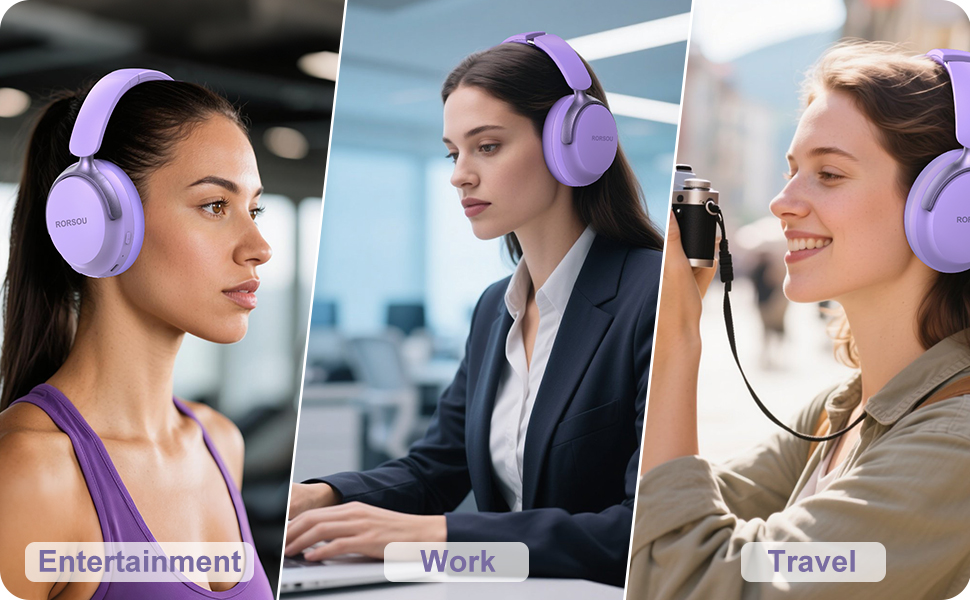
Figure 3: RORSOU B8 Headphone Controls
- Bọtịnụ ike: Pịa ma jide ka ịgbanwuo/ gbanyụọ.
- Elu elu (+): Click to increase volume. Long press for next track.
- Mpịakọta ọnụ (-): Click to decrease volume. Long press for previous track.
- Multi-function Button (Play/Pause): Click to play/pause music, answer/end calls. Long press to activate voice assistant.
- EQ bọtịnụ: Click to cycle through 6 preset EQ modes (Standard, Classical, Metal, Jazz, Rock, Bass).
Ụdị EQ 4.2
The RORSOU B8 headphones feature 6 distinct EQ modes to enhance your listening experience based on music genre:
- Ọkọlọtọ
- Oge gboo
- Ọla
- Jazz
- Nkume
- Bass
Press the EQ button to switch between these modes and find the optimal sound profile for your audio.
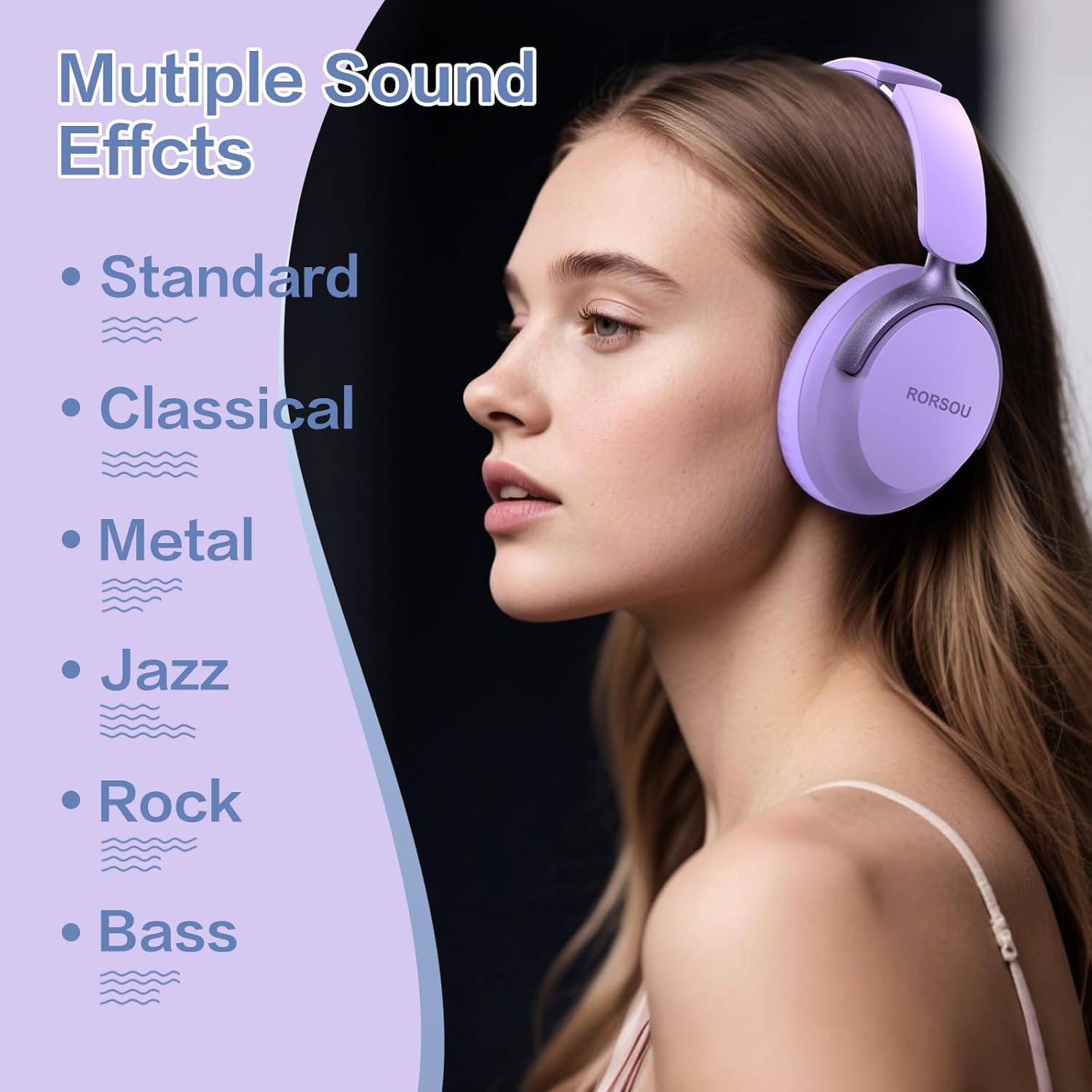
Figure 4: Multiple Sound Effects (EQ Modes)
5. Comfort and Portability
The RORSOU B8 headphones are designed for extended wear and easy transport.
- Ultra-soft Protein Leather Earcups: Provides comfort for long listening sessions.
- Ihe mkpuchi isi nwere ike idozi: Na-eme ka ọ dị mma ma dị mma maka nha isi dị iche iche.
- Nhazi a na-agbanwe agbanwe: Earcups swivel 90 degrees and the headphones fold compactly for easy storage in the included carrying pouch, ideal for travel.

Figure 5: Comfort and Foldable Design
6. Nlekọta
To ensure the longevity and optimal performance of your RORSOU B8 headphones, follow these maintenance guidelines:
- Nhicha: Wipe the headphones with a soft, dry cloth. For earcups, use a slightly damp cloth with mild soap if necessary, then wipe dry immediately. Avoid harsh chemicals or abrasive materials.
- Nchekwa: When not in use, store the headphones in the provided carrying pouch to protect them from dust and scratches. Store in a cool, dry place.
- Zere Oke Ọnọdụ: Ekwela ka ekweisi gị nọrọ n'ọnọdụ okpomọkụ dị oke elu, iru mmiri dị elu, ma ọ bụ anwụ kpọmkwem. Ha anaghị ekwe ka mmiri gbochie ha.
- Nlekọta USB: Handle the charging and audio cables gently. Avoid sharp bends or excessive pulling to prevent damage.
7. Nchọpụta nsogbu
If you encounter any issues with your RORSOU B8 headphones, refer to the following common solutions:
| Nsogbu | Ihe nwere ike ime | Ngwọta |
|---|---|---|
| Igwe ekweisi agaghị agbanwu | Batrị dị ala | Charge the headphones fully (approx. 2 hours). |
| Enweghị ike ijikọ site na Bluetooth | Headphones not in pairing mode; device Bluetooth off; interference | Ensure headphones are in pairing mode (flashing blue/red). Turn off and on your device's Bluetooth. Move closer to the device. |
| Enweghị ụda ma ọ bụ ụda adịghị mma | Volume too low; incorrect EQ mode; loose wired connection; device issue | Increase headphone/device volume. Cycle through EQ modes. Re-insert 3.5mm cable firmly. Test with another audio source. |
| Igwe okwu anaghị arụ ọrụ | Device settings; microphone blocked | Check device's audio input settings. Ensure microphone port is clear. |
| A na-akwụsị ekweisi ugboro ugboro | Enweghị ike iru ya; nnyonye anya; obere batrị | Stay within Bluetooth range (up to 10 meters). Avoid obstacles. Charge headphones. |
If the issue persists after trying these steps, please contact RORSOU customer service for further assistance.
8. Nkọwapụta
| Njirimara | Nkọwa |
|---|---|
| Aha Nlereanya | B8 |
| Ụdị | RORSOU |
| Teknụzụ Njikọta | Bluetooth 5.4, Wired, Wireless |
| Jack ekweisi | 3.5mm ọkpụrụkpụ |
| Njikwa mkpọtụ | Nkagbu mkpọtụ mkpọtụ |
| Nha ọkwọ ụgbọ ala ọdịyo | 40 millimeters |
| Ndụ batrị | Awa 50 |
| Oge Nchaji | Awa 2 |
| Ibu Ibu | 0.23 Kilogram (8.1 ounces) |
| Ihe onwunwe | Polycarbonate (PC) |
| Ụdị njikwa | Njikwa olu, bọtịnụ pịa |
| Ngwa gụnyere | User Manual, USB-C Charging Cable, 3.5mm Audio Cable, Carrying Pouch |
9. Akwụkwọ ikike na nkwado
RORSOU is dedicated to providing high-quality products with excellent after-sale service. Your RORSOU B8 headphones come with a 180-day Hassle-Free Limited Protection.
If you have any questions, concerns, or require technical support, please contact RORSOU customer service. We aim to respond to all inquiries within 24 hours.
For the most up-to-date support information, please visit the official RORSOU websaịtị ma ọ bụ rụtụ aka na nkọwa kọntaktị enyere na nkwakọ ngwaahịa gị.