
1. Okwu mmalite
This manual provides detailed instructions for the operation and maintenance of your HOVOYNN M10-128G MP3 Player. This portable digital music player features Bluetooth 5.3, a 2.8-inch touchscreen, 128GB internal storage, HiFi lossless sound, FM radio, voice recording, and e-book capabilities. Please read this manual thoroughly before use to ensure optimal performance and longevity of your device.
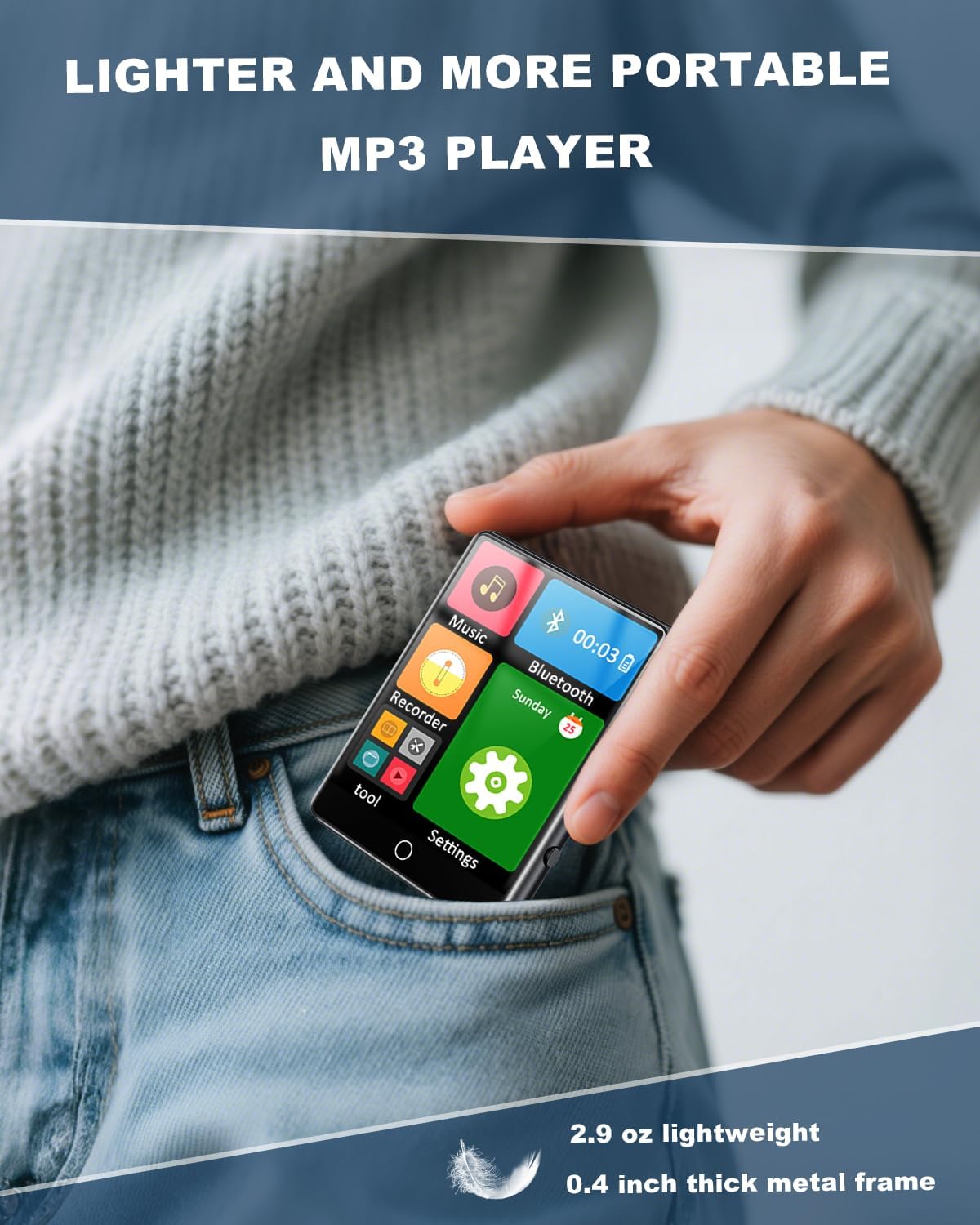
Figure 1.1: The HOVOYNN M10-128G MP3 Player, designed for portability.
Vidiyo nke 1.1: Mwepuview of the 128GB MP3 Player with Bluetooth 5.3, showcasing ya atụmatụ na imewe.
2. Ozi nchekwa
- Ewepụla ngwaọrụ ahụ na oke okpomọkụ, ìhè anyanwụ kpọmkwem, ma ọ bụ oke iru mmiri.
- Zere idobe ma ọ bụ idobe ngwaọrụ ahụ na mmetụta siri ike.
- Debe ngwaọrụ ahụ na mmiri na mmiri mmiri ndị ọzọ.
- Anwala ịkwasa ma ọ bụ rụkwaa ngwaọrụ n'onwe gị. Kpọtụrụ nkwado ndị ahịa maka enyemaka.
- Jiri naanị eriri chaja na ngwa ndị enyere.
- Ịge ntị ogologo oge n'ogo dị elu nwere ike imebi ihe ntị.
3. Ihe ngwugwu
Chọpụta na ihe niile dị na ngwugwu:
- HOVOYNN M10-128G Portable MP3 Player
- USB-C eriri USB
- Ekweisi ekwe ntị
- User Instructions (this manual)
4. Ngwaahịa gafereview
Familiarize yourself with the physical components and interface of your MP3 player.

Foto 4.1: N'ihu view of the HOVOYNN M10-128G MP3 Player, showing the main interface and connected headphones.

Figure 4.2: Key features of the HOVOYNN M10-128G MP3 Player.
5. Nhazi
5.1. Ịchaji ngwaọrụ
Before first use, fully charge your MP3 player. Connect the provided USB-C cable to the device's charging port and the other end to a USB power adapter (not included) or a computer's USB port. The battery indicator on the screen will show charging status.
5.2. Njikwa ebe nchekwa
The device comes with 128GB of built-in memory. You can expand storage by inserting a Micro SD card (up to 128GB, not included) into the designated slot. Ensure the card is inserted correctly.

Figure 5.1: The MP3 player with an external Micro SD card, demonstrating memory expansion.

Figure 5.2: Storage capacity details for the MP3 player.
5.3. Connecting to a Computer & File Nyefee
Ka ịnyefe files (music, videos, photos, e-books) to your MP3 player, connect it to your computer using the provided USB-C cable. The device should appear as a removable disk. Drag and drop your files n'ime ndị kwesịrị ekwesị nchekwa na ngwaọrụ.
Video 5.1: Instructions on how to transfer files from a computer to the MP3 player.
6. Ntuziaka ọrụ
6.1. Gbanyụọ / gbanyụọ
Press and hold the power button on the side of the device to turn it on or off.
6.2. Ntugharị Ihuenyo Mmetụ aka
The 2.8-inch touchscreen allows for intuitive navigation. Swipe left/right or tap icons to access different functions and settings.

Figure 6.1: Demonstrating sensitive full-screen touch control.

Figure 6.2: The 2.8-inch large color screen for clear viewing.

Figure 6.3: Easy control through the full touch screen.
6.3. Nghaghachi egwu
Tap the 'Music' icon to access your music library. The player supports MP3, WMA, APE, FLAC, WAV, and AAC formats. Enjoy HiFi lossless sound quality through headphones or the built-in speaker.
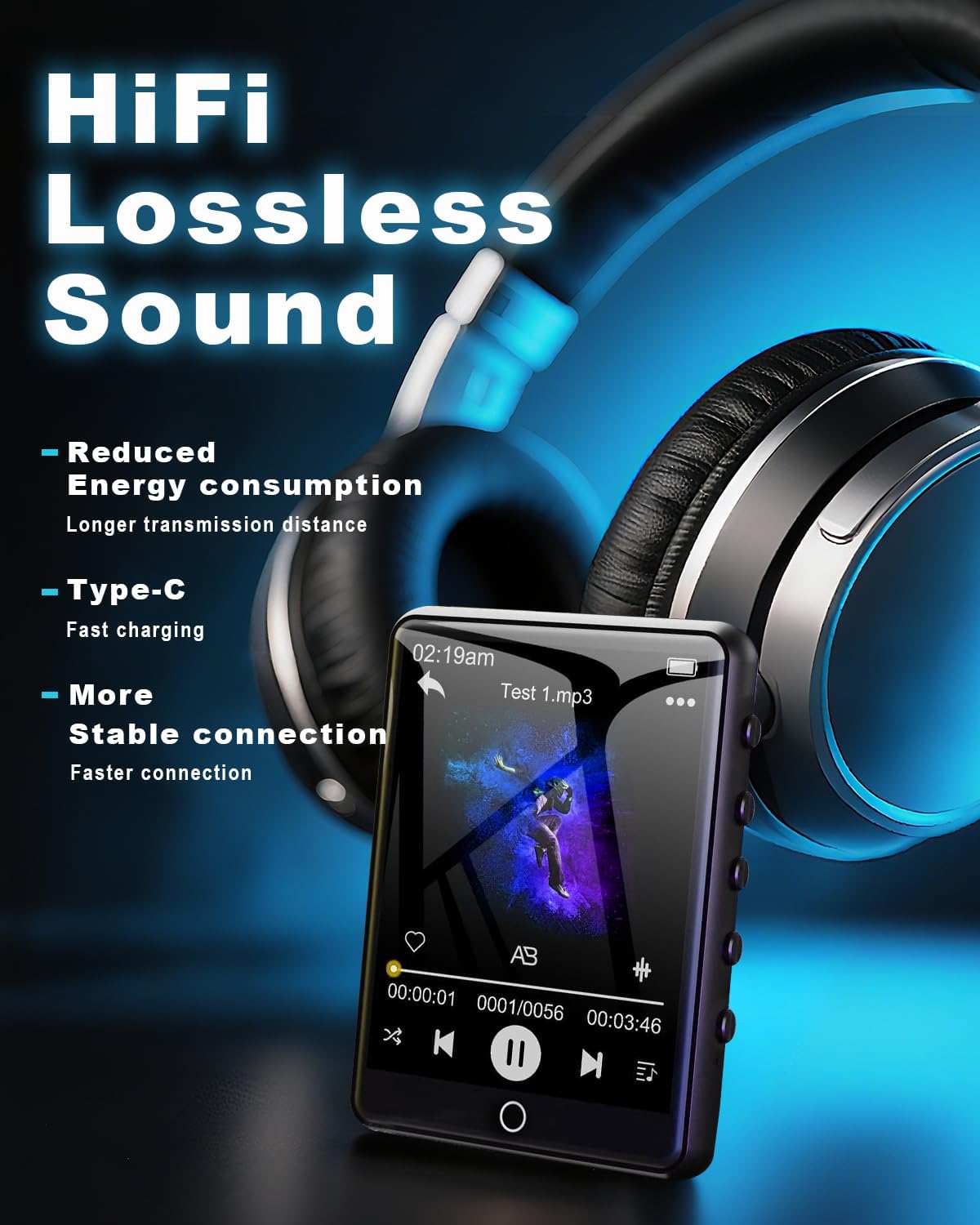
Figure 6.4: Enjoying HiFi lossless sound with headphones.

Figure 6.5: High-fidelity lossless sound quality experience.

Figure 6.6: The built-in speaker for audio playback without headphones.

Figure 6.7: Music playback options and controls.

Figure 6.8: Supported media formats for the MP3 player.
6.4. Njikọ Bluetooth
Activate Bluetooth by tapping the 'Bluetooth' icon. Pair with compatible Bluetooth headphones or speakers for wireless audio streaming. The device features Bluetooth 5.3 for faster data transfer and stable connections.
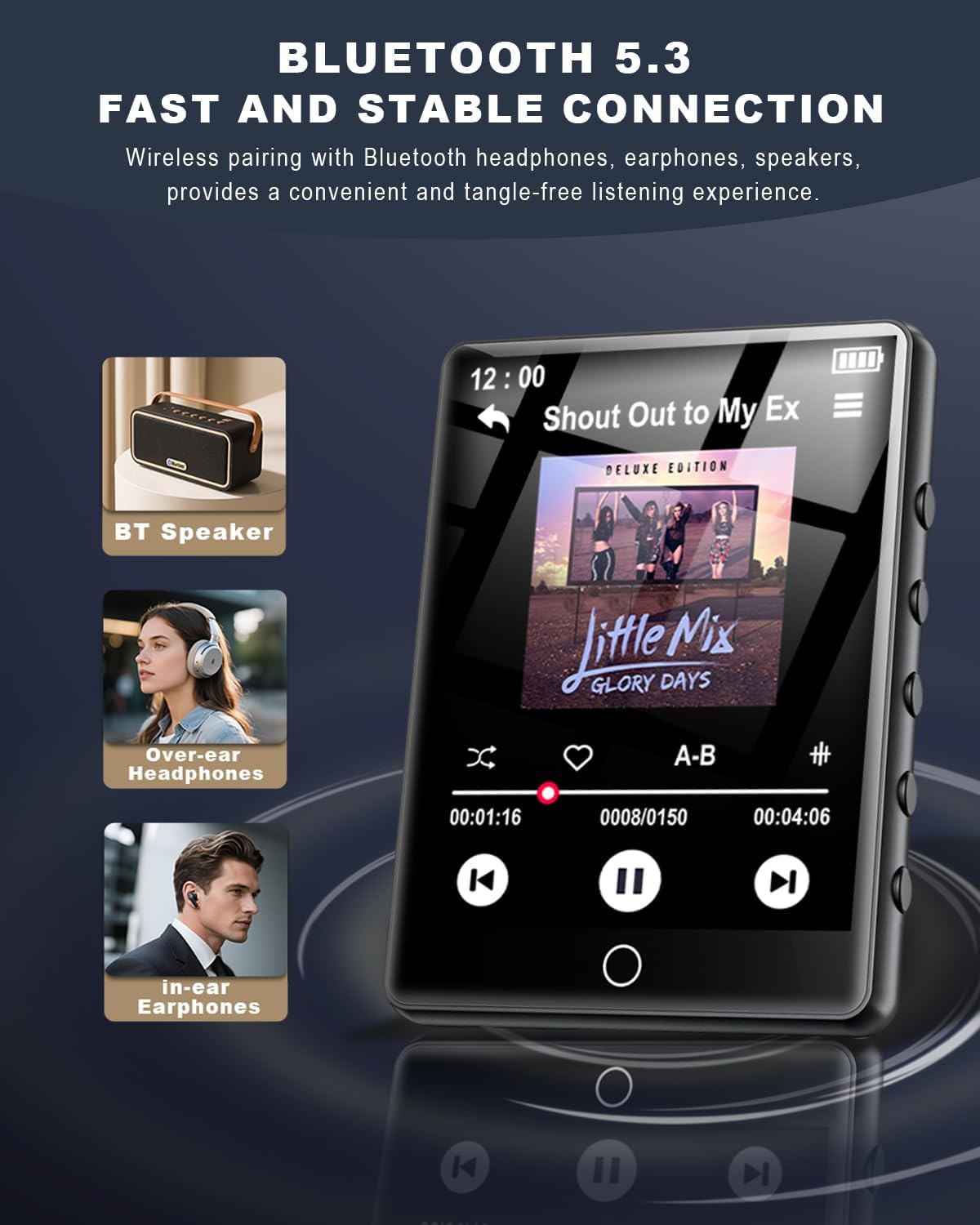
Figure 6.9: Bluetooth 5.3 connectivity with various audio devices.

Figure 6.10: Fast and stable Bluetooth 5.3 connection.
6.5. Redio FM
To use the FM radio, connect the wired headphones (included) as they act as an antenna. Tap the 'FM Radio' icon to access radio functions. You can scan for stations and save your favorites.

Figure 6.11: FM Radio icon.
6.6. Onye na-edekọ olu
Tap the 'Recorder' icon to access the voice recording function. You can record audio memos and save them directly to the device's memory.

Figure 6.12: Voice Recorder icon.
6.7. E-Book Reader
Tap the 'E-Book' icon to read TXT format e-books. The touchscreen allows for easy page navigation.

Figure 6.13: E-Book icon.
6.8. Ọrụ ndị ọzọ
The MP3 player includes additional tools such as a pedometer, alarm clock, calendar, and stopwatch. Access these features through the main menu or 'Tool' section.

Figure 6.14: Alarm Clock function settings.

Nyocha 6.15: N'eluview of multi-functional capabilities.
7. Nlekọta
- Clean the device regularly with a soft, dry cloth. Avoid using abrasive cleaners or solvents.
- Keep the screen free from dust and fingerprints for optimal touch response.
- Chekwaa ngwaọrụ ahụ n'ebe dị jụụ, kpọrọ nkụ mgbe ọ naghị eji ya.
- Ka ịgbatị ndụ batrị ogologo, zere ịchaji batrị ugboro ugboro.
8. Nchọpụta nsogbu
| Okwu | Ngwọta enwere ike |
|---|---|
| Ngwaọrụ anaghị agbanwu ọkụ | Gbaa mbọ hụ na agbagoro batrị. Jikọọ na isi iyi ike wee nwaa ọzọ. |
| Enweghị ike ịnyefe files | Ensure the USB-C cable is securely connected. Try a different USB port or computer. Verify the device is in 'File Transfer' mode if prompted. |
| Ngwa Bluetooth anaghị ejikọta | Ensure the Bluetooth device is in pairing mode and within range. Restart both devices and try again. |
| No FM radio signal | Ensure wired headphones are plugged in, as they function as the antenna. Adjust your location for better reception. |
| Ihuenyo mmetụ anaghị anabata | Restart the device. Ensure the screen is clean and dry. |
9. Nkọwapụta
- Aha nlereanya: MP3 Player M10-128G
- Akara: HOVOYNN
- Ike Nchekwa ebe nchekwa: 128 GB (expandable up to 128GB via Micro SD)
- Nha ihuenyo: 2.8 sentimita asatọ
- Teknụzụ Njikọta: Bluetooth 5.3, USB
- Atụmatụ pụrụ iche: Built-In Speaker, FM Radio, Touch Screen, Voice Recorder, E-Book, Pedometer, Alarm Clock, Calendar, Stopwatch, A-B Repeat
- Ngwa dakọtara: Igwe ekweisi, ndị na-ekwu okwu
- Ụdị mgbasa ozi: Micro SD
- Ibu ihe: 2.96 ounces
- Batrị: 1 batrị lithium ion (gụnyere)
10. Akwụkwọ ikike na nkwado
For warranty information and technical support, please refer to the contact details provided with your purchase documentation or visit the official HOVOYNN websaịtị. Debe ihe akaebe nke ịzụrụ maka akwụkwọ ikike.