
Okwu mmalite
Thank you for choosing kurdene SP9i Wireless Over-Ear Bluetooth Earbuds. These earbuds are designed to provide a high-quality audio experience with exceptional comfort and stability, making them ideal for sports, meetings, workouts, and everyday use. Featuring advanced Bluetooth 5.3 technology, deep bass sound, and an impressive 60-hour total playtime, your kurdene SP9i earbuds are built for performance and convenience.
This manual will guide you through the setup, operation, maintenance, and troubleshooting of your new earbuds to ensure you get the most out of your listening experience.
Kedu ihe dị na Igbe ahụ
Upon opening your kurdene SP9i package, you should find the following items:
- kurdene SP9i Wireless Over-Ear Earbuds (Left and Right)
- Akpa Nchaji enwere ike ibugharị
- USB-C eriri USB
- Interchangeable Ear Tips (Various Sizes)
- Akwụkwọ ntuziaka onye ọrụ

Image: kurdene SP9i Wireless Over-Ear Bluetooth Earbuds in Hot Pink, shown with their charging case.
Ntuziaka nhazi
1. Ịchaji ntị na akpa gị
Tupu i jiri ya nke mbụ, chajie ma ekweisi na ihe mkpuchi chaja ahụ nke ọma.
- Place the earbuds into the charging case. Ensure they are correctly seated; the indicator lights on the earbuds will illuminate to confirm charging.
- Connect the USB-C charging cable to the charging port on the case and plug the other end into a compatible USB power source.
- The charging case's indicator light will show charging status. A full charge for the case typically takes about 1.5 hours.
The earbuds offer up to 12 hours of continuous playtime on a single charge, and the charging case provides an additional 48 hours, totaling 60 hours of playtime.

Image: Visual representation of the earbud and charging case battery life, highlighting 60 hours total playtime and USB-C charging.
2. Ijikọ na ngwaọrụ gị
Your kurdene SP9i earbuds utilize Bluetooth 5.3 for a stable and efficient connection.
- Open the charging case. The earbuds will automatically enter pairing mode, indicated by flashing LED lights on the earbuds.
- Na ngwaọrụ gị (ama, mbadamba, laptọọpụ), gaa na ntọala Bluetooth.
- Chọọ maka available devices and select "kurdene SP9i" from the list.
- Once connected, the earbud indicator lights will stop flashing or show a steady light, and you will hear an audio confirmation.
The Bluetooth 5.3 technology ensures faster data transfer and a reliable connection up to 33 feet, perfect for seamless audio and video synchronization.
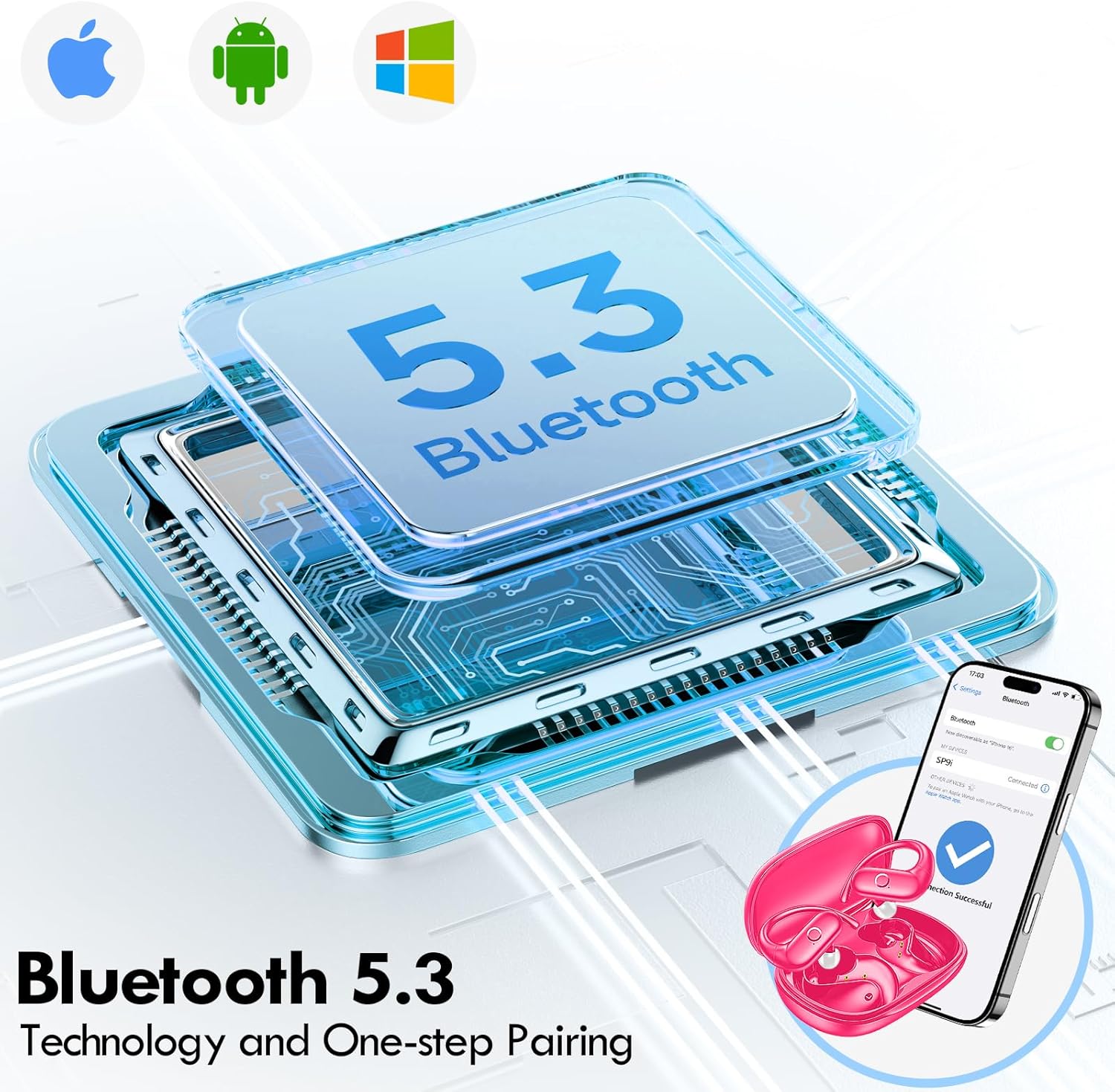
Image: Illustration of Bluetooth 5.3 technology and the one-step pairing process with a mobile device.
Ntuziaka ọrụ
1. Yiri ekwe ntị gị
The kurdene SP9i earbuds feature an over-ear design with soft silicone ear hooks for a secure and comfortable fit, especially during active use.
- Chọpụta ihe ekwe ntị aka ekpe (L) na aka nri (R).
- Gently place the earbud into your ear canal and hook the ear hook over the top of your ear.
- Adjust the earbud and hook until it feels snug and comfortable. The flexible design ensures a natural, pressure-free listening experience.
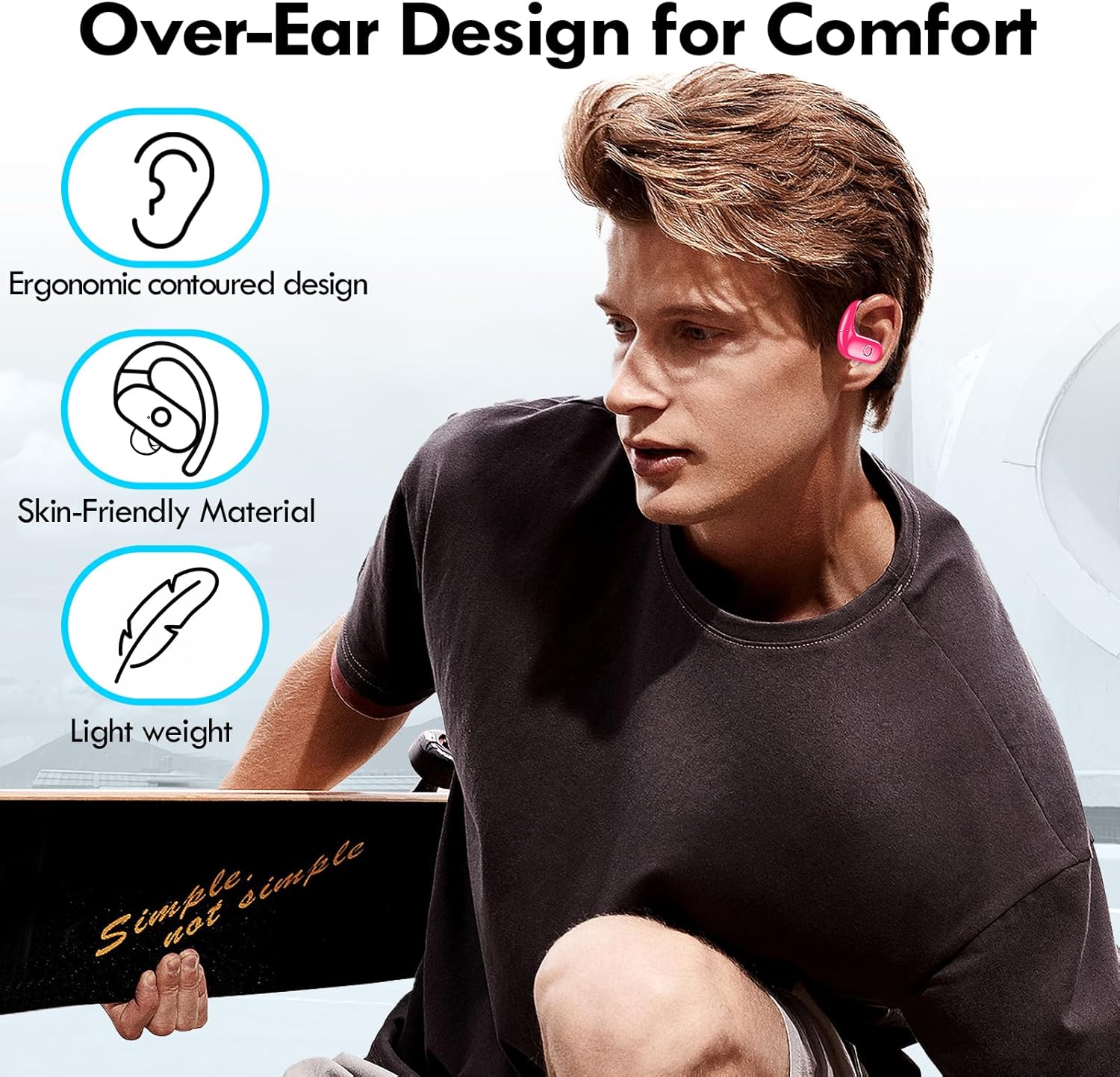
Image: Visual guide to the over-ear design, emphasizing comfort and secure fit.

Image: A user wearing the earbuds during physical activity, showcasing their suitability for active lifestyles.
2. Njikwa Smart Touch
Igwe ntị ntị na-egosipụta njikwa mmetụ aka dị mfe maka njikwa ọdịyo na oku gị dị mfe:
- Gwuo/kwụsịtụ: Otu mgbata na ntị ntị.
- Track na-esote: Pịa bọtịnụ ntị aka nri ugboro abụọ.
- Gara aga Track: Kpatụ ntị ugboro abụọ n'akụkụ aka ekpe.
- Olu elu: Pịa ugboro atọ na ntị aka nri.
- Olu ala: Pịa aka ekpe ugboro atọ.
- Azịza/Kwụsị Oku: Naanị otu ọpịpị na ntị ntị n'oge oku mbata.
- Jụ oku: Pịa ma jide otu ntị ntị maka sekọnd 2 n'oge oku mbata.
- Mee ka onye enyemaka olu rụọ ọrụ: Pịa ma jide otu ntị ntị maka sekọnd 3.
3. Sound Quality and Microphones
Equipped with 16.1mm vibrating diaphragm drivers, these earbuds deliver powerful bass, crisp mids, and clear treble for a rich, immersive sound. The built-in microphones are designed to isolate your voice, ensuring crystal-clear call quality even in noisy environments.
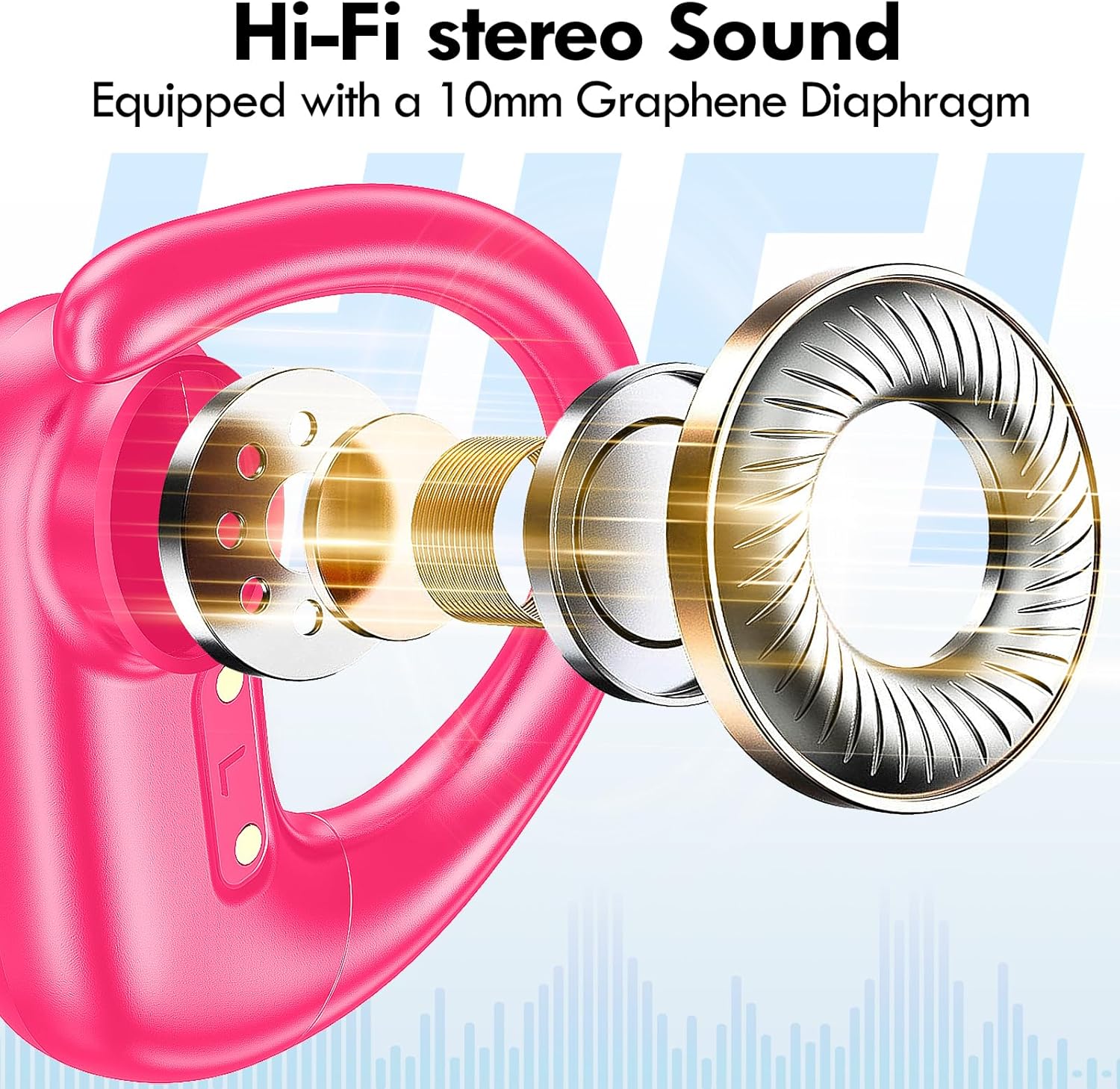
Foto: gbawara view of the earbud's internal structure, emphasizing the Hi-Fi stereo sound components.
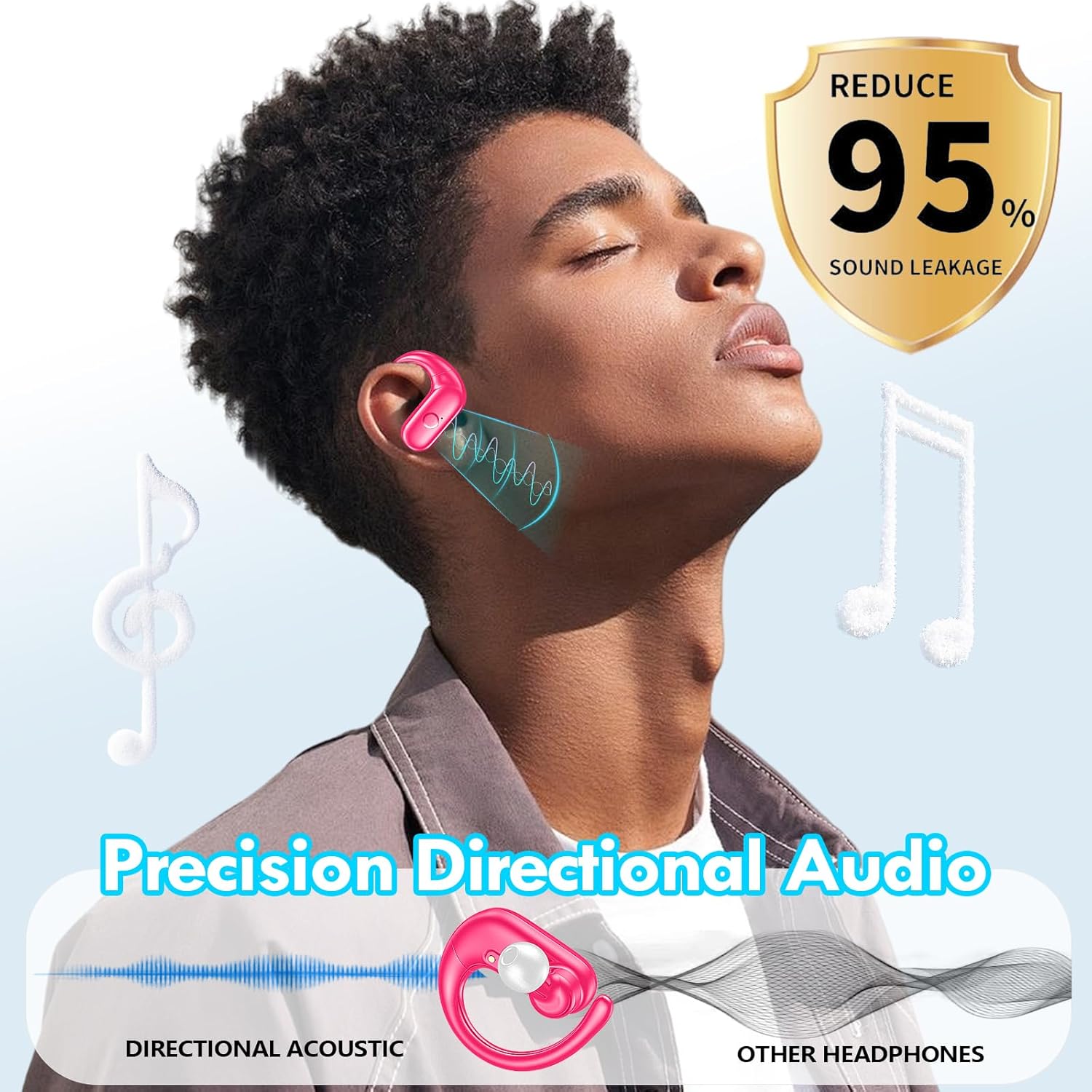
Image: Depiction of precision directional audio and 95% sound leakage reduction for an enhanced listening experience.
Nlekọta
To ensure the longevity and optimal performance of your kurdene SP9i earbuds, follow these maintenance guidelines:
- Nhicha: Jiri ákwà dị nro, kpọrọ nkụ, na nke na-enweghị ihe e ji achacha ákwà hichaa ntị na ihe mkpuchi chaja mgbe niile. Ejila kemịkalụ siri ike ma ọ bụ ihe ndị na-eme ka ọ dị nro.
- Ndụmọdụ ntị: Remove and clean the ear tips periodically with mild soap and water. Ensure they are completely dry before reattaching them to the earbuds.
- Ọdụ ụgbọ mmiri na-ebufe: Keep the charging contacts on the earbuds and inside the case clean and free of debris. Use a dry cotton swab if necessary.
- Nchekwa: Mgbe ejighị ya, chekwaa ntị ntị n'ime akpa nchaji ha iji chebe ha pụọ na uzuzu, mmebi, na idowe ya ebubo.
- Zere Oke Ọnọdụ: Do not expose the earbuds to extreme temperatures, humidity, or direct sunlight for extended periods.
Nchọpụta nsogbu
If you encounter any issues with your kurdene SP9i earbuds, please refer to the following common solutions:
- Igwe ntị anaghị ejikọta:
- Gbaa mbọ hụ na ejirila ekwe ntị abụọ a chaja nke ọma.
- Gbanyụọ Bluetooth na ngwaọrụ gị, wee gbanye ya ọzọ.
- Forget/delete "kurdene SP9i" from your device's Bluetooth list and attempt to pair again.
- Tinye earbuds azụ n'ime akpa ahụ, mechie mkpuchi, chere sekọnd ole na ole, wee mepee ka ịbanye n'ụdị njikọ.
- Enweghị ụda ma ọ bụ obere olu:
- Lelee ọkwa olu dị na ngwaọrụ gị na ekweisi gị.
- Gbaa mbọ hụ na ekwe ntị na-anọdụ ala nke ọma na ntị gị.
- Try cleaning the ear tips and speaker mesh to remove any obstructions.
- Jikọọkwa ntị ntị na ngwaọrụ gị.
- Earbuds anaghị akwụ ụgwọ:
- Gbaa mbọ hụ na ejikọrọ eriri chajị na echekwabara na ikpe ahụ yana isi iyi ike.
- Hụ na kọntaktị chaja dị na ntị ntị na n'ime akpa ahụ dị ọcha ma ghara inwe ihe ruru unyi.
- Gbalịa iji eriri USB-C dị iche ma ọ bụ nkwụnye ọkụ.
- Njikọ na-adịte aka:
- Ensure your device is within the 33-foot Bluetooth range.
- Avoid physical obstructions between your device and the earbuds.
- Wedata ndabichi sitere na ngwaọrụ ikuku ndị ọzọ.
If these steps do not resolve your issue, please contact kurdene customer support for further assistance.
Nkọwapụta ngwaahịa
| Njirimara | Nkọwapụta |
|---|---|
| Aha Nlereanya | SP9i |
| Ụdị | kurdene |
| Teknụzụ Njikọta | Ikuku (Bluetooth 5.3) |
| Teknụzụ nzikọrịta ozi ikuku | Bluetooth |
| Ụdị Bluetooth | 5.3 |
| Oke Bluetooth | 10 Mita (33 ụkwụ) |
| Ntinye ntị | N'elu Ntị |
| Ụdị Ihe | N'elu Ntị |
| Njikwa mkpọtụ | Sound Isolation, Passive Noise Isolation |
| Ụdị ọkwọ ụgbọ ala ọdịyo | Ọkwọ ụgbọala dị ike |
| Ndụ batrị (Earbuds) | Awa 12 |
| Ngụkọta oge egwuregwu (ya na igbe nchaji) | Awa 60 |
| Usoro njikwa | Metụ aka |
| Ihe onwunwe | Silikoni |
| Ibu Ibu | 3.52 ounces (0.1 Kilogram) |
| Agba | Pink na-ekpo ọkụ |
| Ngwa gụnyere | Microphone Earphones (Earbuds, Charging Case, USB-C Cable, Ear Tips) |
Akwụkwọ ikike na nkwado
kurdene products are manufactured with high-quality standards. For information regarding warranty coverage and customer support, please refer to the warranty card included in your product packaging or visit the official kurdene website. If you require assistance with your SP9i earbuds, our customer support team is ready to help.
Maka ozi na nkwado kachasị ọhụrụ, biko gaa na: kurdene Official Store on Amazon