
1. N'eluview
The Roku Select Series HD TV provides a streamlined entertainment experience. This 32-inch 720p HD television integrates the Roku operating system for easy access to streaming content, live TV, and various applications. It features a voice remote for convenient control and includes technologies like Bluetooth Headphone Mode and Dolby Audio for enhanced sound.
Atụmatụ igodo
- Ngụgharị Na-enweghị Nsogbu: Fast Wi-Fi and quick app launches for immediate entertainment access.
- Extensive Content: Access to thousands of streaming apps, free movies, shows, and live TV channels.
- Ihuenyo Mbụ Enwere ike ịhazi ya: Organize apps and content for personalized viewing.
- Mmelite Ngwanrọ Akpaka: Ensures access to the latest features and applications.
- Ngwakọta Smart Home: Compatible with Roku Voice, Siri, Alexa, and Google Assistant for voice control. Supports Apple AirPlay for content sharing.
- Clear HD Picture: 720p HD resolution with Roku Smart Picture technology for optimized visuals.
- Ime olu: Search, play, and control streaming with voice commands.
- Audio emelitere: Designed for clear speech and louder sound with Dolby Audio technology.
- Ụdị Ekweisi Bluetooth: Private listening with wireless headphones.
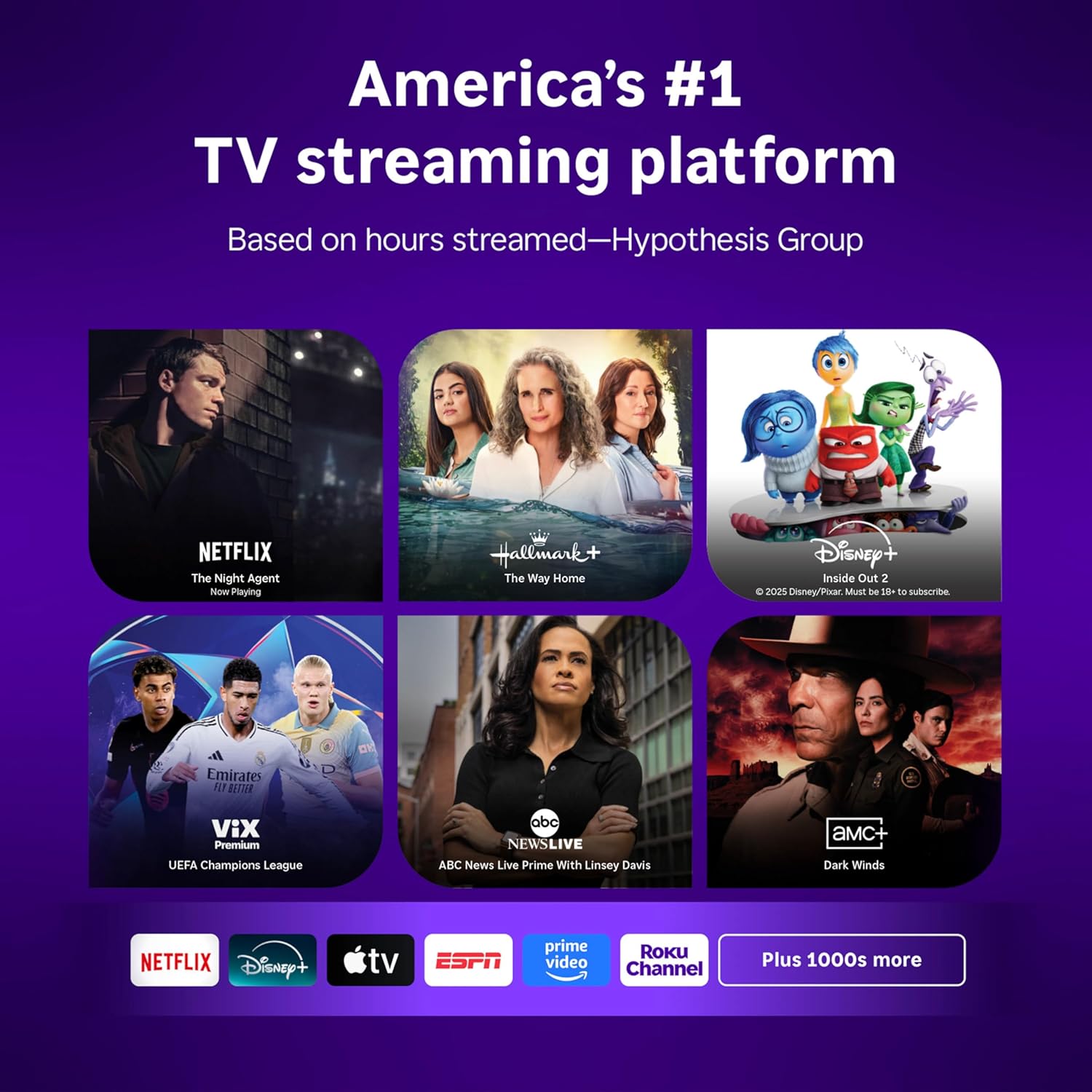
Image: Roku 32-inch Select Series HD Smart TV with included remote control.
2. Kedu ihe dị na Igbe ahụ
Nyochaa na akụrụngwa niile dị tupu ịmalite ntọlite.
- Roku Select Series 32" HD TV
- Stands and screws
- Roku Voice Remote with batteries (2 AAA)
- Igwe ọkụ ọkụ
- Akwụkwọ ntuziaka (akwụkwọ a)

Image: Contents of the Roku Select Series TV packaging.
3. Nhazi
3.1 Nwepu
Jiri nlezianya wepụ TV na ihe niile dị na ngwugwu ahụ. Debe ngwugwu ahụ maka njem ma ọ bụ ọrụ n'ọdịnihu.
3.2 Na-agbakwunye nkwụnye ahụ
- Debe ihuenyo TV n'elu ala dị nro ma dị ọcha iji gbochie ncha.
- Kwado ihe nkwụnye TV na oghere ndị dị na ala TV.
- Chekwaa ihe nkwụnye ahụ site na iji skru ndị enyere. Gbaa mbọ hụ na agbachiela ha nke ọma.
3.3 Njikọta Peripherals
Connect your devices to the appropriate ports on the back of the TV.
- HDMI: Connect up to three HDMI devices (e.g., cable box, gaming console, Blu-ray player) to the HDMI ports.
- USB: Use the USB port for media playback or connecting compatible accessories.
- Ngwa anya (S/PDIF): For connecting to an external audio system.
- Ike Ike: Jikọọ eriri ọkụ na TV wee banye na mgbidi mgbidi.
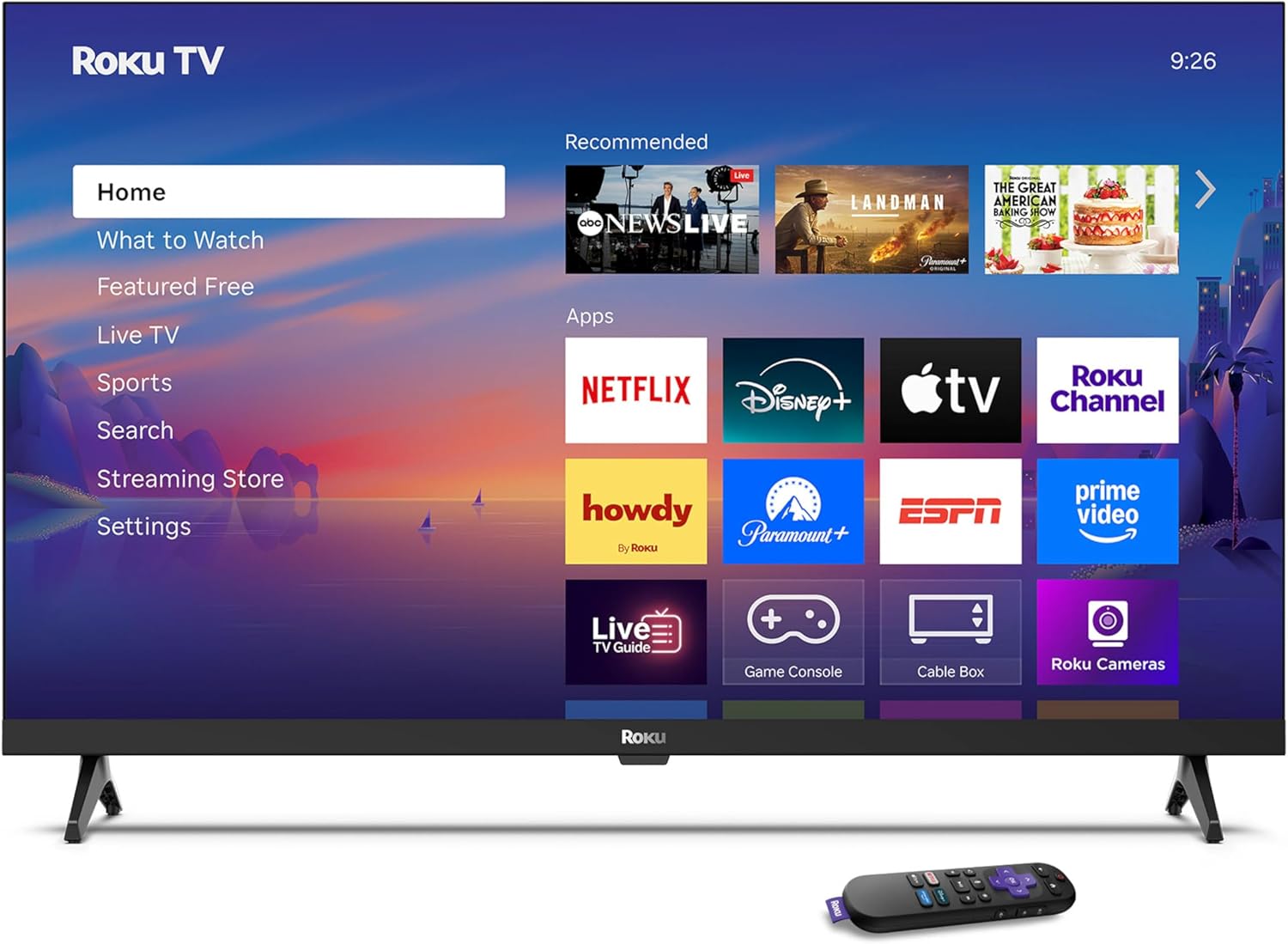
Image: Rear panel connections including HDMI, USB, and optical ports.
3.4 Ike mbụ na njikọ netwọkụ
- Plug in the TV and press the power button on the remote or TV.
- Follow the on-screen instructions to select your language and connect to your Wi-Fi network.
- Activate your Roku account or create a new one.
Vidiyo: Efereview of the Roku TV operating system, demonstrating its user interface and features. This video is provided by Roku, Inc.
4. Ntuziaka ọrụ
4.1 Using the Voice Remote
The Roku Voice Remote allows for intuitive control of your TV and streaming content.
- Ọchụchọ olu: Press and hold the voice button and speak your command to search for content, launch apps, or control playback.
- Ntugharị: Use the directional pad to move through menus and select items.
- Ụzọ mkpirisi ngwa: Bọtịnụ raara onwe ha nye na-enye ohere ngwa ngwa ịnweta ọrụ nkwanye ugwu ama ama.

Image: Features of the Roku Voice Remote, highlighting voice control and shortcut buttons.
4.2 Navigating the Home Screen
The Roku Home Screen provides access to all your installed apps, inputs, and settings.
- Ụlọ: Returns you to the main home screen.
- Ihe ị ga-ekiri: Discover recommended content.
- TV dị ndụ: Access free live television channels.
- Streaming Store: Browse and add new streaming channels.
- Ntọala: Adjust TV and system preferences.

Image: The Roku TV home screen interface.
4.3 Na-edozi Foto na Ntọala ụda
Hazie gị viewing and listening experience through the settings menu.
- Ụdị foto: Select from predefined modes like Standard, Vivid, Sports, or Movie. Roku Smart Picture automatically optimizes settings.
- Ọnọdụ ụda: Họrọ pro ụdafiles or enable features like Night Mode for reduced volume fluctuations.
- Ụdị Ekweisi Bluetooth: Pair your wireless headphones for private audio.

Image: Picture mode settings on the Roku TV.

Image: Bluetooth Headphone Mode in use.

Image: Dolby Audio technology for clear sound.
5. Nlekọta
5.1 Na-ehicha ihuenyo ahụ
To clean the TV screen, gently wipe it with a soft, dry, lint-free cloth. For stubborn marks, lightly dampJiri mmiri ma ọ bụ ihe nhicha dị mma kpuchie ákwà ahụ. Zere iji kemịkalụ siri ike ma ọ bụ ihe ndị na-eme ka ọ dị nro.
5.2 Mmelite ngwanrọ
Your Roku TV automatically receives software updates when connected to the internet. These updates provide new features, performance improvements, and bug fixes. Ensure your TV remains connected to the internet for optimal performance.
6. Nchọpụta nsogbu
If you encounter issues with your Roku TV, refer to the following common solutions:
- Enweghị ike: Gbaa mbọ hụ na etinyere eriri ọkụ na nke ọma na TV yana oghere eletrik na-arụ ọrụ. Gbalịa ụzọ ọpụpụ dị iche.
- Enweghị foto/ụda: Verify that the correct input source is selected. Check all cable connections (HDMI, audio). Restart the TV by unplugging it for 30 seconds and plugging it back in.
- Remote anaghị arụ ọrụ: Replace the AAA batteries in the remote. Ensure there are no obstructions between the remote and the TV. For voice remote issues, re-pair the remote if necessary (refer to Roku support for specific steps).
- Okwu njikọ netwọkụ: Restart your Wi-Fi router and modem. Go to the TV's settings menu, then Network, and try reconnecting to your Wi-Fi network.
- Ngwa anaghị eburu / na-akụda: Try restarting the app. If the issue persists, remove the app from the home screen, restart the TV, and then re-add the app from the Streaming Store.
7. Nkọwapụta
| Njirimara | Nkọwa |
|---|---|
| Nha ihuenyo | 32 sentimita asatọ |
| Ngosipụta teknụzụ | Ikanam |
| Mkpebi | 720p |
| Ọnụego ume ọhụrụ | 60 Hz |
| Atụmatụ pụrụ iche | Bluetooth Headphone Mode, Dolby Audio, Voice Remote |
| Teknụzụ Njikọta | Bluetooth, WiFi |
| Mgbakọta ọdụ ụgbọ mmiri HDMI | 3 |
| Mgbakọta ọdụ ụgbọ mmiri USB | 1 |
| Ntinye ọdịyo | HDMI |
| Sistemụ nrụọrụ | Roku OS |
| Ụdị nkwụnye | Table Mount, Wall Mount |
| VESA Mount Standard | 200 x 200 mm |
| Akụkụ ngwaahịa (D x W x H) | 7"D x 28.3"W x 18.3"H |
| Ibu Ibu | 7.5 pound |
| Nọmba nlereanya | 32R2D5 |
| UPC | 829610008974 |
8. Akwụkwọ ikike Ozi
8.1 Akwụkwọ ikike nwere oke
Roku warrants the hardware against defects in materials and workmanship under normal use for a period of one (1) year from the date of purchase ("Warranty Period"). If Roku determines that the device’s hardware is defective during the Warranty Period, Roku’s sole obligation, and your exclusive remedy, will be to either repair or replace the unit with either a new or rebuilt device, at its option. This warranty applies if the product is used in accordance with the provided documentation.
8.2 Amụma nloghachi
You may return a device for any reason:
- Within thirty (30) days from the date of purchase from Roku.
- Within the applicable return period if purchased from an authorized reseller or distributor.
Additional details regarding product returns can be found on the Roku support site.
9. Nkwado
For further assistance, troubleshooting guides, and frequently asked questions, please visit the official Roku support websaịtị: