
1. Okwu mmalite
Thank you for choosing the BEPER P102SBA009 Rechargeable Electric Milk Frother. This device is designed to help you create perfectly frothed milk for cappuccinos, lattes, hot chocolate, and other creamy beverages. Its compact, ergonomic design and rechargeable battery offer convenience and ease of use. Please read this manual carefully before first use to ensure proper operation and maintenance.
2. Ntuziaka nchekwa
To prevent damage or injury, always follow basic safety precautions when using electrical appliances:
- Do not immerse the main body of the frother in water or any other liquid.
- Debe ngwaọrụ ahụ n'ebe ụmụaka nọ na anụ ụlọ.
- Jiri naanị eriri USB chaja enyere.
- Do not operate the frother if it has been damaged or is not functioning correctly.
- Avoid touching the whisk while the device is in operation.
- Gbaa mbọ hụ na etinyere whisk ahụ nke ọma tupu eji ya.
- Do not use abrasive cleaners or scouring pads on any part of the frother.
3. Ngwaahịa gafereview
The BEPER P102SBA009 electric milk frother consists of a main body, a detachable stainless steel whisk, and a USB charging cable.
- Isi Isi: Contains the motor, rechargeable battery, and ON/OFF button.
- Detachable Stainless Steel Whisk: Easily attaches and detaches for frothing and cleaning.
- eriri USB: For convenient recharging of the internal battery.
The frother features a compact and ergonomic design, making it comfortable to hold and easy to store. It is equipped with a rechargeable battery providing up to 40 minutes of autonomy on a full charge.
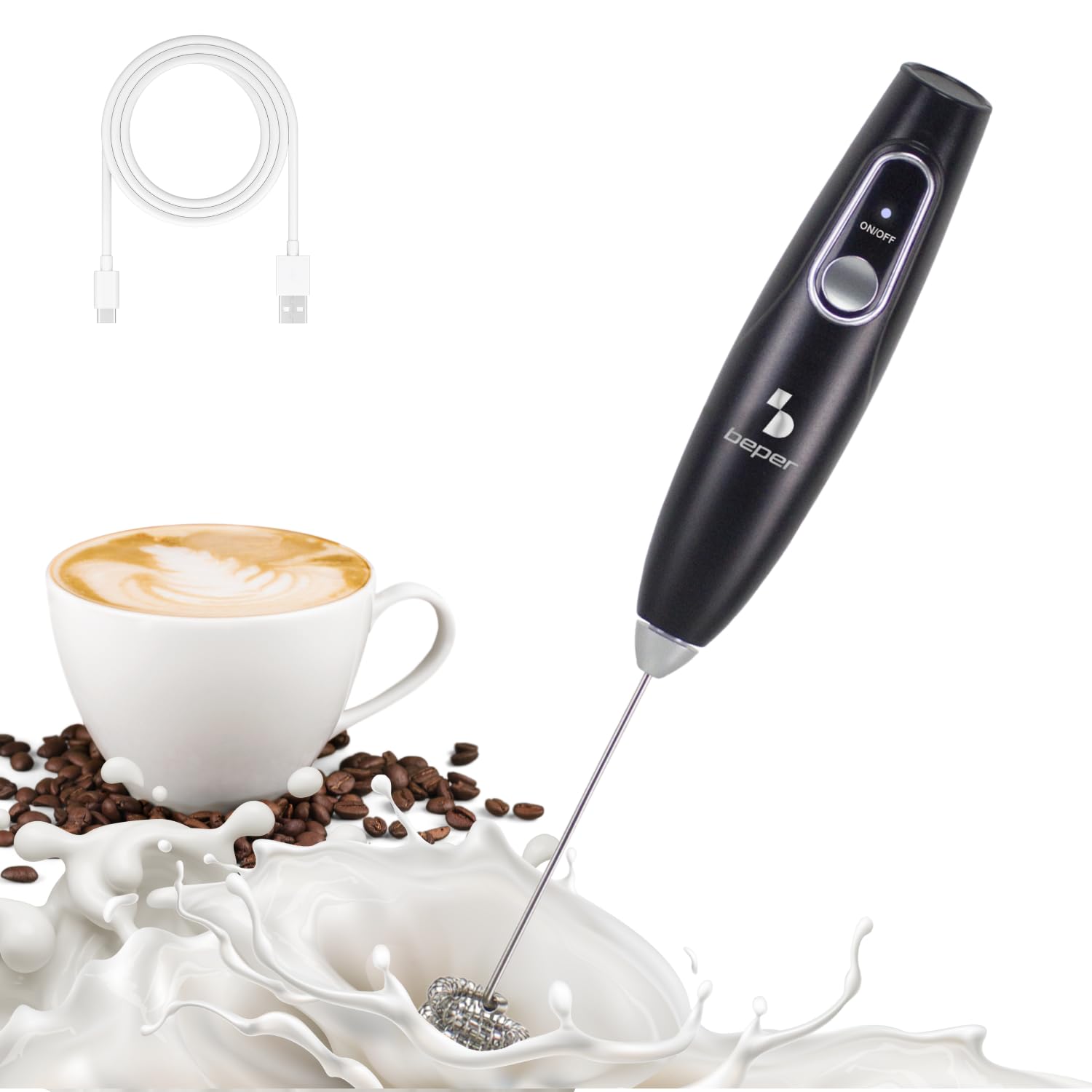
Image 1: The BEPER P102SBA009 Electric Milk Frother, showcasing its sleek design and whisk attachment.

Image 2: Visual representation of the frother's dimensions (3 cm width, 22.5 cm height) and its main components, including the detachable whisk and USB cable.
4. Nhazi
4.1 Nchaji izizi
Before first use, fully charge the frother. Connect the provided USB cable to the charging port on the frother and plug the other end into a compatible USB power source (e.g., computer, USB wall adapter). The indicator light will show charging status (refer to the device for specific light indications). A full charge provides up to 40 minutes of continuous use.
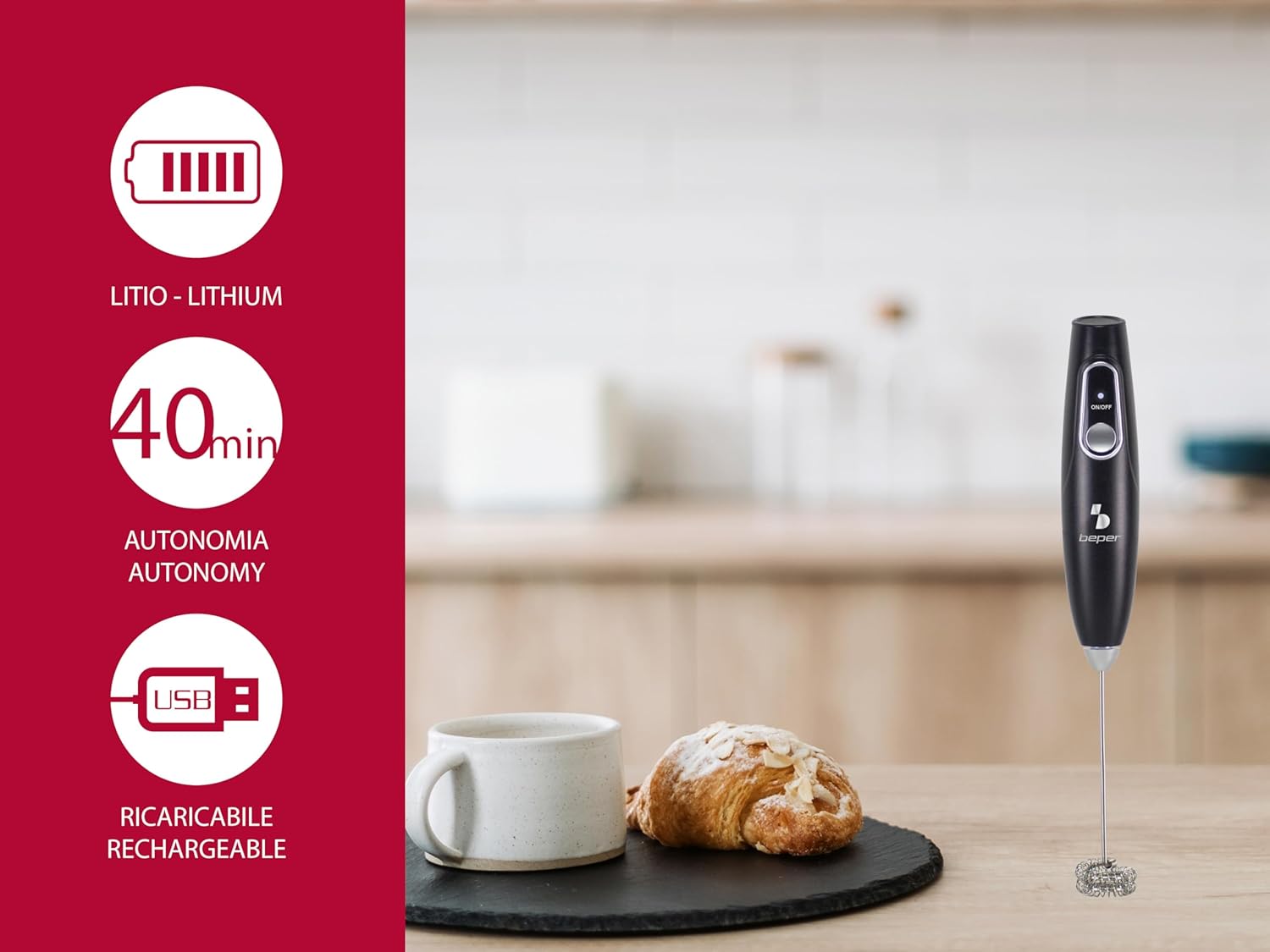
Image 3: The frother highlighting its lithium battery, 40-minute autonomy, and USB rechargeable feature.
4.2 Attaching the Whisk
Gently insert the stainless steel whisk into the connector at the bottom of the main body until it clicks securely into place. Ensure it is firmly attached before operation.
5. Ntuziaka ọrụ
5.1 Basic Arụmọrụ
- Pour your desired liquid (milk, matcha, etc.) into a cup or container. For best frothing results, use cold milk and fill the container no more than one-third full to allow for expansion.
- Submerge the whisk end of the frother into the liquid.
- Press the ON/OFF button located on the main body to start the frother.
- Move the frother gently up and down in the liquid for 15-30 seconds, or until the desired froth consistency is achieved.
- Press the ON/OFF button again to stop the frother.
- Carefully remove the frother from the liquid.

Image 4: Close-up of the frother's main body, showing the clearly labeled ON/OFF switch for easy operation.

Image 5: The electric frother in action, creating foam in a glass of milk, demonstrating its primary function.
5.2 Ngwa dị iche iche
Beyond milk frothing, the BEPER P102SBA009 can be used for various mixing tasks:
- Matcha Cappuccino: Blend matcha powder with hot water or milk for a smooth, frothy matcha latte.
- Whipping: Whip cream until stiff peaks form.
- Mayonezi: Emulsify ingredients to prepare homemade mayonnaise.
- Whip Eggs: Beat eggs for omelets, scrambled eggs, or baking.

Foto 6: Ọpụamples of the frother's versatility, including preparing matcha cappuccino, whipping cream, making mayonnaise, and beating eggs.
6. Nhicha na mmezi
Regular cleaning ensures optimal performance and extends the life of your frother.
- Mgbe ojiji ọ bụla: Detach the stainless steel whisk from the main body. Rinse the whisk under warm running water immediately after use to prevent residue buildup.
- Isi Isi: Jiri nwayọ hichaa isi ahụ, damp cloth. Do not immerse the main body in water or place it under running water.
- ihicha: Gbaa mbọ hụ na akụkụ niile akpọọla nkụ tupu ịchịkọta ma ọ bụ chekwaa ya.
- Nchekwa: Store the frother in a clean, dry place, away from direct sunlight and extreme temperatures.
7. Nchọpụta nsogbu
If you encounter any issues with your BEPER P102SBA009 frother, refer to the following common problems and solutions:
| Nsogbu | Ihe nwere ike ime | Ngwọta |
|---|---|---|
| Nne anaghị agbanwuo. | Batrị agwụla. | Jiri eriri USB chaja chajịa frother. |
| Weak frothing or no foam. | Whisk is dirty or damaged; insufficient liquid; incorrect liquid type/temperature. | Clean the whisk thoroughly. Ensure enough liquid is present. Use cold milk for best frothing results. |
| Ngwaọrụ kwụsịrị na mberede. | Battery is low; device overheated. | Recharge the battery. If overheated, allow the device to cool down before resuming use. |
| Whisk detaches during use. | Whisk not securely attached. | Ensure the whisk is firmly inserted into the main body until it clicks. |
8. Nkọwapụta
- Nọmba nlereanya: P102SBA009
- Akara: BEPER
- Akụkụ: 3.5 x 3.5 x 22.5 cm (1.38 x 1.38 x 8.86 inch)
- Arọ: 120g (0.26 lbs)
- Ihe: Plastic (main body), Stainless Steel (whisk)
- Isi mmalite ike: Batrị enwere ike ịchaji
- Nnwere onwe batrị: Ruo nkeji iri abụọ
- Njirimara Pụrụ Iche: USB enwere ike ịchaji
- Agba: White (as per specifications, though product images may show black)
- Mba onye si: China
9. Akwụkwọ ikike Ozi
This BEPER product comes with a standard manufacturer's warranty. For detailed information regarding warranty terms, conditions, and duration, please refer to the warranty card included in the product packaging or visit the official BEPER websaịtị. Debe ihe akaebe nke ịzụrụ ihe maka akwụkwọ ikike ọ bụla.
10. Nkwado
For further assistance, technical support, or inquiries about your BEPER P102SBA009 Electric Milk Frother, please contact BEPER customer service. You can typically find contact information on the official BEPER websaịtị ma ọ bụ na nkwakọ ngwaahịa.
Official BEPER Websaịtị: Visit BEPER Store on Amazon