
1. Okwu mmalite
This manual provides essential information for setting up, operating, and maintaining your ZTE Nubia Neo 3 GT 5G smartphone. Designed for an ultimate gaming experience, this device combines powerful performance with advanced features. Please read this manual thoroughly to ensure proper use and to maximize your device's capabilities.
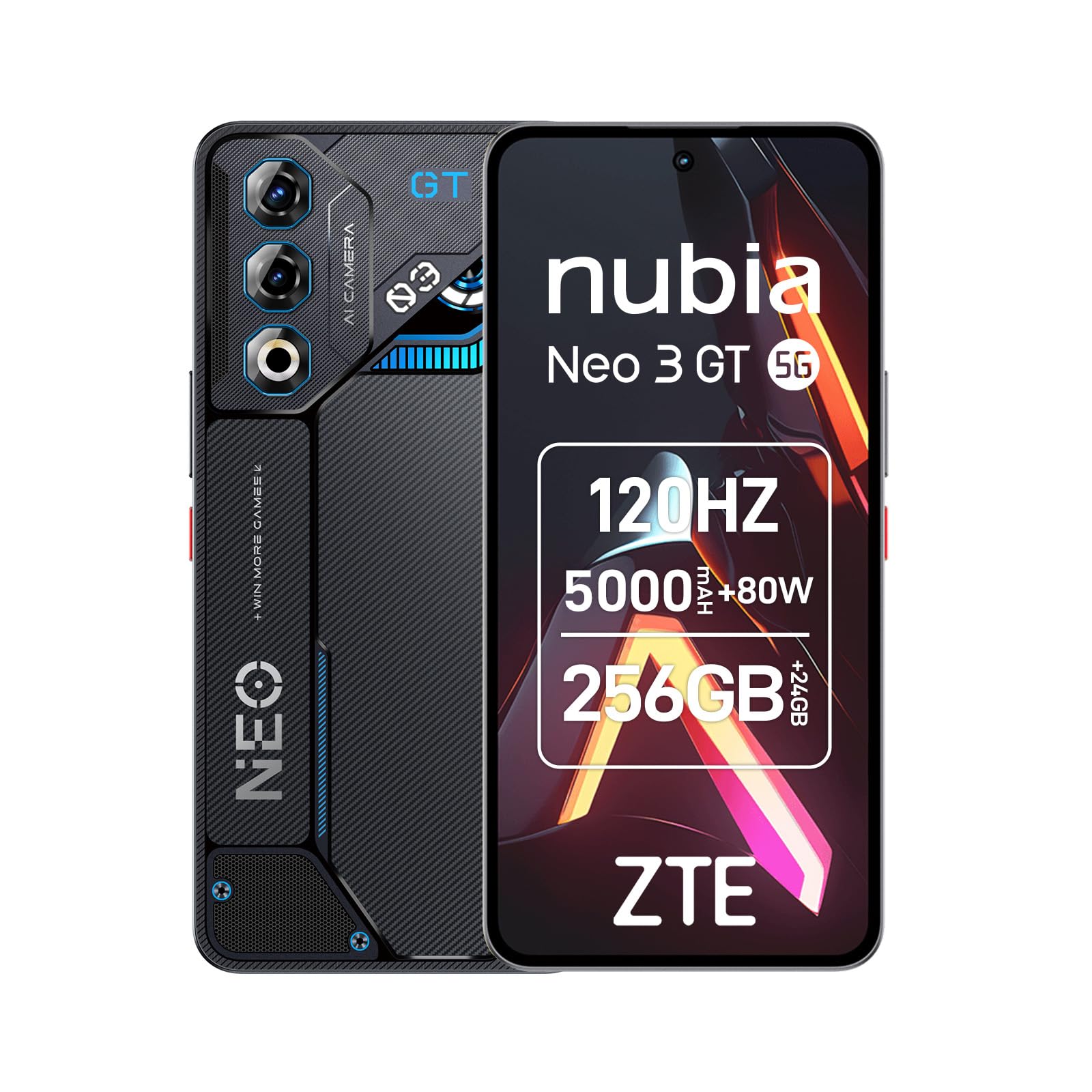
Image 1: ZTE Nubia Neo 3 GT 5G smartphone, showcasing ya imewe.
2. Nhazi
Ihe ngwugwu 2.1
Chọpụta na ngwungwu gị nwere ihe ndị a:
- ZTE Nubia Neo 3 GT 5G Smartphone
- eriri USB
- Akpa ekwentị
- Ihe nchekwa ihuenyo
- Ngwaọrụ SIM Ejector
2.2 Itinye Kaadị SIM
The Nubia Neo 3 GT supports Dual SIM functionality.
- Chọta tray kaadị SIM n'akụkụ ngwaọrụ ahụ.
- Fanye ngwaọrụ ejector SIM n'ime obere oghere dị n'akụkụ traị ahụ wee gbanye nwayọọ ruo mgbe traị ahụ pụtara.
- Place your Nano SIM card(s) into the designated slots on the tray. Ensure the gold contacts face downwards.
- Jiri nlezianya tinyegharịa traị ahụ n'ime ekwentị.

Image 2: Illustrative image of the phone's side, where the SIM tray is typically located.
2.3 Mmalite Ike na Nhazi Isi
- Pịa ma jide bọtịnụ Ike ruo mgbe ngwaọrụ ahụ ga-ama jijiji ma ihuenyo ahụ nwuo.
- Soro mkpali na ihuenyo ka ịhọrọ asụsụ gị, jikọọ na netwọk Wi-Fi, wee guzobe akaụntụ Google gị.
- Configure security features such as fingerprint recognition (in-display sensor) and facial recognition for enhanced device security.
3. Ijikwa ngwaọrụ gị
3.1 Ngosipụta na Nsoro ụzọ
Your device features a 6.8-inch FHD+ OLED display with a 120Hz refresh rate, offering a smooth and immersive visual experience. Navigate using touch gestures and on-screen buttons.

Image 3: The 120Hz OLED Gaming Display, highlighting its vibrant visuals and smooth performance.
3.2 Njirimara egwuregwu
The Nubia Neo 3 GT is optimized for gaming with several dedicated features:
- Dual Gaming Shoulder Triggers: Customizable, ultra-sensitive side triggers for enhanced control in games.
- Rear LED Lights: Personalizable LED lights on the back for a gaming aesthetic.
- Z-axis Linear Motor: Provides precise and immersive haptic feedback during gameplay.
- Game Space Application: A dedicated app to centralize your games and customize settings like touch area and CPU/GPU performance.
- In-game Gaming Menu: Access quick settings by swiping down twice from the top to record screen, adjust refresh rate, or boost performance without pausing your game.
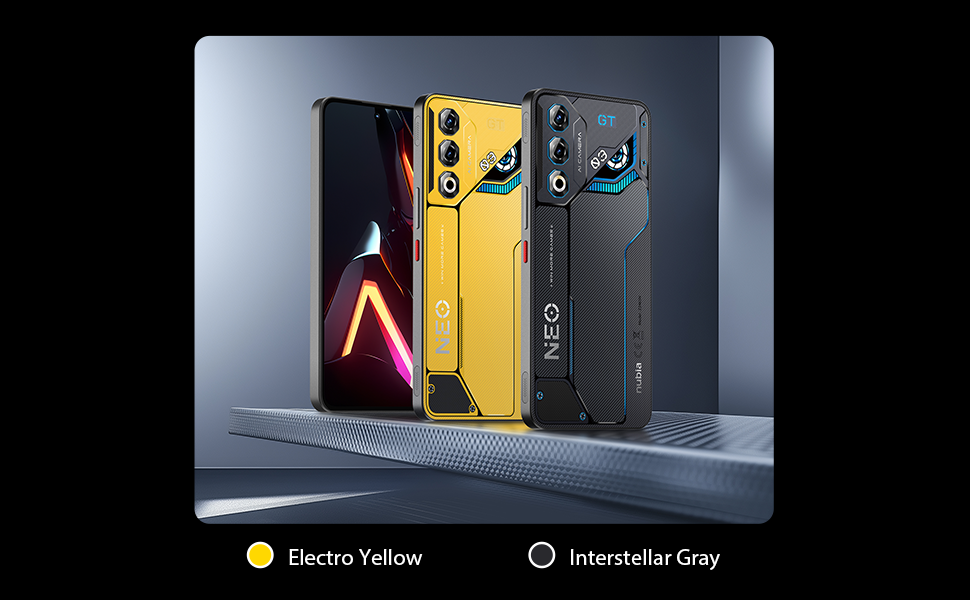
Foto 4: Ofeview of key gaming features including the NeoTurbo Performance Engine, Dual Gaming Shoulder Triggers, Z-axis Linear Motor for haptic feedback, and DTS:X Ultra stereo speakers for immersive sound.
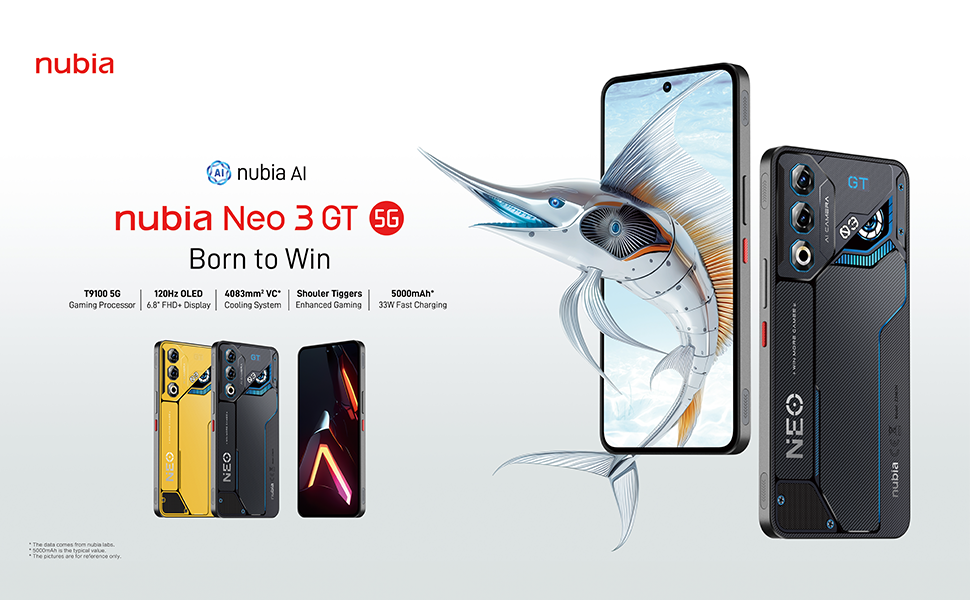
Image 5: Additional gaming functions such as highly sensitive controls, screen recording, data display, key mapping, and peripheral control.
3.3 Igwefoto
Capture moments with the device's camera system:
- Igwefoto azụ: 50 Megapixels with AI enhancements.
- Igwefoto ihu: 8 Megapixels.
Access the camera app from the home screen or lock screen to take photos and videos. Explore various modes and settings for optimal results.
3.4 Batrị na Nchaji
The device is equipped with a 5000 mAh battery.
- Nchaji ngwa ngwa: Supports 33W fast charging. Use the provided USB cable and a compatible charger for best results.
- Bypass Charging: This technology allows power to be supplied directly to the device from the charger, bypassing the battery during intense gaming sessions to reduce heat and prolong battery life.

Image 6: Illustration of the 5000 mAh high-capacity battery and the Bypass Charging feature, which directs power directly to the device from the charger.
3.5 Njikọta
Ngwaọrụ gị na-akwado nhọrọ njikọta dị iche iche:
- 5G netwọk: Maka data mkpanaka dị elu.
- Wi-Fi: Connect to wireless networks.
- Bluetooth: Maka ijikọ na ngwa ikuku ikuku.
- NFC: Maka ịkwụ ụgwọ enweghị kọntaktị yana njikọta ngwa ngwa.
- USB Ụdị-C: Maka ịchaji na ịnyefe data.
- GPS: Integrated GPS for navigation.
4. Nlekọta
4.1 Nlekọta batrị
- Zere ikpughe ngwaọrụ na oke okpomọkụ.
- Akwụsịla batrị kpamkpam ugboro ugboro.
- Use the original charger and cable for optimal charging and to preserve battery health.
- The average battery lifespan is estimated at 5 years.
4.2 Na-ehicha ngwaọrụ gị
- Jiri akwa dị nro na-enweghị lint hichaa ihuenyo na ahụ.
- Zere iji kemịkalụ siri ike ma ọ bụ ihe na-emebi emebi.
- Do not expose the device to water as it is not waterproof.
4.3 Mmelite ngwanrọ
Regularly check for software updates to ensure your device has the latest features, security patches, and performance improvements. You can usually find this option in the device settings under "System" or "About phone".
5. Nchọpụta nsogbu
5.1 Okwu nkịtị na Ngwọta
- Ngwaọrụ anaghị agbanwu: Hụ na batrị ahụ agbajirila. Jikọọ na chaja ma chere nkeji ole na ole tupu ị nwaa ịgbanwuo ọzọ.
- Ngwa ndị na-eme ka oyi ghara ịdị ma ọ bụ na-emebi: Close the problematic app and reopen it. If the issue persists, restart the device.
- Njikọ netwọk na-adịghị mma: Check your SIM card insertion. Try toggling Airplane Mode on and off. If issues persist, contact your network provider.
- Ịrụ ọrụ nwayọ: Close unnecessary background apps. Clear cache for frequently used apps. Consider a factory reset as a last resort (back up your data first).
6. Nkọwapụta
| Njirimara | Nkọwapụta |
|---|---|
| Aha Nlereanya | ZTE Nubia Neo 3 GT |
| Sistemụ nrụọrụ | Android 15 |
| Ọsọ CPU | 2.7 GHz |
| RAM | 12 GB (expandable up to 24 GB dynamic RAM) |
| Ike nchekwa | 256 GB (Maximum flash memory supported) |
| Ngosipụta nha | 6.8 sentimita asatọ |
| Ụdị ngosi | FHD+ OLED |
| Mkpebi | 2392 x 1080 pikselụ |
| Ọnụego ume ọhụrụ | 120 Hz |
| Mkpebi igwefoto azụ | 50 megapixels |
| Mkpebi igwefoto n'ihu | 8 megapixels |
| Ike batrị | 5000 mAh |
| Ịchaji | 33W Fast Charging, Bypass Charging |
| Teknụzụ ekwentị | 5G |
| Njikọta | Bluetooth, NFC, USB Type-C, Wi-Fi |
| Oghere kaadi SIM | Dual SIM (Nano) |
| Nchekwa biometric | Mkpịsị aka na ihu ihu |
| Ibu | 203 grams |
| Mmiri Nguzogide | Ọ bụghị ihe mgbochi mmiri |
| Ihe Nlereanya Afọ | 2025 |
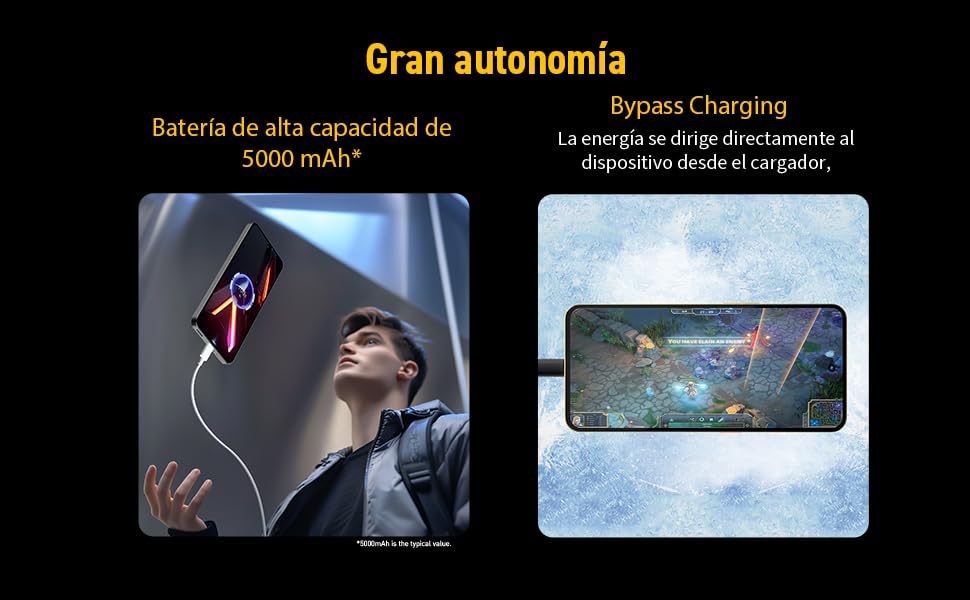
Image 7: Illustration of the T9100 5G-SoC processor, highlighting its powerful performance up to 2.7 GHz.

Image 8: Visual representation of the device's dynamic RAM, indicating up to 24 GB (12GB + 12GB).
7. Akwụkwọ ikike na nkwado
For detailed warranty information, please refer to the warranty card included with your product or visit the official nubia websaịtị.
- Spare parts availability: 10 Years.
- Average battery lifespan: 5 Years.
For technical support or service inquiries, please contact nubia customer service through their official channels.