
Okwu mmalite
Daalụ maka ịzụrụasing the SWOFY 128GB MP3 Player with Bluetooth. This manual provides detailed instructions on how to set up, operate, and maintain your device. Please read this manual thoroughly before use to ensure proper functionality and to maximize your listening experience.
Njirimara ngwaahịa
- High Capacity Storage: 128GB built-in memory, expandable up to 512GB via Micro SD card.
- HiFi Lossless Sound: Supports MP3, OGG, FLAC, AAC, WMA, WAV, APE audio formats.
- Njikọ Bluetooth 5.3: Enhanced speed and stable connection for wireless audio.
- Ogologo ndụ batrị: Up to 50 hours of usage time on a full charge (approximately 2 hours charging time).
- 2.4-Inch Sensitive Touchscreen: Intuitive navigation and control.
- Ọtụtụ ọrụ: Includes Music Player, FM Radio, Voice Recorder, Video Player, Picture Viewer, E-Book Reader, Calendar, and Settings.

Image: The SWOFY MP3 Player highlighting its 128GB built-in storage, expandable to 512GB, with charging and usage times.

Image: A person enjoying music with headphones, representing the HiFi Lossless Sound quality and supported audio formats.
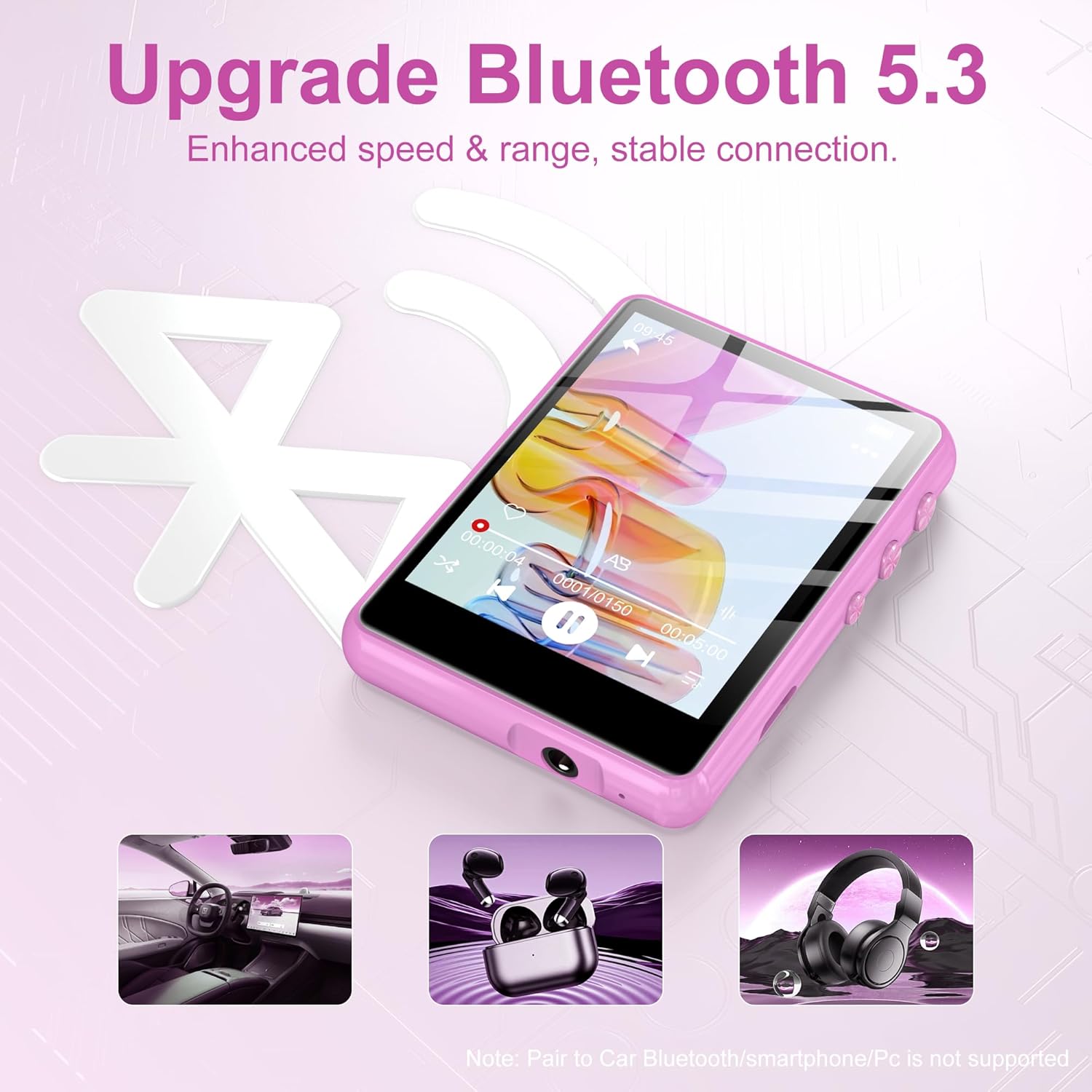
Image: The MP3 player displaying the Bluetooth 5.3 feature, indicating enhanced speed and stable connection. Note: Direct pairing to car Bluetooth, smartphones, or PCs is not supported for audio streaming.

Image: The MP3 player screen indicating a long battery life of up to 50 hours of continuous music playback after a 2-hour charge.
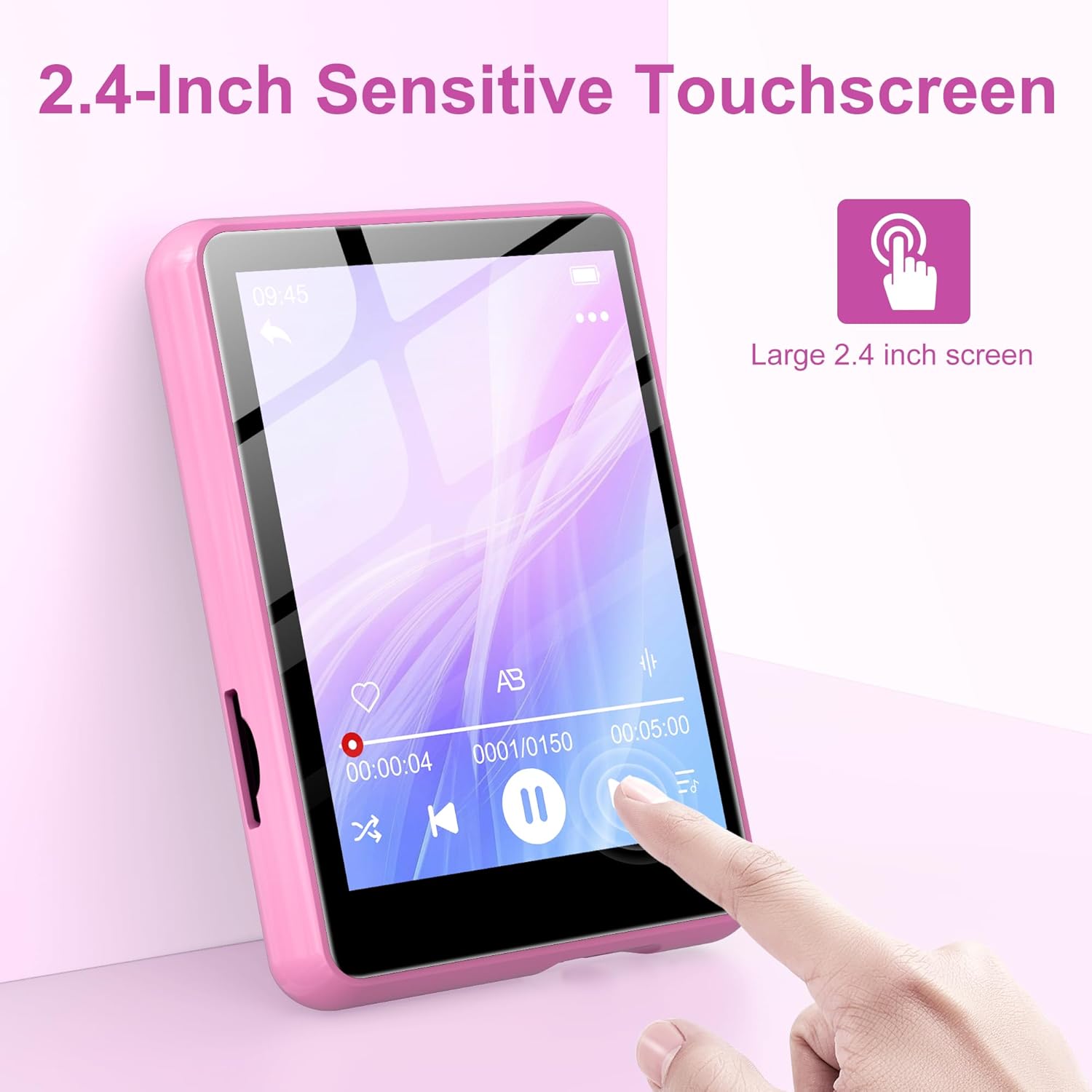
Image: A hand interacting with the 2.4-inch sensitive touchscreen of the MP3 player, demonstrating its touch interface.

Image: The MP3 player showcasing its various functions through icons, including Music, FM Radio, Folder, Bluetooth, Recording, Picture, Video, Calendar, EBook, and Settings.
Ihe ngwugwu
Biko lelee ngwungwu maka ihe ndị a:
- SWOFY 128GB MP3 Player
- Igwe nchaji USB
- Ekwe ntị ekwe ntị
- Protective Case (silicone)
- Akwụkwọ ntuziaka onye ọrụ
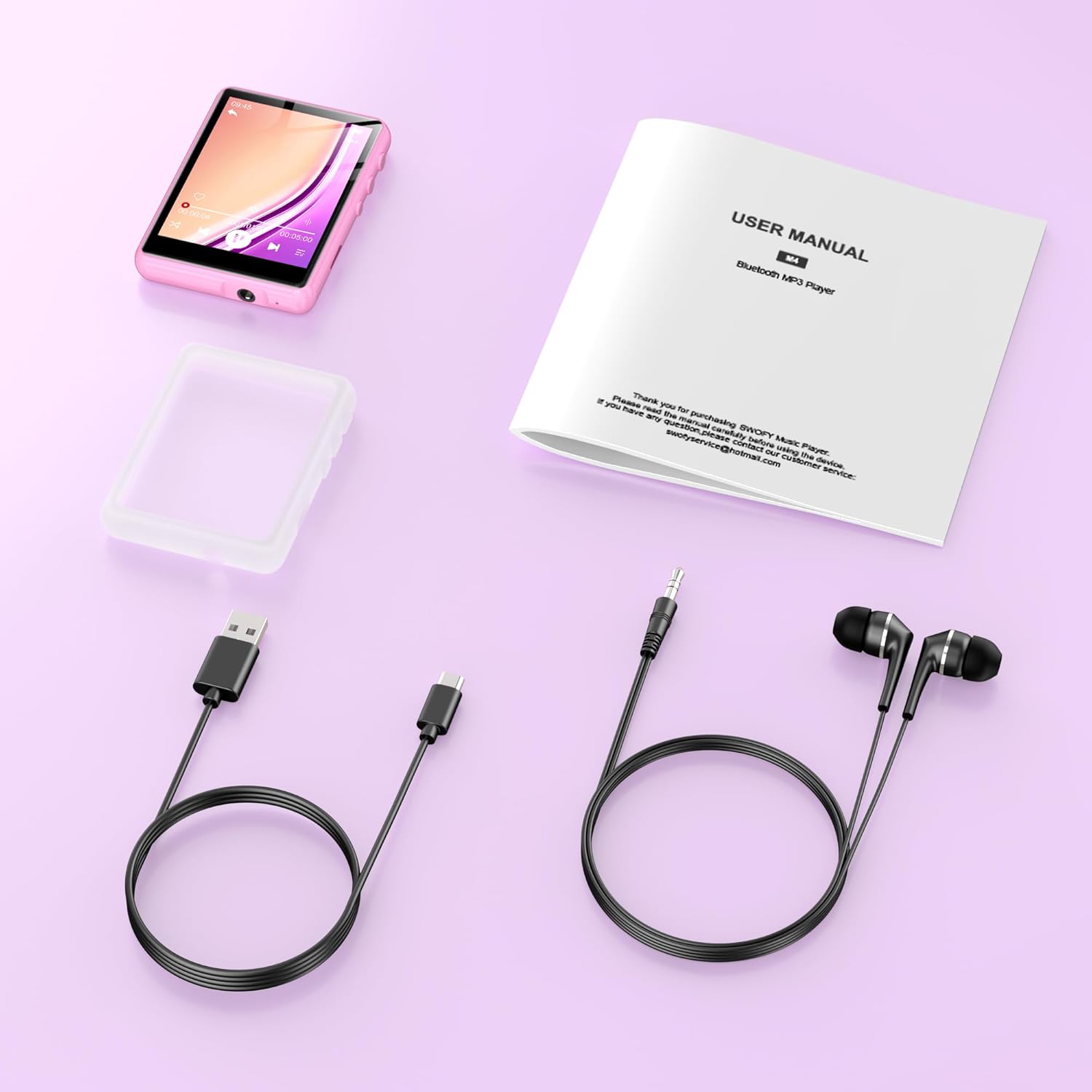
Image: All items included in the product package: the MP3 player, USB charging cable, wired earphones, a protective case, and the user manual.
Melite
1. Ịchaji ngwaọrụ
- Connect the small end of the USB charging cable to the MP3 player's charging port.
- Jikọọ nnukwu njedebe nke eriri USB na nkwụnye ọkụ USB (anaghị etinye ya) ma ọ bụ ọdụ ụgbọ USB nke kọmputa.
- The device will indicate charging status. A full charge takes approximately 2 hours.
2. Itinye Micro SD Card (Nhọrọ)
To expand storage beyond the built-in 128GB, you can insert a Micro SD card (up to 512GB).
- Locate the Micro SD card slot on the side of the MP3 player.
- Gently insert the Micro SD card into the slot until it clicks into place. Ensure the card is oriented correctly.
- To remove, gently push the card inward until it springs out.
3. Na-ebufe Files
To transfer music, videos, pictures, or e-books to your MP3 player:
- Jikọọ ihe ọkpụkpọ MP3 na kọmputa gị site na iji eriri USB enyere.
- The device will appear as a removable disk on your computer.
- Drag and drop your desired files into the appropriate folders on the MP3 player (e.g., 'Music' for audio files, 'Video' for videos).
- Otu ugboro files ebufere, wepụ ngwaọrụ ahụ na kọmputa gị n'enweghị nsogbu tupu ị kwụpụ eriri USB ahụ.
Ntuziaka ọrụ
1. Gbanyụọ / gbanyụọ
- Iji gbanye: Pịa ma jide bọtịnụ ike ruo mgbe ihuenyo gosipụtara.
- Iji gbanyụọ: Press and hold the power button until a power-off option appears on the screen, then confirm.
2. Nsoro ụzọ
- The device features a 2.4-inch sensitive touchscreen. Tap icons to select functions or options.
- Swipe left/right or up/down to navigate through menus or lists.
- Use the physical buttons on the side for volume control and screen lock/unlock.
3. Nghaghachi egwu
- Site na isi menu, pịa akara ngosi 'Egwu'.
- Browse your music by Artist, Album, Songs, or Folder.
- Tap a song to begin playback.
- On the playback screen, you can pause/play, skip tracks, adjust volume, and access playback settings.
4. Njikọ Bluetooth
Iji jikọọ na ekweisi Bluetooth ma ọ bụ ọkà okwu:
- From the main menu, tap the 'Bluetooth' icon.
- Turn on Bluetooth on the MP3 player.
- Ensure your Bluetooth audio device is in pairing mode.
- The MP3 player will scan for available devices. Select your device from the list to pair.
- Once paired, audio will be routed to your Bluetooth device.
5. Redio FM
- Connect wired earphones to the 3.5mm audio jack; they act as the antenna.
- From the main menu, tap the 'FM Radio' icon.
- Use the on-screen controls to scan for stations or manually tune to a frequency.
6. Ọrụ ndị ọzọ
- Edekọ: Tap the 'Recording' icon to access the voice recorder.
- Video/Picture: Tap 'Video' or 'Picture' to browse and view mgbasa ozi gị files.
- EBook: Tap 'EBook' to read supported text files.
- Ntọala: Access device settings such as display, date/time, language, and system information.
Nlekọta
- Nhicha: Jiri akwa dị nro dị nro hichaa ngwaọrụ ahụ. Zere ndị na-ehicha mmiri mmiri ma ọ bụ ihe abrasive.
- Nchekwa: Debe ihe ọkpụkpọ MP3 ahụ n'ebe dị jụụ ma kpọọ nkụ, ebe anwụ na-anaghị anwụ kpọmkwem na oke okpomọkụ dị oke njọ.
- Nlekọta batrị: Iji mee ka batrị dị ogologo, zere ịgbapụ ngwa ahụ mgbe niile. Chajie ya mgbe niile, ọbụlagodi na ọ naghị eji ya ruo ogologo oge.
- Mmelite ngwanrọ: Lelee onye nrụpụta websaịtị oge niile maka mmelite firmware ọ bụla dị.
Nchọpụta nsogbu
- Ngwaọrụ anaghị agbanwu: Gbaa mbọ hụ na agbagoro batrị. Jikọọ na isi iyi ike wee nwaa ọzọ.
- Enweghị ike ịnyefe files: Ensure the USB cable is securely connected and the device is recognized by your computer. Try a different USB port or cable.
- Enweghị ụda: Check the volume level. Ensure headphones or Bluetooth devices are properly connected and functioning.
- Ngwa Bluetooth anaghị ejikọta: Ensure both devices are in pairing mode and within range. Disconnect and reconnect Bluetooth on the MP3 player.
- Ihuenyo anaghị anabata: Gbalịa ịmalitegharị ngwaọrụ ahụ. Ọ bụrụ na nsogbu ahụ ka dị, kpọtụrụ nkwado ndị ahịa.
Nkọwapụta
| Njirimara | Nkọwapụta |
|---|---|
| Ụdị | SWOFY |
| Nọmba nlereanya | M4-128GB |
| Teknụzụ Njikọta | Bluetooth 5.3, USB |
| Ike Nchekwa ebe nchekwa | 128 GB (enwere ike ịgbasa ruo 512 GB site na Micro SD) |
| Nha ihuenyo | 2.4 sentimita asatọ |
| Ngosipụta teknụzụ | LCD |
| Ngwa dakọtara | Headphones, Personal Computer, Speaker |
| Ụdị mgbasa ozi akwadoro | Micro SD |
| Ụdị ọdịyo akwadoro | MP3, OGG, FLAC, AAC, WMA, WAV, adaka |
| Oge Nchaji | Ihe ruru. awa 2 |
| Oge eji | Ruo awa iri abụọ |
| Ibu Ibu | 0.18 kilogram |
Akwụkwọ ikike na nkwado
This product comes with a standard manufacturer's warranty. For detailed warranty information, please refer to the warranty card included in your package or visit the official SWOFY website. For technical support, troubleshooting assistance, or any other inquiries, please contact SWOFY customer service through the contact information provided on the product packaging or websaịtị.


