
1. Okwu mmalite
Thank you for choosing the aowoka 2025 Portable Bluetooth Speaker. This manual provides essential information for setting up, operating, maintaining, and troubleshooting your speaker. Please read it carefully to ensure optimal performance and longevity of your device.

The aowoka 2025 Portable Bluetooth Speaker is designed for portability and outdoor use, easily attaching to a backpack.
2. Ihe ngwugwu
Biko lelee ngwungwu maka ihe ndị a:
- aowoka 2025 Portable Bluetooth Speaker
- Igwe ọkụ ọkụ
- Akwụkwọ ntuziaka (akwụkwọ a)
3. Akụrụngwa Ngwaahịa
- Bass dị ike: Equipped with a high-power full-range speaker and a metal CD-grain bass cone, delivering deep and powerful bass for an immersive audio experience.
- Ndụ batrị nke awa 24: Integrated 1800 mAh rechargeable Li-ion battery provides over 24 hours of playtime per charge (battery life varies with lighting, volume, and music type). Includes a built-in microphone for hands-free calls.
- Bluetooth 5.4 & Wide Compatibility: Features advanced Bluetooth 5.4 for fast and stable connections. Compatible with most Bluetooth devices including smartphones, MP3 players, TVs, tablets, and laptops. Supports digital audio file decoding from TF and SD cards.
- IPX7 Waterproof & Durable: IPX7 waterproof rating ensures resistance to rain, dust, snow, splashes, sand, and mud, allowing temporary immersion in water. Ideal for outdoor activities like cycling, camping, beach trips, and hiking. Features a flexible woven mesh shell and ASB injection molding for durability, along with a portable braided strap.
- RGB Lighting & TWS Pairing: Features seven dazzling and colorful RGB ambient lighting effects that synchronize with music. Supports True Wireless Stereo (TWS) mode for pairing two speakers, providing immersive cinema-like surround sound. Lighting can be turned off as needed.
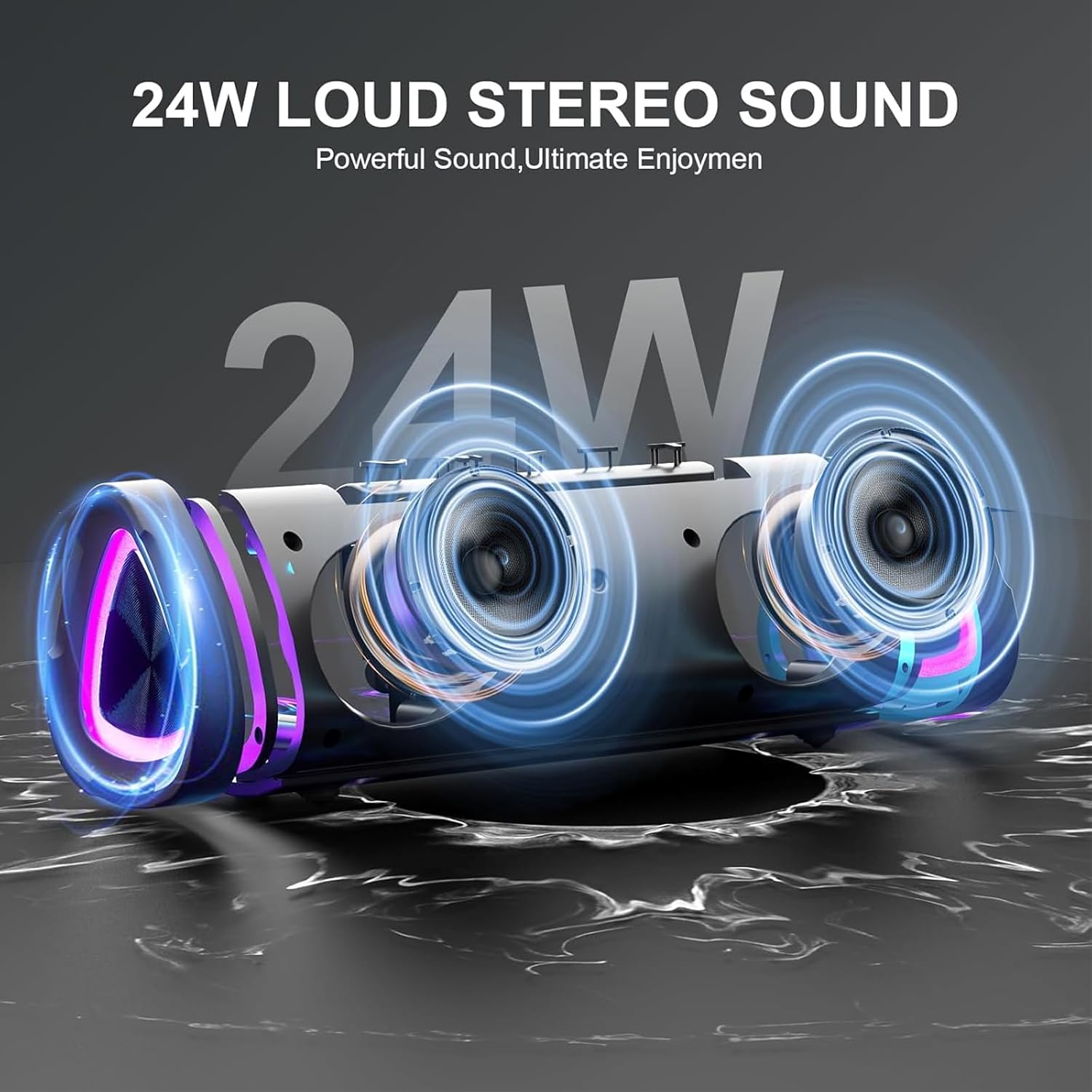
The speaker's internal design highlights its 24W loud stereo sound capability and powerful bass output.
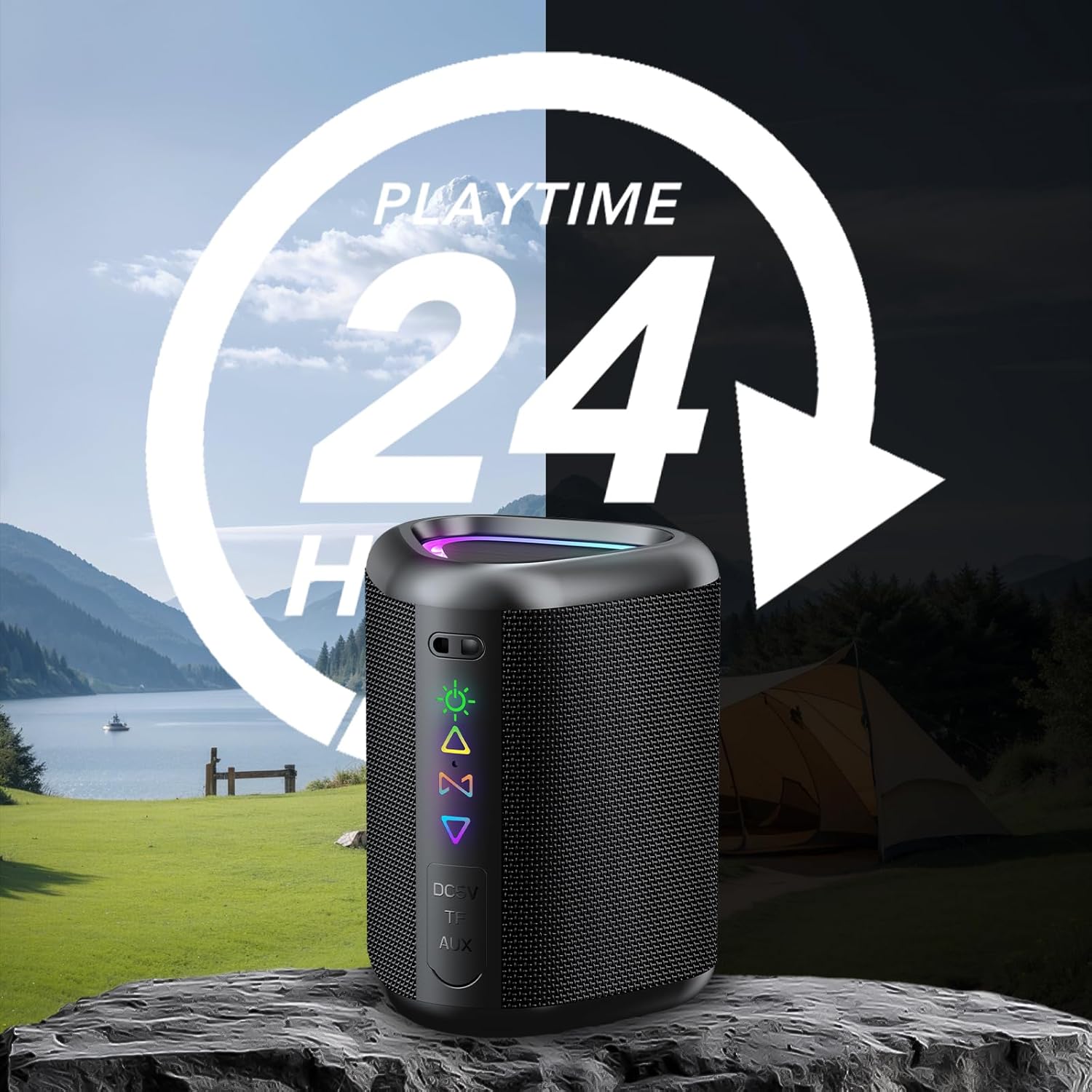
Enjoy extended listening sessions with up to 24 hours of playtime, perfect for outdoor adventures.

The speaker offers wide compatibility with various devices, including smartphones, tablets, and laptops.
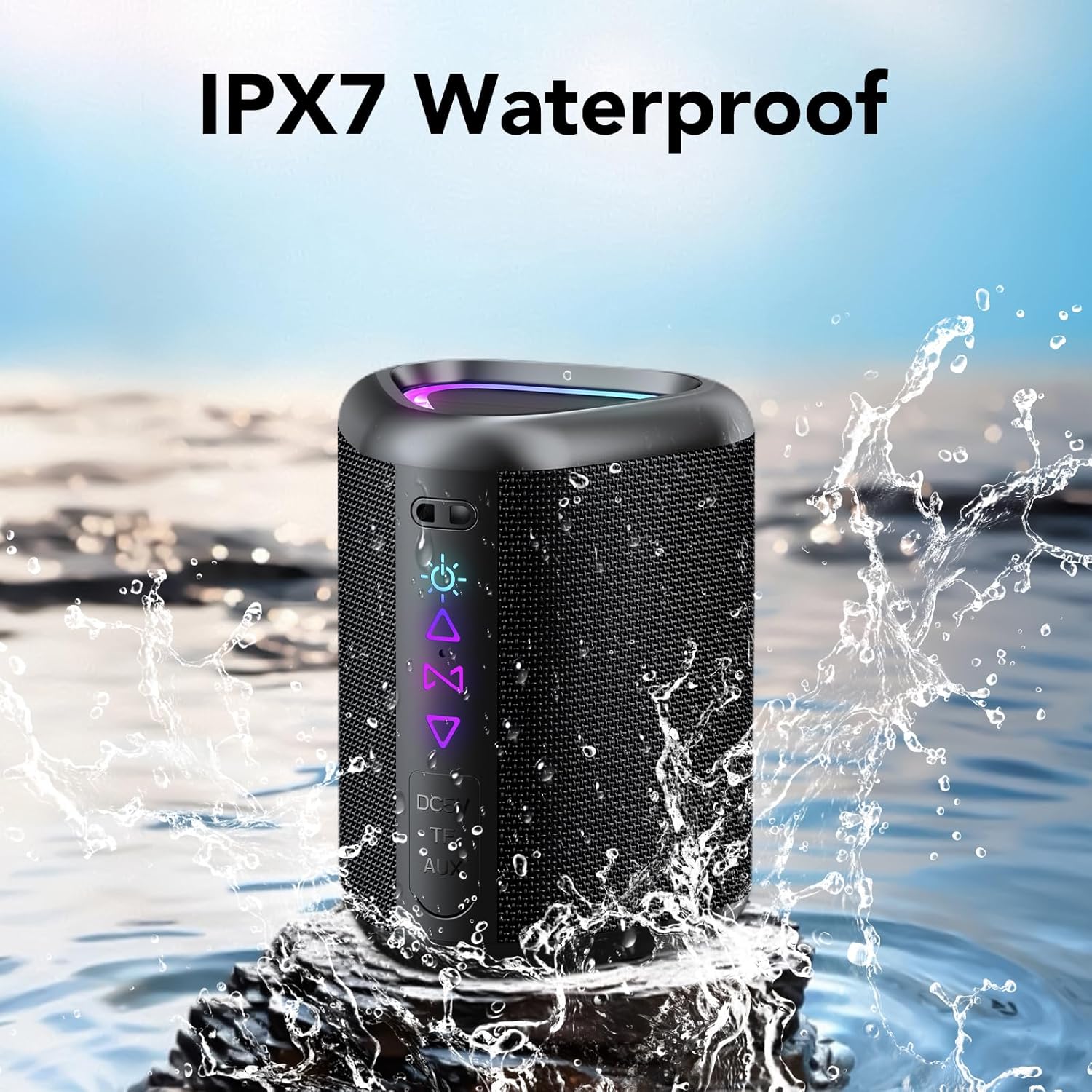
The IPX7 waterproof design protects the speaker from water splashes and temporary immersion.
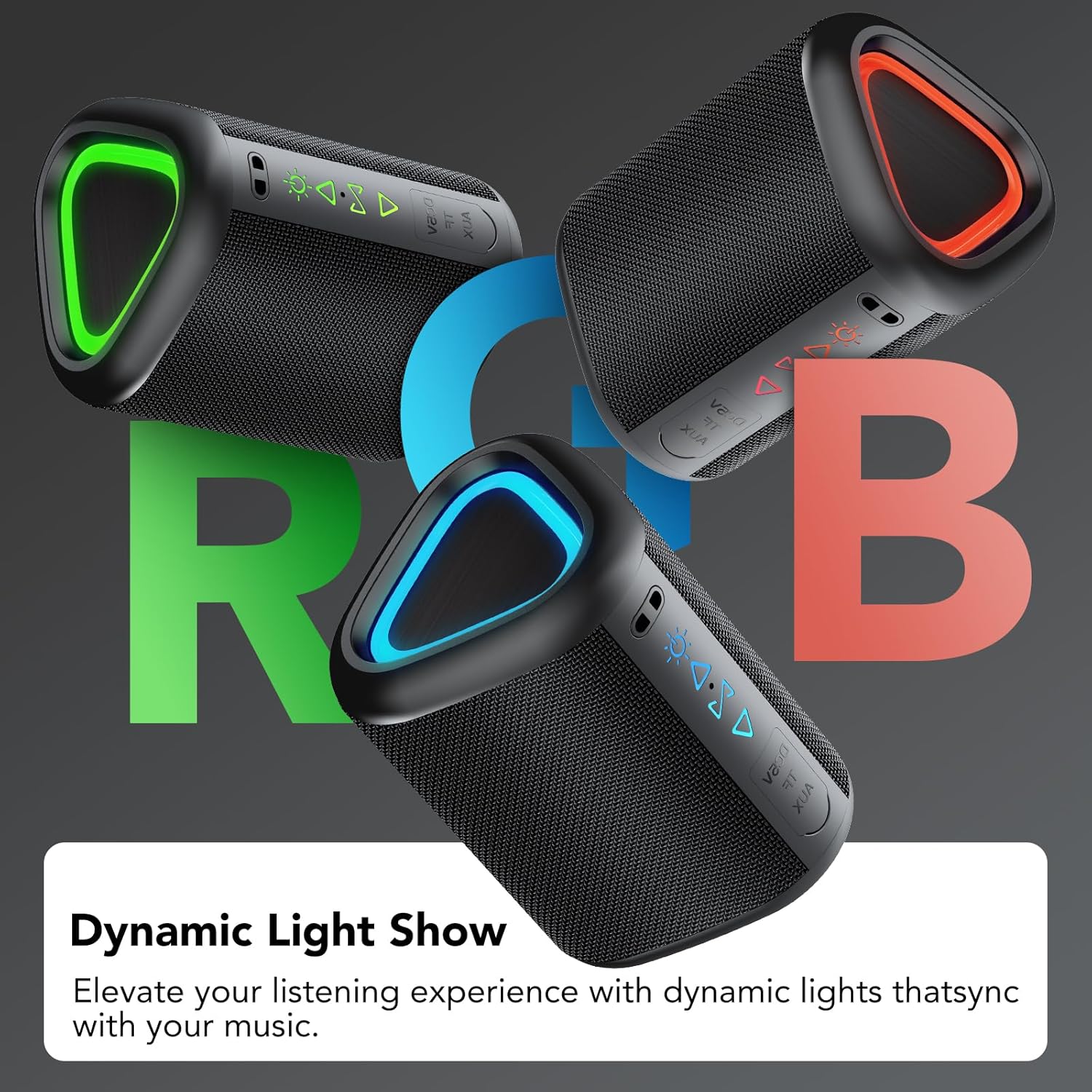
Dynamic RGB lighting enhances the listening experience, with lights synchronizing to the music.

Connect two speakers wirelessly for an enhanced True Wireless Stereo (TWS) audio experience.
4. Mmalite
4.1 Ịchaji ọkà okwu
Before first use, fully charge the speaker. Connect the provided power cable to the speaker's DC 5V port and the other end to a USB power adapter (not included). The charging indicator light will show charging status and turn off when fully charged.
4.2 Gbanyụọ/ gbanyụọ
- Iji gbanye: Pịa ma jide bọtịnụ ike maka sekọnd iri na ise.
- Iji gbanyụọ: Pịa ma jide bọtịnụ ike maka sekọnd iri na ise.
4.3 Njikọ Bluetooth
- Hụ na ekwenyere igwe okwu ahụ ma nwee njikọ Bluetooth (nke LED na-acha anụnụ anụnụ na-egbukepụ egbukepụ gosiri).
- Na ngwaọrụ gị (smartphone, tabletị, wdg), gbanye Bluetooth wee chọọ ngwaọrụ dịnụ.
- Select "aowoka 2025" from the list of devices.
- Once paired, the speaker will emit a confirmation sound, and the LED indicator will turn solid blue.
4.4 Ezi ikuku stereo (TWS) ijikọ
To achieve a stereo sound experience, you can pair two aowoka 2025 speakers together:
- Gbaa mbọ hụ na agbanyere igwe okwu abụọ a na ejighi ya na ngwaọrụ Bluetooth ọ bụla.
- On one speaker (this will be the primary speaker), double-press the TWS button. It will search for the second speaker.
- The second speaker (secondary speaker) will automatically connect to the primary speaker.
- Once paired, the primary speaker's LED will flash, and the secondary speaker's LED will be solid.
- Ugbua, jikọọ ngwaọrụ gị na ọkà okwu bụ isi site na Bluetooth dịka akọwara na ngalaba 4.3.
5. Ntuziaka ọrụ
5.1 bọtịnụ Ọrụ

Zuru okeview of the speaker's button controls and their respective functions.
| Bọtịnụ/Ihe omume | Ọrụ |
|---|---|
| Power Button (Press & Hold 2s) | Gbanyụọ/ Gbanyụọ |
| Light Button (x1) | Gbanwee ọnọdụ ọkụ |
| Light Button (x3) | Gbanwuo/ Gbanyụọ ọkụ |
| Volume Up (+) (x1) | Welie olu |
| Volume Down (-) (x1) | Wedata olu |
| Next Track (Press & Hold 2s) | Abụ na-abịa |
| Previous Track (Press & Hold 2s) | Abụ gara aga |
| TWS Button (x2) | Bido njikọ TWS |
| Call Button (x1) | Zaa/Kwụsị Oku |
| Call Button (Press & Hold 2s) | Jụ oku |
| Play/Pause Button (x1) | Kpọọ/kwụsịtụ egwu |
5.2 Nghaghachi egwu
- Ọnọdụ Bluetooth: After successful pairing, music from your connected device will play through the speaker. Use your device or the speaker's controls to manage playback.
- Ụdị kaadị TF/SD: Insert a TF or SD card with audio files into the designated slot. The speaker will automatically switch to card mode and begin playback.
- Ọnọdụ AUX: Connect an audio device using a 3.5mm AUX cable (not included) to the speaker's AUX port. The speaker will automatically switch to AUX mode.
5.3 Oku na-enweghị aka
When connected via Bluetooth, the speaker's built-in microphone allows for hands-free calls. Use the Call button as described in section 5.1 to manage calls.
5.4 RGB njikwa ọkụ
The speaker features dynamic RGB lighting. Press the Light button once to cycle through different light modes. Press the Light button three times to turn the lights on or off.
6. Nlekọta
- Nhicha: Jiri akwa dị nro dị nro hichaa ọkà okwu. Ejila ihe nchacha abrasive ma ọ bụ ihe mgbaze.
- Mkpughe mmiri: While IPX7 waterproof, avoid prolonged immersion in water. Ensure the charging port cover is securely closed when near water.
- Nchekwa: Chekwaa ọkà okwu n'ebe dị jụụ, kpọrọ nkụ na-adịghị na ìhè anyanwụ kpọmkwem na oke okpomọkụ.
- Nlekọta batrị: To preserve battery life, charge the speaker at least once every three months if not used regularly.
7. Nchọpụta nsogbu
| Nsogbu | Ngwọta enwere ike |
|---|---|
| Ọkà okwu anaghị agba ọkụ. | Ensure the speaker is charged. Connect it to a power source and try again. |
| Enweghị ike ijikọ site na Bluetooth. | Make sure the speaker is in pairing mode. Disable and re-enable Bluetooth on your device. Move closer to the speaker. |
| Enweghị ụda. | Check the volume level on both the speaker and your connected device. Ensure the correct input mode (Bluetooth, TF/SD, AUX) is selected. |
| Njikota TWS ada ada. | Ensure both speakers are not connected to any other Bluetooth device. Try repeating the TWS pairing steps. |
| Ọkụ anaghị arụ ọrụ. | Press the Light button three times to toggle the lights on/off. Ensure the speaker has sufficient battery. |
8. Nkọwapụta
| Njirimara | Nkọwa |
|---|---|
| Ụdị | awuka |
| Aha Nlereanya | M6-DE-New BK |
| Ike Mmepụta Ọkà Okwu Kachasị Elu | 20 Watt |
| Nzaghachi ugboro ugboro | 20Hz - 20kHz (interpreted from 200000 Hz) |
| Teknụzụ Njikọta | Bluetooth 5.4 |
| Ọnọdụ mmepụta ọdịyo | Stereo (2.1 channels) |
| Ụdị nkwụnye | Ugwu okpokoro |
| Ihe onwunwe | Plastic |
| Ụdị Ọkà Okwu | Ọkà Okwu Nwere Ike |
| Agba | Nwa |
| Nkezi Ndụ batrị | awa 24 |
| Ọkwa Nguzogide mmiri | IPX7 enweghị mmiri |
| Usoro njikwa | Bọtịnụ |
| Nha Ọkà Okwu | 10 sentimita asatọ |
| Ike batrị | 1800 mAh |
| Isi Iyi Ike | Electric Cable (for charging) |
| Ụdị ọkwọ ụgbọ ala ọdịyo | Dị ike |
| Akụkụ (D x W x H) | 10cm x 6.8cm x 7.3cm |
9. Akwụkwọ ikike na nkwado
9.1 Ozi akwụkwọ ikike
The aowoka 2025 Portable Bluetooth Speaker comes with a akwụkwọ ikike dị afọ abụọ site na ụbọchị azụrụ ya. Akwụkwọ ikike a na-ekpuchi ntụpọ nrụpụta na ọrụ aka n'oge ojiji nkịtị. Ọ naghị ekpuchi mmebi sitere na ojiji na-ezighị ezi, ihe mberede, mgbanwe na-akwadoghị, ma ọ bụ mmebi nkịtị.
9.2 Nkwado ndị ahịa
If you encounter any issues or have questions regarding your aowoka 2025 speaker, please contact our customer support team. For the fastest service, please have your model number (M6-DE-New BK) and proof of purchase ready.
Email: support@aowoka.com
Websaịtị: www.aowoka.com/support