
1. Ngwaahịa gafereview
The ANTHBOT Genie Robot Lawn Mower Garage (Model MGA01) is designed to provide essential protection for your compatible ANTHBOT Genie robot lawn mower. This durable accessory shields your mower from harsh weather conditions, including sun and rain, extending its lifespan and maintaining its performance. It is specifically designed to be compatible with ANTHBOT Genie600, Genie1000, and Genie3000 robot lawn mowers, ensuring seamless integration without obstructing signals or connectivity.

Image: ANTHBOT Genie Robot Lawn Mower Garage with a compatible robot mower docked inside.
2. Ihe ngwugwu
Upon unboxing your ANTHBOT Genie Robot Lawn Mower Garage, please ensure all the following components are present:
- Garage Roof Panels (A & B)
- Support Frame Components
- Mounting Screws and Stakes
- Akwụkwọ ntuziaka

Image: All components of the ANTHBOT Genie Robot Lawn Mower Garage laid out for assembly.
3. Ntọala & nwụnye
The ANTHBOT Genie Robot Lawn Mower Garage is designed for quick and easy installation. Follow these steps to set up your garage:
- Gwakọta Frame ahụ: Connect the support frame components according to the diagrams in the included instruction manual. Ensure all connections are secure.
- Gbakwunye ogwe elu ụlọ: Securely fasten the garage roof panels (A and B) to the assembled support frame using the provided screws.
- Position the Garage: Place the assembled garage over your ANTHBOT Genie Robot Lawn Mower's charging station. Ensure the garage is centered and provides adequate clearance for the mower to enter and exit freely.
- Chekwaa ala: Use the provided mounting stakes to firmly anchor the garage to the ground. This prevents movement due to wind or accidental bumps.
- Nyochaa mkpochapụ: Double-check that the garage does not interfere with the mower's movement, charging contacts, or any signal transmission components (e.g., RTK station if applicable). The design ensures no blocking to signals or connectivity.
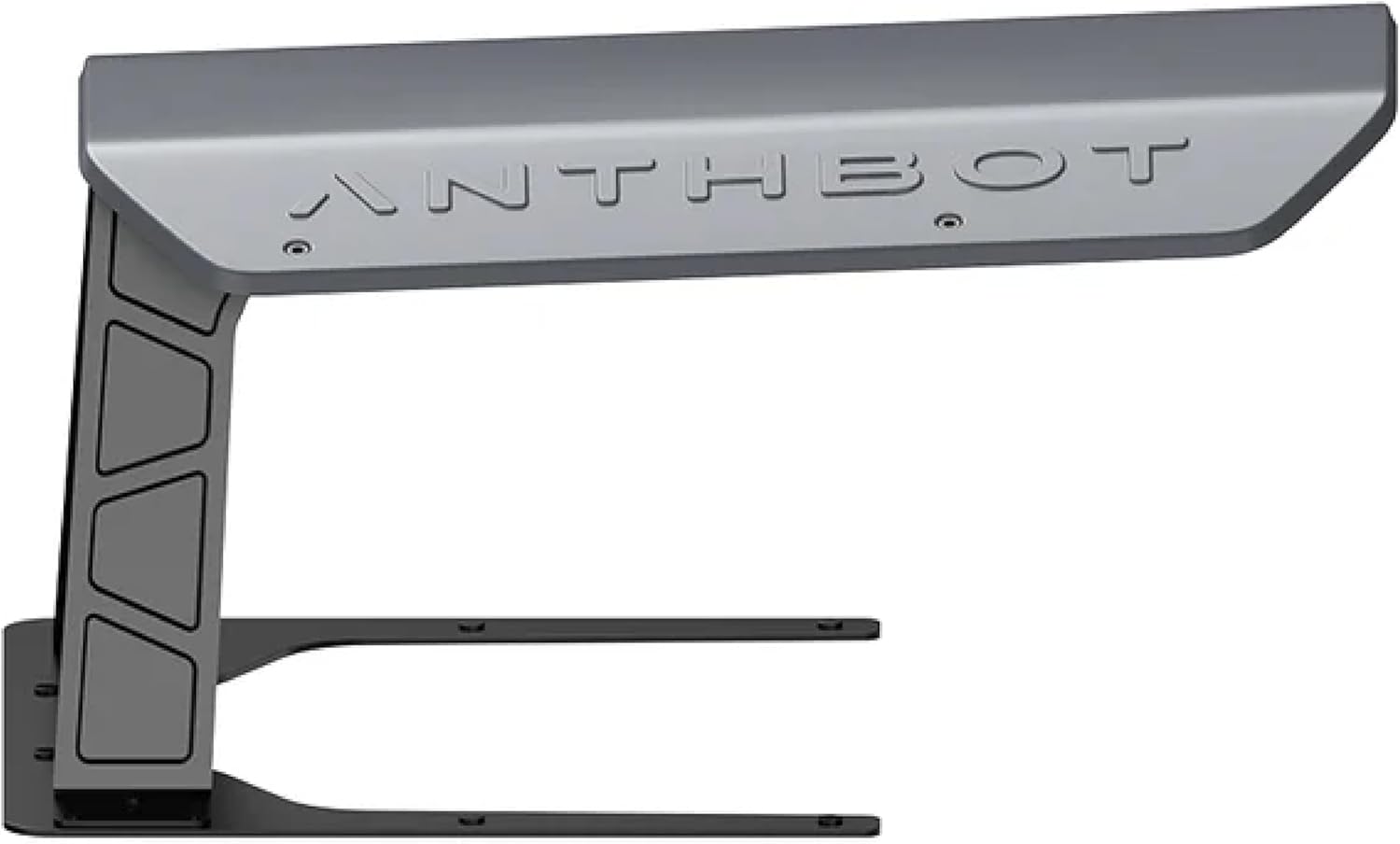
Image: The assembled ANTHBOT Genie Robot Lawn Mower Garage, ready for use.

Image: Detailed dimensions of the ANTHBOT Genie Robot Lawn Mower Garage for proper placement.
4. Ọrụ
The ANTHBOT Genie Robot Lawn Mower Garage operates passively, providing continuous protection for your mower. Once installed, no further manual operation is required for the garage itself. Your robot lawn mower will automatically dock and undock from its charging station, utilizing the garage for shelter.
- The garage is designed to allow the robot mower to enter and exit without obstruction.
- It provides shade from direct sunlight, preventing overheating and UV damage.
- It protects the mower from rain, snow, and other precipitation, safeguarding its electronic components.
5. Nlekọta
To ensure the longevity and effectiveness of your ANTHBOT Genie Robot Lawn Mower Garage, periodic maintenance is recommended:
- Nhicha: Regularly wipe down the exterior of the garage with a damp cloth to remove dirt, dust, and debris. Avoid abrasive cleaners that could damage the finish.
- Nyocha: Periodically check the mounting screws and stakes to ensure they remain tight and secure. Re-tighten if necessary.
- Clearance Check: Ensure that no vegetation or other obstacles have grown to obstruct the mower's path into or out of the garage.
6. Nchọpụta nsogbu
If you encounter any issues with your ANTHBOT Genie Robot Lawn Mower Garage, consider the following:
- Mower Obstruction: If the mower struggles to enter or exit, check for any misalignments of the garage or new obstacles in its path.
- Okwu nkwụsi ike: If the garage appears unstable, ensure all ground stakes are fully inserted and tightened. Consider relocating to a firmer surface if necessary.
- Ntinye aka mgbaama: The garage is designed not to block signals. If you experience mower connectivity issues, verify the RTK station placement and mower settings, as the garage is unlikely to be the cause.
7. Nkọwapụta
| Njirimara | Nkọwa |
|---|---|
| Ụdị | ANTHBOT |
| Nlereanya | MGA01 |
| Ihe onwunwe | Igwe anaghị agba nchara |
| Agba | Agba ntụ |
| Akụkụ ngwaahịa (D x W x H) | 25"D x 11"W x 16"H |
| Ndakọrịta | ANTHBOT Genie600/Genie1000/Genie3000 Robot Lawn Mower |
| Mgbakọ chọrọ | Ee |
| Atụmatụ igodo | Protects from sun and rain, sturdy and durable, easy to install, no blocking to signals or connectivity. |
8. Akwụkwọ ikike & Nkwado
For any questions, technical assistance, or warranty claims regarding your ANTHBOT Genie Robot Lawn Mower Garage, please contact ANTHBOT customer support. While specific warranty details for the garage are not provided here, ANTHBOT generally offers robust support for its products.
- APP Live Chat: Access support directly through the ANTHBOT application.
- Nkwado email: Contact the technical service team via email for detailed inquiries.
- Otu ọrụ nka: Dedicated professionals are available to assist with product-related issues.
Please refer to your product's main instruction manual or the ANTHBOT websaịtị maka ozi kachasị ọhụrụ gbasara nkwa na nkọwa kọntaktị.