
Okwu mmalite
Daalụ maka ịzụrụasing the RadioShack 240W Retro Style Bluetooth Vintage Speaker. This manual provides essential information for the safe and efficient use of your speaker. Please read it thoroughly before operation and retain it for future reference.

Figure 1: RadioShack Retro Style Bluetooth Vintage Ọkà okwu
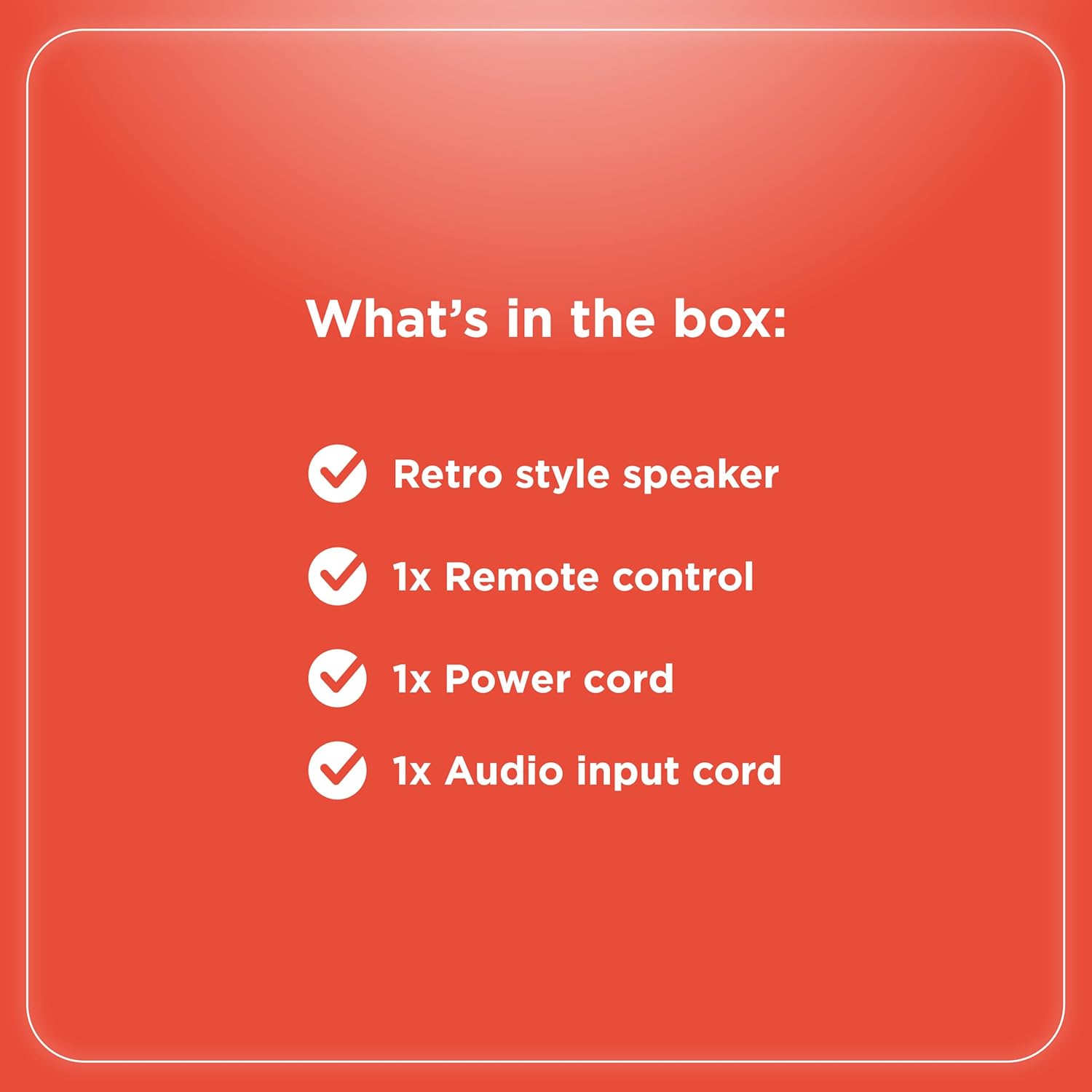
Ihe ngwugwu
Chọpụta na ihe niile dị na ngwugwu:
- Retro style speaker
- 1x njikwa anya
- 1x Ike ụdọ
- 1x Audio input cord

Ọgụgụ 2: Ihe ngwugwu
Melite
- Njikọ ike: Connect the provided power cord to the speaker's power input and then to a standard electrical outlet.
- Nkwanye: Place the speaker on a stable, flat surface. Ensure adequate ventilation around the unit.
- Antenna (FM Radio): Extend the FM antenna for optimal radio reception.
- Ijikọ Ngwa mpụga:
- Ntinye AUX: Use the included audio input cord to connect devices via the AUX port.
- Ntinye USB: Tinye eriri USB na MP3 filebanye n'ọdụ ụgbọ mmiri USB maka ịkpọghachi ya.
- Optical/ARC Input: Connect compatible devices using an optical cable or HDMI ARC cable (not included) to the respective ports.
Ọgụgụ 3: Njikọ azụ azụ

Figure 4: Connectivity Options
Ntuziaka ọrụ
Njikwa agafelaview
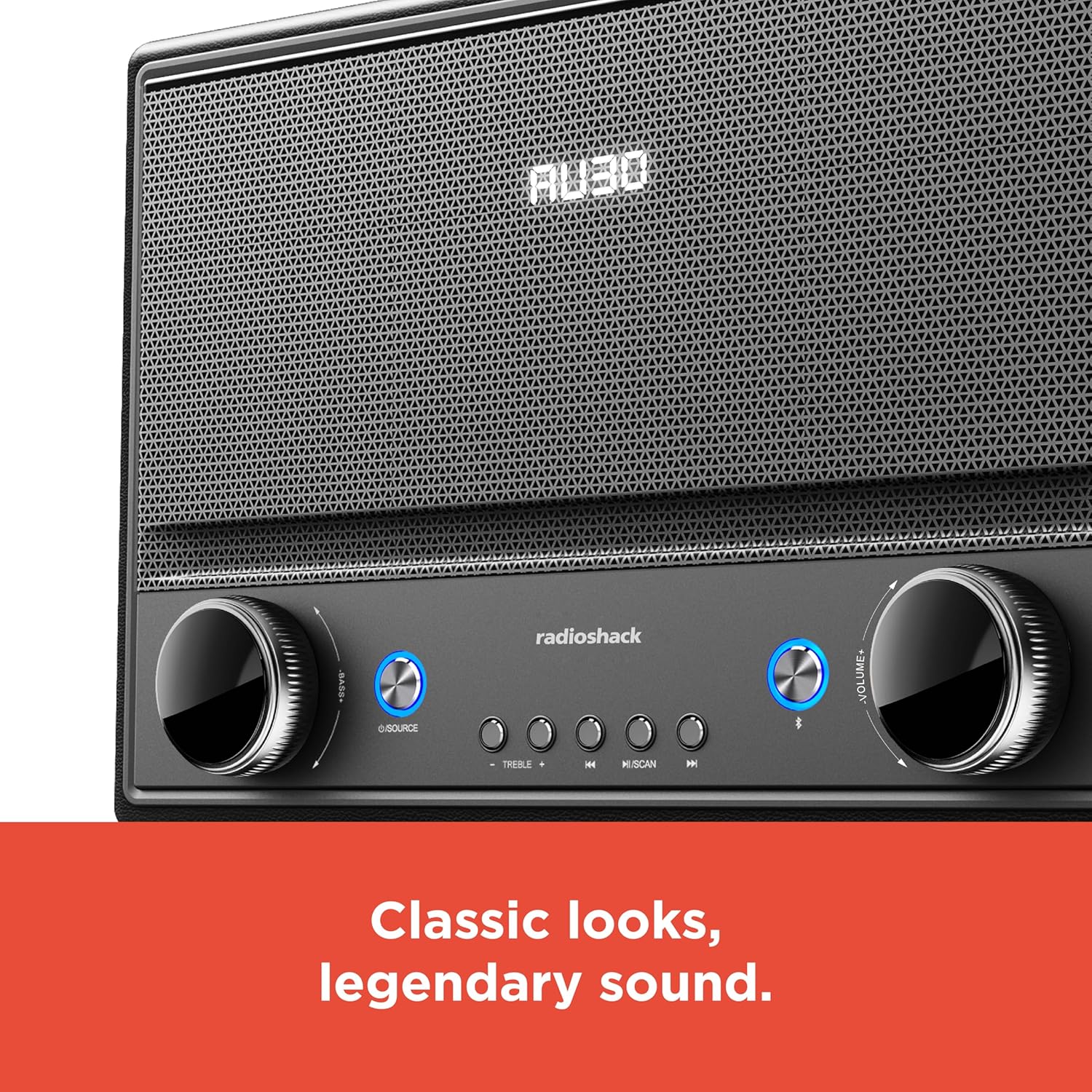
Ọgụgụ 5: Njikwa ihu ihu
- Gbanyụọ/ Gbanyụọ: Press the Power button (usually located on the front panel or remote) to turn the speaker on or off.
- Nhọrọ isi mmalite: Press the "SOURCE" button repeatedly to cycle through input modes: Bluetooth, FM Radio, USB, AUX, Optical, ARC.
- Ndozi olu: Rotate the "VOLUME" knob clockwise to increase volume and counter-clockwise to decrease it. Alternatively, use the volume buttons on the remote control.
- Njikwa ụda: Use the "BASS" and "TREBLE" knobs to adjust the low and high frequencies of the audio output.
- Njikọ Bluetooth:
- Select Bluetooth mode using the "SOURCE" button. The speaker will enter pairing mode, indicated by a flashing LED.
- On your device (smartphone, tablet, etc.), enable Bluetooth and search for "RadioShack Speaker".
- Họrọ ọkà okwu site na ndepụta ahụ iji jikọta. Ụda nkwenye ga-ada ụda mgbe njikọ ahụ gara nke ọma.
- Ọrụ redio FM:
- Select FM Radio mode.
- Press the "SCAN" button to automatically scan and save available FM stations.
- Use the "PREV" and "NEXT" buttons to navigate between saved stations or manually tune.
- USB playback:
- Insert a USB drive containing MP3 audio files n'ọdụ ụgbọ mmiri USB.
- Select USB mode. Playback should begin automatically.
- Use the "PLAY/PAUSE", "PREV", and "NEXT" buttons to control playback.

Figure 6: Intuitive Controls
Nlekọta
- Nhicha: Use a soft, dry cloth to clean the speaker's exterior. Do not use liquid cleaners or abrasive materials, especially on the leather body and metal grill.
- Nchekwa: Mgbe a naghị eji ya mee ihe ruo ogologo oge, chekwaa ọkà okwu n'ebe dị jụụ, nke kpọrọ nkụ na-adịghị na ìhè anyanwụ kpọmkwem na oke okpomọkụ.
- Zere mmiri mmiri: Keep the speaker away from water and high humidity to prevent damage to internal components.
Nchọpụta nsogbu
| Nsogbu | Ihe nwere ike ime | Ngwọta |
|---|---|---|
| Enweghị ike | Ejikọghị eriri ọkụ; ntinye adịghị arụ ọrụ. | Gbaa mbọ hụ na ejikọrọ ụdọ ọkụ na echekwabara na ma igwe okwu yana oghere ọkụ na-arụ ọrụ. |
| Enweghị ụda | Volume too low; incorrect source selected; device not connected properly. | Increase volume. Select the correct input source. Check all cable connections or Bluetooth pairing. |
| Bluetooth anaghị ejikọ | Ọkà okwu adịghị n'ụdị njikọta; ngwaọrụ tere aka; nnyonye anya. | Ensure speaker is in Bluetooth pairing mode. Move device closer to speaker. Disconnect other Bluetooth devices. |
| Nnabata FM adịghị mma | A naghị agbatị antenna; akara adịghị ike. | Fully extend the FM antenna. Try repositioning the speaker for better signal. |
Nkọwapụta
- Akara: RadioShack
- Nọmba nlereanya: 4001974
- Ike mmepụta: 240 Watt
- Teknụzụ Njikọta: Bluetooth, USB, AUX, FM Radio, Optical, ARC
- Akụkụ ngwaahịa (L x W x H): 8.98" x 15.75" x 10.79"
- Isi mmalite ike: Igwe ọkụ eletrik
- Nkà na ụzụ Tuner: FM
- Ndị otu redio akwadoro: 2-Agba
- Ihe: Leather, Metal
- Njirimara Pụrụ Iche: Ụdị Retro
Akwụkwọ ikike
The manufacturer's warranty information is not provided in the product details. Please refer to your purchase receipt or contact the retailer for specific warranty terms.
Nkwado
For further assistance or inquiries, please visit the official RadioShack website or contact their customer support. Keep your model number (4001974) handy when seeking support.
Official RadioShack Store: RadioShack Store on Amazon