
1. Okwu mmalite
This instruction manual provides comprehensive guidance for the assembly, operation, and maintenance of your CAT Construction Workforce Jumbo Tower Crane Set. Please read this manual thoroughly before use to ensure safe and correct operation. This product is designed for ages 5 and up.
2. Ozi nchekwa
- Ihe egwu na-akụda: O nwere obere akụkụ. Ọ dịghị mma maka ụmụaka na-erubeghị afọ 3.
- Na-elekọta ụmụaka mgbe niile n'oge egwuregwu.
- Keep the product away from water and excessive moisture.
- Do not attempt to lift objects heavier than recommended by the manufacturer.
- Gbaa mbọ hụ na agbakọtara akụkụ niile nke ọma tupu arụ ọrụ.
3. Ihe ngwugwu
Chọpụta na ihe niile edepụtara n'okpuru dị na ngwugwu gị:
- Tower Crane components
- Njikwa anya
- Articulated Figure (4 inches)
- Freewheeling Skid Steer Vehicle
- Wrecking Ball attachment
- Nko mgbakwunye
- Mgbakwụnye magnet
- Igwe nchaji USB

The set includes various parts for the crane structure, a remote control, a construction figure, a skid steer, and multiple attachments for diverse play scenarios.
4. Ntuziaka Mgbakọ
The CAT Construction Workforce Jumbo Tower Crane Set is designed for quick and easy assembly. Follow these steps to set up your crane:
- Attach the base supports to the main base unit.
- Connect the tower sections, ensuring they lock securely into place.
- Mount the crane cabin and boom assembly to the top of the tower.
- Secure the counterweight section to the rear of the boom.
- Thread the hoist cable through the designated pulleys and attach the desired lifting accessory (hook, wrecking ball, or magnet).
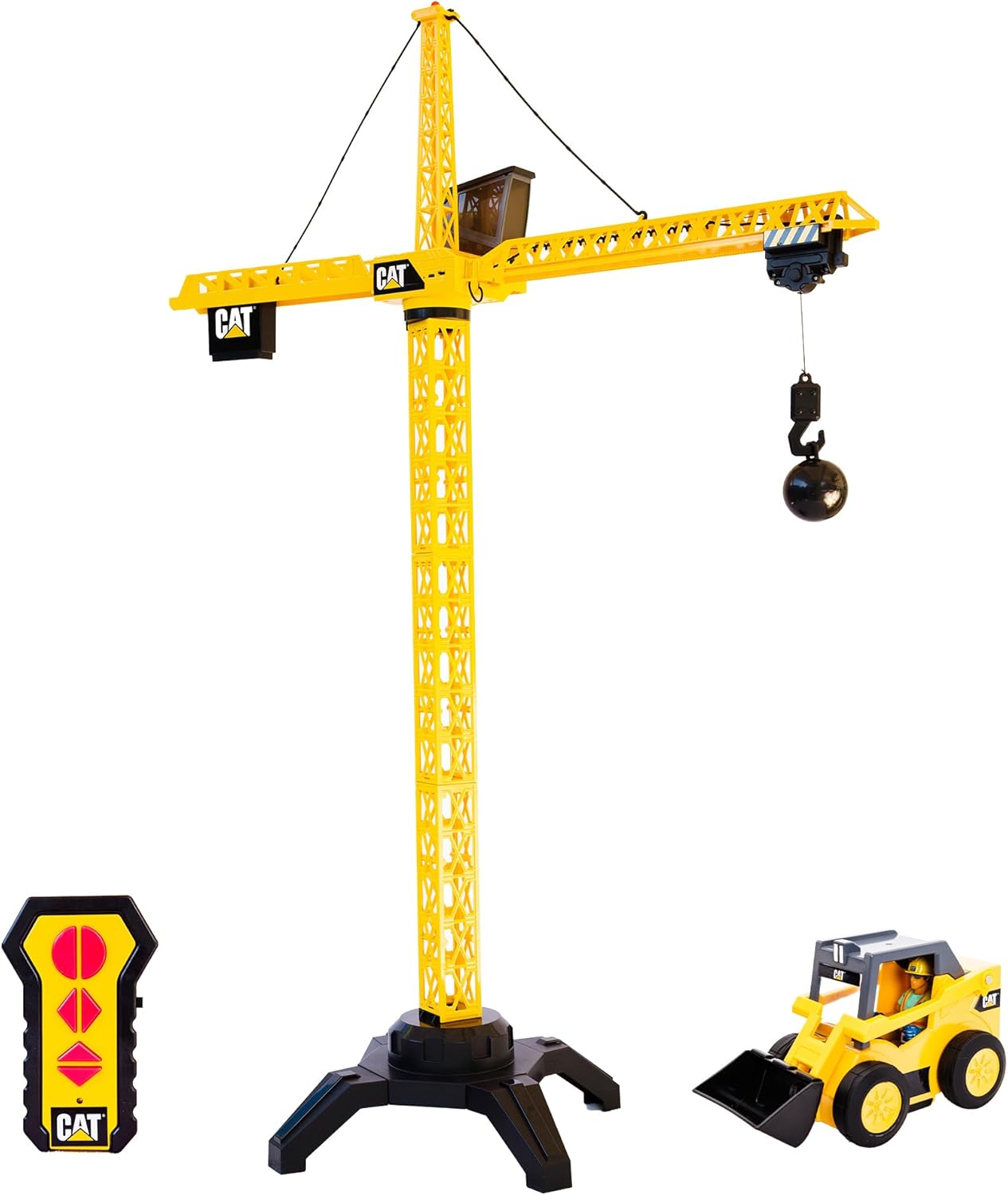
For a visual guide on assembly and initial setup, please refer to the video below:
5. Ntinye batrị
The crane unit is USB rechargeable. Use the provided USB cable to charge the crane's internal battery. The remote control requires 2 AA batteries (included).
- Maka njikwa anya: Locate the battery compartment on the back of the remote. Open the compartment and insert 2 AA batteries, ensuring correct polarity (+/-). Close the compartment securely.
- For the Crane Unit: Connect the USB charging cable to the designated port on the crane unit. Plug the other end into a compatible USB power source. The crane's light may indicate charging status.
6. Ntuziaka ọrụ
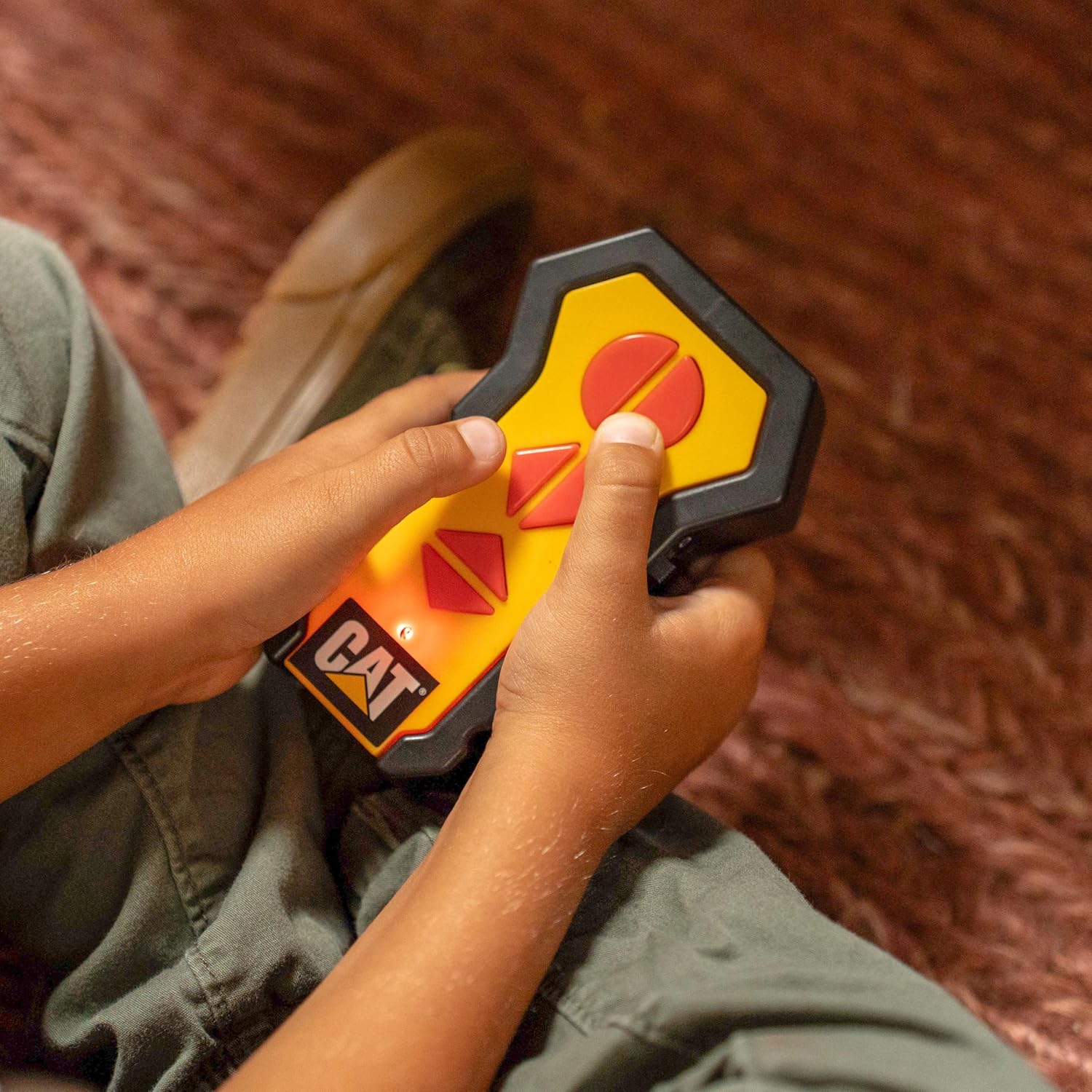
Once assembled and powered, use the wireless remote control to operate the crane's functions:
- Ntughari: Use the directional controls on the remote to rotate the crane's boom 360 degrees.
- Lifting/Lowering: Use the dedicated buttons to raise or lower the hook and its attached load.
- Trolley Movement: Controls allow the trolley to move along the boom, extending or retracting the hook's reach.
- Ìhè na-arụ ọrụ: The crane features a built-in light on top that illuminates during operation, enhancing realism.

The set also includes a 4-inch articulated figure and a freewheeling skid steer vehicle for expanded play scenarios.

Observe the crane in action with its various functions:
7. Nlekọta
- Clean the crane and accessories with a soft, dry cloth. Do not use harsh chemicals or abrasive materials.
- Chekwaa ngwaahịa ahụ n'ebe dị jụụ, kpọrọ nkụ pụọ na ìhè anyanwụ kpọmkwem mgbe ọ naghị eji ya.
- Remove batteries from the remote control if the toy will not be used for an extended period.
8. Nchọpụta nsogbu
- Crane not responding: Check if the crane unit is charged and the remote control batteries are correctly installed and have sufficient power. Ensure the crane and remote are within operating range.
- Weak lifting power: Ensure the crane's battery is fully charged. Avoid attempting to lift objects exceeding the crane's capacity.
- Ọrụ na-adịte aka: Check for any obstructions to the remote control's signal or interference from other electronic devices.
9. Nkọwapụta
| Njirimara | Nkọwa |
|---|---|
| Akụkụ ngwaahịa | 17.5 x 37.7 x 50 sentimita asatọ |
| Ibu Ibu | 5 pound |
| Nọmba nlereanya | 82438 |
| Afọ akwadoro | Afọ 5 na karịa |
| Crane Power | USB enwere ike ịchaji |
| Remote Batrị | 2 batrị AA (gụnyere) |
| Onye nrụpụta | Ụlọ ọrụ Funrise, Inc. |
10. Akwụkwọ ikike na nkwado
For warranty information and customer support, please refer to the contact details provided on the product packaging or visit the official Funrise, Inc. websaịtị. Debe nnata nzụta gị ka ihe akaebe nke ịzụrụ.