
1. Okwu mmalite
Daalụ maka ịzụrụasing the Promate Beamer-A250 4K UHD LCD Projector. This manual provides essential information for setting up, operating, and maintaining your device. Please read it thoroughly before use to ensure optimal performance and safety.
2. Akụrụngwa Ngwaahịa
- Mkpebi UHD 4K: Experience stunning visuals with 3840 x 2160 resolution, powered by advanced LCD technology for vibrant colors and sharp clarity.
- 250 ANSI Lumens Ịdị mma: Enjoy clear and vivid images even in well-lit environments, ideal for daytime presentations or movie nights.
- Integrated Telescopic Monopod Stand: The built-in adjustable stand allows for effortless setup and perfect alignment with any screen or wall.
- Automatic Keystone Correction & Manual Focus: Achieve a perfectly aligned and sharp image every time with automatic angle adjustment and precise manual focus.
- Sistemụ arụmọrụ Android 11: Access your favorite streaming platforms like Netflix, YouTube, and Prime Video directly from the projector without additional devices.
- Njikọ HDMI: Connect laptops, gaming consoles, or Blu-ray players via the HDMI port, supporting up to 4K resolution at 30Hz for smooth visuals.
- USB & HDD Storage Support: Play content directly from external storage devices, supporting USB flash drives up to 64GB and hard drives up to 512GB.
- Built-in Speaker & Bluetooth Audio: Enjoy clear and immersive sound from the integrated speaker or connect Bluetooth speakers/headphones for a personalized audio experience.
- Mini and Portable Design: Compact and lightweight, featuring a lens cover that doubles as a comfortable carrying handle, making it ideal for on-the-go use.
3. Ihe ngwugwu
Gbaa mbọ hụ na ihe niile dị na ngwugwu:
- Promate Beamer-A250 Projector
- Njikwa anya
- Ihe nkwụnye ọkụ
- Akwụkwọ ntuziaka onye ọrụ
Ọ bụrụ na ihe ọ bụla efuo ma ọ bụ mebie, biko kpọtụrụ ndị ọrụ nkwado ndị ahịa.
4. Nhazi
4.1. Na-agbanye ike
- Jikọọ ihe nkwụnye ọkụ na ọdụ ụgbọ mmiri ntinye ike nke projector.
- Tinye nkwụnye ọkụ n'ime oghere mgbidi.
- Pịa bọtịnụ ike dị na projector ma ọ bụ njikwa ime ka ịgbanwuo ngwaọrụ ahụ.
4.2. Adjusting the Stand
The Beamer-A250 features an integrated telescopic monopod stand. Gently pull the stand to extend it to your desired height for optimal projection angle. Ensure the projector is stable on a flat surface.
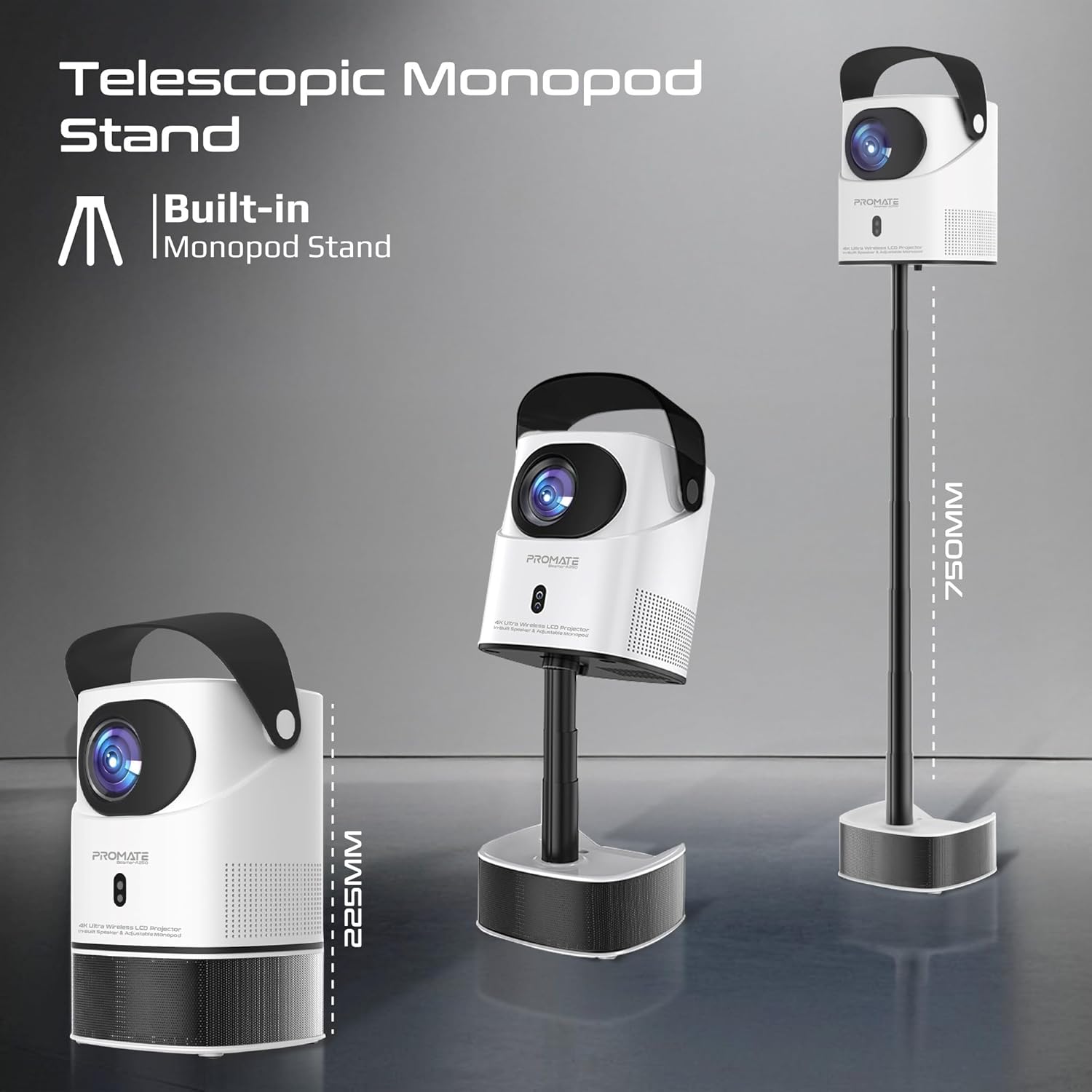
Image: The Promate Beamer-A250 projector demonstrating its adjustable telescopic monopod stand.
5. Ntuziaka ọrụ
5.1. Initial Setup (Android 11)
Ozugbo agbanyere ya na mbụ, soro ntuziaka ndị dị na ihuenyo iji:
- Họrọ asụsụ gị.
- Jikọọ na netwọk Wi-Fi.
- Log in with your Google account (optional, for app access).
- Gbanwee ntọala ụbọchị na oge.

Image: The projector's interface showing the Android 11 home screen with streaming applications.
5.2. Nleba anya na ngbanwe isi okwu
The projector features automatic keystone correction and manual focus for a clear, rectangular image.
- Ndozi nkume igodo akpaaka: The projector will automatically adjust the image angle to correct for distortion when placed at an angle.
- Lekwasịrị anya n'aka: Use the focus ring on the projector lens or the remote control to fine-tune the image sharpness until it is perfectly clear.

Image: Visual representation of auto keystone correction and manual focus adjustment.
5.3. Njikọta Nhọrọ
The Beamer-A250 offers multiple ways to connect your devices:
- HDMI: Connect external devices like laptops, gaming consoles, or Blu-ray players using an HDMI cable. The projector supports 4K@30Hz input.
- USB: Insert a USB flash drive (up to 64GB) or an external hard drive (up to 512GB) into the USB port to play media files ozugbo.
- Bluetooth: Pair Bluetooth speakers or headphones for enhanced audio. Navigate to Settings > Bluetooth to connect.
- Wi-Fi: Connect to your home Wi-Fi network to access online streaming services and apps.

Foto: N'azụ view of the projector showing USB and HDMI ports.
5.4. Mmepụta ọdịyo
The projector has a built-in speaker. For external audio, use the Bluetooth connectivity feature to pair with your preferred audio devices.
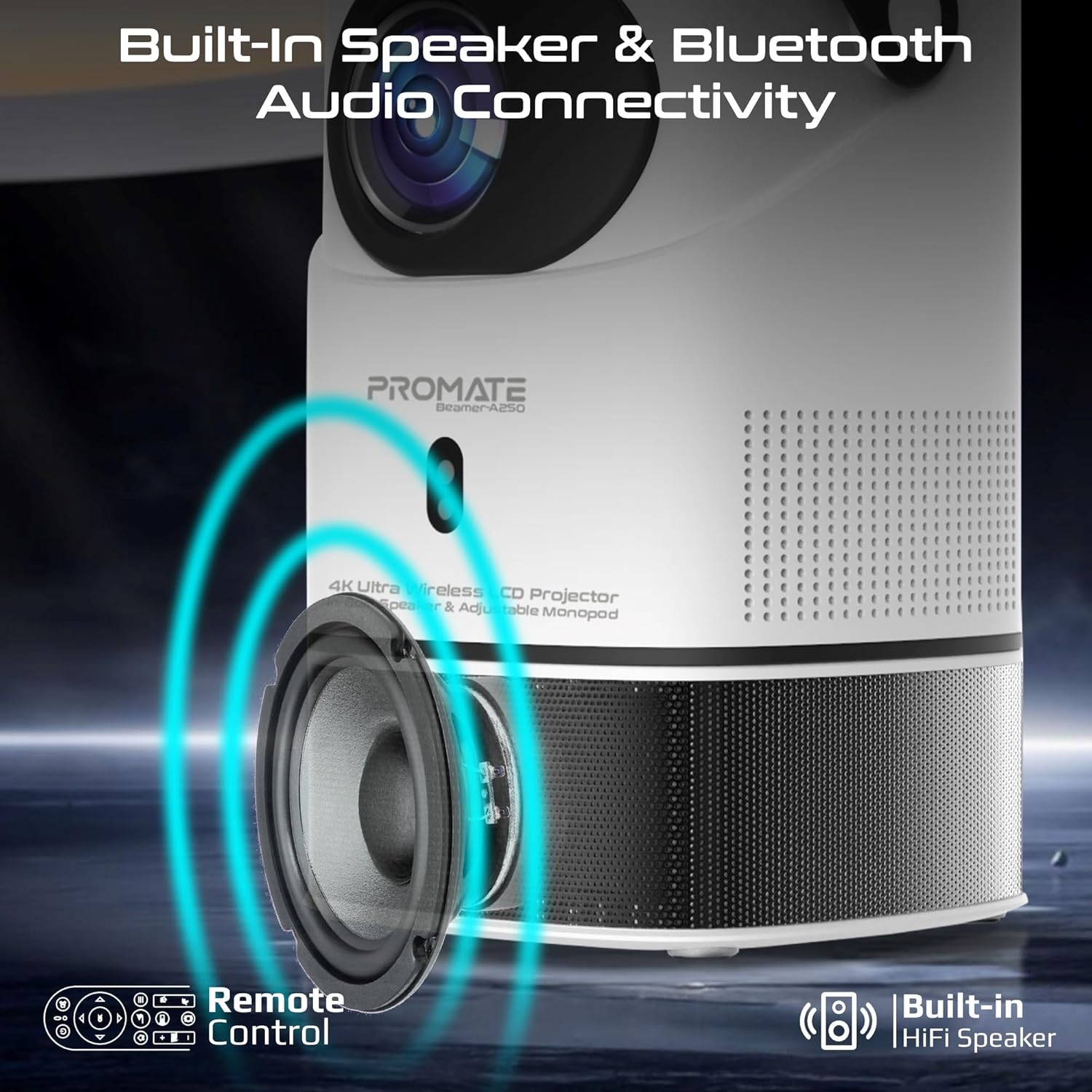
Image: Illustration of the projector's built-in speaker and Bluetooth audio capabilities.
6. Nlekọta
6.1. Na-ehicha oghere
Use a soft, lint-free cloth specifically designed for optical lenses to gently wipe the projector lens. Avoid using abrasive cleaners or cloths that could scratch the lens.
6.2. Nchacha izugbe
Jiri ákwà dị nro ma kpọọ nkụ hichaa mpụta ihe e ji egosi ihe. Ejila ihe nhicha mmiri ma ọ bụ ihe mgbaze.
6.3. Nchekwa
When not in use, store the projector in a cool, dry place away from direct sunlight and extreme temperatures. Use the integrated lens cover/handle for protection and easy transport.

Image: The projector's lens cover doubles as a handle for portability.
7. Nchọpụta nsogbu
| Nsogbu | Ihe nwere ike ime | Ngwọta |
|---|---|---|
| Ọnweghị onyonyo atụpụtara | Power not connected; Input source incorrect; Lens cap on | Check power connection; Select correct input source (HDMI, USB); Remove lens cap |
| Onyonyo na-agba agba | Focus not adjusted; Projector too close/far from screen | Adjust manual focus; Reposition projector within throw distance |
| Ihe onyonyo agbagọ (ọdịdị trapezoid) | Keystone not corrected | Ensure auto keystone correction is enabled or manually adjust in settings |
| Enweghị ụda | Volume too low; External audio device not connected/paired | Increase volume; Connect/pair Bluetooth audio device |
| Enweghị ike ijikọ na Wi-Fi/Bluetooth | Incorrect password; Device out of range; Interference | Verify password; Move closer to router/device; Reduce interference |
8. Nkọwapụta
| Njirimara | Nkọwa |
|---|---|
| Ụdị | Kwalite |
| Aha Nlereanya | Beamer-A250 |
| Ngosipụta teknụzụ | LCD |
| Mkpebi obodo | 3840 x 2160 (4K UHD) |
| Icha ọkụ | 250 ANSI Oghere |
| Ọnụọgụ ọdịiche | 2000:1 |
| Sistemụ nrụọrụ | Android 11 |
| Njikọta | Wi-Fi, Bluetooth 4.0, HDMI (4K@30Hz input), USB |
| USB Storage Support | Up to 64GB (Flash Drive), Up to 512GB (Hard Drive) |
| Ogo onyonyo | 2 to 10 meters (throw distance), Up to 150 inches (image size) |
| Akụkụ | 18L x 18W x 31H cm |
| Ibu | 2.34 n'arọ |
| Ngwa gụnyere | User Manual, Power Adapter |
9. Akwụkwọ ikike & Nkwado
The Promate Beamer-A250 projector comes with a two-year manufacturer's warranty. For warranty claims, technical support, or any inquiries, please contact Promate customer service through their official websaịtị ma ọ bụ onye na-ere ahịa ebe a zụrụ ngwaahịa ahụ.
10. Videos ngwaahịa
10.1. Projector karịrịview
Vidiyo: Efereview of a 4K Android projector, showcasing features like auto-focus, keystone correction, and screen mirroring. This video provides a general demonstration of similar projector functionalities.