
Okwu mmalite
Welcome to the user manual for your Noise Buds VS501 True Wireless Earbuds. This guide provides essential information to help you set up, operate, maintain, and troubleshoot your earbuds, ensuring an optimal audio experience. Please read this manual thoroughly before using the product.
Kedu ihe dị na Igbe ahụ
Upon unboxing your Noise Buds VS501, you should find the following items:
- 1N Bluetooth Headphone (Earbuds)
- Okwu nchaji 1N
- 1N Charging Cable (Type-C)
- Akwụkwọ ntuziaka onye ọrụ 1N
- 1N Warranty Registration Card
Ngwaahịa gafereview
The Noise Buds VS501 are designed for a seamless audio experience with advanced features. Familiarize yourself with the components:
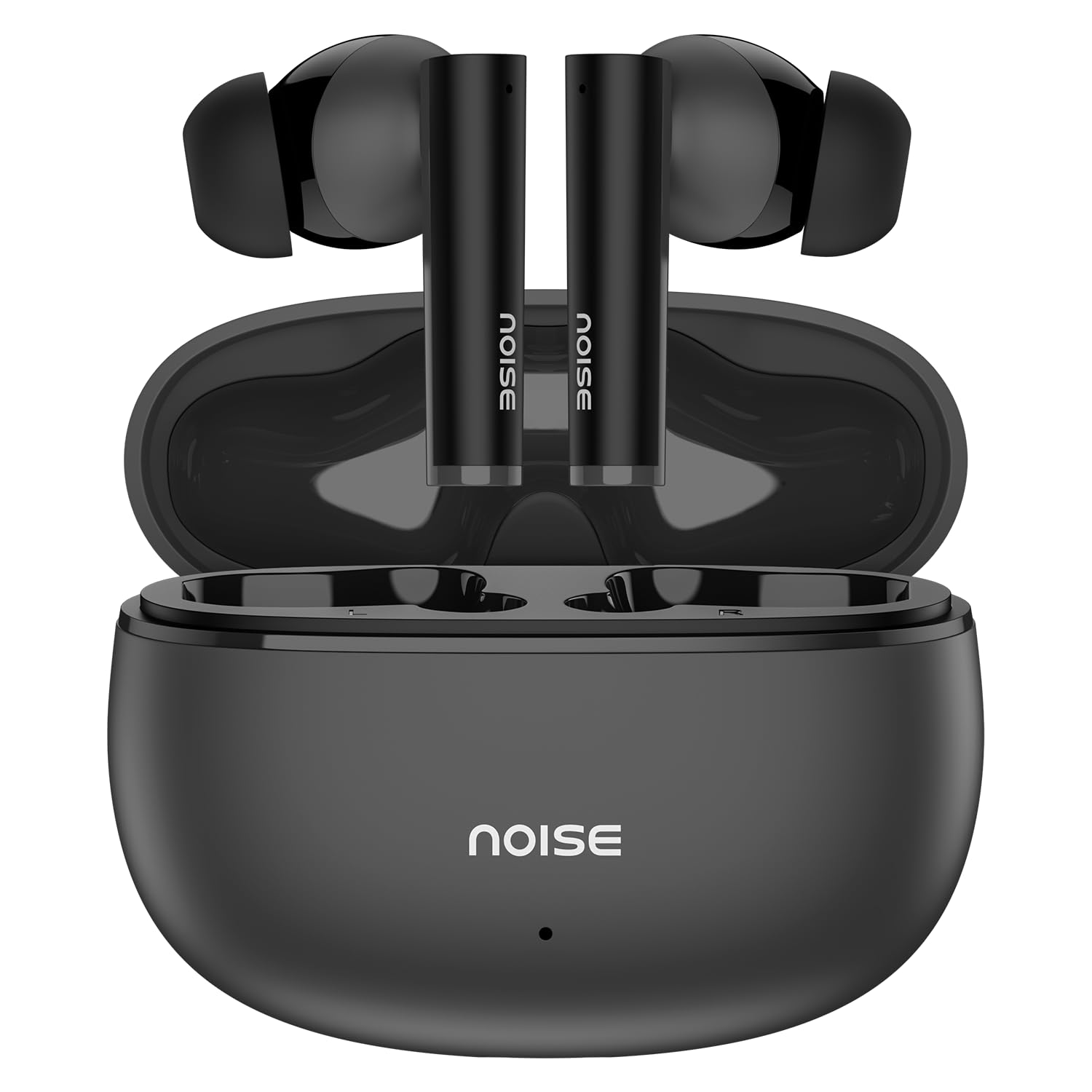
Image: Noise Buds VS501 True Wireless Earbuds, showcasing ha sleek imewe.
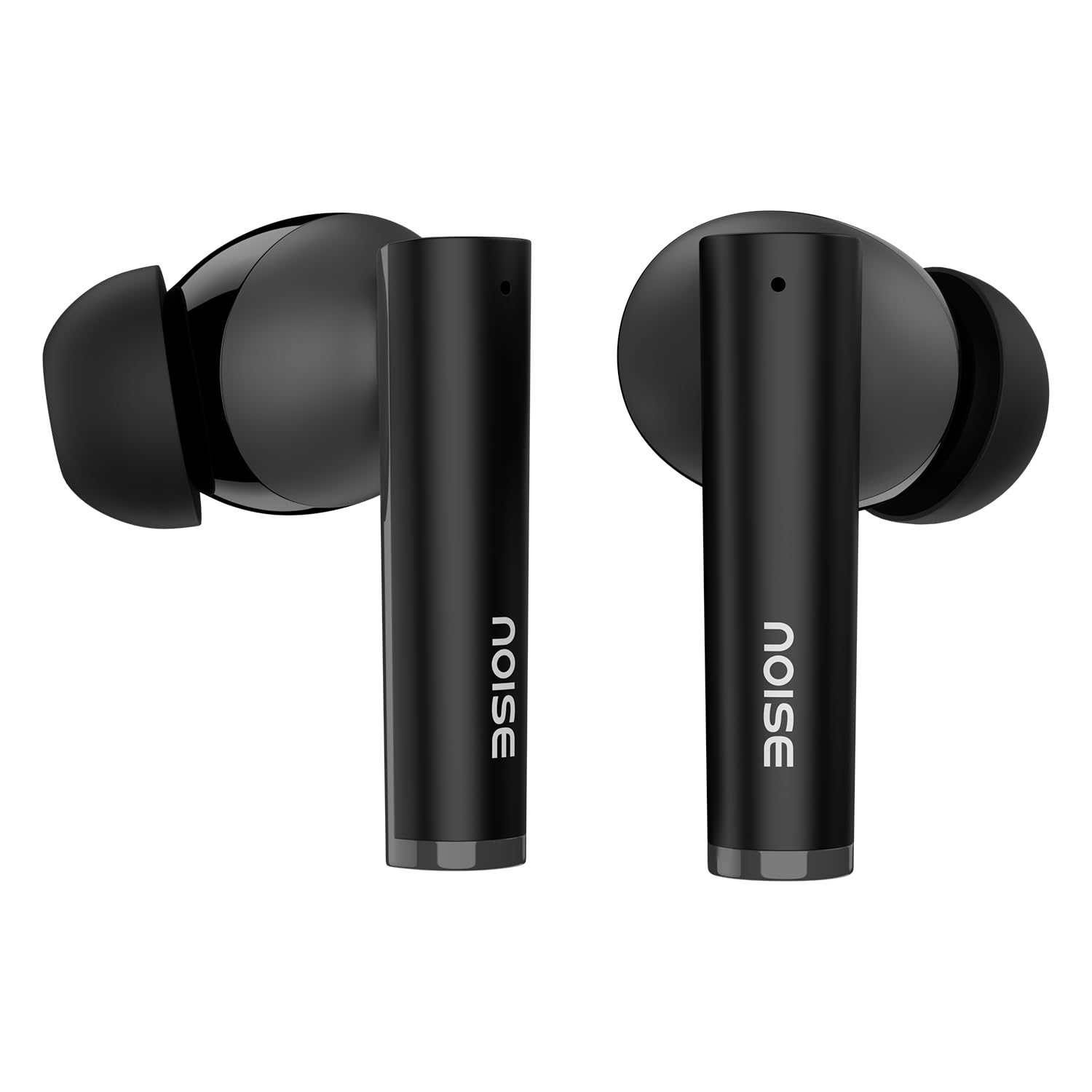
Foto: Ofeview of key features including Bluetooth 5.3, 50 hours playtime, IPX5 water resistance, dual-device pairing, Quad Mic ENC, Trubass, dual color tones, and 10mm drivers.
The earbuds feature a 10mm dynamic ọkwọ ụgbọ ala for rich sound and Quad Mic nwere kagbuo mkpọtụ gburugburu (ENC) for clear calls. The charging case provides extended battery life, offering up to Oge 50 nke oge igwu egwu.
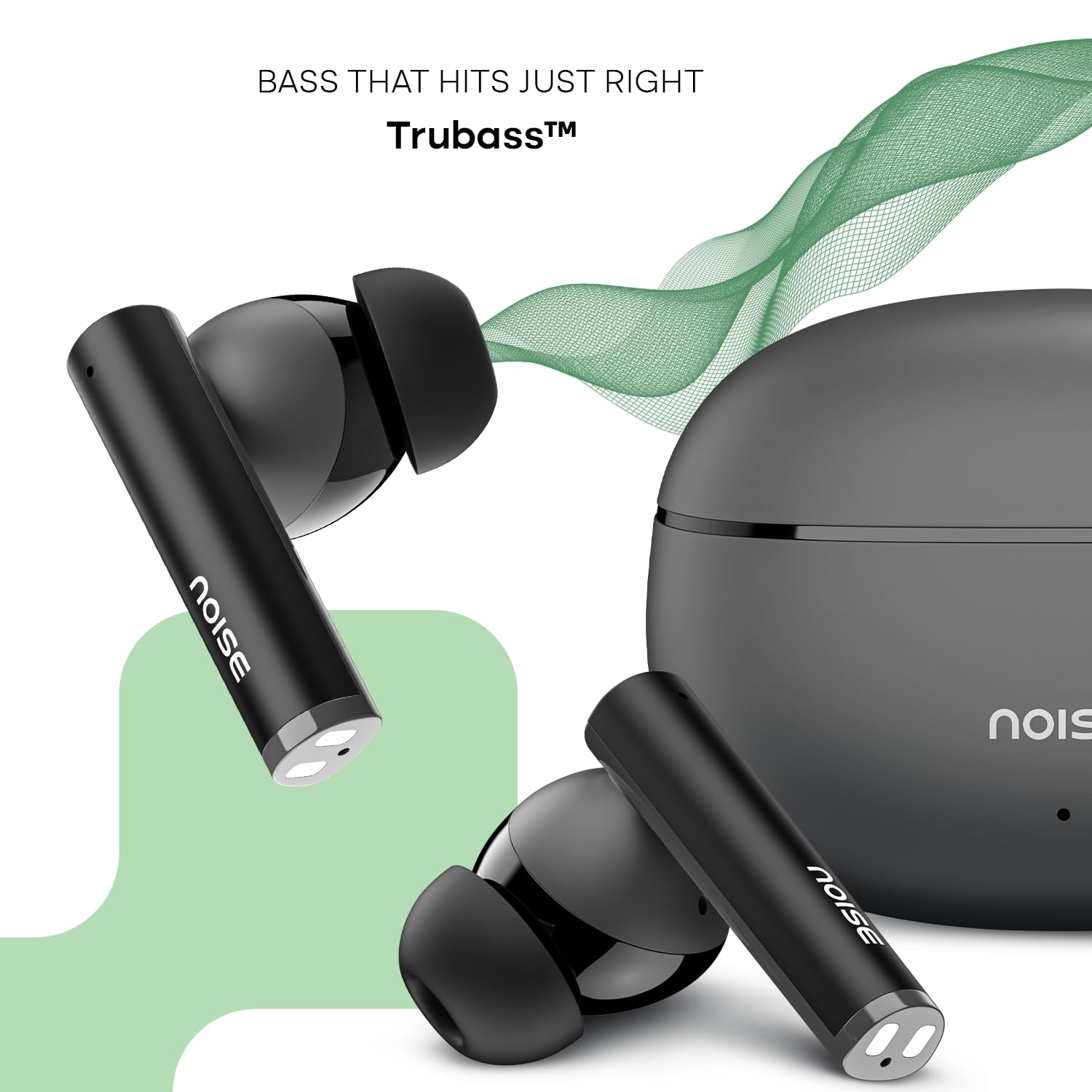
Image: Close-up of a single Noise Buds VS501 earbud, highlighting the 10mm driver for ampọdịyo dị elu.
Melite
Ịchaji ihe ntị na akpa
Tupu ojiji nke mbụ, chajie nke ọma ekwe ntị na akpa nchaji.
- Tinye ntị ntị n'ime akpa nchaji. Gbaa mbọ hụ na ha nọ ọdụ nke ọma.
- Connect the Type-C charging cable to the charging port on the case and the other end to a power source.
- The indicator light on the charging case will show the charging status. Once fully charged, the indicator may change or turn off.
The charging case provides multiple charges for the earbuds, extending the total listening time.
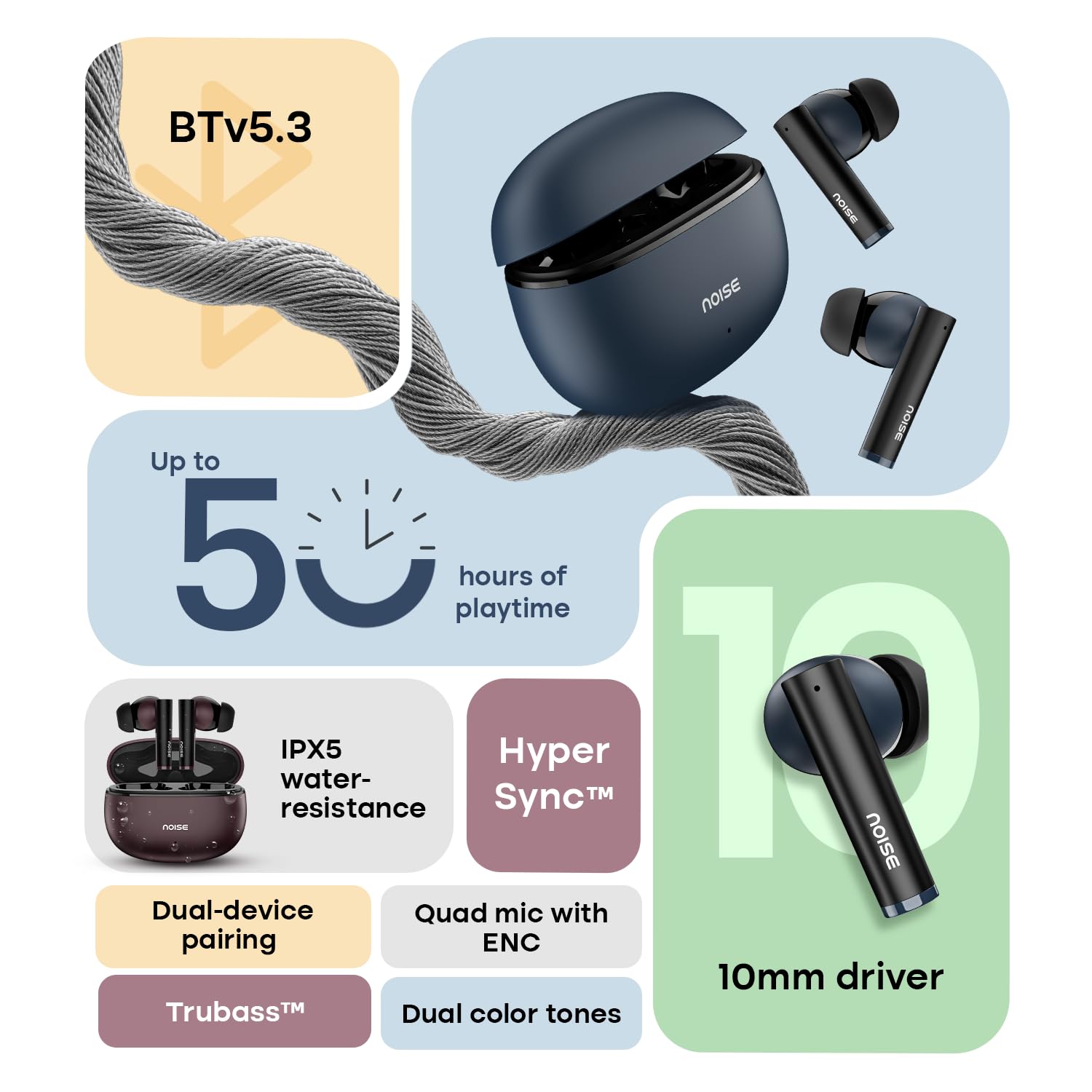
Image: The Noise Buds VS501 charging case, emphasizing its capability for up to 50 hours of playtime.
Ijikọ na Ngwaọrụ gị
The Noise Buds VS501 feature HyperSync™ for quick pairing.
- Mepee igbe nchaji. Igwe ntị ga-abanye na ọnọdụ njikọta na-akpaghị aka.
- Na ngwaọrụ gị (smartphone, mbadamba, laptọọpụ), gbanye Bluetooth.
- Chọọ maka available Bluetooth devices and select "Noise Buds VS501" from the list.
- Ozugbo ejikọrọ, ị ga-anụ ngwa ngwa odiyo, na ntị ntị ga-adị njikere maka ojiji.
For subsequent uses, the earbuds will automatically connect to the last paired device when taken out of the case.
Na-arụ ọrụ
Njikwa mmetụ
E nwere njikwa ndị na-emetụta mmetụ aka maka ọrụ dị iche iche:
- Gwuo/kwụsịtụ: Otu mgbata na ntị ntị.
- Track na-esote: Pịa bọtịnụ ntị aka nri ugboro abụọ.
- Gara aga Track: Kpatụ ntị ugboro abụọ n'akụkụ aka ekpe.
- Azịza/Kwụsị Oku: Otu mgbata na ntị ntị.
- Jụ oku: Pịa ma jide otu ntị ntị maka sekọnd 2.
- Mee ka onye enyemaka olu rụọ ọrụ (Siri/onye enyemaka Google): Pịa ugboro atọ na ntị ntị.
Ejikọ ngwaọrụ abụọ
The Noise Buds VS501 support dual device pairing, allowing seamless switching between two connected devices.
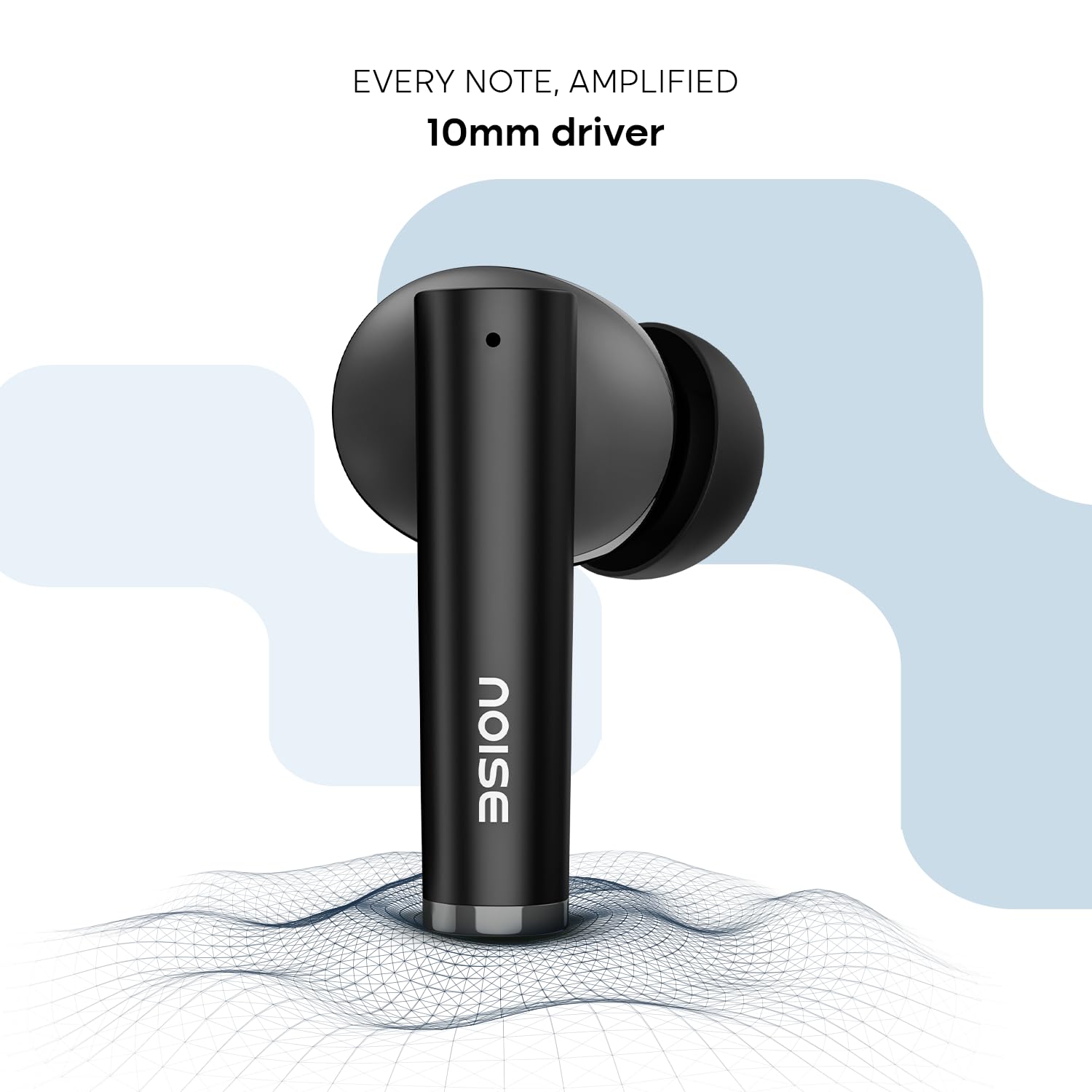
Image: Noise Buds VS501 connected to both a smartphone and a tablet, illustrating the dual-device pairing feature.
Iji njirimara a:
- Pair the earbuds with your first device (e.g., smartphone).
- Disconnect the earbuds from the first device's Bluetooth settings. The earbuds will re-enter pairing mode.
- Jikọọ ntị ntị na ngwaọrụ nke abụọ gị (dịka ọmụmaatụ, laptọọpụ).
- Now, the earbuds are paired with both devices. To switch, simply play audio or answer a call on the desired device, and the earbuds will automatically connect.
Ịkpọ oku
Nke Quad Mic with ENC (Environmental Noise Cancellation) ensures clear voice transmission during calls, even in noisy environments.
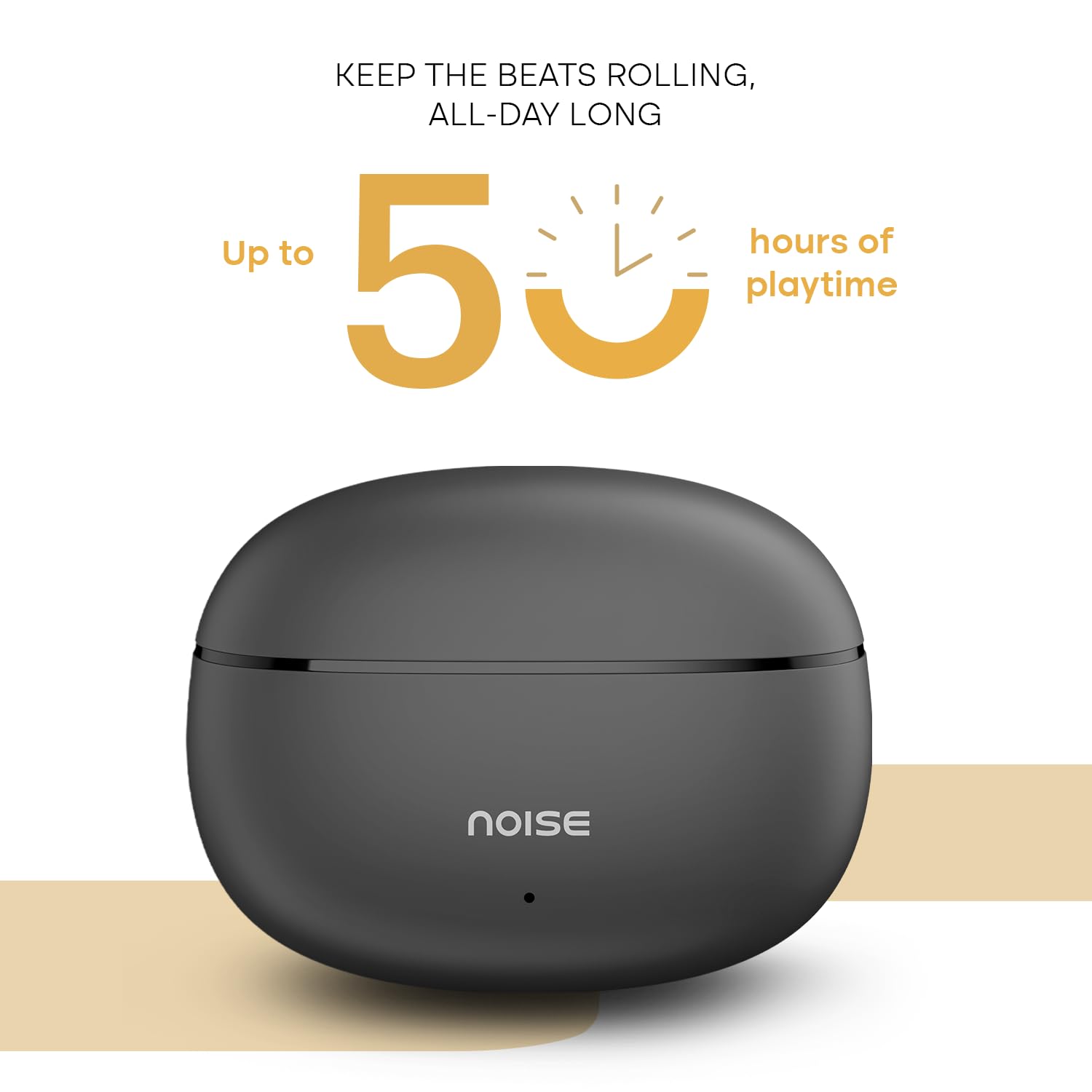
Image: A person wearing a Noise Buds VS501 earbud, illustrating the Quad Mic with ENC feature for clear conversations.
Nlekọta
Proper maintenance ensures the longevity and optimal performance of your Noise Buds VS501.
- Nhicha: Jiri akwa dị nro, kpọrọ nkụ na-adịghị na-ehicha ntị ntị na chaja mgbe niile. Ejila kemịkalụ siri ike ma ọ bụ ihe abrasive.
- Nguzogide mmiri: The earbuds bụ IPX5 mmiri na-eguzogide, meaning they can withstand splashes and sweat. Do not submerge them in water or expose them to heavy rain.
- Nchekwa: Mgbe ị na-ejighị ya, debe ekweisi ntị n'ime akpa chaja ha iji chebe ha ma mee ka ha dị ọkụ. Debe ha n'ebe dị jụụ ma kpọọ nkụ, ebe okpomọkụ na-adịghị oke njọ.
- Nchaji ọdụ ụgbọ mmiri: Keep the Type-C charging port free from dust and debris.
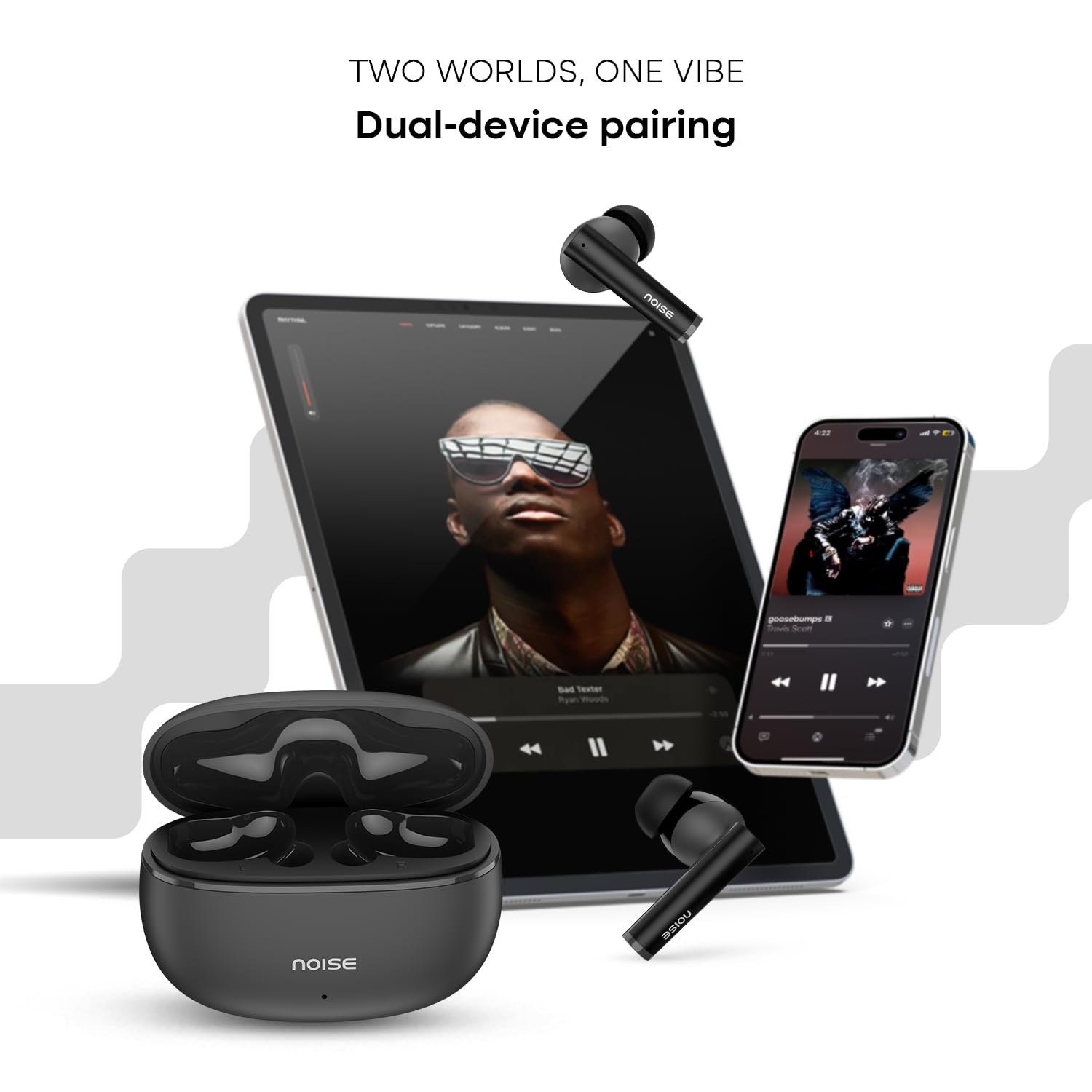
Image: Visual representation of HyperSync, Bluetooth v5.3, and IPX5 water resistance features of the Noise Buds VS501.
Nchọpụta nsogbu
If you encounter issues with your Noise Buds VS501, refer to the following common solutions:
- Igwe ntị anaghị ejikọta/ejikọta:
- Gbaa mbọ hụ na akwụgoro ekwe ntị abụọ ahụ.
- Gbanyụọ ma gbanye Bluetooth na ngwaọrụ gị.
- Forget "Noise Buds VS501" from your device's Bluetooth list and try pairing again.
- Perform a factory reset (refer to the manufacturer's website or contact support for specific instructions).
- Naanị otu earbud na-arụ ọrụ:
- Tinyeghachi ntị abụọ ahụ n'ime akpa chaja, mechie mkpuchi ahụ, chere sekọnd ole na ole, wee mepee ya ọzọ.
- Gbaa mbọ hụ na akwụgoro ekwe ntị abụọ ahụ.
- Hichaa kọntaktị chaja dị na ntị ma na nke dị n'ime akpa ahụ.
- Mee nrụpụta nrụpụta.
- Nsogbu ịchaji:
- Gbaa mbọ hụ na ejikọrọ eriri chajị na echekwabara na ikpe ahụ yana isi iyi ike.
- Try a different Type-C charging cable and power adapter.
- Clean the charging port on the case.
- Olu dị ala ma ọ bụ ogo ụda adịghị mma:
- Gbanwee olu na ngwaọrụ ejikọrọ gị.
- Gbaa mbọ hụ na ekwe ntị na-anọdụ ala nke ọma na ntị gị.
- Hichaa ihe ọ bụla dị n'ime ihe mkpuchi ntị ma ọ bụ ihe ndị dị n'ime ihe mkpuchi ntị.
Nkọwapụta
| Ụdị | Mkpọtụ |
| Aha Nlereanya | VS501 |
| Nọmba nlereanya | AUD-HDPHN-BUDSVS501-BLK |
| Ntinye ntị | Na Ntị |
| Ụdị Ihe | Ezi ikuku |
| Ụdị Bluetooth | 5.3 |
| Oke Bluetooth | 10 mita |
| Nkezi Ndụ batrị | 50 Hours (Total Playtime with Case) |
| Nha ọkwọ ụgbọ ala ọdịyo | 10 Millimita |
| Njirimara ngwaahịa | Noise Cancellation (ENC), Dual Device Pairing |
| Ọkwa Nguzogide mmiri | IPX5 mmiri na-eguzogide |
| Jack ekweisi | Type-C Fast Charging Jack |
| Usoro njikwa | Voice, Touch |
| Ụdị njikwa | Onye enyemaka Google, Siri |
| Ibu Ibu | 50 grams |
| Ihe onwunwe | Polycarbonate (PC) |
Akwụkwọ ikike na nkwado
Ozi akwụkwọ ikike
Your Noise Buds VS501 come with a 1-afọ akwụkwọ ikike onye nrụpụta nyere ya site na ụbọchị ịzụrụ ya. Biko debe ihe akaebe nke ịzụrụ ya maka nkwupụta nkwa.
Nkwado ndị ahịa
For any technical assistance, warranty claims, or product-related inquiries, please contact Noise customer support:
- Onye nrụpụta: Nexxbase Marketing Pvt. Ltd
- adreesị: Khasra No-146/25/2/1, Jail Road Badshahpur, Gurugram Haryana-122101
- Nọmba kọntaktị: 8882-132-132