
1. Okwu mmalite
This manual provides detailed instructions for the setup, operation, and maintenance of your TUINYO WH-819 Wireless Over-Ear Bluetooth Headphones. Please read this manual thoroughly before using the product to ensure proper function and longevity.
2. Ngwaahịa gafereview
The TUINYO WH-819 headphones offer high-fidelity stereo sound, comfortable over-ear design, and versatile connectivity options. They are designed for extended listening periods, featuring a long-lasting battery and a foldable structure for portability.
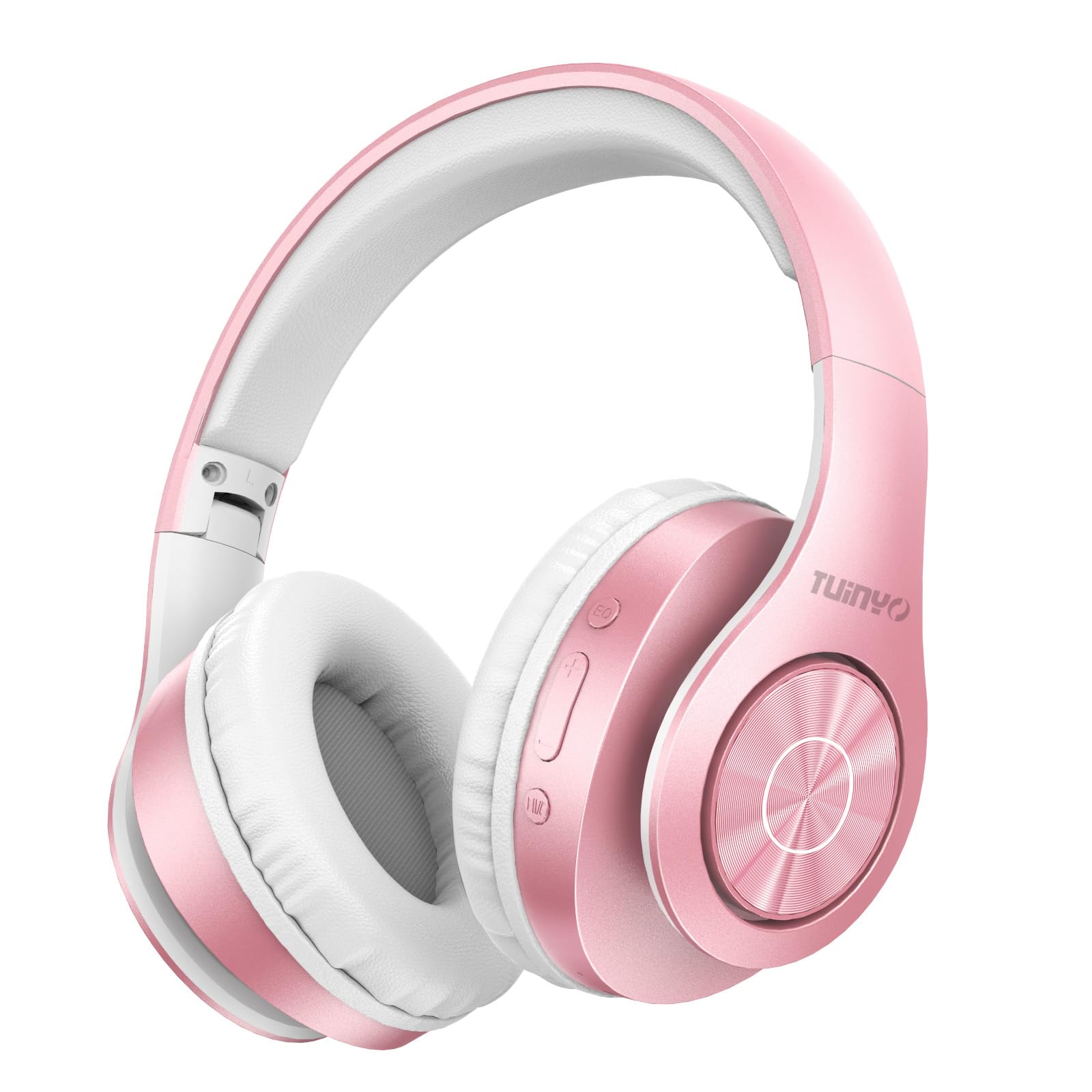
Figure 2.1: TUINYO WH-819 Rose Gold Wireless Over-Ear Bluetooth Headphones.
Vidiyo nke 2.1: Mwepuview of the TUINYO wireless Bluetooth headphones, highlighting their design and features.
3. Ihe ngwugwu
Gbaa mbọ hụ na ihe niile dị na ngwugwu:
- TUINYO WH-819 Wireless Over-Ear Bluetooth Headphones
- Igwe nchaji USB
- 3.5mm Audio USB
- Protective Premium Case
- Akwụkwọ ntuziaka onye ọrụ

Figure 3.1: Included accessories with the TUINYO WH-819 headphones.
4. Njikwa na Ọdụ Ụgbọ Mmiri
Familiarize yourself with the headphone controls and ports:
- Bọtịnụ ike: Long press to power on/off. Short press to play/pause music or answer/end calls.
- Mgbakwunye olu/Bọtịnụ egwu na-esote: Pịa obere oge maka elu olu. Pịa ogologo oge maka egwu na-esote.
- Mbelata olu/Bọtịnụ egwu gara aga: Pịa obere oge maka mbelata olu. Pịa ogologo oge maka egwu gara aga.
- EQ bọtịnụ: Press to cycle through different equalizer modes (Normal, Rock, Pop, Classic, Jazz, Country).
- Jack Audio: 3.5mm Maka njikọ waya.
- USB Nchaji Port: Maka ịchaji ekweisi.
- Oghere Kaadị MicroSD: For direct music playback from a MicroSD card.

Ọgụgụ 4.1: Zuru ezu view of headphone controls and features.
Video 4.1: A demonstration of the TUINYO headphones' folding mechanism and button controls.
5. Nhazi
5.1 Ịchaji ekweisi
- Connect the USB charging cable to the headphone's charging port.
- Connect the other end of the USB cable to a compatible USB power source (e.g., computer, wall adapter).
- Ihe ngosi LED ga-egosi ọkwa nchaji (dịka ọmụmaatụ, ọbara ọbara maka ịchaji, acha anụnụ anụnụ maka chaja zuru oke).
- Ụgwọ zuru ezu na-ewekarị awa 2-2.5.
5.2 Njikọ Bluetooth
- Gbaa mbọ hụ na chajịrị ekweisi nke ọma.
- Long press the Power button until the LED indicator flashes blue and red, indicating pairing mode.
- Na ngwaọrụ gị (smartphone, tabletị, laptọọpụ), gbanye Bluetooth wee chọọ ngwaọrụ dị.
- Select "WH-819" from the list of devices.
- Once connected, the LED indicator will flash blue slowly, and a voice prompt will confirm successful pairing.
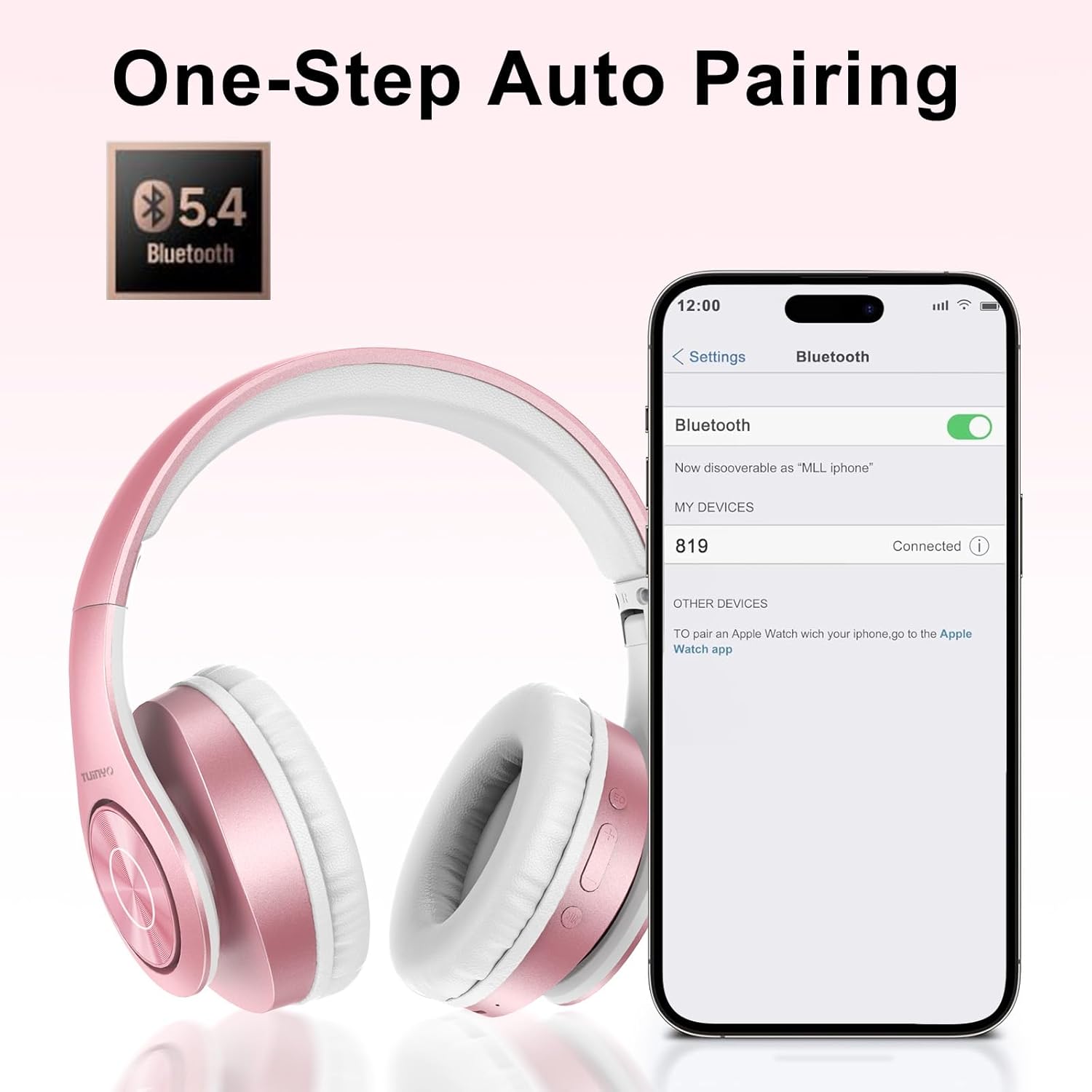
Figure 5.1: Bluetooth pairing process on a smartphone.
6. Ntuziaka ọrụ
6.1 Gbanyụọ ma ọ bụ gbanyụọ
- Ike Na: Long press the Power button until the LED indicator lights up blue.
- Gbanyụọ: Long press the Power button until the LED indicator turns off.
6.2 Nghaghachi egwu
- Gwuo/kwụsịtụ: Obere pịa bọtịnụ Ike.
- Track na-esote: Pịa bọtịnụ Mpịakọta Elu ruo ogologo oge.
- Gara aga Track: Pịa bọtịnụ Mbelata Olu ruo ogologo oge.
- Ndozi olu: Short press the Volume Up or Volume Down buttons.
6.3 Njikwa oku
- Azịza/Kwụsị Oku: Obere pịa bọtịnụ Ike.
- Jụ oku: Pịa ogologo bọtịnụ Ike.
6.4 EQ Mode
- Press the EQ button to switch between different sound equalizer modes (Normal, Rock, Pop, Classic, Jazz, Country) to optimize your listening experience.
6.5 Ụdị Waya
- Insert the 3.5mm audio cable into the headphone's audio jack and the other end into your audio device.
- The headphones will automatically switch to wired mode, and Bluetooth functionality will be disabled.
6.6 MicroSD Card Playback
- Insert a MicroSD card with MP3 audio files into the MicroSD card slot.
- The headphones will automatically detect the card and begin playing music.
- Use the music playback controls (Play/Pause, Next/Previous Track, Volume) to manage your audio.
7. Nlekọta
- Jiri akwa dị nro hichaa ekweisi mgbe niile.
- Zere iji ihe nhicha ma ọ bụ ihe mgbaze.
- Chekwaa ekweisi n'ime ihe nchekwa ha mgbe ejighị ya iji gbochie mmebi.
- Wepụ na oke okpomọkụ na mmiri mmiri.
8. Nchọpụta nsogbu
| Nsogbu | Ngwọta |
|---|---|
| Igwe ekweisi anaghị agba ọkụ. | Gbaa mbọ hụ na ebubo ekweisi. Jikọọ na isi iyi ike wee nwaa ọzọ. |
| Enweghị ike ijikọ site na Bluetooth. | Ensure headphones are in pairing mode (LED flashing blue/red). Turn off and on Bluetooth on your device. Move closer to the device. |
| Enweghị ụda na ọnọdụ Bluetooth. | Check volume levels on both headphones and connected device. Ensure headphones are successfully paired. |
| No sound in wired mode. | Ensure the 3.5mm audio cable is fully inserted into both the headphones and the audio device. Check the audio source. |
| MicroSD card not playing. | Ensure the MicroSD card is inserted correctly and contains compatible MP3 audio files. |
9. Nkọwapụta
| Njirimara | Nkọwa |
|---|---|
| Aha Nlereanya | WH-819 |
| Teknụzụ Njikọta | Ikuku (Bluetooth), waya (Jack3.5mm) |
| Teknụzụ nzikọrịta ozi ikuku | Bluetooth 4.0 |
| Ụdị ọkwọ ụgbọ ala ọdịyo | Dynamic Driver (40mm neodymium) |
| Ndụ batrị | Up to 40 hours of music time (800mAh battery) |
| Oge Nchaji | 2-2.5 awa |
| Ụdị ntị | Ntị karịa |
| Ihe onwunwe | Plastic, Memory-Protein Earmuffs |
| Ibu | 13.4 ounces |
| Akụkụ | 8.5 x 6.22 x 4.25 inch (Ngwugwu) |
| Ngwa dakọtara | Tablets, Laptops, Desktops, Smartphones, Bluetooth-enabled devices |
| Ọkwa Nguzogide mmiri | Ọ bụghị mmiri na-eguzogide |
10. Akwụkwọ ikike na nkwado
Your TUINYO WH-819 headphones are covered by a 30-day warranty from the date of purchase. For any product inquiries, technical support, or warranty claims, please refer to the contact information provided with your purchase or visit the official TUINYO websaịtị.