
Okwu mmalite
The SHIDU H11 is a versatile 40W wireless voice amplifier designed to provide clear and powerful sound projection for various applications. This portable PA system features Bluetooth connectivity, support for USB, TF card, and Aux inputs, and includes both wireless headset and handheld microphones. Its robust design and long-lasting battery make it suitable for teachers, public speakers, tour guides, and karaoke enthusiasts.
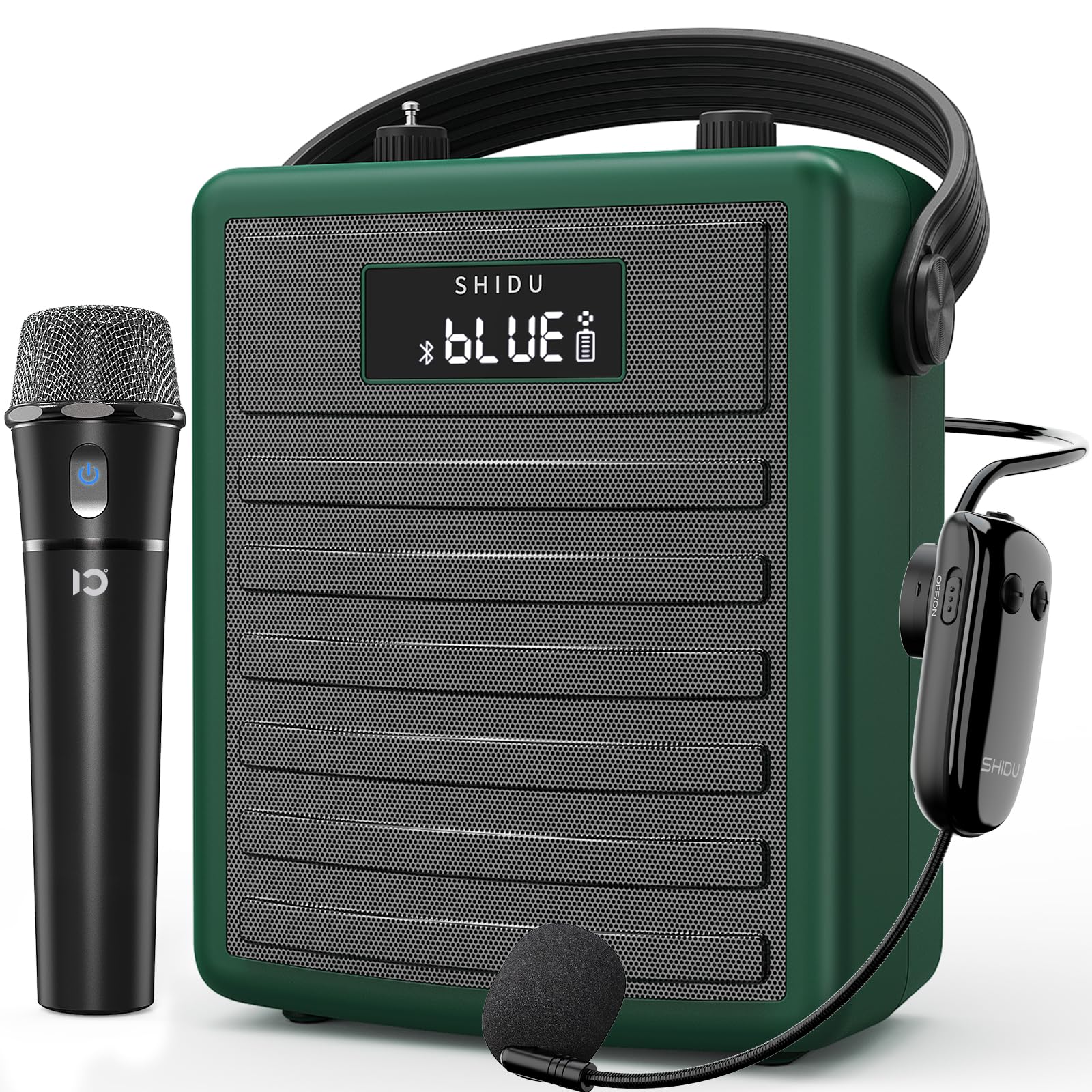
Figure 1: SHIDU H11 40W Wireless Voice Ampna -emegharị ihe
Ihe ngwugwu
Biko lelee ngwugwu ahụ nke ọma ka ị hụ na ihe niile dị:
- SHIDU H11 Voice AmpNgalaba na-ebuli elu
- Igwe okwu ekweisi ikuku
- Igwe okwu ejiri aka na-enweghị ikuku
- -Dị-C Nchaji USB
- Adjustable Carrying Strap
- USB USB (3.5mm)
- Antenna
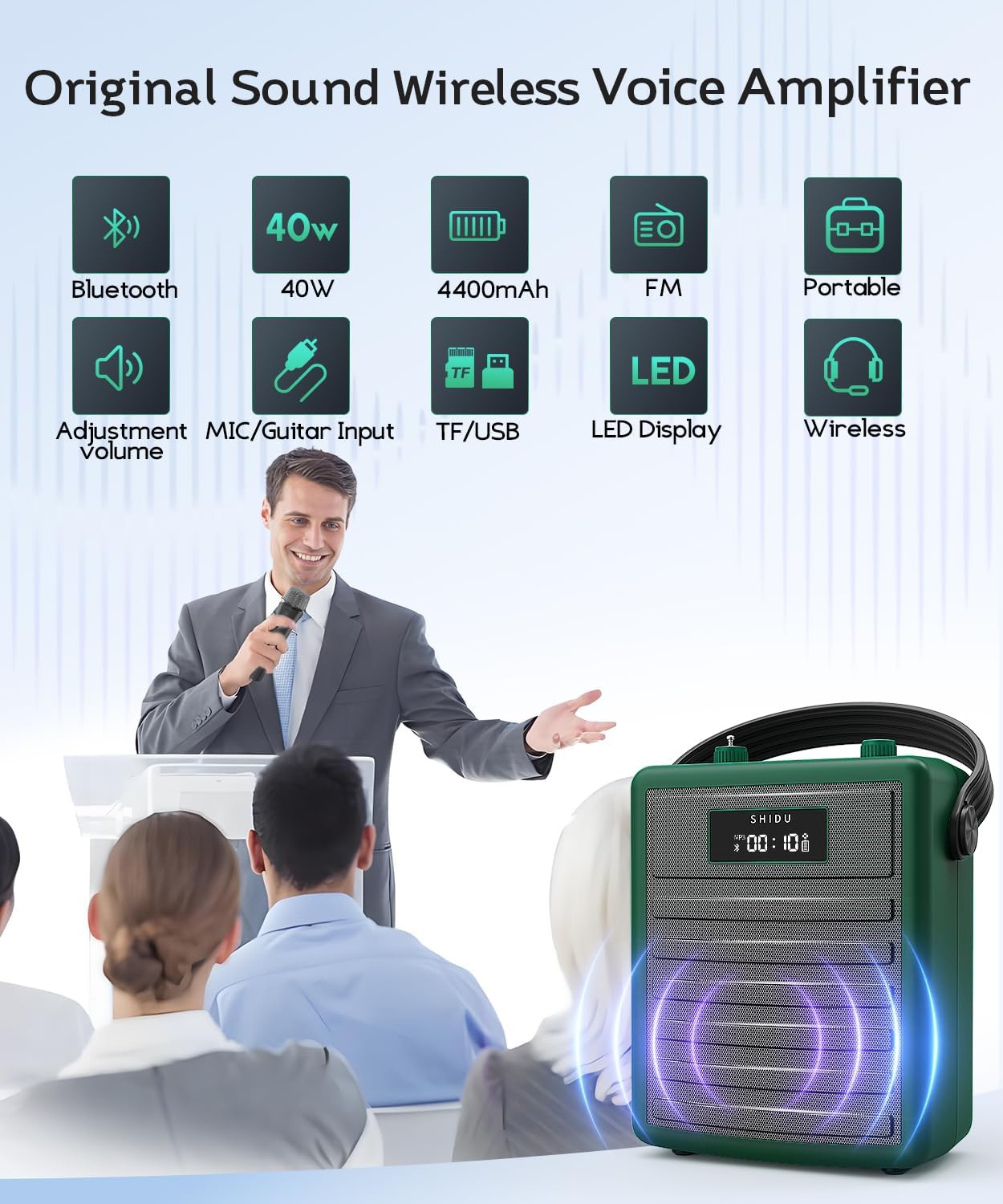
Figure 2: All items included in the SHIDU H11 package.
Ngwaahịa gafereview
Main Unit Controls and Ports

Ọgụgụ 3: Zuru ezu view of the SHIDU H11 controls and ports.
- Gbanyụọ/ Gbanyụọ: Isi ngbanwe ike.
- Bọtịnụ ụkpụrụ: Switches between Bluetooth, FM, USB, TF Card, and AUX modes.
- Bọtịnụ ndị gara aga/ na-esote: Navigates tracks in music playback modes.
- Bọtịnụ Kwụsị/Kwụsị: Na-achịkwa ịkpọghachi egwu.
- Ọrụ REC: Maka ịdekọ ọdịyo.
- Nọmba Pad: For direct track selection or FM frequency input.
- Igwe olu egwu: Adjusts the volume of music playback.
- Echo Knob: Na-agbanwe mmetụta echo maka igwe okwu.
- Instrument Input (INST): 6.35mm jack for connecting instruments like a guitar.
- Instrument Volume Knob (INST VOL): Na-edozi olu nke ngwa ejikọrọ.
- Audio Input (AUX IN): 3.5mm jack for external audio sources.
- Audio Output (AUX OUT): 3.5mm jack for connecting to other audio devices.
- Oghere USB: Maka draịva USB flash.
- Oghere TF Kaadị: For TF (MicroSD) cards.
- DC 5V ọdụ ụgbọ mmiri: Type-C port for charging the unit.
Nkọwa igwe okwu

Figure 4: Wireless Microphones
- Igwe okwu ekwe ntị ikuku: Features an on/off switch, UHF pairing indicator light, and DC 5V charge jack. Provides 8-10 hours of work time.
- Adjustable Wireless Headset Microphone: Includes an indicator light, ON/OFF switch, volume controls (+/-), pairing key, and DC 5V charge port. Offers 3-5 hours of work time. The flexible gooseneck allows for distance adjustment.
Melite
1. Charging the Unit and Microphones
Before first use, fully charge the voice amplifier and both wireless microphones. Use the provided Type-C charging cable. The amplifier has a robust 4400mAh rechargeable battery.

Figure 5: Battery life and charging indication.
2. Ịtinye Antenna ahụ
Screw the included antenna into the designated port on the top of the amplifier unit for optimal wireless signal reception, especially for FM radio and microphone connectivity.
3. Wearing the Ampna -emegharị ihe
Attach the adjustable carrying strap to the amplifier. You can wear it over your shoulder, across your body, or around your waist for hands-free operation.
Ntuziaka ọrụ
1. Gbanyụọ / gbanyụọ
Ka ike na amplifier, turn the Power On/Off knob (1) clockwise. The display will light up. To power off, turn the knob counter-clockwise until it clicks.
2. Using Wireless Microphones
Turn on your preferred wireless microphone (headset or handheld) using its dedicated ON/OFF switch. The microphone will automatically pair with the amplifier. Adjust the microphone's volume using the volume controls on the headset or the main unit's master volume. Use the Echo knob (8) on the main unit to add or remove echo effects.
3. Njikọ Bluetooth
Press the Mode button (2) until "BLUE" appears on the display. On your mobile device, search for "SHIDU H11" in the Bluetooth settings and connect. Once paired, you can play audio from your device through the amplifier. Adjust music volume using the Music Volume knob (7).
4. USB/TF Card/AUX Playback
- Kaadị USB/TF: Insert a USB flash drive into the USB Slot (13) or a TF card into the TF Card Slot (14). The amplifier will automatically switch to the corresponding mode and begin playback. Use the Previous/Next (3, 4) and Play/Pause (4) buttons to control playback.
- Ntinye AUX: Connect an external audio device (e.g., smartphone, MP3 player) to the Audio Input (AUX IN) (11) using the 3.5mm audio cable. Press the Mode button (2) to select AUX mode.
5. Instrument Connectivity
Connect an instrument, such as a guitar, to the Instrument Input (INST) (9) using a 6.35mm cable. Adjust the instrument's volume using the Instrument Volume knob (INST VOL) (10).

Figure 6: Instrument connectivity for music and karaoke.
6. Recording Function (REC)
In USB or TF card mode, press the REC button (5) to start recording. Press it again to stop. Recordings will be saved to the inserted storage device.
Video 1: Official product video demonstrating the features and sound quality of the SHIDU H11 40W Wireless Voice Amplifier, including its design, controls, and usage in various settings.
Nkọwapụta
| Njirimara | Nkọwa |
|---|---|
| Ụdị | SHIDU |
| Nọmba nlereanya | H11 |
| Mpụta Wattage | 40 Watt |
| Teknụzụ Njikọta | Bluetooth, AUX, USB |
| Ntinye ọdịyo | Microphone, Bluetooth, AUX, TF Card, USB Disk |
| Isi Iyi Ike | Batrị nwere ike ịrụcha (4400mAh nwere ike ịchaji) |
| Ibu Ibu | 1.71 kilogram |
| Ihe mkpuchi | Acrylonitrile Butadiene Styrene (ABS) |
| Ngosi nke enweghị mmiri | IPX5 (ihe akaebe na-agbaze) |
| Speaker Coverage | Up to 320 people / 22,000 square feet |
Nlekọta
To ensure the longevity and optimal performance of your SHIDU H11 voice amplifier, soro ntuziaka mmezi ndị a:
- Nhicha: Use a soft, dry cloth to clean the exterior of the unit and microphones. Avoid using harsh chemicals or abrasive cleaners.
- Nchekwa: Chekwaa amplifier and accessories in a cool, dry place away from direct sunlight and extreme temperatures.
- Nlekọta batrị: For long-term storage, charge the battery to about 50-70% every three months to prevent deep discharge.
- Nguzogide mmiri: The unit has an IPX5 waterproof rating, protecting it from gentle water sprays and splashes. Do not submerge the device in water.
Nchọpụta nsogbu
If you encounter any issues with your SHIDU H11, please refer to the following common problems and solutions:
- No Sound from Microphone:
- Ensure both the ampagbanyere ọkụ na igwe okwu.
- Check if the microphone is properly paired with the ampna -emegharị ihe.
- Increase the volume on both the microphone and the ampna -emegharị ihe.
- Ensure the microphone is charged.
- mkpọtụ nzaghachi:
- Move the microphone further away from the ampna -emegharị ihe.
- Reduce the volume of the microphone or the ampna -emegharị ihe.
- Adjust the position of the microphone to avoid pointing directly at the speaker.
- Okwu njikọta Bluetooth:
- Gbaa mbọ hụ na amplifier is in Bluetooth mode ("BLUE" displayed).
- Gbanyụọ ma gbanye Bluetooth nke ngwaọrụ gị, wee gbalịa ijikọ ọzọ.
- Ensure no other devices are currently connected to the amponye nrụpụta site na Bluetooth.
- Kaadị USB/TF anaghị egwu egwu:
- Gbaa mbọ hụ na amplifier is in the correct mode (USB or TF Card).
- Lelee ma ọ bụrụ ọdịyo files on the device are in a supported format.
- Ensure the USB drive or TF card is inserted correctly and is not corrupted.
Ọ bụrụ na nsogbu ahụ ka dị, biko kpọtụrụ nkwado ndị ahịa.
Akwụkwọ ikike na nkwado
The SHIDU H11 Voice Amplifier na-abịa na a Akwụkwọ ikike nke Onye nrụpụta afọ 1. SHIDU is dedicated to delivering superior sound quality and customer satisfaction. If you have any questions, require assistance, or experience any issues with your product, please do not hesitate to contact SHIDU customer support. We are always here to help.