
Okwu mmalite
Daalụ maka ịzụrụasing the MangoKit MS1 CD Player HiFi System. This manual provides essential information for setting up, operating, and maintaining your device. Please read these instructions carefully before use and retain them for future reference.

Image: The MangoKit MS1 CD Player HiFi System in a maple finish, showcasing nhazi ya dị obere na njikwa panel ihu ya.
Ozi nchekwa dị mkpa
- Gụọ ntuziaka niile tupu ị rụọ ọrụ ngwaọrụ.
- Keep the unit away from water, moisture, and direct sunlight.
- Akwụsịla oghere ikuku.
- Jiri naanị mgbakwunye / ngwa ndị nrụpụta akọwapụtara.
- Kwupụ ngwaọrụ ahụ n'oge oke mmiri ozuzo ma ọ bụ mgbe ejighi ya ogologo oge.
- Tụtụ aka n'aka ndị ọrụ ruru eru.
Ihe ngwugwu
Hụ na ihe niile dị n'ime igbe ahụ:
- 1 x MangoKit MS1 CD Player System
- 1 x Njikwa anya
- 1 x NA Mains Power Adapter with Cable
- Akwụkwọ ntuziaka onye ọrụ 1 x (akwụkwọ a)
Ngwaahịa gafereview
The MangoKit MS1 is a versatile HiFi system featuring a CD player, FM radio, Bluetooth streaming, AUX input, and USB playback/charging. It includes a full-color display, 60 presets, and a remote control for convenient operation.
Vidiyo: Efereview of the MangoKit MS1 CD Player FM Radio HiFi System, demonstrating its various features and functions.
Melite
1. Njikọ ike
- Connect the provided NA mains power adapter to the DC IN port on the rear of the MS1 unit.
- Tinye nkwụnye ọkụ n'ime oghere mgbidi ọkọlọtọ.
2. Ntọala antenna
For optimal FM radio reception, fully extend the telescopic antenna located on the rear of the unit. Adjust its position for the best signal quality.
3. Ike izizi
Pịa IKE button on the front panel or remote control to turn on the unit. The display will illuminate, and the system will enter the last used mode.
Ntuziaka ọrụ
1. Nhọrọ Isi mmalite
Pịa Isi mmalite button repeatedly on the front panel or remote control to cycle through available modes: CD, FM Radio, Bluetooth, AUX In, and USB Playback.
2. Ọrụ nke Onye Na-akpọ CD
- Họrọ nke CD isi iyi.
- Gently insert a CD into the disc tray with the label side facing up. The tray will automatically draw the disc in.
- Playback will begin automatically. Use the KWURU/Kwụsịa, WERE N'OGWU, na MAKA azụ azụ bọtịnụ iji jikwaa ịkpọghachi.

Image: A hand inserting a CD into the MangoKit MS1 CD player, with the remote control positioned next to the unit, showing ease of use.
3. Ọrụ redio FM
- Họrọ nke Redio FM isi iyi.
- Pịa Nyochaa bọtịnụ iji chọọ ma chekwaa ọdụ ndị dị na akpaghị aka.
- Jiri ihe TUNE +/- buttons to manually tune to a specific frequency or navigate between scanned stations.

Image: The MangoKit MS1 CD Player HiFi System on a shelf, with its full-color display showing FM radio station information.
4. Bluetooth gụgharia
- Họrọ nke Bluetooth source. The display will show "Pairing".
- On your smartphone or other Bluetooth device, enable Bluetooth and search for "MangoKit MS1".
- Select "MangoKit MS1" to pair. Once connected, you can stream audio from your device to the MS1.
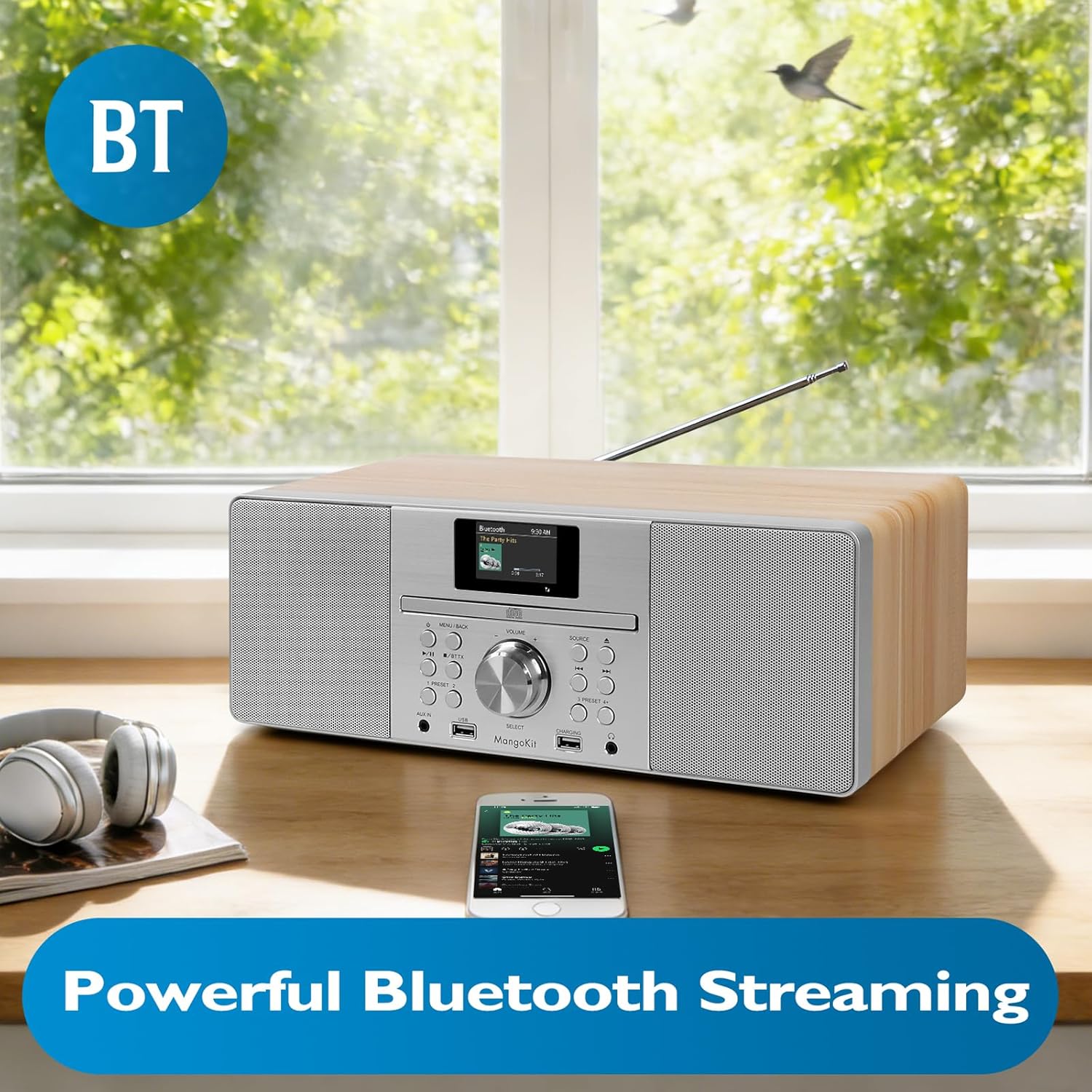
Image: The MangoKit MS1 HiFi System positioned next to a smartphone, illustrating a successful Bluetooth connection for wireless music streaming.
5. ntinye AUX
Jikọọ ngwaọrụ ọdịyo dị n'èzí (dịka ọmụmaatụ, ihe ọkpụkpọ MP3) na ỌXụ IN port on the front panel using a 3.5mm audio cable. Select the AUX Na source to play audio from the connected device.
6. USB Playback and Charging
Fanye draịva USB nwere ọdịyo MP3 files n'ime USB port. Select the USB playback source to access and play your music files. The dedicated Nchaji USB port can be used to charge compatible devices.
7. Ojiji Ekweisi
Connect headphones to the 3.5mm HP Jack on the front panel for private listening. The main speakers will mute automatically when headphones are connected.
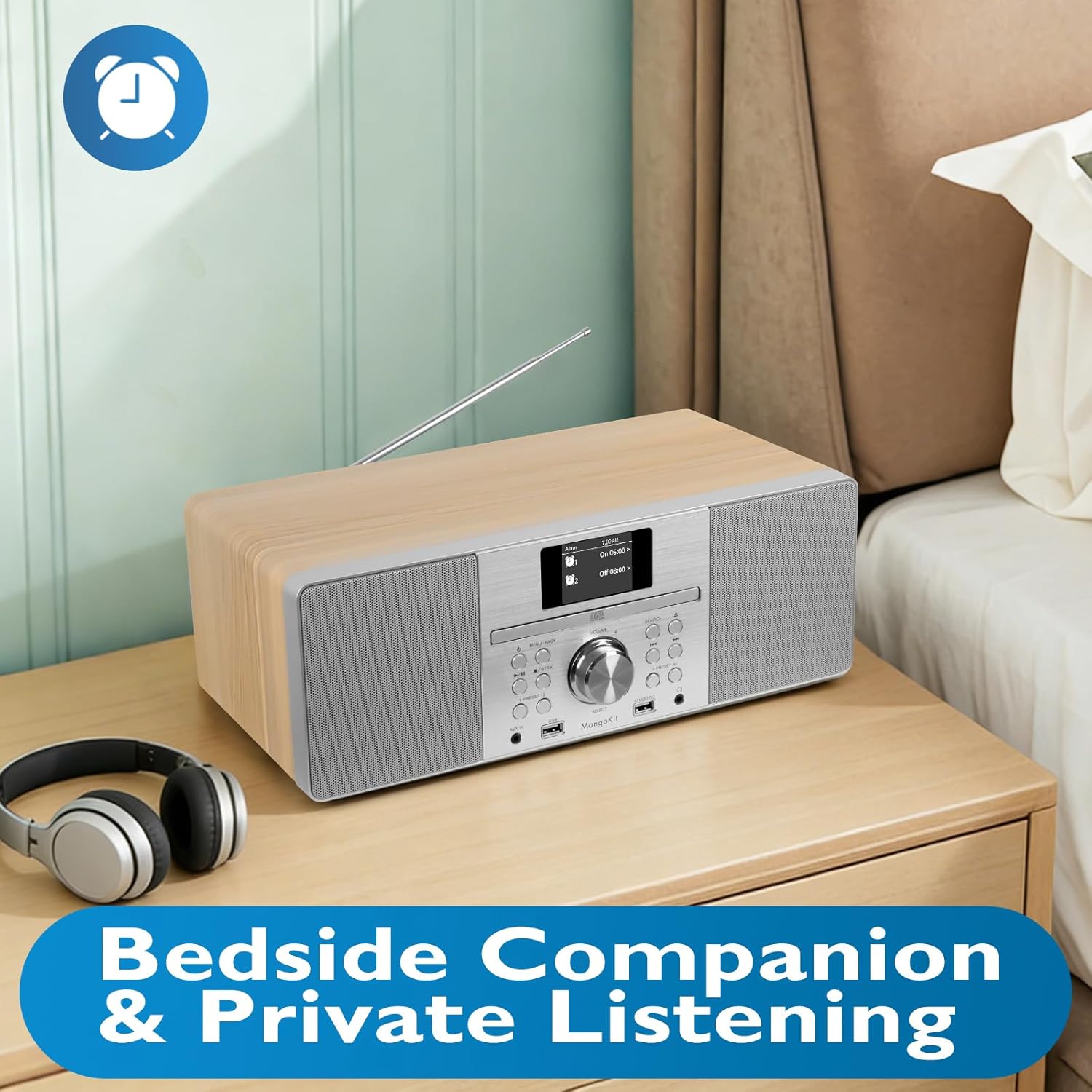
Image: The MangoKit MS1 HiFi System placed on a bedside table, accompanied by a pair of headphones, illustrating its suitability for private listening.
8. Setting Alarms and Sleep Timer
Nweta na MENU to set dual alarms (Alarm 1, Alarm 2) to wake up to your favorite radio station or a buzzer. The sleep timer function allows the unit to automatically turn off after a set period.
9. Saving Radio Presets
The MS1 allows you to store up to 60 favorite radio stations. Tune to your desired station, then press and hold a PRESET button (1-60) until the display confirms the station is saved. To recall, simply press the corresponding PRESET bọtịnụ.
10. Audio Equalizer Settings
Gaa na Ntọala sistemụ menu to adjust the equalizer. You can select from preset EQ modes or customize your own settings for bass and treble to optimize sound for music or speech.
Nlekọta
1. Nhicha
Wipe the unit with a soft, dry cloth. Do not use abrasive cleaners, waxes, or solvents as they may damage the finish. Ensure the unit is unplugged before cleaning.
2. Nchekwa
Ọ bụrụ na ị na-echekwa ngwaọrụ ahụ ruo ogologo oge, kwụpụ ya na ebe ọkụ eletrik ma debe ya n'ebe dị jụụ ma kpọọ nkụ, ebe anwụ na-anaghị apụta kpọmkwem na oke okpomọkụ.
Nchọpụta nsogbu
| Nsogbu | Ihe nwere ike ime | Ngwọta |
|---|---|---|
| Enweghị ike | Ejikọghị eriri ọkụ eletrik; Ọkụ eletrik nwere nsogbu. | Gbaa mbọ hụ na ejikọrọ eriri ọkụ na nchekwa. Gbalịa nweta ike dị iche. |
| Enweghị ụda | Volume too low; Mute activated; Headphones connected. | Increase volume. Check if mute is active. Disconnect headphones. |
| Poor FM Reception | Antenna not extended or positioned incorrectly. | Gbatịkwuo ma mezie antenna telescopic. |
| Njikọ Bluetooth ada ada | Device too far; Bluetooth not enabled on source device; MS1 not in pairing mode. | Ensure devices are close. Enable Bluetooth on your device. Select Bluetooth source on MS1 to enter pairing mode. |
| CD Skipping | Dirty or scratched CD; Unit on unstable surface. | Clean the CD. Place the unit on a stable, flat surface. |
Nkọwapụta
| Njirimara | Nkọwa |
|---|---|
| Ụdị | MangoKit |
| Nọmba nlereanya | MS1 |
| Teknụzụ Njikọta | Ihe enyemaka, Bluetooth |
| Agba | Maple |
| Ụdị Ọkà Okwu | Stereo |
| Akụkụ ihe (L x W x H) | 14.96 x 8.27 x 5.51 sentimita asatọ |
| Isi Iyi Ike | Igwe ọkụ eletrik |
| Ngwa dakọtara | MP3 Player, Smartphone, Tablet |
| Wattage | 20 watt |
| Ụkpụrụ akwadoro | Bluetooth, CD |
| Nkwado Bluetooth | Ee |
| Ụdị ọdịyo akwadoro | MP3, CD-DA |
| Ọnụ ọgụgụ ndị na-ekwu okwu | 2 |
| Ọnọdụ mmepụta ọdịyo | Stereo |
| Ndakọrịta Smart Home | Not Smart Home Compatible |
| Nhazi ọwa ụda gburugburu | 2.0 |
Ozi akwụkwọ ikike
The MangoKit MS1 CD Player HiFi System comes with a Limited Warranty. Please refer to the warranty card included in your package for specific terms, conditions, and duration of coverage. Retain your proof of purchase for warranty claims.
Nkwado ndị ahịa
If you encounter any issues not covered in this manual or require further assistance, please contact MangoKit customer support. Refer to the contact information provided on the warranty card or the official MangoKit websaịtị.