
Okwu mmalite
Thank you for choosing the LEOBOG Hi75 75% Wired Gaming Keyboard. This manual provides essential information for setting up, operating, and maintaining your new mechanical keyboard. Designed for both gaming and productivity, the Hi75 combines a compact layout with premium features for an enhanced user experience.
Njirimara ngwaahịa
- Stylish 75% Layout: The LEOBOG Hi75 mechanical keyboard features an 81-key layout, providing essential keys without occupying excessive desk space. Its creamy aesthetic offers a visually appealing design.
- Ahụ Aluminom na-adịgide adịgide: Constructed from top-quality aluminum metal with PBT keycaps, the keyboard undergoes an exquisite spraying process to prevent fingerprint staining. This ensures a sturdy, durable, and luxurious feel. PBT keycaps are ergonomically curved for comfortable typing.
- Multimedia Knob Controls: The integrated mechanical knob allows for quick switching between work and game modes, as well as precise adjustment of RGB brightness, speed, and volume.
- Programmable RGB Backlight: With macro driver support, the RGB keyboard offers adjustable light effects, including 10 effects that synchronize with music rhythm, allowing for personalized ambiance.
- DIY Hot-Swappable Gasket Structure: Designed with a stacked gasket structure using PORON material, this custom keyboard significantly reduces cavity noise and provides a softer typing experience. It is hot-swappable, compatible with both 3-pin and 5-pin switches, enabling easy customization.
- Advanced Gaming Chip: Equipped with an advanced gaming keyboard chip, the wired mechanical keyboard achieves a response speed of up to 2.8ms. It features a Type-C port and a 2m detachable spring cable.
Melite
Ijikọ Ahụigodo gị
The LEOBOG Hi75 keyboard supports multiple connection methods:
- Njikọ waya: Connect the provided 2m detachable spring USB Type-C cable to the keyboard's Type-C port and to your computer's USB port.
- Wireless 2.4G Connection: Insert the USB receiver (dongle) into an available USB port on your computer. Ensure the keyboard's mode switch is set to 2.4G.
- Njikọ Bluetooth: Switch the keyboard's mode to Bluetooth. Follow your device's instructions to pair with the keyboard. The keyboard supports up to three Bluetooth channels.

Image: LEOBOG Hi75 Keyboard connected to a laptop via its coiled USB-C cable, showcasinnhazi ya dị obere nke 75% yana ọkụ azụ RGB.
Ntuziaka ọrụ
Multimedia Knob Functions
The multi-function knob located on the top right of the keyboard provides quick access to several controls:
- Njikwa olu: Tụgharịa igodo ahụ ka ịhazie olu sistemụ.
- RGB Brightness/Speed: Press the knob to cycle through RGB brightness and speed adjustments. Rotate to change the level.
- Ụdị mgbanwe: Long press the knob to switch between work and game modes.

Image: Close-up of the LEOBOG Hi75 keyboard's multimedia knob, illustrating its long press functions for game mode and volume control.
Njikwa ọkụ azụ RGB
Customize your keyboard's lighting effects:
- Switching Backlight Effect: Pịa FN + \| to cycle through various backlight effects.
- Switching Backlight Color: Pịa FN + TAB iji gbanwee agba azụ azụ.

Image: Two LEOBOG keyboards side-by-side, one with 16+ million RGB backlight and the other demonstrating FN + \| for effect switching and FN + TAB for color switching.
Mgbanwe na-ekpo ọkụ-Swappable
The LEOBOG Hi75 supports hot-swappable switches, allowing you to easily change mechanical switches without soldering. This feature enables customization of typing feel and sound.
- ndakọrịta: Compatible with 3-pin and 5-pin mechanical switches.
- Mwepụ: Use the provided switch puller tool to carefully remove existing switches.
- Nwụnye: Align the pins of the new switch with the sockets on the PCB and press gently until it clicks into place.

Foto: nso nso view of the LEOBOG Hi75 keyboard's hot-swappable sockets with various 3-pin and 5-pin switches, highlighting the ease of customization.
Nlekọta
To ensure the longevity and optimal performance of your LEOBOG Hi75 keyboard, follow these maintenance tips:
- Nhicha: Regularly clean the keyboard with a soft, dry cloth. For deeper cleaning, remove keycaps and use compressed air to clear debris. The PBT keycaps are designed to resist fingerprint staining.
- Nlekọta USB: Handle the detachable USB Type-C cable with care to prevent damage. Avoid sharp bends or excessive pulling.
- Nchekwa: Mgbe ị na-ejighị ya, debe ahụigodo ahụ n'ebe dị ọcha ma kpọọ nkụ, ebe anwụ na-anaghị apụta kpọmkwem ma ọ bụ oke okpomọkụ.
Nchọpụta nsogbu
If you encounter any issues with your LEOBOG Hi75 keyboard, try the following steps:
- Okwu njikọ: Ensure the cable is securely connected for wired mode. For wireless modes, verify the USB receiver is properly inserted or Bluetooth is paired correctly. Try restarting your computer or reconnecting the keyboard.
- Igodo anaghị aza: If a specific key is not working, try removing and re-inserting the switch for that key. Ensure the switch pins are not bent.
- RGB Malfunction: Check the RGB settings using the multimedia knob or FN key combinations. Ensure the keyboard's drivers are up to date if using custom software.
Nkọwapụta
| Njirimara | Nkọwa |
|---|---|
| Akụkụ ngwaahịa | 14.76 x 7.24 x 2.95 sentimita asatọ |
| Ibu Ibu | 4.77 pound |
| Onye nrụpụta | LEOBOG |
| Nọmba nlereanya | Ndewo75 |
| Agba | White-Blue-Purple |
| Ọnụọgụ igodo | 81 (Nhazi 75%) |
| Njikọta | Wired (USB-C), Wireless (2.4G), Bluetooth |
| Ngbanwe Ụdị | Hot-swappable (3-pin & 5-pin compatible) |
Additional Information & Media
Gasket Structure Explained

Foto: gbawara view diagram of the LEOBOG Hi75 keyboard's gasket structure, showing layers of foam and PCB for sound dampna -abata.
Advanced Gaming-Grade Chip
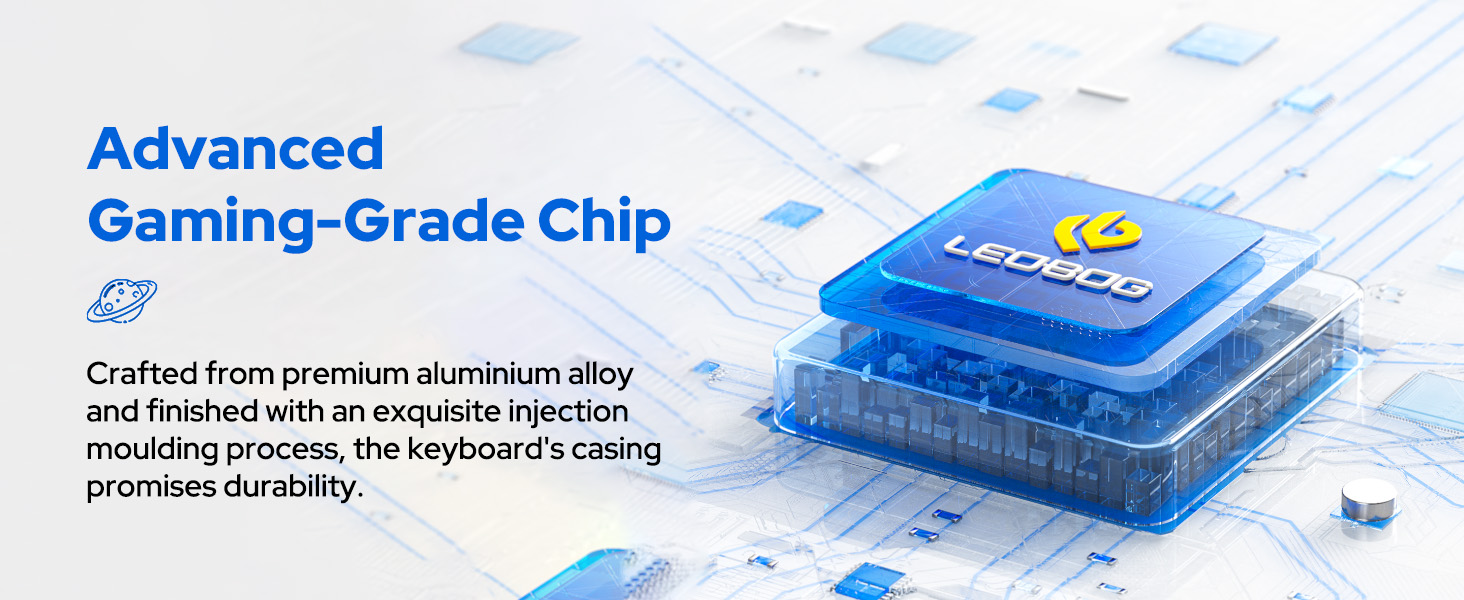
Image: Diagram illustrating the advanced gaming-grade chip within the LEOBOG Hi75 keyboard, emphasizing durability and performance.
LEOBOG Switch Types

Image: Comparison chart of LEOBOG Barbie and Star Vector 5-pin linear switches, detailing initial pressure, bottom pressure, total key stroke, conduction pressure, conduction stroke, and mechanical life.

Image: Comparison chart of LEOBOG Nimbus 5-pin advanced linear switches and Block 5-pin advanced tactile switches, detailing their specifications and suitable uses.

Image: Comparison chart of LEOBOG Rambo 5-pin linear switches and Space Crystal 5-pin linear switches, detailing their specifications and suitable uses.

Image: Comparison chart of LEOBOG Crystal 5-pin linear switches and Ice Blue 5-pin tactile switches, detailing their specifications and suitable uses.

Image: Comparison chart of LEOBOG Reaper 5-pin linear switches and Gray Wood Switch V3 3-pin linear switches, detailing their specifications and suitable uses.
Vidiyo ngwaahịa ngwaahịa
Video: LEOBOG Hi75 Aluminum Alloy Wired Mechanical Gaming Keyboard. This video provides a visual overview of the keyboard's design, features, and functionality.
Akwụkwọ ikike & Nkwado
LEOBOG provides a standard manufacturer's warranty for this product. Please refer to the warranty card included in your packaging for specific terms and conditions. For technical support, troubleshooting assistance, or warranty claims, please contact LEOBOG customer service through their official websaịtị ma ọ bụ ụlọ ahịa ebe ịzụrụ ngwaahịa ahụ.