
1. Okwu mmalite
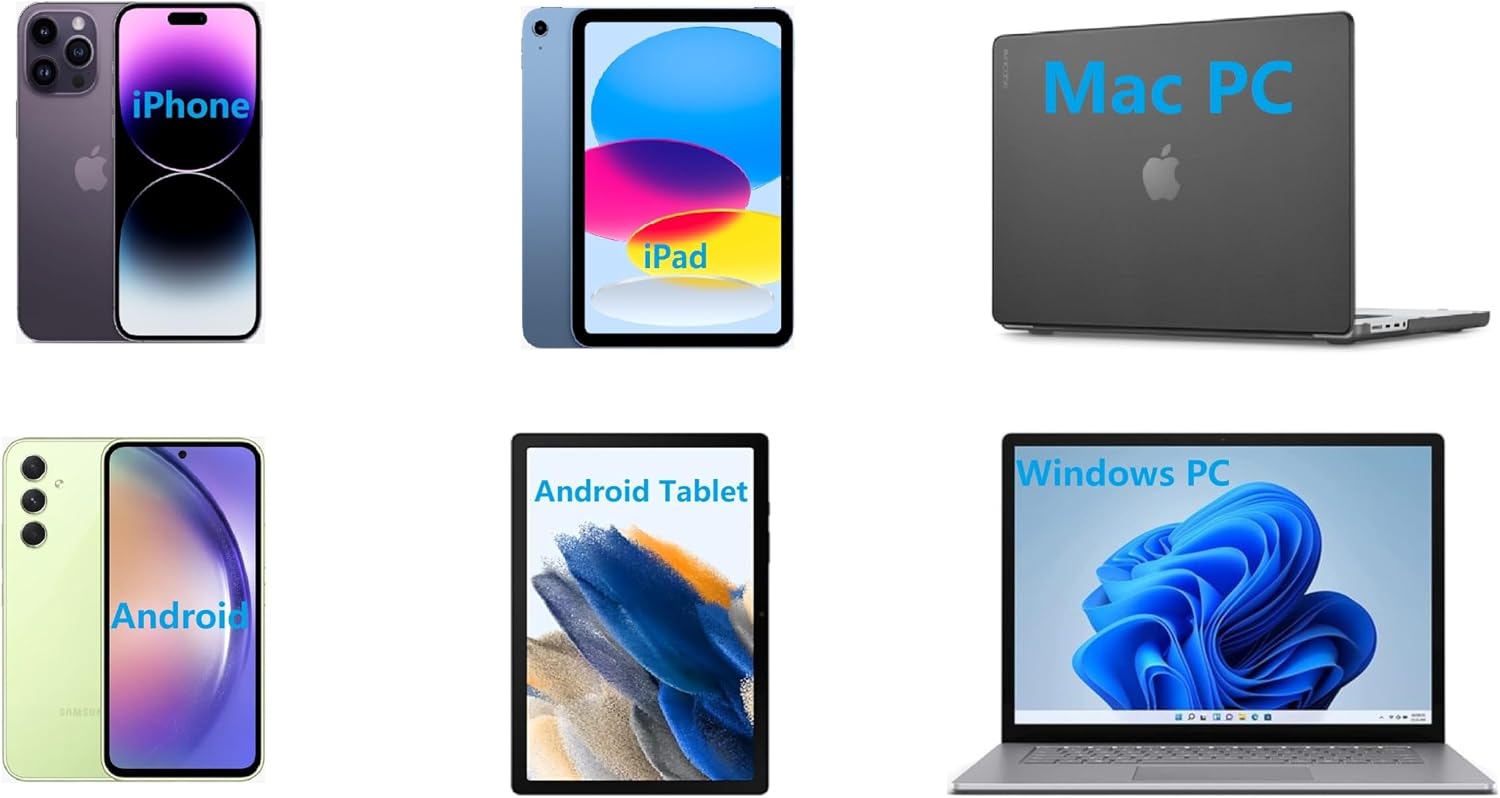
Thank you for choosing the IOOIOO A80 Portable Printer. This compact, inkless thermal printer is designed for convenience and efficiency, allowing you to print documents, photos, and more from various devices, including smartphones, tablets, and computers. Its portable design makes it ideal for home, office, or travel use.


2. Kedu ihe dị na Igbe ahụ
Biko lelee ọdịnaya nke ngwugwu ahụ ka ị hụ na ihe niile dị:
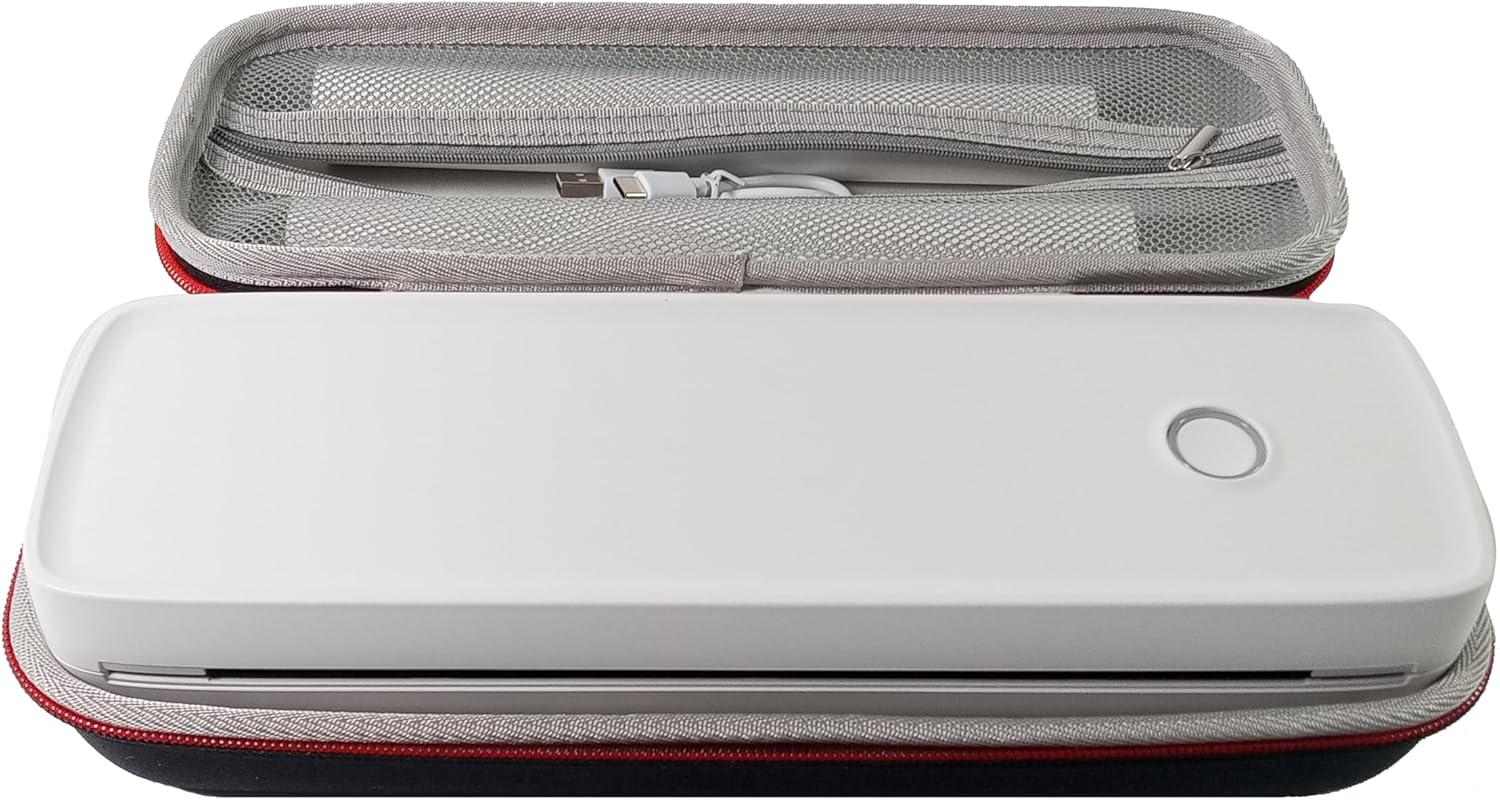
- IOOIOO A80 ngwa nbipute
- Akpa na-ebu
- 3 Rolls of A4 or Letter Thermal Paper
- 3 Pages of Continuous Folded Thermal Paper
- eriri USB
- QR Code for Manual Download (Digital Manual)

3. Nhazi
3.1 Nchaji izizi
Before first use, fully charge the printer using the provided USB cable. The LED indicator will show charging status.
3.2 Software/Driver Installation
To use the printer with your devices, appropriate software or drivers are required:
- For Mobile Phones (iPhone/Android): Download the "SharpFox" application from your device's app store.
- For Desktop PCs (Windows/Mac/Linux/Raspberry Pi): Download the necessary drivers from the official IOOIOO website. A QR code is provided in the box for quick access to the manual and driver download links.
3.3 Na-ebunye akwụkwọ ọkụ
The IOOIOO A80 uses inkless thermal paper. To load paper:
- Mepee mkpuchi nke mpempe akwụkwọ.
- Insert the thermal paper roll or folded stack, ensuring the printable side is facing the print head.
- Mechie mkpuchi ahụ nke ọma.

4. Ntuziaka ọrụ
4.1 Gbanyụọ/ gbanyụọ
- Iji gbanye: Pịa ma jide bọtịnụ ike ruo mgbe ihe ngosi LED na-enwu.
- Iji gbanyụọ: Pịa ma jide bọtịnụ ike ruo mgbe ihe ngosi LED gbanyụrụ.
4.2 Njikọta
The IOOIOO A80 offers both Bluetooth wireless and USB wired connectivity options.
4.2.1 Bluetooth Connection (for Phones and Windows PC)
- Ensure the printer is powered on and the LED is green.
- On your phone, open the "SharpFox" app. On your Windows PC, ensure Bluetooth is enabled.
- Within the app or PC Bluetooth settings, search for and select the "IOOIOO A80" printer to pair.
- Soro mkpali na ihuenyo ọ bụla iji mezue usoro njikọta.
4.2.2 USB Connection (for Windows PC, Mac PC, Linux, Raspberry Pi)
- Ensure the printer is powered on and the LED is green. If the LED is not green, the printer will not print via USB.
- Jikọọ ngwa nbipute na kọmputa gị site na iji eriri USB enyere.
- Install the appropriate drivers as described in Section 3.2.
- Once drivers are installed, the printer should be recognized by your computer.
4.3 Mbipụta
After connecting your printer, you can initiate printing from your chosen application (e.g., SharpFox app, word processor, PDF viewihe).
- Select the print option within your application.
- Choose "IOOIOO A80" from the list of available printers.
- Adjust print settings (e.g., paper size: US letter/legal/A4/A5, 2", 3", 4" sticky/non-sticky, flat folded/rolled thermal paper, tattoo stencil transfer paper) as needed.
- Click "Print" to begin printing.
Note on Tattoo Stencil Printing: This printer is suitable for normal tattoo lines only. It is not recommended for sharp lines, large blocks, gradients, or color patterns.
5. Nlekọta
Proper maintenance ensures the longevity and optimal performance of your IOOIOO A80 printer.
5.1 Na-ehicha isi mbipụta
Regularly clean the print head to maintain print quality.
- Turn off the printer and disconnect it from power.
- Mepee akụkụ akwụkwọ.
- Gently wipe the print head with a lint-free cloth lightly dampetinyere ya na mmanya isopropyl.
- Allow the print head to dry completely before closing the cover and powering on the printer.
5.2 Nchekwa Akwụkwọ
Store thermal paper in a cool, dry place away from direct sunlight and heat to preserve its quality and ensure prints last for the expected duration (2 to 15 years depending on paper type).
6. Nchọpụta nsogbu
If you encounter issues with your IOOIOO A80 printer, please refer to the official Troubleshooting Guide for detailed solutions.
Budata Nduzi Nchọpụta Nsogbu (PDF)
Common issues and quick checks:
- Igwe nbipute anaghị agbanye: Gbaa mbọ hụ na agbagoro batrị.
- Enweghị mbipụta mbipụta: Check paper loading, ensure the LED is green (for USB connection), and verify connectivity (Bluetooth/USB).
- Ọdịmma mbipụta na-adịghị mma: Clean the print head, ensure you are using compatible thermal paper.
- Nsogbu njikọ: Restart both the printer and the device you are trying to connect from. Re-pair Bluetooth or re-plug the USB cable.
7. Nkọwapụta
| Njirimara | Nkọwa |
|---|---|
| Ụdị | IOOIOO |
| Aha Nlereanya | A80 |
| Akụkụ ngwaahịa | 3.6"D x 11.4"W x 2.4"H |
| Ibu Ibu | 1.8 pound |
| Teknụzụ obibi akwụkwọ | Thermal |
| Mkpebi mbipụta ojii na ọcha kacha | 200 dpi |
| Ọsọ mbipụta kacha (Monochrome) | 4 ppm (approx. 10mm/s) |
| Ogo mgbasa ozi kacha | A4 (supports US Letter/Legal/A4/A5) |
| Teknụzụ Njikọta | Bluetooth for Phone, USB for PC |
| Agba ink | Black (Monochrome) |
| Bipụta Isi Ndụ | Approx. 170,000 letter pages |
| Batrị | 1 batrị lithium ion (gụnyere) |
8. Akwụkwọ ikike na nkwado
For any questions, technical assistance, or warranty inquiries, please contact IOOIOO customer service.
- Nkwado ekwentị US: Available for direct assistance.
- Nkwado WhatsApp: Available for convenient messaging support.
Please refer to your product packaging or the official IOOIOO websaịtị maka ozi kọntaktị kacha ugbu a.