
Okwu mmalite
This manual provides essential instructions for setting up, operating, maintaining, and troubleshooting your C idea CM776 Tablet. Please read this manual thoroughly before using your device to ensure proper function and longevity.

Image: The C idea CM776 Tablet, featuring a vibrant display and icons representing its core specifications.
Melite
1. Ịchaji mbadamba nkume
Before first use, fully charge the tablet using the provided USB cable and power adapter. The battery indicator on the screen will show charging status.
2. Ịgbanye / gbanyụọ
- Iji gbanye: Pịa ma jide bọtịnụ ike ruo mgbe ihuenyo gbanye ọkụ.
- Iji gbanyụọ: Pịa ma jide bọtịnụ ike, wee họrọ "Ike gbanyụọ" site na nhọrọ na ihuenyo.
- Ka Malitegharịa ekwentị: Press and hold the Power button, then select "Restart" from the options on the screen.
3. Mbido Mbido
Ozugbo agbanyere ya na mbụ, soro ntuziaka ndị dị na ihuenyo iji:
- Họrọ asụsụ ọkacha mmasị gị.
- Jikọọ na netwọk Wi-Fi.
- Jiri akaụntụ Google gị banye ma ọ bụ mepụta nke ọhụrụ.
- Tọọ mkpọchi ihuenyo na atụmatụ nchekwa ndị ọzọ.
4. Ijikọ ekweisi
Connect standard 3.5mm headphones to the audio jack for private listening.
Na-arụ ọrụ
1. Nsoro ụzọ
The tablet uses a touch-sensitive screen. Use the following gestures:
- Kpatụ: Ka ịhọrọ otu ihe ma ọ bụ mepee ngwa.
- Mịpụta: Iji pịgharịa gaa na peeji ma ọ bụ ndepụta.
- Tuo: Ka ibugharị ma ọ bụ pụta na onyonyo na web ibe.
- Ogologo Pịa: Iji nweta menu ndị dị n'ọnọdụ ma ọ bụ bugharịa akara ngosi ngwa.
2. Njikọ Wi-Fi
Iji jikọọ na Wi-Fi:
- Gaa na Ntọala > Netwọk & Ịntanetị > Wi-Fi.
- Gbanwuo Wi-Fi.
- Họrọ netwọk ịchọrọ site na ndepụta ahụ wee tinye paswọọdụ ma ọ bụrụ na achọrọ.
3. Parental Control Mode
The tablet features a Parental Control Mode to manage content, limit screen time, and restrict app access for children. This mode helps create a safe digital environment.

Image: The tablet demonstrating its Parental Control Mode features, ensuring a safe experience for young users.
4. Mgbasa mgbasa ozi
The tablet supports various media formats for videos and music. You can stream content or play files echekwara na ngwaọrụ.

Foto: Ihe ngosi mbadambaasing its ability to play videos and display a range of entertainment content.
5. Educational and Learning Features
The tablet is designed to support learning through play, offering access to educational applications and content.
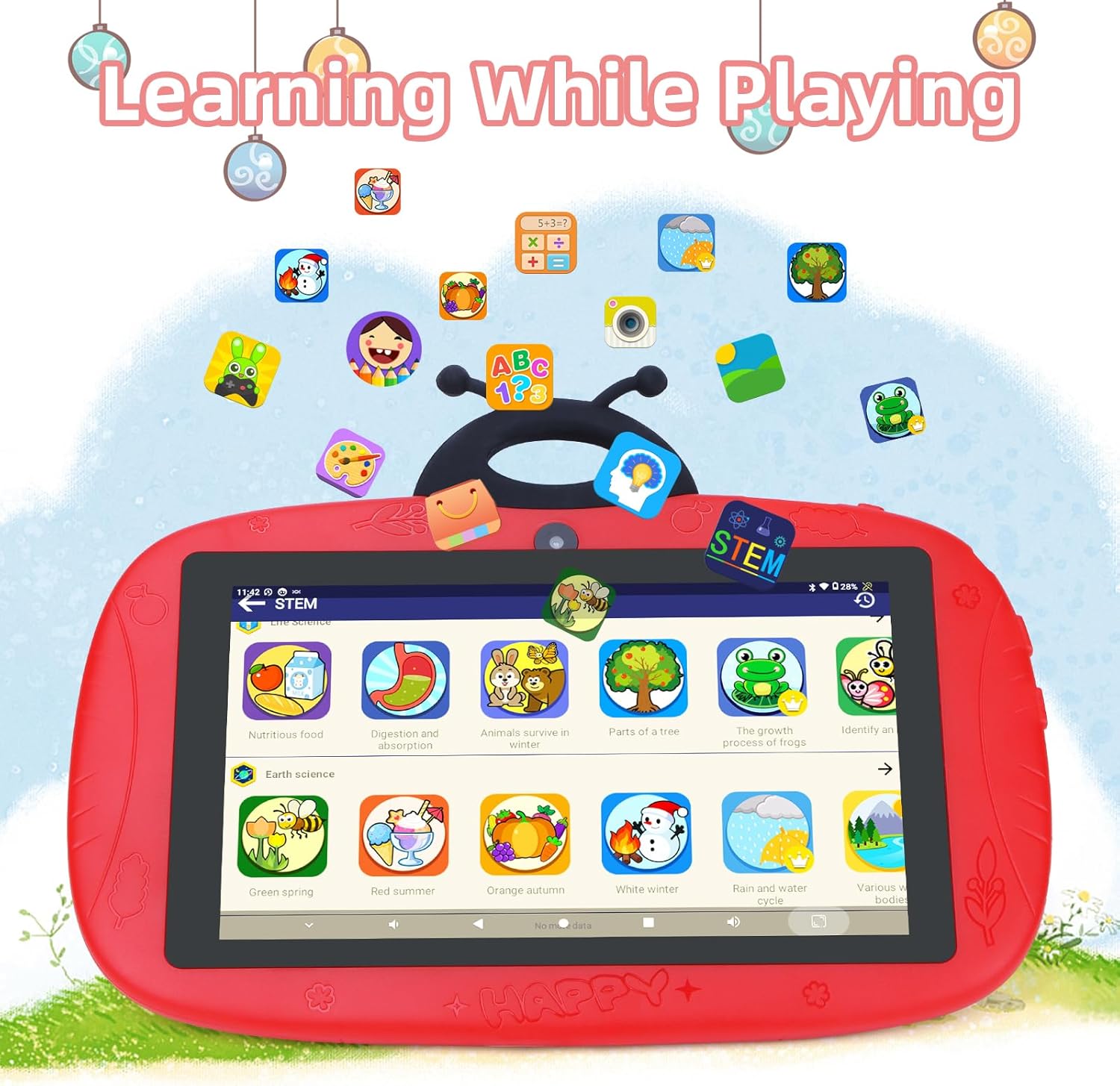
Image: The tablet interface showing educational applications, promoting learning through interactive content.
6. Iji igwefoto
The tablet is equipped with dual cameras (2MP front, 5MP rear) for capturing photos and videos.
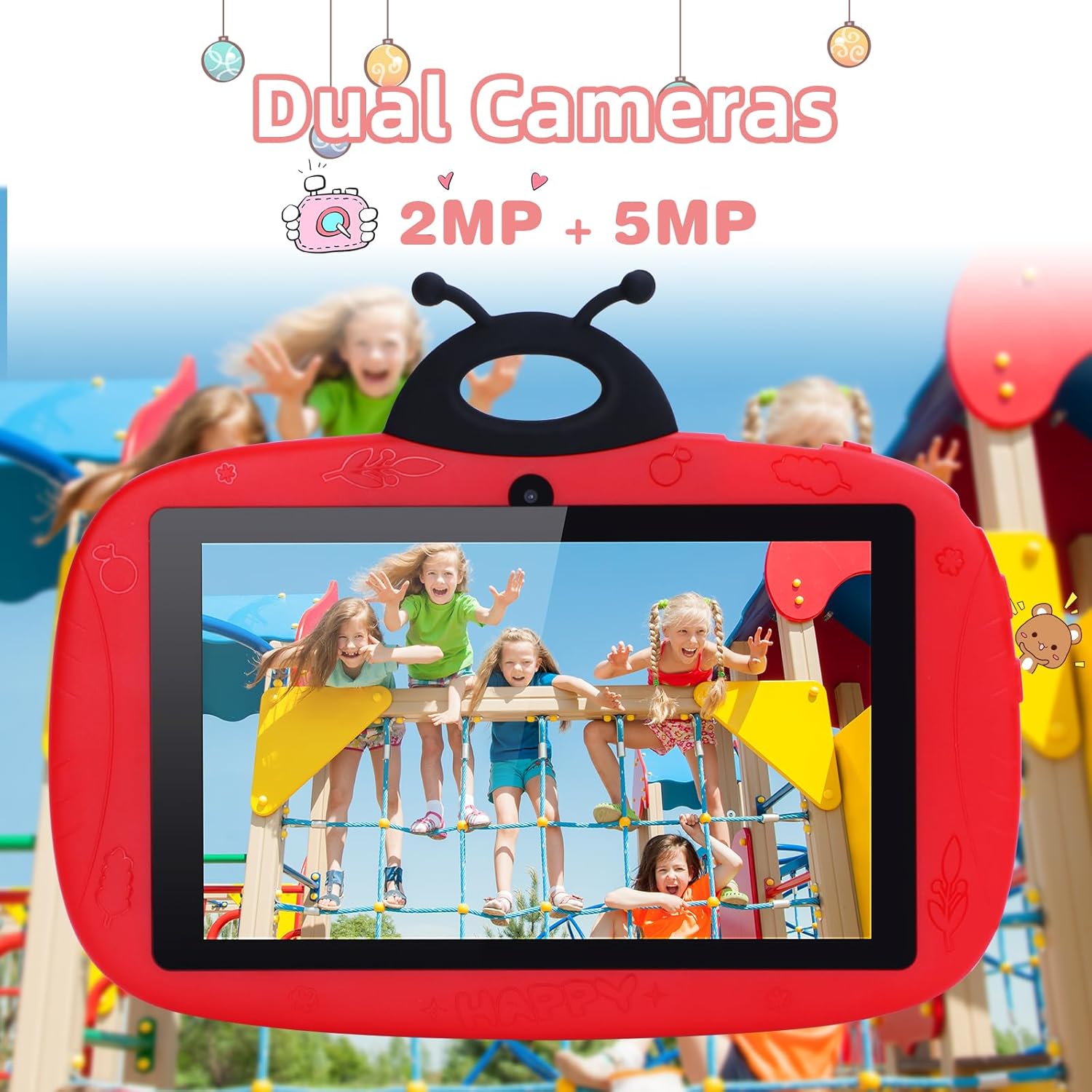
Image: The tablet's camera functionality demonstrated by a picture of children, highlighting its dual camera setup.
Nlekọta
1. Nhicha Mbadamba ahụ
Jiri akwa dị nro na-enweghị lint hichaa ihuenyo na ahụ nke mbadamba ihe. Zere iji kemịkalụ siri ike ma ọ bụ ihe na-emebi emebi.
2. Nlekọta batrị
- Zere oke okpomọkụ.
- Ekwela ka batrị ka ọ na-apụ ugboro ugboro.
- Jiri naanị chaja mbụ ma ọ bụ chaja dakọtara nke akwadoro.
3. Mmelite ngwanrọ
Na-elele ma wụnye mmelite ngwanrọ mgbe niile iji hụ na arụmọrụ na nchekwa kacha mma. Gaa na Ntọala > Sistemu > Mmelite sistemụ.
4. Njikwa nchekwa
To free up storage space, regularly delete unnecessary files, uninstall unused apps, and clear app caches. You can check storage usage in Ntọala > Nchekwa.
Nchọpụta nsogbu
Mbadamba anaghị agba ọkụ
- Gbaa mbọ hụ na agbagoro batrị. Jikọọ chaja wee chere nkeji ole na ole tupu ị nwaa ịgbanye.
- Try holding the Power button for 10-15 seconds to force a restart.
Okwu njikọ Wi-Fi
- Check if Wi-Fi is enabled in Settings.
- Malitegharịa ekwentị Wi-Fi gị na mbadamba.
- Forget the network and reconnect by re-entering the password.
Arụmọrụ nwayọ / Ngwa na-ada ada
- Mechie ngwa ndabere ndị a na-ejighị.
- Kpochapụ cache ngwa (Ntọala > Ngwa > họrọ ngwa > Nchekwa & cache > Kpochapụ cache).
- Hụ na ebe nchekwa zuru oke.
- Malitegharịa ekwentị ahụ.
Factory Reset (Last Resort)
If issues persist, a factory reset can resolve many software problems. Ịdọ Aka Na Ntị: Nke a ga-ehichapụ data niile dị na mbadamba gị. Kwadobe data dị mkpa tupu ị gaa n'ihu.
- Gaa na Ntọala > Sistemu > Tọgharịa nhọrọ.
- Họrọ Hichapụ data niile (ntọgharị ụlọ ọrụ).
- Kwado nhọrọ gị.
Nkọwapụta
| Njirimara | Nkọwa |
|---|---|
| Ụdị | C echiche |
| Aha Nlereanya | CM776 |
| Sistemụ nrụọrụ | Android |
| Nha ihuenyo | 7 sentimita asatọ |
| Max Display Resolution | 600x1024 pikselụ |
| Ogo RAM | 4 GB |
| Ike nchekwa | 32 GB |
| Njikọta | Wi-Fi |
| Mgbakọta ọdụ ụgbọ mmiri USB | 1 |
| Ngwa dakọtara | Igwe ekweisi |
| Ngwakọta batrị | Lithium-polymer |
| Ngwaọrụ Akụrụngwa | 3.5 mm Audio |
| Afọ Nlereanya | 2024 |
Ozi akwụkwọ ikike
The C idea CM776 Tablet comes with a Akwụkwọ ikike onye nrụpụta afọ 1 from the date of purchase. This warranty covers defects in materials and workmanship under normal use. It does not cover damage caused by misuse, accidents, unauthorized modifications, or external causes.
Biko dowe ihe akaebe nke ịzụrụ ihe maka akwụkwọ ikike.
Nkwado
For further assistance, technical support, or warranty claims, please contact C idea customer service. Refer to the packaging or the official C idea websaịtị maka nkọwa kọntaktị.
When contacting support, please have your tablet's model number (CM776) and proof of purchase readily available.