
1. Ozi nchekwa dị mkpa
Please read these safety instructions carefully before operating your TV and retain them for future reference. Always follow basic safety precautions to reduce the risk of fire, electric shock, and injury.
- Ike: Connect the TV to an AC power outlet only. Do not overload wall outlets. Ensure the power cord is not damaged or pinched.
- Igwe ikuku: Do not block ventilation openings. Install the TV in a location with adequate airflow.
- Nhicha: Wepụ TV ahụ tupu ị sachaa ya. Jiri ákwà dị nro ma kpọọ nkụ. Ejila ihe nhicha mmiri ma ọ bụ ihe mkpuchi aerosol.
- Mmiri na mmiri: Ewepụla TV na mmiri ozuzo ma ọ bụ mmiri. Edokwala ihe jupụtara na mmiri mmiri na TV.
- Nkwụsi ike: Ensure the TV is placed on a stable surface or securely mounted to prevent it from falling.
2. Gịnị gụnyere
Chọpụta na akụrụngwa niile dị na nkwakọ ngwaahịa:
- LG 55QNED85T 55-inch 4K QNED Smart TV
- Base (Stand)
- Igwe ọkụ nwere ike ịpụpụ
- Magic Remote (MR 24Y)
- Batrị AA x 2
3. Nhazi
3.1 Nwepu
Carefully remove the TV and all accessories from the packaging. It is recommended to keep the packaging materials for future transport or service needs.
3.2 Nwụnye guzoro
Iji tinye ihe nkwụnye TV:
- Debe ihu TV ahụ n'elu ala dị nro ma dị larịị iji gbochie mmebi ihuenyo.
- Hazie ihe ndị dị n'elu ihe nkwụnye ahụ na oghere ndị kwekọrọ na ala TV ahụ.
- Chekwaa nkwudo ahụ site na iji kposara enyere. Gbaa mbọ hụ na akpọchiri skru niile nke ọma.

N'ihu view of the LG 55QNED85T 55-inch 4K QNED Smart TV with its stand installed.

Akụkụ view of the LG 55QNED85T 55-inch 4K QNED Smart TV showing its slim profile guzokwa.
3.3 Mgbidi mgbidi (nhọrọ)
If you choose to wall mount your TV, refer to the instructions provided with your wall mount bracket. Ensure the bracket is compatible with VESA standards for your TV model and installed by a qualified professional.
3.4 Njikọta Peripherals
Connect external devices such as set-top boxes, gaming consoles, or sound systems to the TV's ports. The TV features HDMI, USB, Ethernet, Bluetooth, and Wi-Fi connectivity.

N'azụ view of the LG 55QNED85T 55-inch 4K QNED Smart TV showing various input and output ports.
3.5 Njikọ ike
After connecting all desired devices, plug the detachable power cable into the TV's power input and then into a wall outlet.
3.6 Ntọala mbụ
Upon first power-on, the TV will guide you through the initial setup process. This includes selecting your language, connecting to a network (Wi-Fi or Ethernet), and scanning for channels.
4. Na-arụ ọrụ TV gị
4.1 Magic Remote (MR 24Y)
The LG Magic Remote allows for intuitive control of your TV. It functions like an air mouse, allowing you to point and click. It also features a dedicated AI button for smart functions.

The LG AI Magic Remote offers dedicated buttons and features for AI functions, including AI Chatbot, AI Concierge, AI Search, AI Picture Wizard, AI Voice ID, and AI Sound Wizard.
4.2 WebAtụmatụ Amamịghe OS 24
Your LG QNED TV runs on webOS 24, nke na-enye interface mara mma ma dị mfe iji. Isi ihe dị na ya gụnyere:
- LG ThinQ AI: Integrated artificial intelligence for enhanced control and personalization.
- Ejiri Amazon Alexa rụọ ọrụ: Use voice commands for various TV functions and smart home control.
- Intelligent Voice Recognition: Control your TV and search for content using your voice.
- App Remote Control (LG ThinQ): Control your TV from your smartphone using the LG ThinQ app.
- AI Concierge: Provides personalized keyword suggestions and recommendations based on your viewakụkọ ihe mere eme.

The AI Concierge feature provides personalized keyword suggestions and recommendations based on your search and viewakụkọ ihe mere eme.
- Ọchụchọ AI: Offers personalized recommendations for your queries and additional solutions with Microsoft Copilot.

AI Search provides personalized recommendations for your queries and can integrate with Microsoft Copilot for additional solutions.
- AI Voice ID: Recognizes each user's vocal signature and offers personalized recommendations as you speak.

AI Voice ID recognizes individual user voices to provide personalized content recommendations.
4.3 Ntọala foto
Your QNED TV combines Quantum Dot and NanoCell technologies for vibrant and accurate colors. The α8 AI Processor Gen 2 optimizes picture quality.
- QNED Dynamic Colors: LG's wide color gamut technology provides enhanced color reproduction.
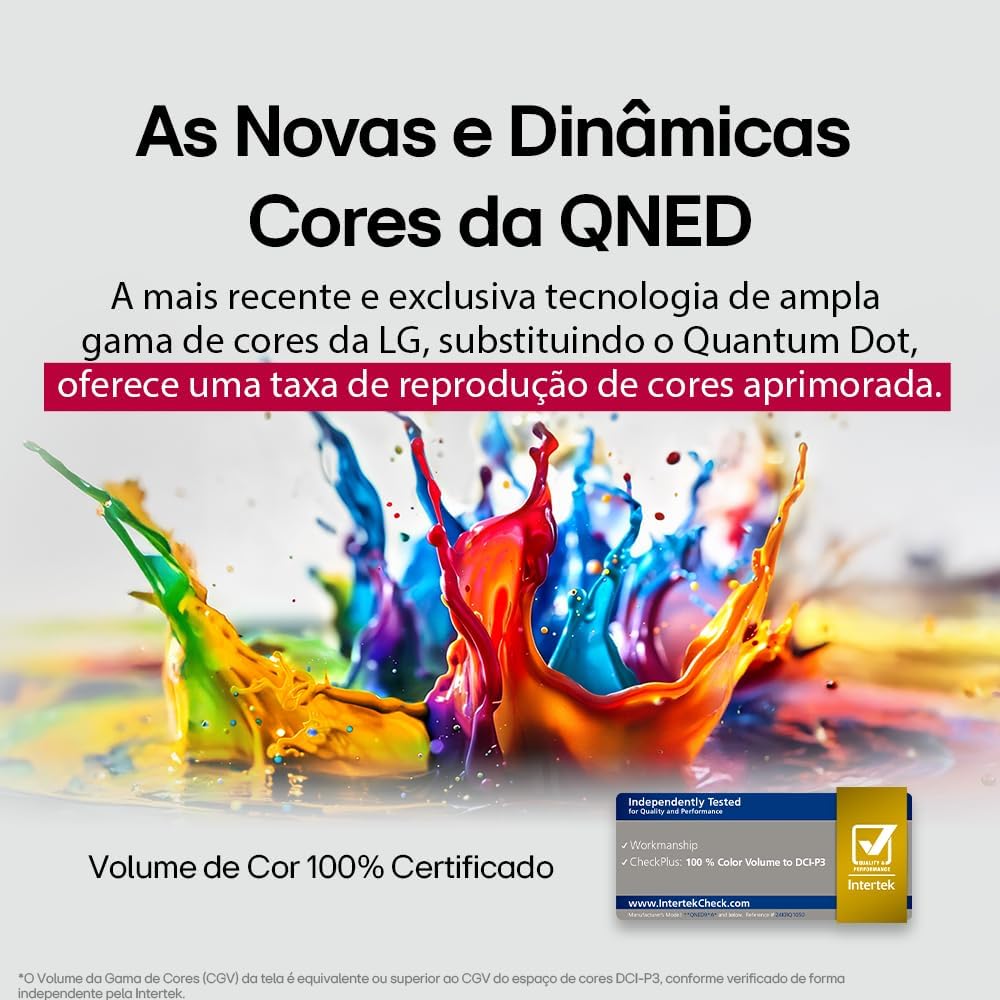
LG's QNED technology delivers new and dynamic colors, offering an improved color reproduction rate with 100% Certified Color Volume to DCI-P3.
- MiniLED: This technology enhances sharpness and provides superior contrast for an immersive viewahụmahụ.
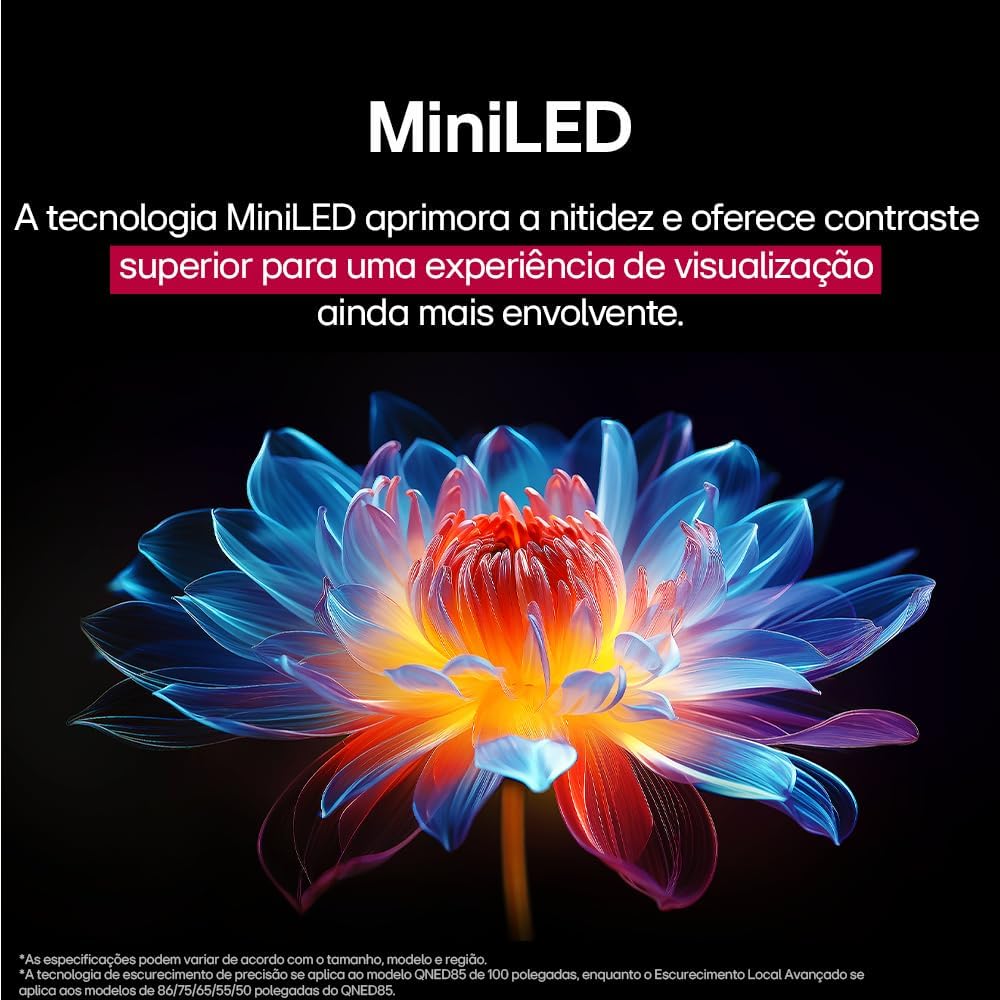
MiniLED technology improves sharpness and offers superior contrast for an immersive viewahụmahụ.
- α8 AI Processor Gen 2: This processor enhances 4K visuals with impressive colors and brightness.
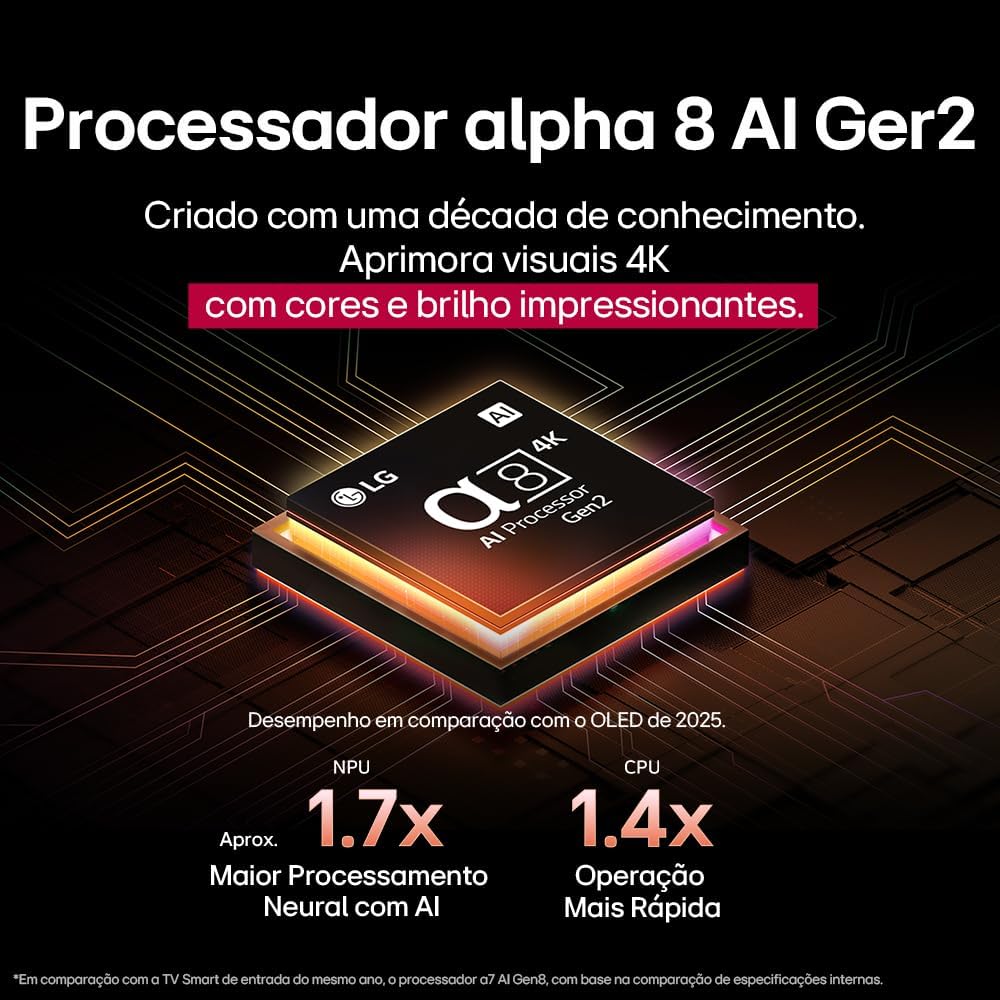
The Alpha 8 AI Processor Gen 2 enhances 4K visuals with impressive colors and brightness, offering approximately 1.7x greater neural processing with AI and 1.4x faster operation compared to previous generations.
- Foto AI Pro: Analyzes each frame, enhancing resolution, brightness, depth, and clarity to bring every scene to life.

AI Picture Pro analyzes each frame, enhancing resolution, brightness, depth, and clarity to bring every scene to life.
4.4 Ntọala ụda
The TV includes AI Sound Wizard features to optimize audio output based on your environment and content.
4.5 Njikọta
TV gị na-akwado nhọrọ njikọ dị iche iche:
- Wi-Fi: Connect to your home wireless network for internet access and smart features.
- Ethernet: Use a wired connection for stable internet access.
- HDMI: Connect high-definition devices like Blu-ray players, game consoles, and soundbars.
- USB: Gwuo mgbasa ozi files sitere na ngwaọrụ nchekwa USB.
- Bluetooth: Connect wireless headphones, speakers, or other compatible devices.
4.6 Njirimara egwuregwu
The LG 55QNED85T is equipped with features for an enhanced gaming experience:
- 120Hz Panel: Provides smoother motion for fast-paced games.
- FreeSync: Reduces screen tearing and stuttering when connected to compatible gaming devices.
5. Nlekọta
5.1 Nhicha
- Ihuenyo: Jiri nwayọ hichaa ihuenyo ahụ site na iji akwa dị nro na-enweghị lint. Maka akara ndị isi ike, dị obere dampjiri mmiri ma ọ bụ ihe nhicha ihuenyo pụrụ iche kpuchie ákwà ahụ (anaghị agba ya ozugbo na ihuenyo ahụ).
- Etiti na Nguzo: Jiri akwa dị nro hichaa ya.
- Njikwa anya: Use a soft, dry cloth to clean the remote.
5.2 Mmelite ngwanrọ
Your TV may receive software updates to improve performance and add new features. You can usually check for and install updates through the TV's settings menu (Settings > General > About This TV > Check for Updates).
6. Nchọpụta nsogbu
Ọ bụrụ na ị na-enwe nsogbu na TV gị, rụtụ aka na azịza ndị a na-ahụkarị:
| Nsogbu | Ngwọta enwere ike |
|---|---|
| Enweghị ike | Lelee ma ọ bụrụ na ejikọrọ eriri ọkụ na TV na oghere mgbidi. Gbaa mbọ hụ na ntinye ahụ na-arụ ọrụ. |
| Enweghị foto, mana ụda dị ugbu a | Check the input source. Ensure external devices are powered on and connected correctly via HDMI. |
| Enweghị ụda, mana Foto dị ugbu a | Check the volume level and mute status. Verify audio output settings (e.g., internal speakers, external soundbar). |
| Njikwa Remote anaghị arụ ọrụ | Replace the batteries. Ensure there are no obstructions between the remote and the TV. Re-pair the Magic Remote if necessary. |
| Okwu Njikọ netwọkụ | Malitegharịa rawụta na modem gị. Lelee paswọọdụ Wi-Fi. Nwaa njikọ Ethernet ejiri waya mee ma ọ bụrụ na o kwere mee. |
| Okwu Ogo Foto | Adjust picture settings (brightness, contrast, sharpness). Ensure the input source is providing a high-quality signal. |
If the problem persists, try performing a factory reset (refer to the TV's settings menu) or contact LG customer support.
7. Nkọwapụta
Detailed specifications for the LG 55QNED85T 55-inch 4K QNED Smart TV:
| Njirimara | Nkọwapụta |
|---|---|
| Nha ihuenyo | 55 sentimita asatọ |
| Ụdị | LG |
| Ngosipụta teknụzụ | LED (QNED, MiniLED) |
| Mkpebi | 4K (3840 x 2160) |
| Ọnụego ume ọhụrụ | 120 Hz |
| Atụmatụ pụrụ iche | QNED Dynamic Colors, MiniLED, α8 AI Processor Gen 2 |
| Teknụzụ Njikọta | Bluetooth, Ethernet, HDMI, USB, Wi-Fi |
| Akụkụ akụkụ | 16:9 |
| Akụkụ ngwaahịa (DxWxH) | 25.7D x 123.6W x 78.3H centimeters (with stand) |

Dimensions of the LG 55QNED85T 55-inch TV. Indicated values and actual measurements may differ.
8. Akwụkwọ ikike na nkwado
Your LG 55QNED85T Smart TV comes with a manufacturer's warranty. Please refer to the warranty card included in your product packaging for specific terms and conditions.
For technical support, service, or warranty claims, please contact LG customer service through their official websaịtị ma ọ bụ ozi kọntaktị enyere na akwụkwọ ikike gị.