
1. Ozi nchekwa
Please read all safety instructions carefully before using this device. Keep this manual for future reference.
- Ewepụla ngwaọrụ ahụ na mmiri ozuzo, mmiri mmiri ma ọ bụ oke okpomọkụ.
- Zere idobe ngwaọrụ n'akụkụ ebe okpomọkụ ma ọ bụ na ìhè anyanwụ.
- Use only the provided power adapter and car charger.
- Debe ngwaọrụ ahụ n'ebe ụmụaka nọ na anụ ụlọ.
- Anwala ịkwasa ma ọ bụ rụkwaa ngwaọrụ n'onwe gị. Kpọtụrụ nkwado ndị ahịa maka enyemaka.
2. Ihe ngwugwu
Chọpụta na ihe niile dị na ngwugwu:
- 15.6 "Obere DVD Player
- Ntuziaka mmalite ngwa ngwa
- Onye njikwa anya
- 3-na-1 eriri AV
- Chaja ụgbọ ala
- Ihe nkwụnye AC

Image: All components included in the pofoto PD15 Portable DVD Player package.
3. Ngwaahịa gafereview
The pofoto PD15 Portable DVD Player features a 15.6-inch HD screen designed for an immersive viewing experience. It includes dual stereo speakers and supports various media formats.
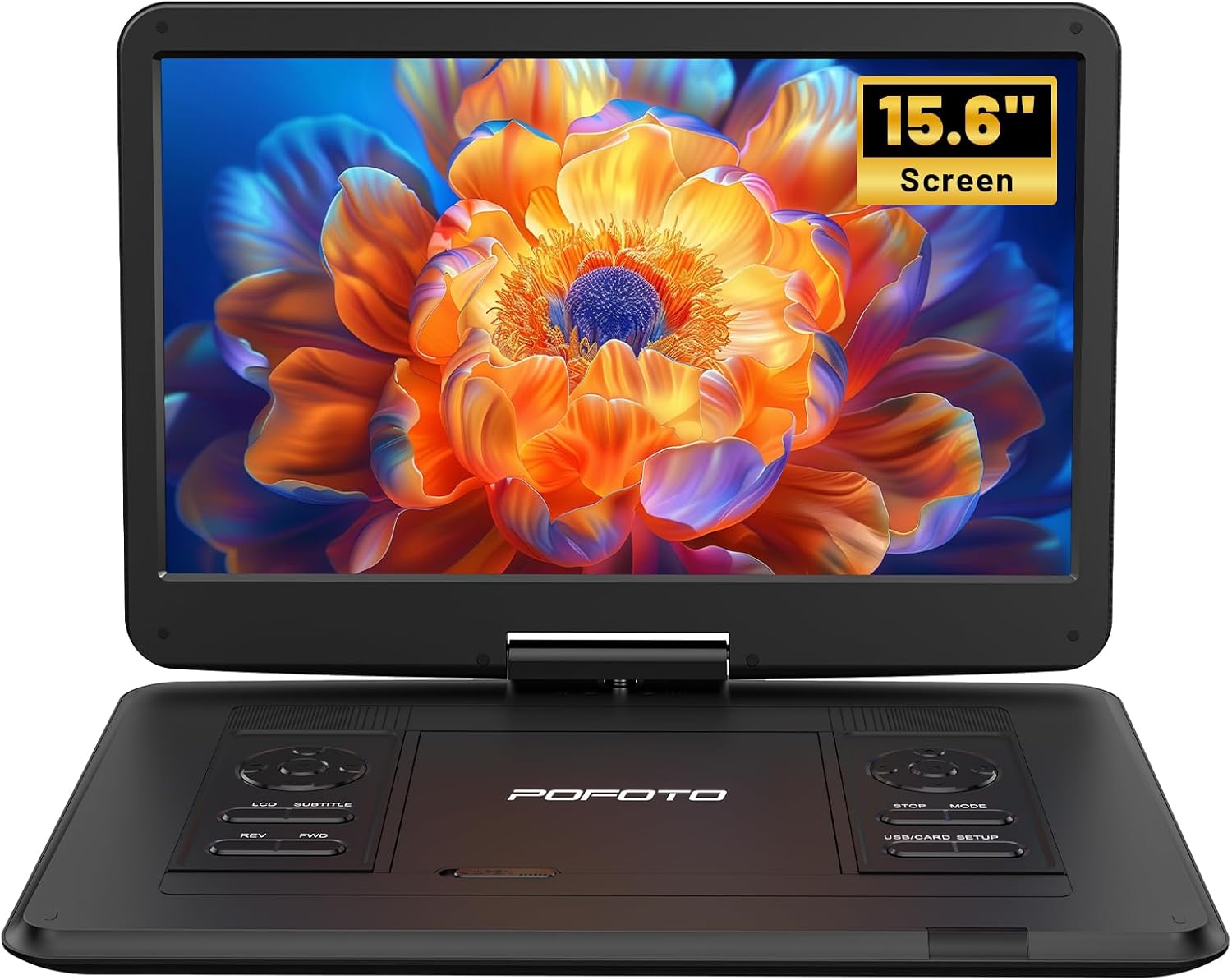
Foto: N'ihu view of the pofoto PD15 Portable DVD Player with its 15.6-inch screen open.
3.1. Akụkụ ihuenyo
The 15.6-inch screen offers a resolution of 1280*800 pixels. It can rotate 270° and flip 180°, allowing for optimal viewakụkụ .

Foto: Akụkụ view of the pofoto PD15 Portable DVD Player highlighting the large 15.6-inch screen.
3.2. Control Panel and Ports
The device features intuitive control buttons on the base and various ports for connectivity.
- Ọdụ ụgbọ mmiri USB: For connecting USB drives (up to 32GB) to play media files.
- Oghere kaadị SD: For inserting SD cards (up to 32GB) to play media files.
- Jack ekweisi: Jakị 3.5mm maka ige ntị nkeonwe.
- AV: Audio/Video output for connecting to external displays.
- AV n'ime: Audio/Video input for connecting external media sources.
- DC N'ime: Power input for charging and operating the device.
- Ike mgba ọkụ: Physical ON/OFF switch located on the side.
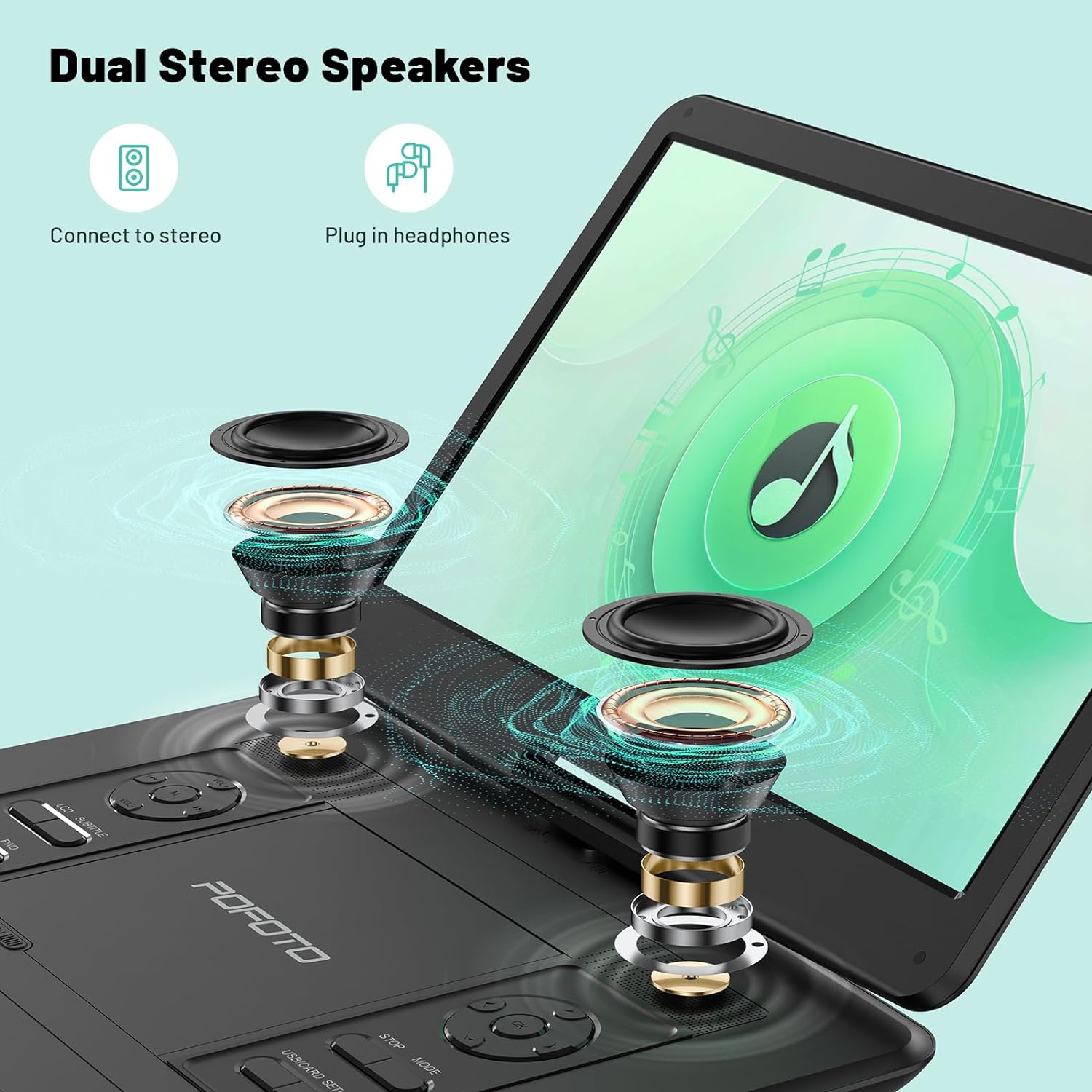
Image: Close-up of the side panel of the pofoto PD15 Portable DVD Player, detailing the various input and output ports.
4. Nhazi
4.1. Nchaji mbụ
Before first use, fully charge the device using the provided AC adapter. The charging indicator light will show the charging status.
4.2. Ịgbanye / gbanyụọ
- Iji gbanye: Slide the physical power switch on the side to the 'ON' position. Then, press the 'POWER' button on the control panel.
- Iji gbanyụọ: Press the 'POWER' button on the control panel, then slide the physical power switch to the 'OFF' position.
4.3. Ịtinye diski
- Gently open the disc cover by sliding the 'OPEN' latch.
- Place the DVD or CD onto the spindle with the label side facing up. Ensure it clicks into place.
- Close the disc cover firmly until it latches.
5. Ntuziaka ọrụ
5.1. Basic playback
- After inserting a disc or connecting a USB/SD card, the player will typically begin playback automatically.
- Jiri ihe KWURU/Kwụsịa bọtịnụ ka ịmalite ma ọ bụ kwụsịtụ ịkpọghachi.
- Jiri ihe KWỤSỊ bọtịnụ iji kwụsị ịkpọ egwu.
- Gbanwee olu site na iji VOL+ na Vol- bọtịnụ.
- Jiri ihe MKPUGHE na FWD buttons for fast rewind and fast forward.
5.2. Nhazi ihuenyo
The screen can be rotated 270° and flipped 180° for flexible viewing. Adjust the screen gently to your desired position.
5.3. Ndakọrịta nke mgbasa ozi
The player is region-free and compatible with a wide range of formats:
- Discs: CD, DVD, CD-R/RW, DVD±R/±RW, VCD/SVCD (Blu-ray and pirated discs are not supported).
- USB & SD Cards (Max 32GB): Supports VOB, AVI, MPEG, MP3, WMA, JPEG formats.

Image: The pofoto PD15 Portable DVD Player displaying its compatibility with various disc and digital media formats.
5.4. Ọrụ Ebe Nchekwa Ikpeazụ
The device features a last memory function that resumes playback from where you last stopped, even after powering off.
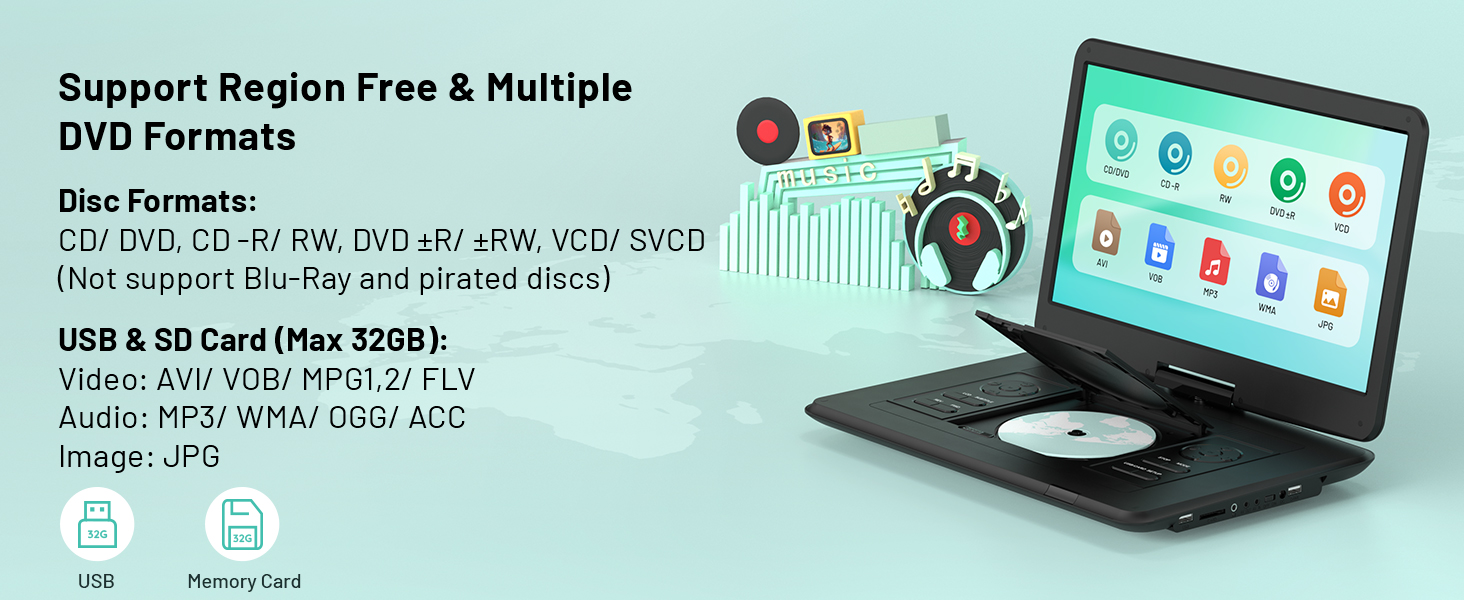
Image: Visual representation of the Last Memory Function, showing a movie resuming after the player is powered on again.
5.5. Advanced Playback Options
- AB kwugharịa: Use the 'A-B' button on the remote to select and loop specific video segments.
- Ngwa ngwa ngwa: Easily slow down the current playback speed by pressing the 'SLOW' button on the remote.
6. Connecting to External Devices
The pofoto PD15 can connect to various external devices for an enhanced viewahụmahụ.
- Sync to TV: Use the AV OUT port and the provided 3-in-1 AV cable to connect to a television.
- Sync to Projector: Connect to a projector via the AV OUT port for a larger display.
- Sync to Similar Player: Connect two compatible portable DVD players for synchronized viewing.

Image: The pofoto PD15 Portable DVD Player connected to a television, demonstrating its screen sharing feature.
7. Batrị na Nchaji
The device is equipped with a 5000mAh rechargeable battery, providing up to 6 hours of continuous playback.
7.1. Ụzọ Nchaji
- AC nkwụnye: Use the certified AC adapter for charging at home or any standard power outlet.
- chaja ụgbọ ala: Use the included car charger to power and charge the device in your vehicle.
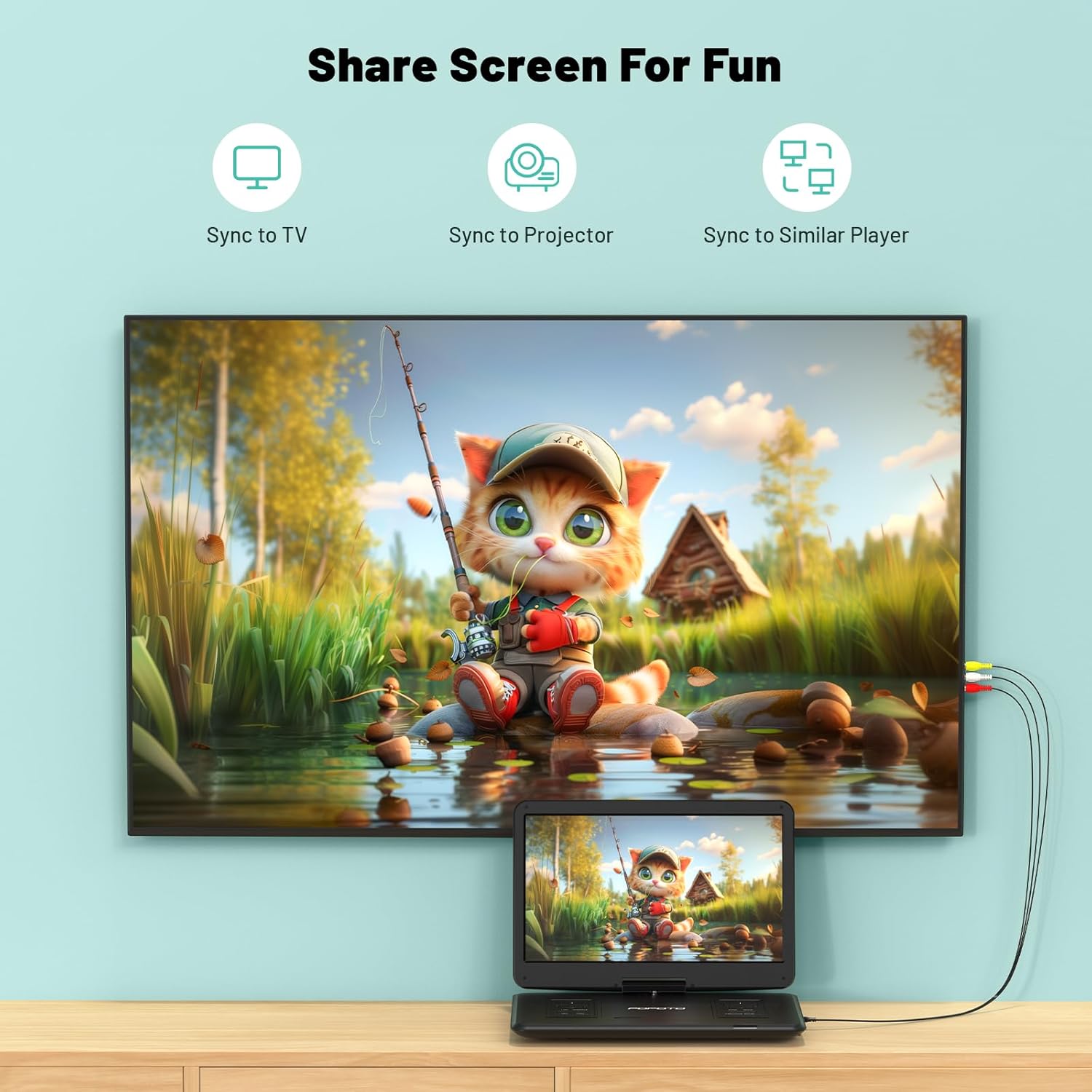
Image: The pofoto PD15 Portable DVD Player illustrating its 6-hour battery life and various charging options.
8. Nlekọta
- Nhicha: Use a soft, dry cloth to clean the screen and exterior. Do not use liquid cleaners or aerosols.
- Nchekwa: Chekwaa ngwaọrụ ahụ n'ebe dị jụụ, kpọrọ nkụ pụọ na ìhè anyanwụ kpọmkwem mgbe ọ naghị eji ya.
- Nlekọta diski: Handle discs by the edges to avoid fingerprints and scratches. Clean discs with a soft, lint-free cloth.
9. Nchọpụta nsogbu
- Enweghị ike: Ensure the device is charged or connected to a power source, and the physical power switch is in the 'ON' position.
- Disc anaghị egwu: Check if the disc is inserted correctly (label side up) and is clean. Ensure the disc format is supported (not Blu-ray or pirated).
- Enweghị ụda: Check the volume level. Ensure headphones are properly connected if in use. If connected to an external device, check its volume and connections.
- Ogo Foto adịghị mma: Ensure the disc is clean and unscratched. Adjust screen brightness and contrast settings if available.
- Anti-Shock Function: The built-in anti-shock function helps maintain smooth playback during movement, ideal for car travel.
10. Nkọwapụta
| Njirimara | Nkọwa |
|---|---|
| Ụdị | pofoto |
| Aha Nlereanya | PD15 |
| Nha ihuenyo | 15.6 sentimita asatọ |
| Mkpebi | 1280 x 800 pikselụ |
| Ike batrị | 5000mAh |
| Ndụ batrị | Ruo awa iri abụọ |
| Mediadị Mgbasa Ozi Akwadoro | CD, DVD, CD-R/RW, DVD±R/±RW, VCD/SVCD, USB, SD Card (VOB, AVI, MPEG, MP3, WMA, JPEG) |
| Atụmatụ pụrụ iche | Anti-Shock, Region Free, Last Memory, Portable, Rechargeable |
| Ibu Ibu | 5.51 pound |
| Akụkụ ngwaahịa | 14.9 x 10.6 x 1.9 sentimita asatọ |
| Teknụzụ Njikọta | USB, SD, 3.5mm Headphone Jack, AV In/Out |
11. Akwụkwọ ikike na nkwado
Your pofoto PD15 Portable DVD Player comes with a Ọrụ ọnwa iri abụọ na anọ gachara. If you encounter any issues or have questions, please reach out to our customer support team. We aim to respond within 24 hours to assist you.
Video: Official pofoto guide demonstrating the use of the 17.5" Portable DVD Player. This video provides a visual walkthrough of the product's features and basic operation.