
BINNUNE BW01
BINNUNE Wireless Gaming Headset User Manual
Ụdị: BW01
Brand: BINNUNE
Okwu mmalite
Thank you for choosing the BINNUNE Wireless Gaming Headset. This manual provides detailed instructions on how to set up, operate, and maintain your headset to ensure optimal performance and a superior gaming experience. Please read this manual thoroughly before using the product.
Kedu ihe dị na Igbe ahụ
Upon unboxing your BINNUNE Wireless Gaming Headset, please verify that all the following components are included:
- BINNUNE Wireless Gaming Headset (Blue)
- 2.4GHz USB Dongle
- 3.5mm Audio USB
- Igwe nchaji USB
- Akwụkwọ ntuziaka (akwụkwọ a)

Image: The BINNUNE Wireless Gaming Headset in blue, accompanied by its 2.4GHz USB dongle and a 3.5mm audio jack. These are the primary components included in the product package.
Ngwaahịa gafereview
Familiarize yourself with the key features and components of your BINNUNE Wireless Gaming Headset:
- Ihe mkpuchi isi nwere ike idozi: Maka ihe dabara adaba.
- Ntị ntị dị nro: Large-size memory foam earmuffs (110mm diameter, 45mm thickness) made of breathable PU leather and mesh material for extended comfort.
- Ndị ọkwọ ụgbọ ala 50mm: High-performance 50mm driver units for clear and rich stereo sound.
- Unidirectional Noise-Canceling Microphone: A 120° adjustable boom mic designed to filter out background noise for clear communication.
- On-Headset Controls: Buttons for power, volume adjustment, and microphone mute.

Foto: nkọwa zuru ezu view of the BINNUNE Wireless Gaming Headset's unidirectional boom microphone, highlighting its flexible design and noise-canceling capabilities.

Image: An exploded diagram illustrating the internal components of the 50mm audio drivers within the BINNUNE headset, emphasizing their design for rich, full-range sound.
Melite
Ịchaji ekweisi
Before first use, fully charge the headset. A full charge takes approximately 3 hours. A 10-minute quick charge can provide up to 3 hours of battery life. The headset offers up to 80 hours of continuous use in 2.4GHz mode and up to 120 hours in Bluetooth mode.
- Jikọọ eriri USB na-ebunye n'ọdụ ụgbọ mmiri isi okwu.
- Connect the other end of the USB cable to a compatible USB power source (e.g., computer USB port, USB wall adapter).
- The LED indicator on the headset will show charging status (refer to the headset's LED guide for specific indications).

Image: The BINNUNE Wireless Gaming Headset displayed alongside a visual representation of its impressive 120-hour battery life, indicating extended usage time.
Nhọrọ njikọta
Your BINNUNE headset supports three connection modes:
- Igwe Ikuku 2.4GHz (USB Dongle): Provides ultra-low latency (15ms) for gaming. Ideal for PS5, PS4, PC, and Mac.
- Bluetooth Bluetooth: For wireless connection to mobile phones, tablets, PC, and Mac.
- 3.5mm Wired Connection: Universal compatibility with any device featuring a 3.5mm audio jack.
2.4GHz Wireless Connection (for PS5, PS4, PC, Mac)
- Insert the 2.4GHz USB dongle into an available USB port on your PS5, PS4, PC, or Mac.
- Gbanye ekweisi ahụ. Ọ ga-anwa ijikọ na dongle ahụ na akpaghị aka.
- Once connected, the LED indicator on the headset will confirm the connection (refer to LED guide).
- On your device, ensure the BINNUNE headset is selected as the audio output and input device.
Bluetooth 5.3 Connection (for PC, Mac, Mobile Phone, Tablet)
- Ensure the headset is powered on and in Bluetooth pairing mode (usually indicated by a blinking LED). If not, double-press the power button to switch to Bluetooth mode.
- On your device (PC, Mac, mobile phone, tablet), go to Bluetooth settings and search for available devices.
- Select "BINNUNE BW01" (or similar) from the list of found devices to pair.
- Once paired, the LED indicator will show a solid light (refer to LED guide).
3.5mm Wired Connection (for All Platforms)
- Jikọọ otu njedebe nke eriri ọdịyo 3.5mm na ọdụ ụgbọ mmiri 3.5mm nke ekweisi.
- Connect the other end of the 3.5mm audio cable to the 3.5mm audio jack on your device (e.g., PS4/PS5 controller, PC, mobile phone).
- The headset will function in passive wired mode. Note that some headset features (like LED lighting or specific controls) may be limited in wired mode.
Note: The BINNUNE Wireless Gaming Headset is not compatible with Xbox consoles.
Ndakọrịta gafereview
The following table provides a quick reference for device compatibility across different connection modes:

Image: A visual compatibility chart detailing which devices (PC, PS4/PS5 Console, PS4/PS5 Controller, Switch, Cell Phone, Tablet) support sound, microphone, and microphone mute functions across 2.4GHz Wireless (USB Dongle), Bluetooth 5.3, and 3.5mm Wired connection modes.
Ntuziaka ọrụ
Gbanyụọ/ Gbanyụọ
- Ike Na: Pịa ma jide bọtịnụ ike maka ihe dịka sekọn 3 ruo mgbe ihe ngosi LED na-enwu.
- Gbanyụọ: Pịa ma jide bọtịnụ ike maka ihe dịka sekọnd 3 ruo mgbe ihe ngosi LED gbanyụrụ.
Switching Between 2.4GHz and Bluetooth Modes
The headset supports simultaneous wireless operation, allowing quick toggling between 2.4GHz and Bluetooth modes.
- Ka ịgbanwee ụdịdị: Double-press the Power button. The headset will switch between 2.4GHz wireless mode and Bluetooth mode.
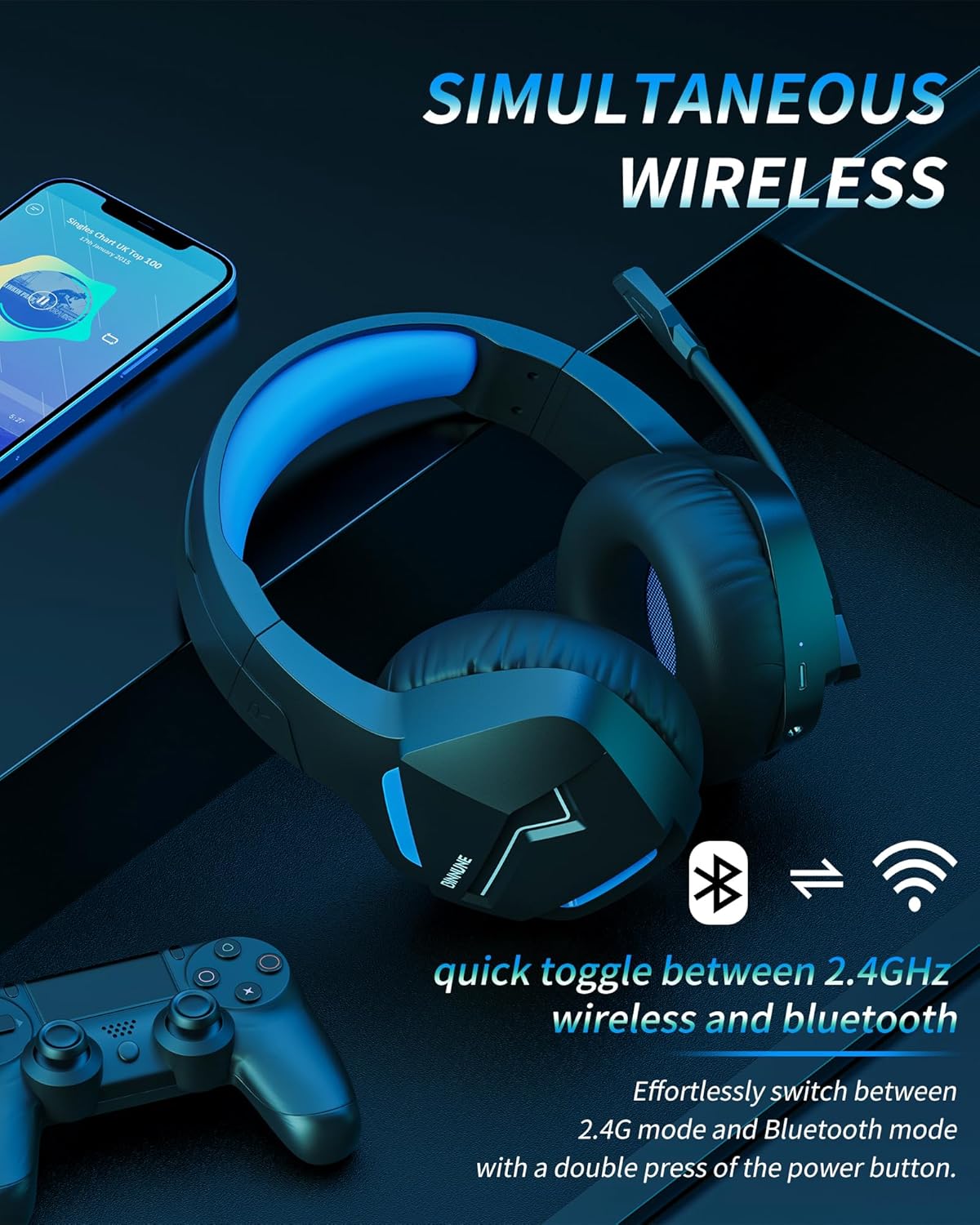
Image: The BINNUNE Wireless Gaming Headset shown with icons representing both 2.4GHz wireless and Bluetooth connectivity, indicating its ability to switch between these modes for versatile use.
Njikwa olu
- Dịkwuo Mpịakọta: Pịa bọtịnụ olu elu (+).
- Belata Mpịakọta: Pịa bọtịnụ ụda ala (-).
Njikwa igwe okwu
- Mechie/Kwụsịnụ Igwe okwu: Press the Microphone Mute button. A red LED on the microphone tip usually indicates it is muted.
- Gbanwee ọnọdụ igwe okwu: The 120° adjustable memory line microphone can be freely shaped and adjusted to your ideal angle.
Ịrụ Egwuregwu
The headset is designed for an immersive gaming experience with features like:
- Accurate Sound Positioning: The 50mm drivers provide clear and rich stereo sound, allowing you to accurately pinpoint in-game sounds like footsteps and environmental details.
- Ọdịda ala: The 2.4GHz wireless technology ensures an ultra-low latency of 15ms, providing synchronized audio and video for competitive gaming.
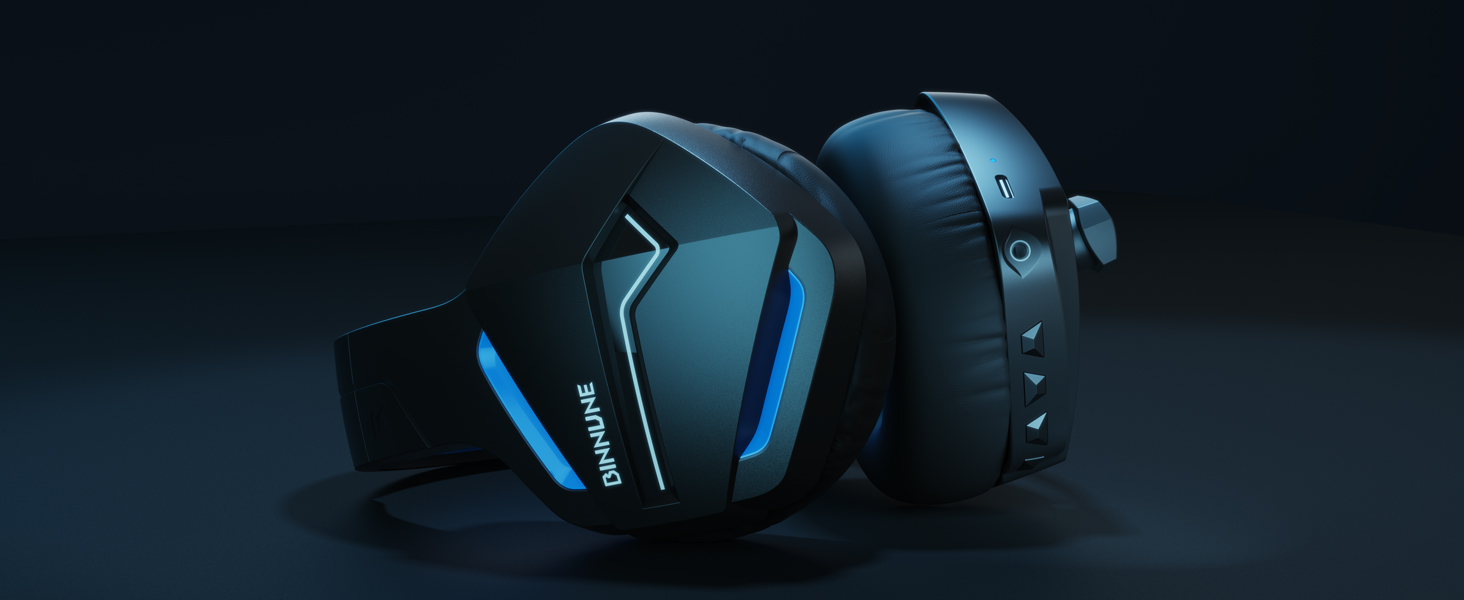
Image: A gamer immersed in a game, wearing the BINNUNE headset, highlighting the benefits of low latency and stable wireless connection for an enhanced gaming experience.
Nlekọta
Proper maintenance ensures the longevity and performance of your BINNUNE Wireless Gaming Headset.
- Nhicha:
- Use a soft, dry, lint-free cloth to clean the headset's surfaces.
- For earmuffs, gently wipe with a slightly damp akwa ma kwe ka ikuku kpoo kpamkpam tupu ejiri ya.
- Ejila kemịkalụ siri ike, ihe mgbaze, ma ọ bụ ncha siri ike.
- Nchekwa:
- Chekwaa ekweisi n'ebe dị jụụ, kpọrọ nkụ na-adịghị na ìhè anyanwụ kpọmkwem na oke okpomọkụ.
- Zere itinye ihe dị arọ n'elu ekweisi.
- Nlekọta batrị:
- Zere ịchaji batrị ugboro ugboro.
- If storing for a long period, charge the headset to about 50% every few months to preserve battery health.
Nchọpụta nsogbu
If you encounter issues with your BINNUNE Wireless Gaming Headset, please refer to the following common solutions:
| Nsogbu | Ihe nwere ike ime | Ngwọta |
|---|---|---|
| Enweghị ụda / dị ala |
|
|
| Igwe okwu anaghị arụ ọrụ |
|
|
| Connection Issues (Intermittent/No Connection) |
|
|
| Headset Not Compatible with Xbox |
|
|
Nkọwapụta
Detailed technical specifications for the BINNUNE Wireless Gaming Headset (Model: BW01):
| Njirimara | Nkọwa |
|---|---|
| Aha Nlereanya | BW01 |
| Teknụzụ Njikọta | Wireless (2.4GHz USB Dongle, Bluetooth 5.3), Wired (3.5mm Jack) |
| Teknụzụ nzikọrịta ozi ikuku | Bluetooth 5.3 |
| Oke Bluetooth | Ruo mita 10 (ụkwụ 33) |
| Oge Ndabere Ọdịyo (2.4GHz) | 15ms (Ultra Stable 2.4GHz Wireless Connection) |
| Ụdị ọkwọ ụgbọ ala ọdịyo | Ọkwọ ụgbọala dị ike |
| Nha ọkwọ ụgbọ ala ọdịyo | 50 millimeters |
| Nzaghachi ugboro ugboro | 20 Hz - 20,000 Hz |
| Mmetụta | 96 dB |
| Igwe okwu | Unidirectional Noise-Canceling Mic (120° adjustable) |
| Ndụ batrị | Up to 80 hours (2.4GHz mode), Up to 120 hours (Bluetooth mode) |
| Oge Nchaji | Ihe ruru. 3 awa maka ụgwọ zuru ezu |
| Ụdị ntị | Oval (110mm diameter, 45mm thickness memory foam) |
| Ihe onwunwe | Plastic (headset), PU leather and mesh (earmuffs) |
| Ibu Ibu | 10.7 ounces (ihe dị ka gram 303) |
| Akụkụ ngwaahịa | 8.27 x 7.48 x 4.33 sentimita asatọ |
| Ngwa dakọtara | Gaming Consoles (PS4, PS5), Laptops, PC, Mac, Mobile Phones, Tablets |
| Ụdị njikwa | Njikwa bọtịnụ |
| Ngwa gụnyere | User Manual, 2.4GHz USB Dongle, 3.5mm Audio Cable, USB Charging Cable |
Ozi akwụkwọ ikike
BINNUNE products are manufactured with high-quality standards. While specific warranty details are not provided in this manual, BINNUNE typically offers a limited warranty against defects in materials and workmanship. For detailed warranty terms, conditions, and registration, please refer to the official BINNUNE websaịtị ma ọ bụ kpọtụrụ nkwado ndị ahịa.
Nkwado ndị ahịa
For further assistance, technical support, or inquiries regarding your BINNUNE Wireless Gaming Headset, please contact BINNUNE customer support through the following channels:
- Official BINNUNE Websaịtị: Visit the official BINNUNE websaịtị maka FAQs, akụrụngwa nkwado, na fọm kọntaktị.
- Ụlọ ahịa Amazon: Ị nwekwara ike ịga na BINNUNE Store on Amazon maka ozi ngwaahịa na nhọrọ kọntaktị onye na-ere ahịa.
Please have your product model (BW01) and purchase details ready when contacting support.
Ask a question about this manual
Ask about setup, troubleshooting, compatibility, parts, safety, or missing instructions. Manuals+ will review the question and use this page’s manual context to help answer it.