
1. Okwu mmalite
Thank you for choosing the NXGKET Walkie Talkies. This 6-pack set is designed for reliable long-range communication, featuring NOAA weather alerts, 22 FRS channels, and a built-in 1800mAh Li-ion battery for extended use. This manual provides detailed instructions for setup, operation, maintenance, and troubleshooting to ensure optimal performance and safety.
2. Kedu ihe dị na Igbe ahụ
- Walkie Talkies x 6
- Batrị (arụnyere)
- Mpempe eriri eriri
- 3-in-1 USB Cable x 2
- chaja

Figure 2.1: Package Contents of the NXGKET Walkie Talkies.
3. Akụrụngwa Ngwaahịa
- Powerful Long Range Coverage: Up to 5-mile communication range, depending on terrain and conditions. FRS 22 channels and 121 privacy codes (2,662 combinations) for easy channel finding.
- NOAA Weather Scan and Alert: Scans 10 NOAA radio channels for weather alerts. Features an upgraded speaker for clear audio, 150% increased maximum volume, Vibrate Alert, and 9 levels of VOX.
- Rechargeable 1800mAh Li-ion Battery: Built-in 1800mAh lithium battery, eliminating the need for disposable batteries. Charge 3 walkie talkies simultaneously with the included 3-in-1 USB-C cable.
- Easy to Use with Multi-features: Bright color finish for visibility, large LCD screen, volume adjustment, Voice-activated (iVOX), Auto squelch, Auto memory, Auto scan, Low battery alert, Keypad lock (Channel-lock), Adjustable power, Drop-protection, and built-in flashlight.
- Ojiji dị iche iche: Suitable for men, women, kids, and elders. Ideal for skiing, hiking, bicycling, camping, road trips, cruises, commercial use, and job sites.

Figure 3.1: Key Components and Controls of the Walkie Talkie.
4. Nhazi
4.1 Nchaji izizi
Before first use, fully charge all walkie talkies. The built-in 1800mAh Li-ion battery is not removable. Use the provided 3-in-1 USB-C cables and chargers to charge up to three units simultaneously.

Figure 4.1: Charging the Walkie Talkie via USB-C.
4.2 Gbanyụọ / gbanyụọ
To turn the radio on or off, rotate the Volume/Power knob clockwise or counter-clockwise until you hear a click and the display illuminates or turns off.
5. Ntuziaka ọrụ
5.1 Nhọrọ ọwa
The NXGKET Walkie Talkies operate on 22 FRS channels. To select a channel:
- Pịa MENU button. The channel number will flash on the LCD.
- Jiri ihe Elu (▲) or Ala (▼) bọtịnụ iji họrọ ọwa ịchọrọ.
- Pịa PTT bọtịnụ iji kwado nhọrọ gị wee pụọ na menu.
5.2 Koodu nzuzo (CTCSS/DCS)
To ensure private communication and minimize interference, you can set privacy codes (121 available). All radios in your group must be on the same channel and privacy code to communicate.
- Pịa MENU button twice to enter the privacy code setting.
- Jiri ihe Elu (▲) or Ala (▼) buttons to select a privacy code.
- Pịa PTT bọtịnụ iji kwado wee pụọ.
5.3 Nyefee na ịnata
Ka ịnyefe, pịa ma jide PTT (Push-to- Talk) bọtịnụ dị n'akụkụ redio ahụ. Kwuo okwu nke ọma n'ime igwe okwu ahụ. Hapụ ya ka ọ dị jụụ PTT button to receive. Ensure the microphone is close to your mouth for clear transmission.
5.4 NOAA Weather Alerts
The walkie talkies can scan 10 NOAA radio channels to provide real-time weather alerts.
- Pịa MON button (or dedicated NOAA button if available) to activate NOAA weather scan.
- The radio will automatically scan for active weather channels.
- An alert will sound if a weather warning is detected.

Figure 5.1: NOAA Weather Scan and Alert Feature.
5.5 VOX (Voice-Activated Transmission)
VOX allows hands-free operation. The radio transmits when it detects your voice.
- Pịa MENU button until the VOX icon appears on the display.
- Jiri ihe Elu (▲) or Ala (▼) buttons to select a VOX sensitivity level (1-9, with 9 being most sensitive).
- Pịa PTT bọtịnụ iji kwado wee pụọ.

Figure 5.2: VOX Talk and Long Range Capability.
5.6 Igwe ọkụ
The walkie talkie includes a built-in LED flashlight for convenience in low-light conditions.
- To turn on/off the flashlight, press the dedicated flashlight button (usually located below the PTT button).
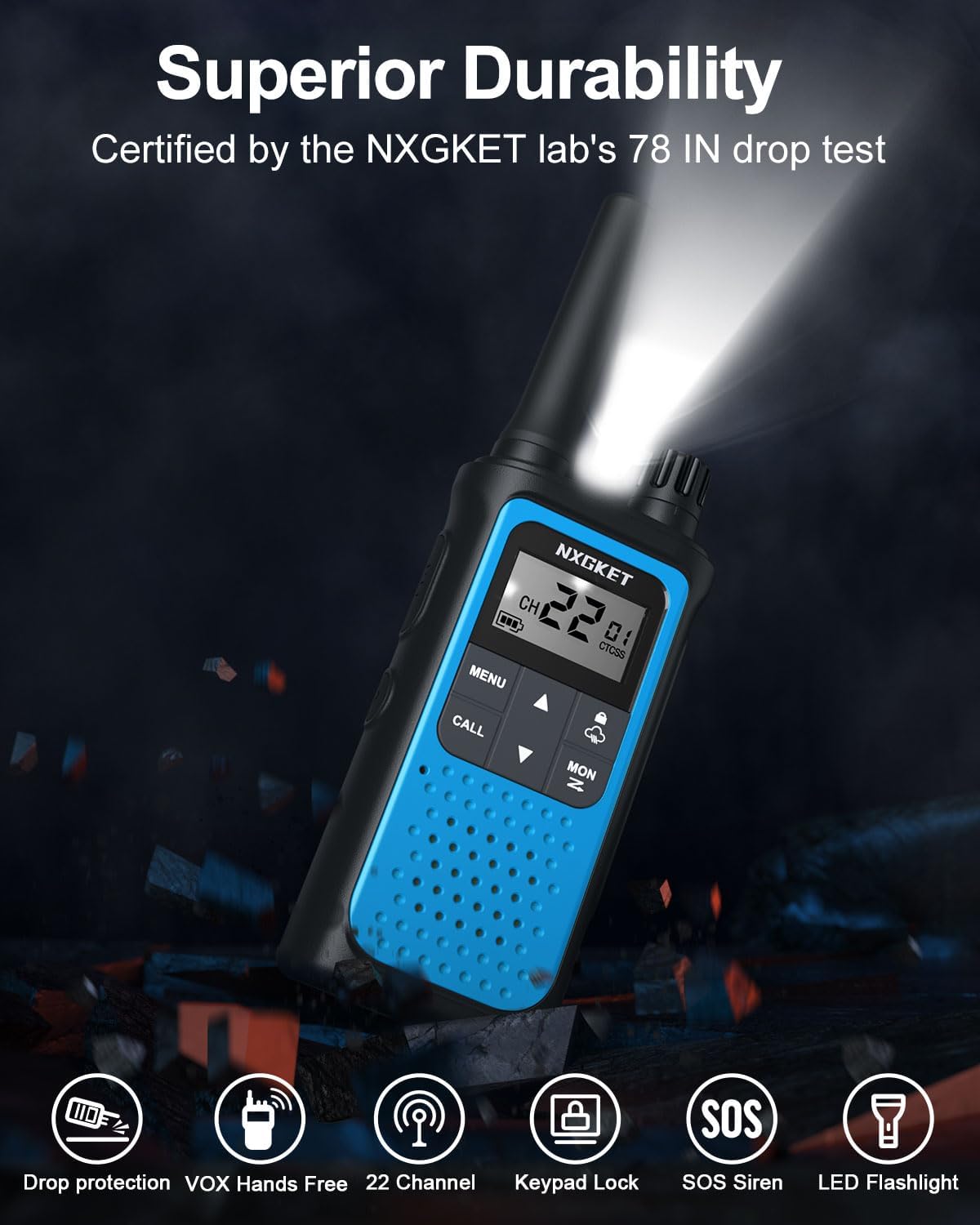
Figure 5.3: Walkie Talkie with LED Flashlight Activated.
5.7 Mkpọchi ahụ igodo
Mkpọchi ahụ igodo na-egbochi mgbanwe mberede na ntọala gị.
- To lock/unlock the keypad, press and hold the Mkpọchi button (often indicated by a padlock icon) until the lock icon appears/disappears on the display.
6. Nlekọta
6.1 Nhicha
Jiri nwayọ hichaa redio, damp cloth. Do not use abrasive cleaners or solvents. Ensure the USB-C port cover is securely closed to prevent dust and moisture ingress.
6.2 Nlekọta batrị
To prolong battery life, avoid fully discharging the battery frequently. Charge the walkie talkies regularly, especially if they will not be used for an extended period.
7. Nchọpụta nsogbu
| Nsogbu | Ihe nwere ike ime | Ngwọta |
|---|---|---|
| Enweghị ike | Batrị dị ala ma ọ bụ mebie ya. | Charge the walkie talkie. |
| Enweghị ike ịkparịta ụka na redio ndị ọzọ | Different channel or privacy code. | Ensure all radios are on the same channel and privacy code. |
| Mgbama adịghị ike ma ọ bụ enweghị | Out of range or obstructions. | Move closer to other radios or to an open area. Avoid large obstacles like buildings or dense foliage. |
| Static ma ọ bụ nnyonye anya | Interference from other devices or channels. | Change to a different channel or privacy code. Ensure no other electronic devices are too close. |
| Akpọchiela ahụigodo | Agbanyere mkpọchi ahụigodo. | Press and hold the Lock button to unlock the keypad. |
8. Nkọwapụta
| Njirimara | Nkọwapụta |
|---|---|
| Ụdị | NXGKET |
| Nọmba nlereanya | ZX-808 |
| Ọnụọgụ nke ọwa | Ọwa FRS 22 |
| Koodu nzuzo | 121 (CTCSS/DCS) |
| Batrị | 1800mAh Li-ion (included, non-removable) |
| Nchaji ọdụ ụgbọ mmiri | USB-C |
| Oke Oke Okwu | 5 Miles (terrain and conditions dependent) |
| Oke ugboro ugboro | 300 MHz - 3 GHz |
| Atụmatụ pụrụ iche | Digital Display, Emergency Alarm, Long Range, Rechargeable, Voice Operated Transmission (VOX), NOAA Weather Alerts, Flashlight, Keypad Lock |
| Ibu Ibu | 4.8 ounces |
| Akụkụ ngwaahịa | 0.9 x 2 x 7.6 sentimita asatọ |
| Ọkwa Nguzogide mmiri | Waterproof |
9. Akwụkwọ ikike & Nkwado
9.1 Ozi akwụkwọ ikike
The NXGKET Walkie Talkies come with a Akwụkwọ ikike afọ 1 and free replacement for manufacturing defects. Please retain your proof of purchase for warranty claims.
9.2 Nkwado ndị ahịa
For any questions, technical assistance, or warranty claims, please contact NXGKET customer support through the retailer's platform or visit the official NXGKET store page on Amazon: NXGKET Store.