
1. Okwu mmalite
The Hyperice Hypervolt Go 2 is a portable percussion massage device designed to help relieve sore muscles and stiffness. Featuring QuietGlide Technology, this lightweight and compact device offers effective muscle recovery and relaxation on the go. This manual provides essential information for the safe and efficient use of your Hypervolt Go 2.
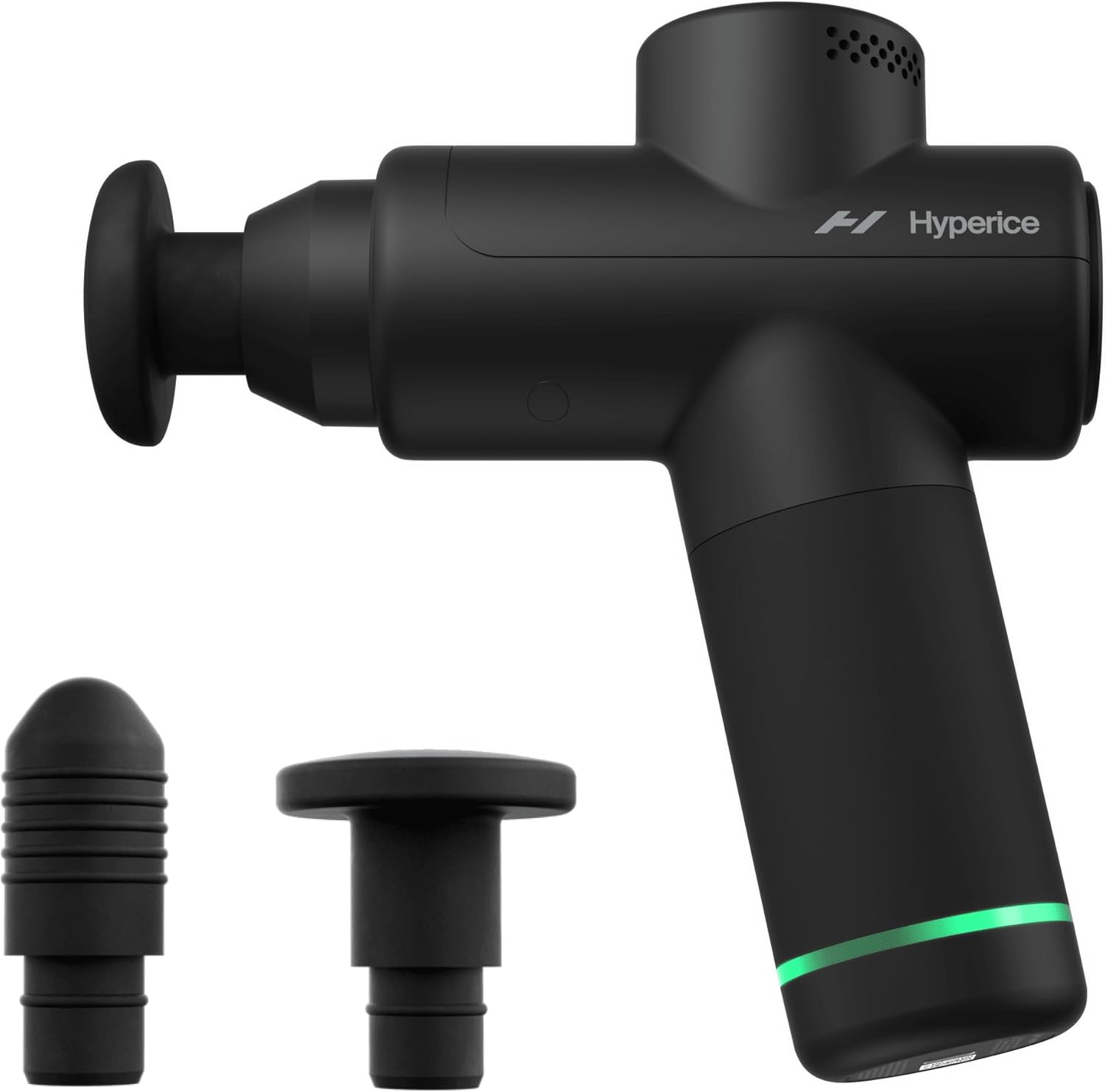
Figure 1: Hyperice Hypervolt Go 2 device with included attachments.
2. Gịnị gụnyere
Your Hypervolt Go 2 package contains the following items:
- Hypervolt Go 2 Device
- Charging Cable (5V USB-A to USB-C)
- Two (2) Interchangeable Head Attachments

Figure 2: All components included with the Hypervolt Go 2.
3. Nhazi
3.1 Ịchaji ngwaọrụ
Before first use, fully charge your Hypervolt Go 2. Connect the provided 5V USB-A to USB-C charging cable to the device's charging port and a compatible power source. The LED light band at the base of the handle will illuminate to indicate charging status. A full charge provides approximately 3 hours of battery life.
Mara: The Hypervolt Go 2 will not operate while connected to the charging cable.
3.2 Attaching/Detaching Head Attachments
To attach a head, gently push the desired attachment into the opening at the front of the device. To detach, pull the attachment straight out. Ensure the attachment is securely seated before use.
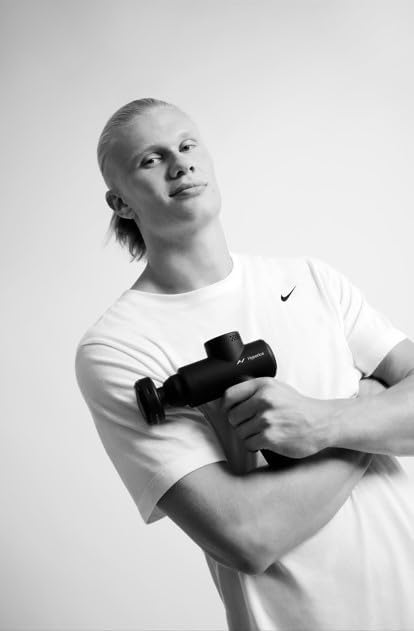
Figure 3: The two interchangeable head attachments.
Video 1: Unboxing and initial setup of the Hypervolt Go 2, demonstrating how to attach and detach the massage heads.
4. Ntuziaka ọrụ
4.1 Gbanyụọ/ gbanyụọ
To power on the device, press and hold the power button located at the bottom of the handle for approximately 2 seconds. Release the button once the LED lights illuminate. To power off, press and hold the power button again until the device shuts down.
4.2 Ịgbanwe Ntọala Ọsọ
The Hypervolt Go 2 features 3 speed settings. Once powered on, press the power button briefly to cycle through the speeds:
- Press once for Speed 1 (lowest)
- Press twice for Speed 2 (medium)
- Press three times for Speed 3 (highest)
The indicator lights around the power button will show the current speed setting.
4.3 Ngwa
Apply the massage head to the desired muscle area. Move the device slowly over the muscle, applying light to moderate pressure. Avoid using the device on bony areas, the head, or directly on joints. Use for a maximum of 1-2 minutes per muscle group.
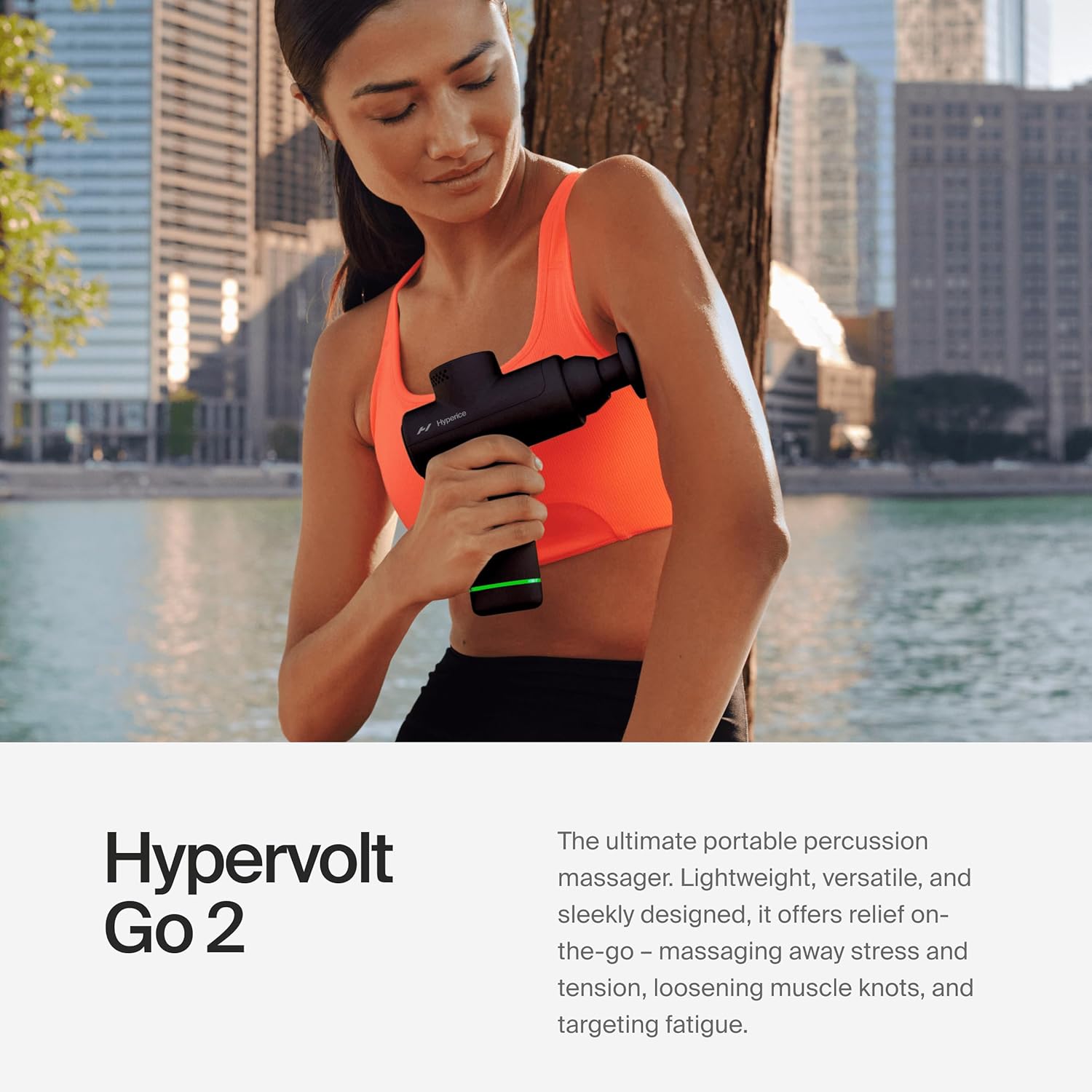
Figure 4: Proper application of the Hypervolt Go 2 on the arm.
Video 2: Demonstration of the Hypervolt Go 2 in use, showcasing its portability and effectiveness on various muscle groups.
5. Head Attachments
The Hypervolt Go 2 comes with two interchangeable head attachments, allowing for varied massage experiences:
- Ewepụghị Isi: Ideal for larger muscle groups and general use.
- Isi mgbọ: Designed for more precise targeting of knots and smaller muscle areas.
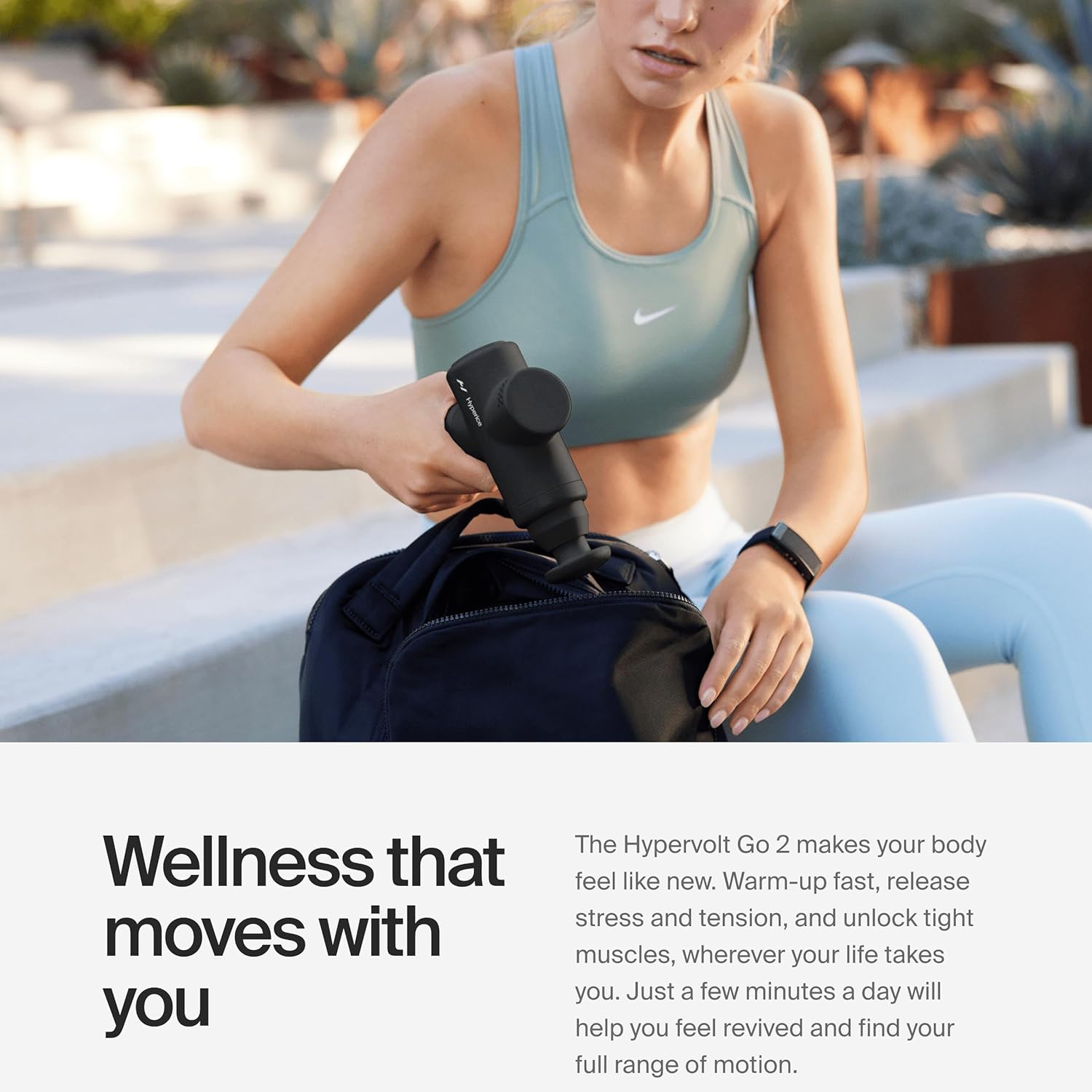
Figure 5: Using the Hypervolt Go 2 with a flat head attachment on the leg.
6. Nlekọta
To ensure the longevity and optimal performance of your Hypervolt Go 2, follow these maintenance guidelines:
- Nhicha: Jiri mgbasa ozi hichapụ ngwaọrụ ahụamp ákwà mgbe ọ bụla ojiji. Ekpudola ngwaọrụ ahụ n'ime mmiri.
- Nchekwa: Chekwaa ngwaọrụ ahụ n'ebe dị jụụ, kpọrọ nkụ na-adịghị na ìhè anyanwụ kpọmkwem na oke okpomọkụ.
- Ịchaji: Chaji ngwaọrụ ahụ mgbe niile, ọbụlagodi na ọ naghị adị ya ugboro ugboro, iji hụ na batrị dị mma.
7. Nchọpụta nsogbu
If you encounter any issues with your Hypervolt Go 2, consider the following:
- Ngwaọrụ anaghị agbanwu: Ensure the device is fully charged. The device will not operate while plugged in.
- Mgbatị na-adịghị ike: Check the battery level. If low, charge the device. Ensure the head attachment is securely in place.
- Mkpọtụ na-adịghị ahụkebe: Discontinue use and contact customer support if the noise persists or is accompanied by other malfunctions.
For further assistance, refer to the official Hyperice support resources.
8. Nkọwapụta
| Njirimara | Nkọwa |
|---|---|
| Akụkụ ngwaahịa | 2.87 x 1.97 x 2.63 sentimita asatọ |
| Nọmba Nlereanya ihe | Hypervolt Go 2 |
| Ibu Ibu | 1.5 pound (gram 680) |
| Batrị | 1 batrị lithium ion achọrọ (gụnyere) |
| Isi Iyi Ike | Akwanyere batrị |
| Ihe onwunwe | Polycarbonate |
| Onye nrụpụta | Hyperice |
| Ọsọ ọsọ | 3 |
| moto | Brushless high-torque 40W motor |
| Ndụ batrị | awa 3 |
| Njem-Enyi na Enyi | TSA approved carry-on |
9. Ozi nchekwa
Always follow the instructions provided to operate the device safely. Do not use this massager for conditions not listed in the 'Use for' attribute (Whole Body). Consult a health professional before use if you have any medical conditions or concerns. Statements regarding dietary supplements have not been evaluated by the FDA and are not intended to diagnose, treat, cure, or prevent any disease or health condition.
10. Akwụkwọ ikike na nkwado
For warranty information, product support, or to purchase additional accessories, please visit the official Hyperice website or contact their customer service. Each item has a unique code that Hyperice verifies before shipping.
Gaa leta Hyperice Store maka ngwaahịa na ozi ndị ọzọ.