
Okwu mmalite
This manual provides instructions for the proper setup, operation, and maintenance of your MXR Phase 90 50th-Anniversary Pedal. Please read this manual thoroughly before use to ensure optimal performance and longevity of the product.
Ozi nchekwa
- Use only the specified power adapter (9 Volts DC, 2.1mm barrel connector, center-negative).
- Do not expose the pedal to moisture or extreme temperatures.
- Do not attempt to open or modify the pedal casing.
- Debe ebe ụmụaka na-apụghị iru.
Ngwaahịa gafereview
The MXR Phase 90 is a classic phaser guitar effects pedal known for its distinctive modulation sound. This 50th-anniversary edition features a special gold finish and simple, single-knob operation.
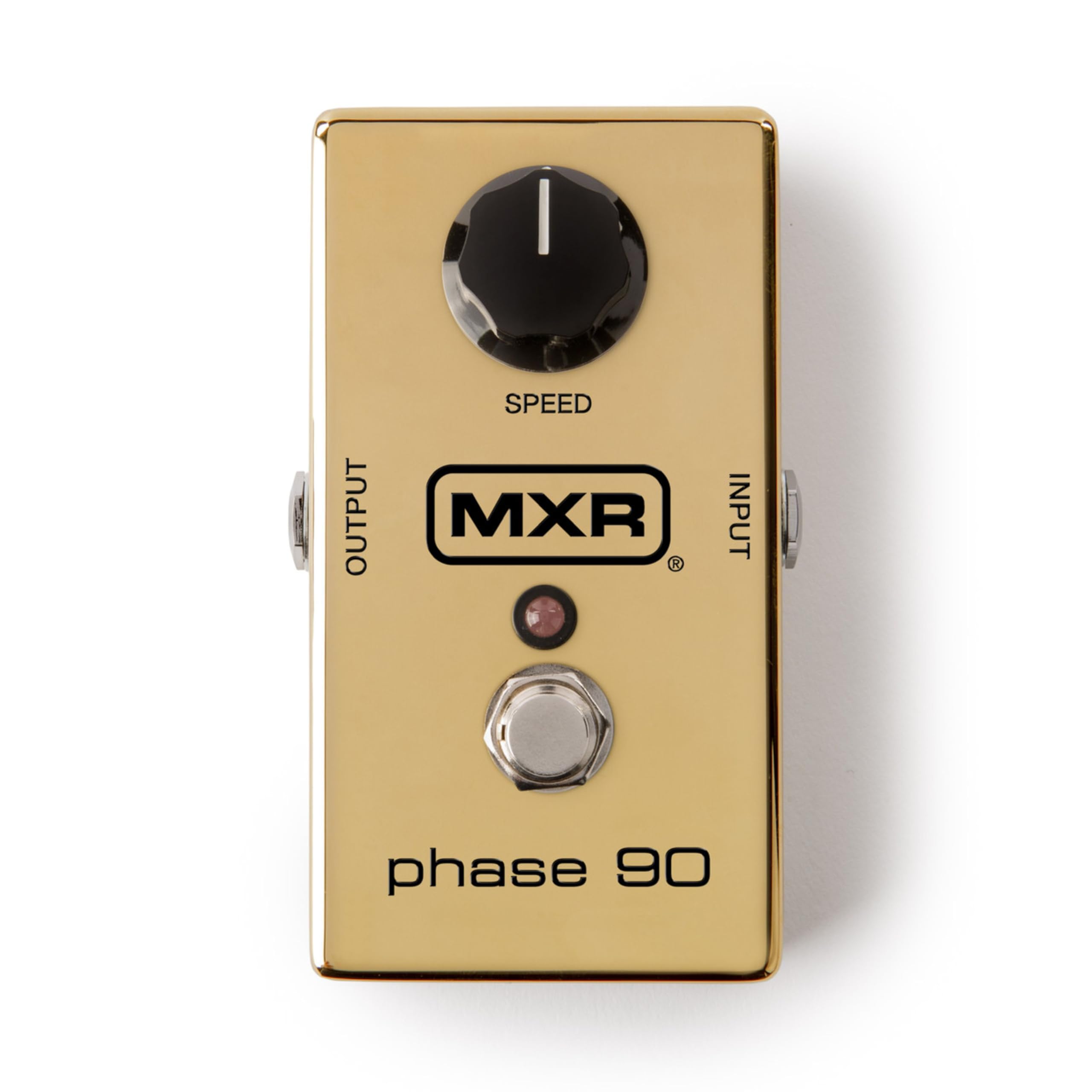
Foto: N'elu-ala view of the MXR Phase 90 50th-Anniversary Pedal. The pedal is gold-colored with a single black 'SPEED' knob on the top left, an input jack on the right side, an output jack on the left side, and a footswitch with an LED indicator in the center. The MXR logo and 'phase 90' are visible on the top surface.
Melite
- Njikọ ike: Connect a 9-volt DC AC adapter (not included) to the power input jack on the side of the pedal. Ensure the adapter has a 2.1mm barrel connector and center-negative polarity.
- Ntinye Ngwaọrụ: Connect your instrument (e.g., guitar) to the INPUT jack on the right side of the pedal using a standard 1/4-inch instrument cable.
- AmpMmepụta liifier: Jikọọ jakị OUTPUT n'akụkụ aka ekpe nke pedal na nke gị amplifia ma ọ bụ pedal ọzọ dị na agbụ mgbaàmà gị site na iji eriri ngwa egwu nke 1/4-inch ọkọlọtọ.
- Nkwanye: Place the pedal on a stable surface or integrate it into your pedalboard.

Foto: Akụkụ view of the MXR Phase 90 50th-Anniversary Pedal showing the power input jack (left) and the instrument input jack (right). The pedal is gold with a black 'SPEED' knob visible on the top surface.
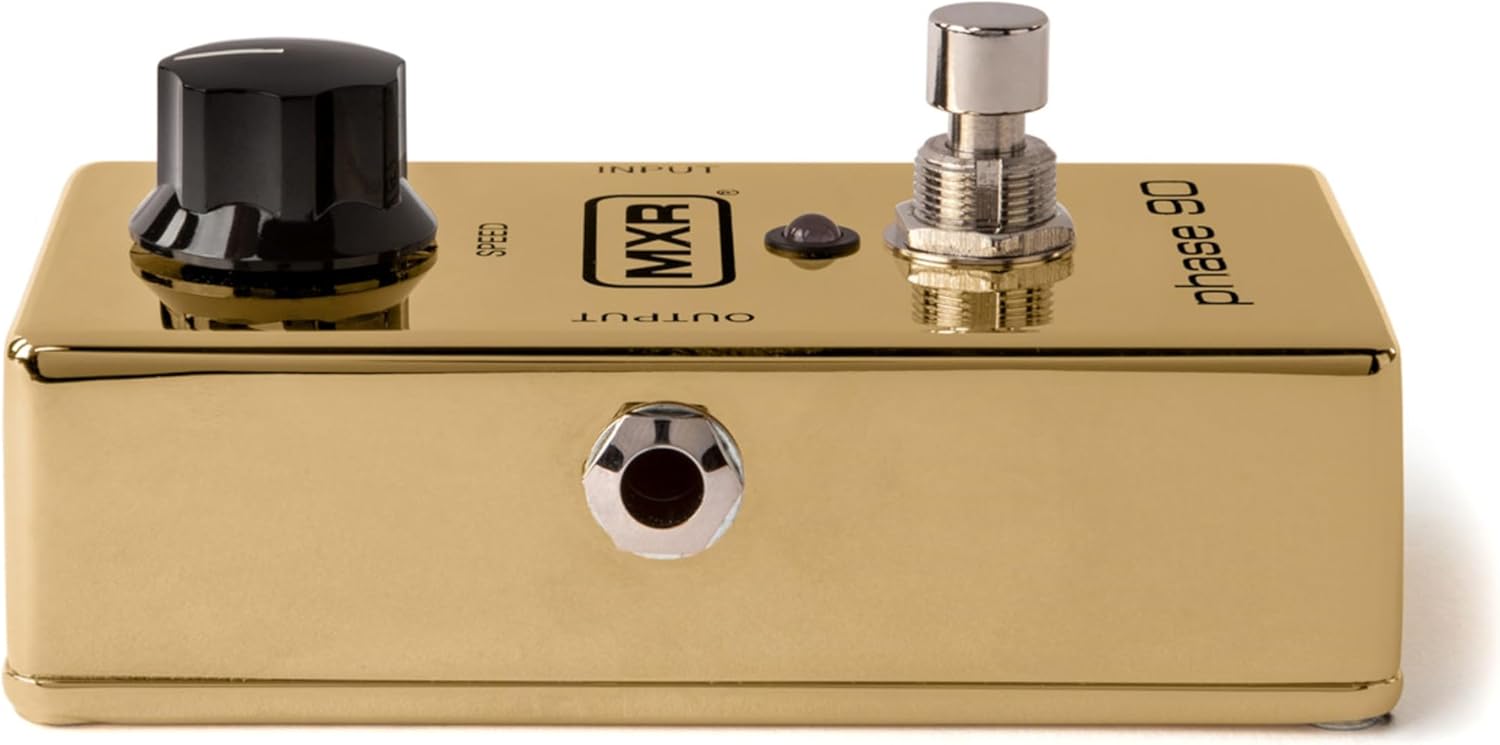
Foto: Top view of the MXR Phase 90 50th-Anniversary Pedal, highlighting the 'INPUT' and 'OUTPUT' labels near the respective jacks. The gold finish and black 'SPEED' knob are prominent.
Ntuziaka ọrụ
Njikwa
- Mpempe ọsọ ọsọ: This is the only control on the Phase 90. Turning the knob clockwise increases the speed of the phasing effect, while turning it counter-clockwise decreases the speed. Experiment with different settings to achieve various modulation sounds, from subtle sweeps to fast, watery warbles.
- Ihe mgbakwasị ụkwụ: Press the footswitch to engage or bypass the phasing effect. The LED indicator will illuminate when the effect is active.

Foto: nso nso view of the black 'SPEED' knob on the MXR Phase 90 pedal. The knob has a white indicator line for setting the phase speed.

Foto: nso nso view of the chrome footswitch and the small red LED indicator on the MXR Phase 90 pedal. The footswitch is used to activate or deactivate the effect.
Isi ọrụ
- Ensure all connections (power, input, output) are secure.
- Gbanwuo gị ampna -emegharị ihe.
- Press the footswitch to activate the Phase 90. The LED will light up.
- Adjust the SPEED knob to achieve your desired phasing mmetụta.
- To bypass the effect, press the footswitch again. The LED will turn off.
Nlekọta
- Nhicha: Wipe the pedal with a soft, dry cloth. Do not use abrasive cleaners or solvents.
- Nchekwa: Store the pedal in a dry environment, away from direct sunlight and extreme temperatures, when not in use.
- Ngbanwe batrị: This pedal is designed for AC adapter use. There is no internal battery compartment.
Nchọpụta nsogbu
Enweghị ụda
- Lelee njikọ eriri niile (ngwaọrụ, ampihe na-eme ka mmadụ dị ndụ, ike).
- Ensure the power adapter is correctly connected and providing power (LED should light up when engaged).
- Test with different cables and a different power supply if available.
- Bypass the pedal to confirm your instrument and amplifier na-arụ ọrụ nke ọma.
Mmetụta adịghị etinye aka
- Ensure the power adapter is connected and functional.
- Press the footswitch firmly. The LED should illuminate when the effect is active.
Mkpọtụ achọghị
- Hụ na e nwere ihe nchekwa waya niile ma dịkwa mma.
- Check for ground loops in your setup. Try isolating the power supply.
- Ensure the power adapter is rated correctly for the pedal (9V DC, center-negative).
Nkọwapụta
| Njirimara | Nkọwa |
|---|---|
| Nlereanya | M101GLD |
| Ụdị mmetụta | Phaser |
| Njikwa | 1x SPEED knob |
| Ntinye | 1/4-inch Instrument Jack |
| Mpụta | 1/4-inch Instrument Jack |
| Ike | 9V DC, 2.1mm barrel connector, center-negative (AC adapter not included) |
| Akụkụ | 5.5 x 4.5 x 2.5 sentimita (ihe dị ka) |
| Ibu | 1.16 Pounds (approximate) |
| Agba | Ọlaedo |
Ozi akwụkwọ ikike
This MXR product is covered by a 2-year warranty from the date of purchase. The warranty covers defects in materials and workmanship under normal use. It does not cover damage caused by misuse, accident, modification, or unauthorized repair. Please retain your proof of purchase for warranty claims.
Nkwado
For technical assistance, troubleshooting beyond this manual, or warranty service, please contact MXR customer support through their official website or authorized service centers. Refer to the MXR websaịtị maka ozi kọntaktị kacha ugbu a.